QuickTrigger
Gratuit
2.0.0for iPhone, iPad and more
Age Rating
QuickTrigger Captures d'écran
About QuickTrigger
(This is a free app for users of Adaptive signage and display solutions powered by Ooh!Media.)
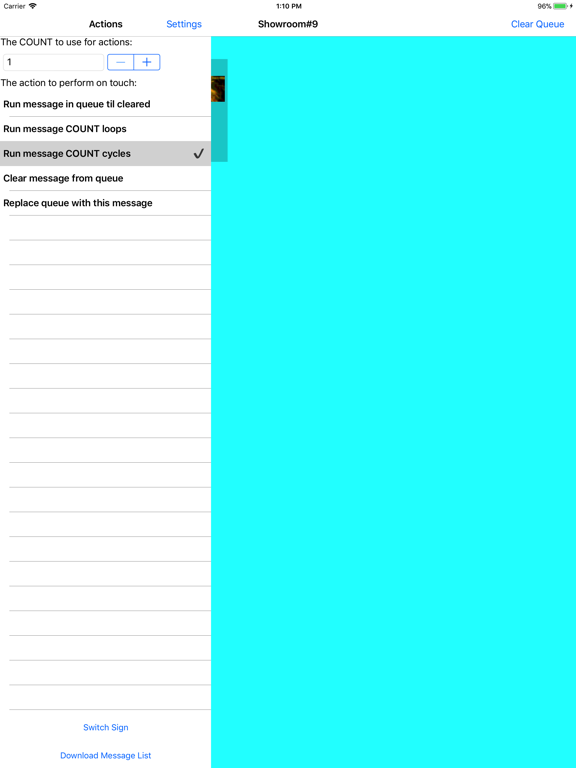
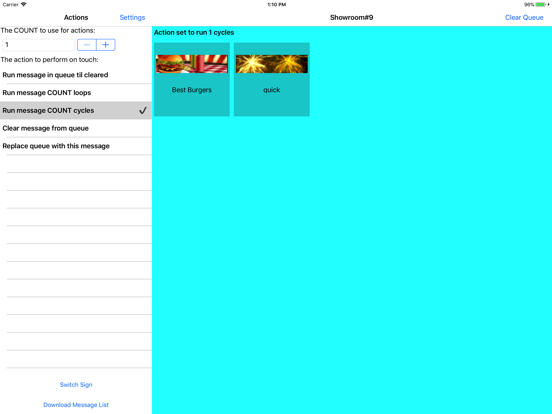
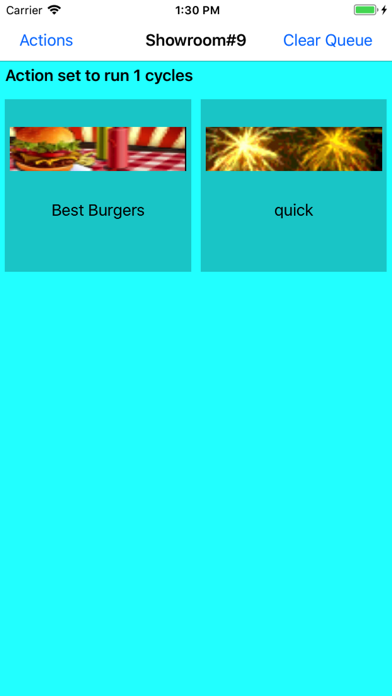
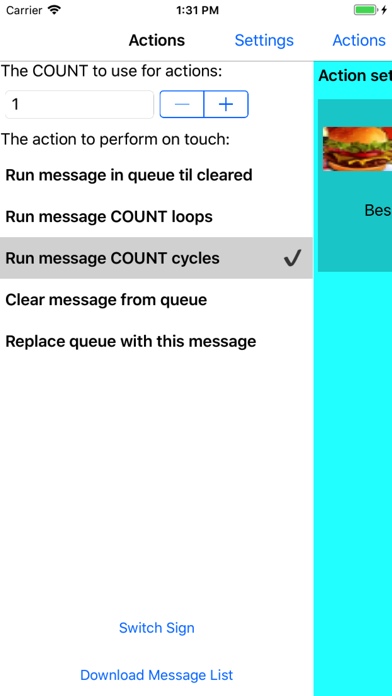
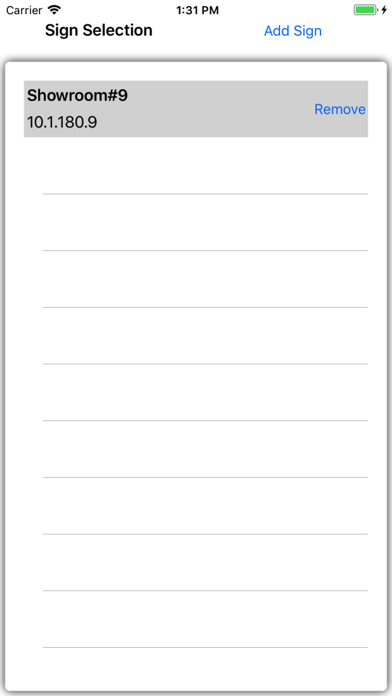
Quick Trigger is a utility that comes with the Ooh!Media 3 software package. It allows a user to activate (or trigger) any messages loaded on a sign, regardless of how they were scheduled. The mobile edition of Quick Trigger is a slimmed down version of the desktop version of Quick Trigger. Once you setup and save the IP address of the sign, the app will read the messages loaded on the sign and present you with an interactive list, allowing you to queue up messages in various modes.
How do I get my sign's IP address?
- Through Ooh!Media 3 software: The sign list in the schedule section can display IP and port information columns. If you do not see an "IP Address" column, simply right-click the column headings and check "IP Address".
- Through Adaptive Diagnostics software: When you launch Adaptive Diagnostics, it will read and display a list of signs configured with Ooh!Media. You can also use the "Auto discovery" button to ping for signs on your network.
- By rebooting the sign: IP is displayed as part of a sign's power up messages.
How do I load messages that will only run when I trigger them?
- In Ooh!Media 3 when creating a message schedule, simply schedule a message as "inactive" and the sign will never run it unless you trigger it.

Quick Trigger is a utility that comes with the Ooh!Media 3 software package. It allows a user to activate (or trigger) any messages loaded on a sign, regardless of how they were scheduled. The mobile edition of Quick Trigger is a slimmed down version of the desktop version of Quick Trigger. Once you setup and save the IP address of the sign, the app will read the messages loaded on the sign and present you with an interactive list, allowing you to queue up messages in various modes.
How do I get my sign's IP address?
- Through Ooh!Media 3 software: The sign list in the schedule section can display IP and port information columns. If you do not see an "IP Address" column, simply right-click the column headings and check "IP Address".
- Through Adaptive Diagnostics software: When you launch Adaptive Diagnostics, it will read and display a list of signs configured with Ooh!Media. You can also use the "Auto discovery" button to ping for signs on your network.
- By rebooting the sign: IP is displayed as part of a sign's power up messages.
How do I load messages that will only run when I trigger them?
- In Ooh!Media 3 when creating a message schedule, simply schedule a message as "inactive" and the sign will never run it unless you trigger it.

Show More
Quoi de neuf dans la dernière version 2.0.0
Last updated on Apr 26, 2018
Vieilles Versions
Added support for storing settings for multiple signs.
Show More
Version History
2.0.0
Apr 26, 2018
Added support for storing settings for multiple signs.
1.0.2
Oct 24, 2015
Added fix to work with newer signs.
1.0.1
Mar 27, 2013
QuickTrigger FAQ
Cliquez ici pour savoir comment télécharger QuickTrigger dans un pays ou une région restreints.
Consultez la liste suivante pour voir les exigences minimales de QuickTrigger.
iPhone
Nécessite iOS 8.0 ou version ultérieure.
iPad
Nécessite iPadOS 8.0 ou version ultérieure.
iPod touch
Nécessite iOS 8.0 ou version ultérieure.
QuickTrigger prend en charge Anglais