QuickTrigger

QuickTrigger


Gratis

2.0.0for iPhone, iPad and more
Adaptive Display Solutions
Developer
51,1 MB
Size
Apr 26, 2018
Update Date
Utilities
Category
Age Rating
4+
Apps in this category do not contain restricted content.
9+
Apps in this category may contain mild or occasional cartoon, fantasy or real-life violence, as well as occasional or mild adult, sexually suggestive or horrifying content and may not be suitable for children under 9 years of age.
12+
Apps in this category may contain occasional mild indecent language, frequent or intense cartoon or real-life violence, minor or occasional adult or sexually suggestive material, and simulated gambling, and may be for children under 12 years of age.
17+
You must be at least 17 years old to access this App.
Apps in this category may contain frequent and intense offensive language; Frequent and intense cartoon, fantasy or realistic violence: frequent and intense adult, scary and sexually suggestive subjects: as well as sexual content, nudity, tobacco, alcohol and drugs, may not be suitable for children under 17 years of age.
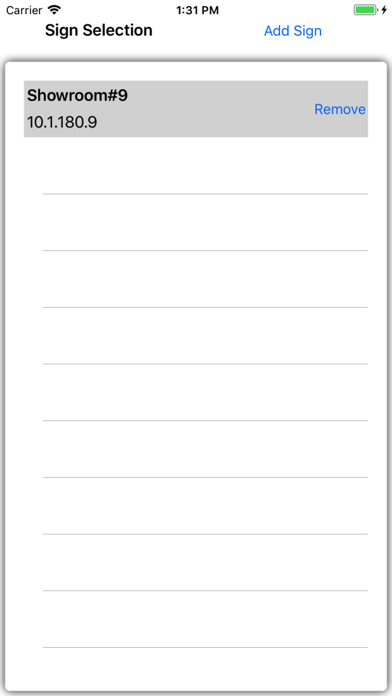
QuickTrigger Screenshots
QuickTrigger PlakatQuickTrigger PlakatQuickTrigger Plakat

About QuickTrigger

(This is a free app for users of Adaptive signage and display solutions powered by Ooh!Media.)
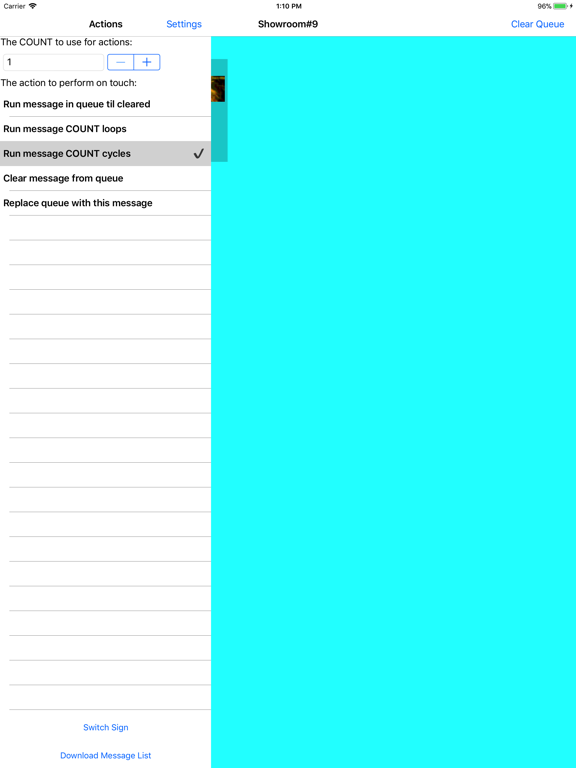
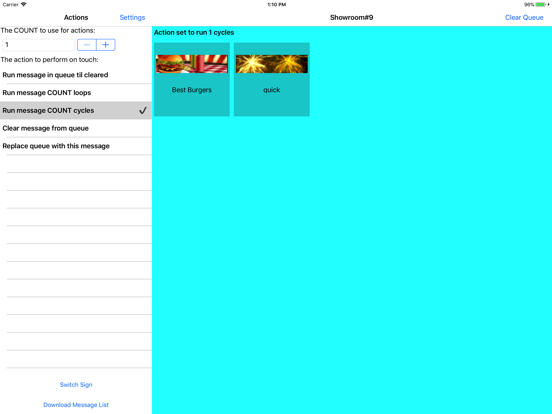
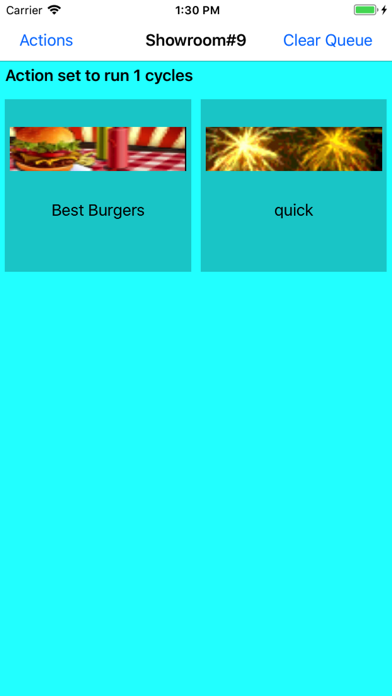
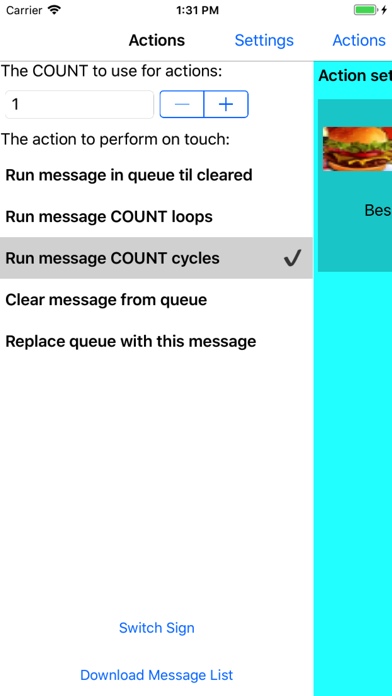
Quick Trigger is a utility that comes with the Ooh!Media 3 software package. It allows a user to activate (or trigger) any messages loaded on a sign, regardless of how they were scheduled. The mobile edition of Quick Trigger is a slimmed down version of the desktop version of Quick Trigger. Once you setup and save the IP address of the sign, the app will read the messages loaded on the sign and present you with an interactive list, allowing you to queue up messages in various modes.

How do I get my sign's IP address?
- Through Ooh!Media 3 software: The sign list in the schedule section can display IP and port information columns. If you do not see an "IP Address" column, simply right-click the column headings and check "IP Address".
- Through Adaptive Diagnostics software: When you launch Adaptive Diagnostics, it will read and display a list of signs configured with Ooh!Media. You can also use the "Auto discovery" button to ping for signs on your network.
- By rebooting the sign: IP is displayed as part of a sign's power up messages.

How do I load messages that will only run when I trigger them?
- In Ooh!Media 3 when creating a message schedule, simply schedule a message as "inactive" and the sign will never run it unless you trigger it.

Show More

Was ist neu in der neuesten Version 2.0.0

Last updated on Apr 26, 2018
Alte Versionen
Added support for storing settings for multiple signs.
Show More
Version History
2.0.0
Apr 26, 2018
Added support for storing settings for multiple signs.
1.0.2
Oct 24, 2015
Added fix to work with newer signs.
1.0.1
Mar 27, 2013

QuickTrigger FAQ

Klicken Sie hier, um zu erfahren, wie Sie QuickTrigger in eingeschränkten Ländern oder Regionen herunterladen können.
Überprüfen Sie die folgende Liste, um die Mindestanforderungen von QuickTrigger zu sehen.
iPhone
Erfordert iOS 8.0 oder neuer.
iPad
Erfordert iPadOS 8.0 oder neuer.
iPod touch
Erfordert iOS 8.0 oder neuer.
QuickTrigger unterstützt Englisch

QuickTrigger Alternative

Das könnte Ihnen auch gefallen

Erhalte mehr von Adaptive Display Solutions