Study Note
오답노트 , 문제 만들기
Gratuit
1.32for iPhone, iPad and more
Age Rating
Study Note Captures d'écran
About Study Note
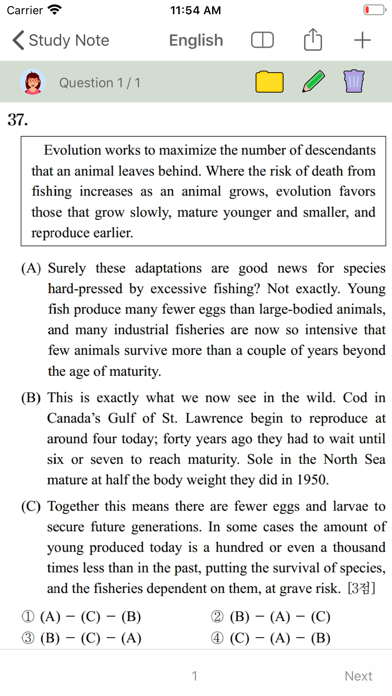
Want to get a mock exam with only the wrong questions?
Want to easily create your own summary notes?
Try the Study Note.
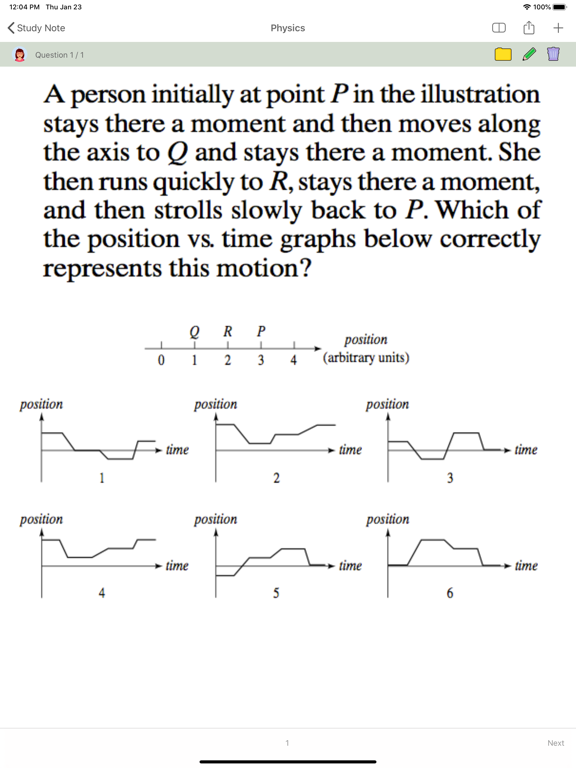
[Your own test question]
You can print out the question you saved on the test sheet to take the test.
Create a PDF of your test paper and share it with others.
You can change the order of the problems at random.
[Easy Problem Management]
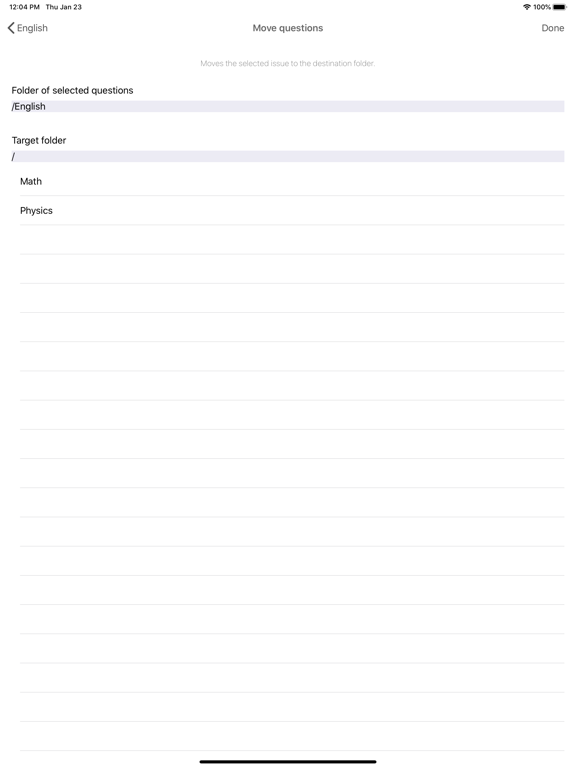
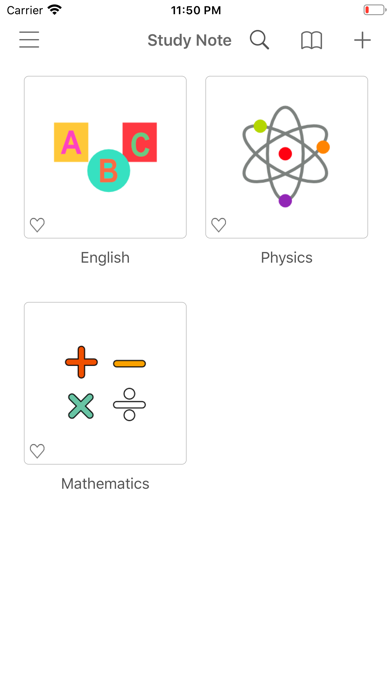
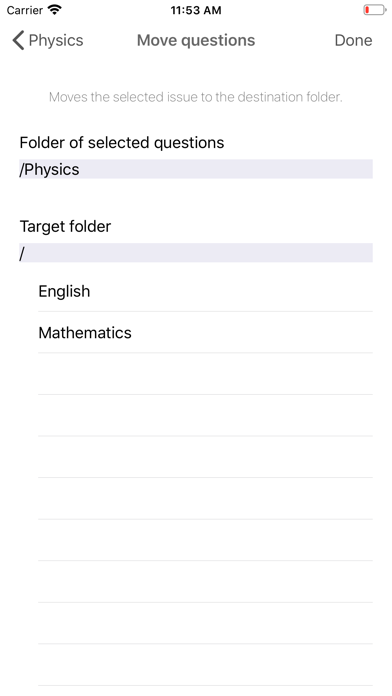
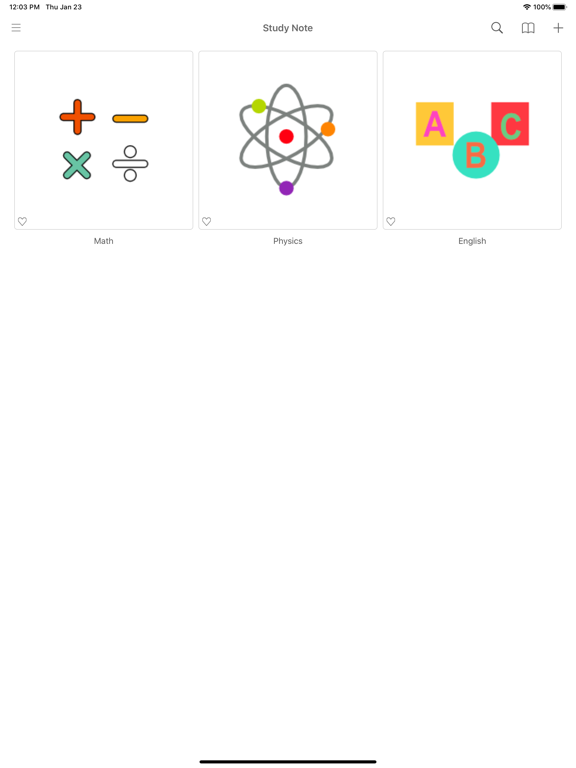
You can manage your issues by folder.
You can also create a folder inside a folder.
You can search using the hash tag #.
[Various view mode support]
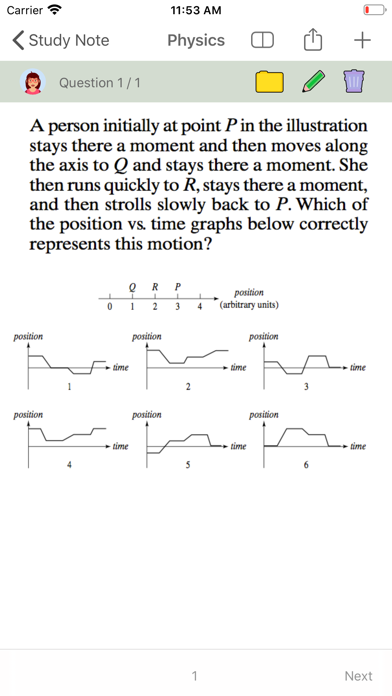
View only questions, only answers can be used as a flash card.
[Create documents of various styles]
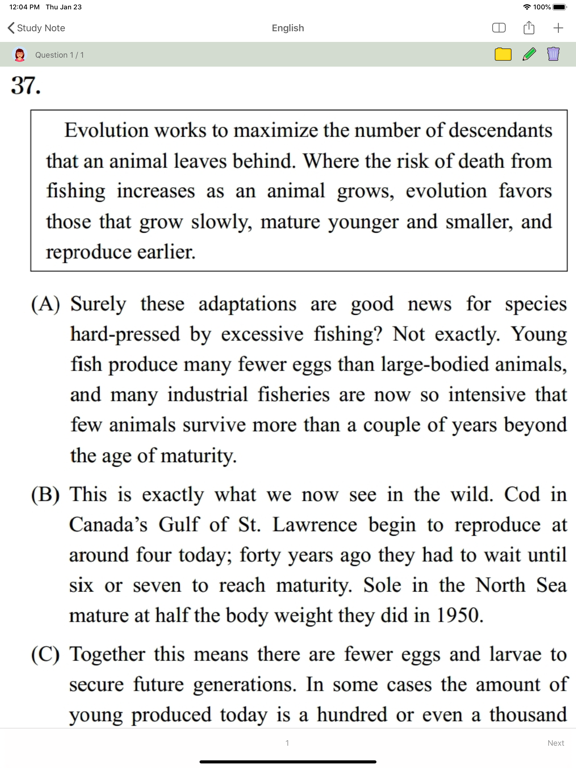
You can edit your photos.
You can change the text style.
Draw a pen.
[ main function ]
Add / Edit / Delete Folder
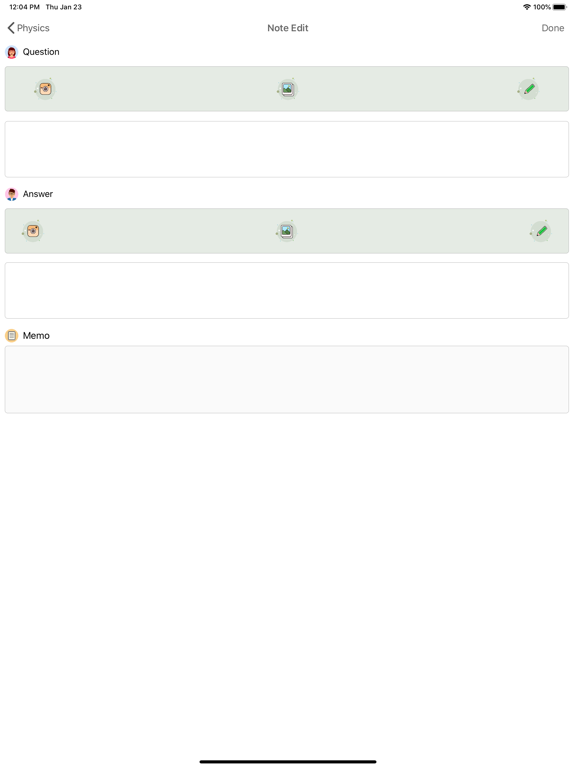
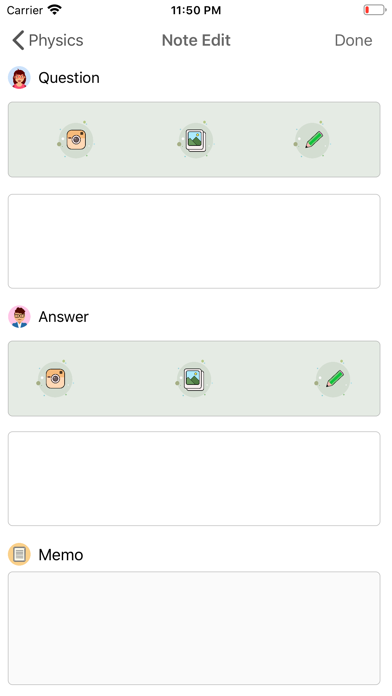
Problem, add / edit / delete answers
Mixing problems
Problem printing
Landscape view, portrait view mode
Search function
Word book
[Free Users]
2 folders, 30 notes.
[Paid product]
Monthly membership : $ 1.09 [Automatic renewal every month]
Membership for 6 months : $ 3.29 [Automatic renewal every 6 months]
Annual membership: $ 5.49 [Automatic renewal every year]
Paid products are removed and there are no restrictions on usage.
By installing the app, you agree to the Study Note Terms of Use and Privacy Policy. In-app pricing is subject to currency and VAT policy.
Payment methods are subject to the policies of the App Store.
If you do not cancel your subscription 24 hours before the renewal date, your subscription may be renewed.
- When you check your payment, you will be paid with your iTunes account.
- If automatic renewal is not turned off 24 hours before the end of the current period, the subscription will be renewed automatically.
- Account will charge renewal fee and check renewal fee within 24 hours of end of current period
- Subscriptions can be managed by the user, and after purchase, auto-renew can be turned off by going to your account settings
- Terms and Conditions link
https://blog.naver.com/amusingsoft/221192208392
- Privacy policy link
https://blog.naver.com/amusingsoft/221191366336

Want to easily create your own summary notes?
Try the Study Note.
[Your own test question]
You can print out the question you saved on the test sheet to take the test.
Create a PDF of your test paper and share it with others.
You can change the order of the problems at random.
[Easy Problem Management]
You can manage your issues by folder.
You can also create a folder inside a folder.
You can search using the hash tag #.
[Various view mode support]
View only questions, only answers can be used as a flash card.
[Create documents of various styles]
You can edit your photos.
You can change the text style.
Draw a pen.
[ main function ]
Add / Edit / Delete Folder
Problem, add / edit / delete answers
Mixing problems
Problem printing
Landscape view, portrait view mode
Search function
Word book
[Free Users]
2 folders, 30 notes.
[Paid product]
Monthly membership : $ 1.09 [Automatic renewal every month]
Membership for 6 months : $ 3.29 [Automatic renewal every 6 months]
Annual membership: $ 5.49 [Automatic renewal every year]
Paid products are removed and there are no restrictions on usage.
By installing the app, you agree to the Study Note Terms of Use and Privacy Policy. In-app pricing is subject to currency and VAT policy.
Payment methods are subject to the policies of the App Store.
If you do not cancel your subscription 24 hours before the renewal date, your subscription may be renewed.
- When you check your payment, you will be paid with your iTunes account.
- If automatic renewal is not turned off 24 hours before the end of the current period, the subscription will be renewed automatically.
- Account will charge renewal fee and check renewal fee within 24 hours of end of current period
- Subscriptions can be managed by the user, and after purchase, auto-renew can be turned off by going to your account settings
- Terms and Conditions link
https://blog.naver.com/amusingsoft/221192208392
- Privacy policy link
https://blog.naver.com/amusingsoft/221191366336
Show More
Quoi de neuf dans la dernière version 1.32
Last updated on Jun 9, 2021
Vieilles Versions
'Hashtag' bugs are fixed
Show More
Version History
1.32
Jun 9, 2021
'Hashtag' bugs are fixed
1.31
Aug 27, 2020
Crash Issue is fixed.
Firebase is updated.
1.30
Aug 24, 2020
Memory leak issue is fixed.
'Hash tag' feature is modified.
1.29
Jul 1, 2020
Study note quiz data file (.snqd) export / import function.
Bug fixes.
Bug fixes.
1.28
Jun 13, 2020
When printing a quiz
-Spacing adjustment
-Mix quiz
-Limited number of output quizzes.
Other bug fixes
-Spacing adjustment
-Mix quiz
-Limited number of output quizzes.
Other bug fixes
1.27
Apr 13, 2020
Added wordbook function.
Print Layout issue is fixed.
1.26
Feb 6, 2020
UI design changes
Bug fixes
Bug fixes
1.25
Jan 4, 2020
Added output function to the left (question) / right (answer) screen
Added default text size and capitalization method
1.24
Oct 26, 2019
Hashtag Search.
Edit the color, size, etc. of the question / answer content
1.23
Sep 26, 2019
PDF output support
Zoom function
Question image import function when entering an answer
Auto Scan On / Off
Zoom function
Question image import function when entering an answer
Auto Scan On / Off
1..22
Jun 11, 2019
Add drawing function
1.21
Mar 8, 2019
Notes view mode
- Show only questions
- Show only answers
- View question / answer
Add page navigation
Fixed an issue editing image
- Show only questions
- Show only answers
- View question / answer
Add page navigation
Fixed an issue editing image
1.20
Sep 22, 2018
Fixed an image resizing error on ipad
1.19
Aug 8, 2018
Bug fixes.
Added help function.
1.18
Aug 1, 2018
Improved photo editing.
1.17
Jul 24, 2018
Added output features and bug fixes
1.16
Jul 14, 2018
Fixed an error in image database creation.
1.15
Jul 12, 2018
Improving loading performance and fixing errors
1.14
Jul 4, 2018
Repair errors and errors on the iPad
1.13
Jun 27, 2018
Fix backup / recovery errors
1.12
Jun 15, 2018
Added ability to change folder size.
- Adjustable on the setting screen.
1.11
Mar 21, 2018
Fix crash issue on ipad
1.10
Mar 16, 2018
Prioritize folders.
You can select a priority by choosing Hearts.
1.9
Mar 12, 2018
Fixed performance issues
1.8
Mar 11, 2018
퀴즈가 사라지는 문제 수정
Study Note FAQ
Cliquez ici pour savoir comment télécharger Study Note dans un pays ou une région restreints.
Consultez la liste suivante pour voir les exigences minimales de Study Note.
iPhone
Nécessite iOS 13.0 ou version ultérieure.
iPad
Nécessite iPadOS 13.0 ou version ultérieure.
iPod touch
Nécessite iOS 13.0 ou version ultérieure.
Study Note prend en charge Anglais, Chinois simplifié, Chinois traditionnel, Coréen, Japonais