Study Note
오답노트 , 문제 만들기
免費
1.32for iPhone, iPad and more
Age Rating
Study Note 螢幕截圖
About Study Note
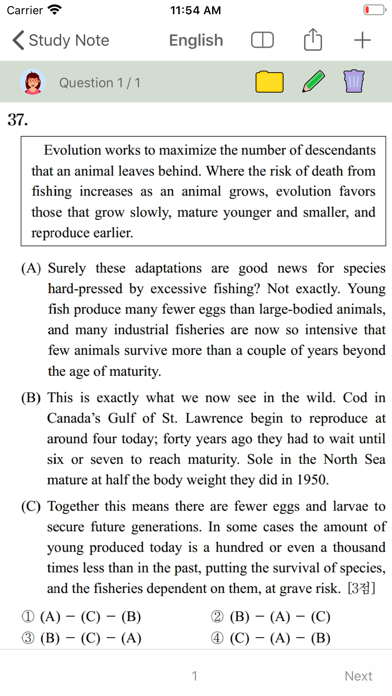
Want to get a mock exam with only the wrong questions?
Want to easily create your own summary notes?
Try the Study Note.
[Your own test question]
You can print out the question you saved on the test sheet to take the test.
Create a PDF of your test paper and share it with others.
You can change the order of the problems at random.
[Easy Problem Management]
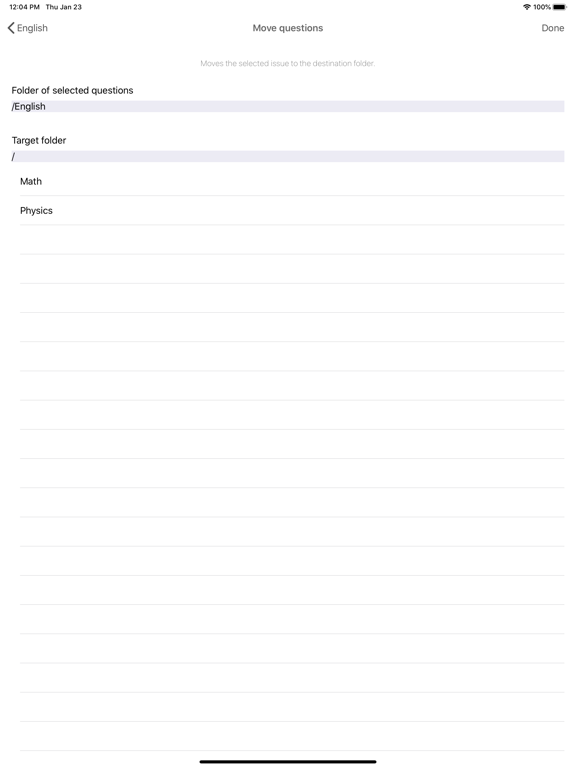
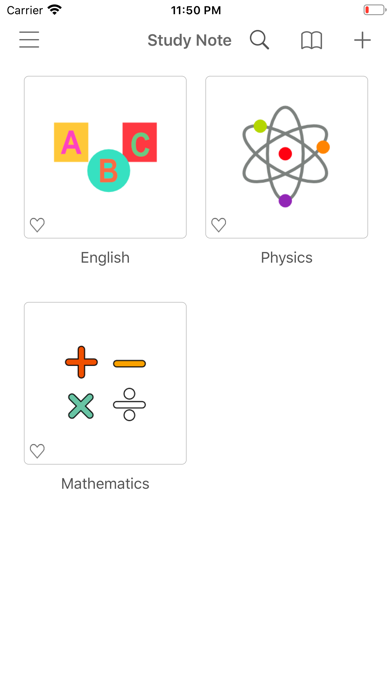
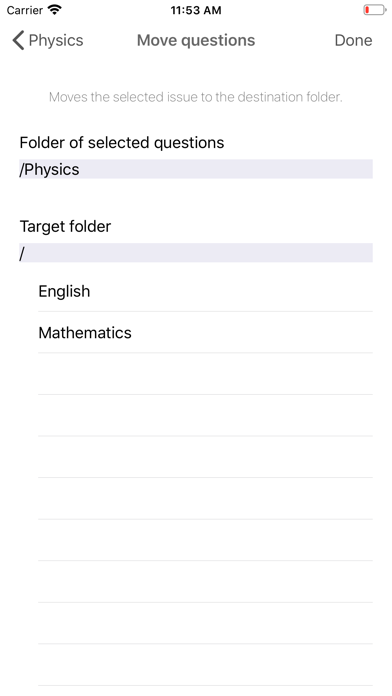
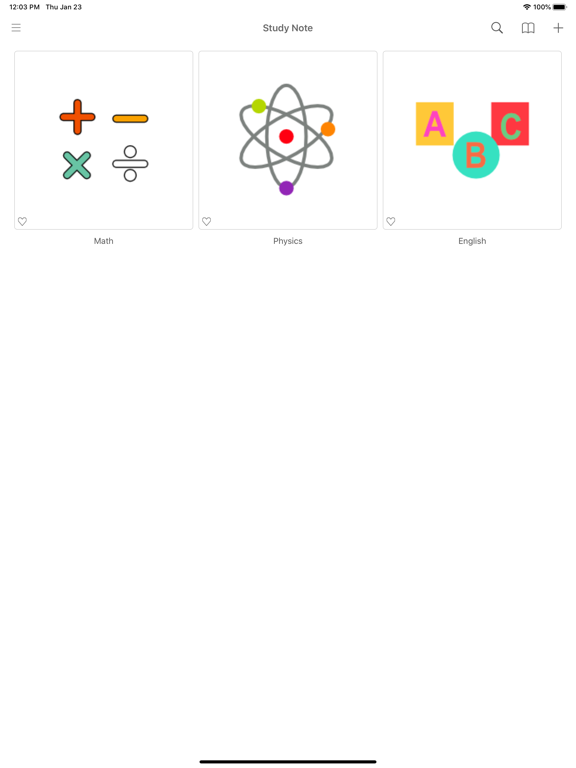
You can manage your issues by folder.
You can also create a folder inside a folder.
You can search using the hash tag #.
[Various view mode support]
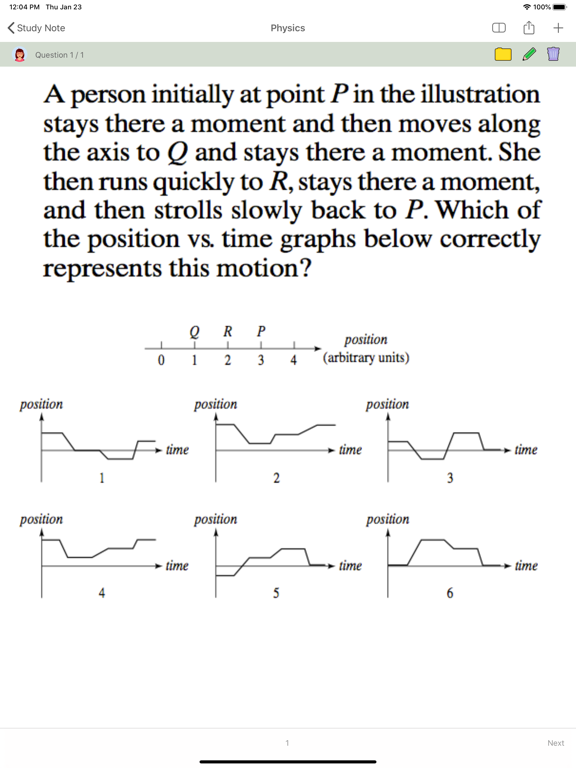
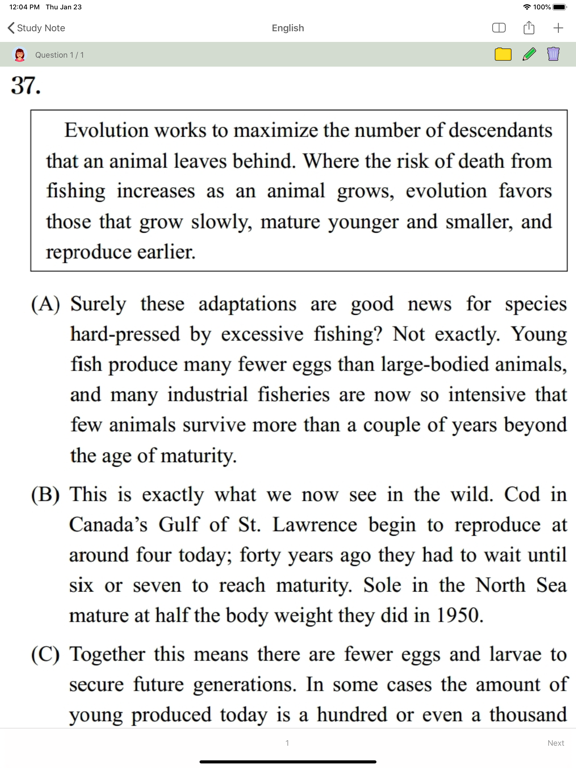
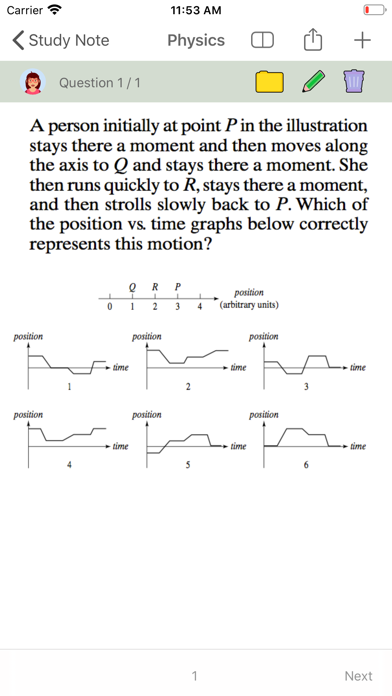
View only questions, only answers can be used as a flash card.
[Create documents of various styles]
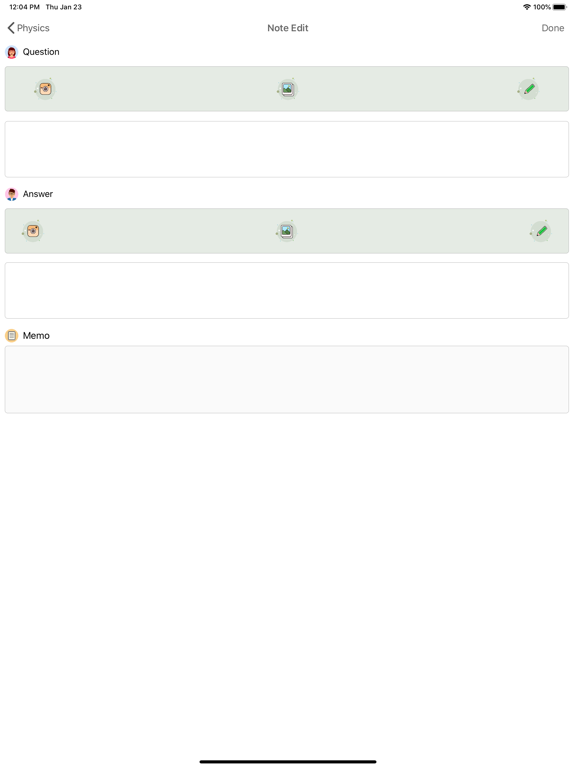
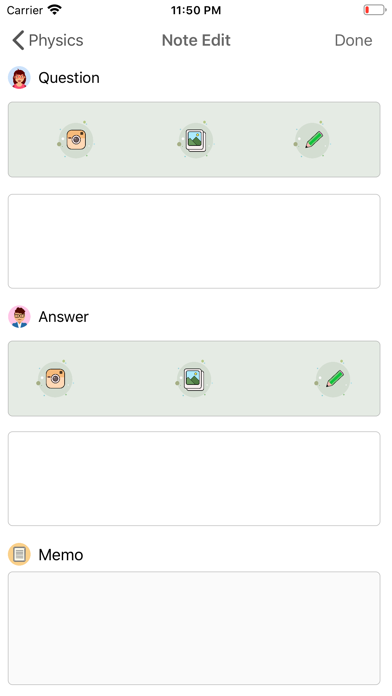
You can edit your photos.
You can change the text style.
Draw a pen.
[ main function ]
Add / Edit / Delete Folder
Problem, add / edit / delete answers
Mixing problems
Problem printing
Landscape view, portrait view mode
Search function
Word book
[Free Users]
2 folders, 30 notes.
[Paid product]
Monthly membership : $ 1.09 [Automatic renewal every month]
Membership for 6 months : $ 3.29 [Automatic renewal every 6 months]
Annual membership: $ 5.49 [Automatic renewal every year]
Paid products are removed and there are no restrictions on usage.
By installing the app, you agree to the Study Note Terms of Use and Privacy Policy. In-app pricing is subject to currency and VAT policy.
Payment methods are subject to the policies of the App Store.
If you do not cancel your subscription 24 hours before the renewal date, your subscription may be renewed.
- When you check your payment, you will be paid with your iTunes account.
- If automatic renewal is not turned off 24 hours before the end of the current period, the subscription will be renewed automatically.
- Account will charge renewal fee and check renewal fee within 24 hours of end of current period
- Subscriptions can be managed by the user, and after purchase, auto-renew can be turned off by going to your account settings
- Terms and Conditions link
https://blog.naver.com/amusingsoft/221192208392
- Privacy policy link
https://blog.naver.com/amusingsoft/221191366336

Want to easily create your own summary notes?
Try the Study Note.
[Your own test question]
You can print out the question you saved on the test sheet to take the test.
Create a PDF of your test paper and share it with others.
You can change the order of the problems at random.
[Easy Problem Management]
You can manage your issues by folder.
You can also create a folder inside a folder.
You can search using the hash tag #.
[Various view mode support]
View only questions, only answers can be used as a flash card.
[Create documents of various styles]
You can edit your photos.
You can change the text style.
Draw a pen.
[ main function ]
Add / Edit / Delete Folder
Problem, add / edit / delete answers
Mixing problems
Problem printing
Landscape view, portrait view mode
Search function
Word book
[Free Users]
2 folders, 30 notes.
[Paid product]
Monthly membership : $ 1.09 [Automatic renewal every month]
Membership for 6 months : $ 3.29 [Automatic renewal every 6 months]
Annual membership: $ 5.49 [Automatic renewal every year]
Paid products are removed and there are no restrictions on usage.
By installing the app, you agree to the Study Note Terms of Use and Privacy Policy. In-app pricing is subject to currency and VAT policy.
Payment methods are subject to the policies of the App Store.
If you do not cancel your subscription 24 hours before the renewal date, your subscription may be renewed.
- When you check your payment, you will be paid with your iTunes account.
- If automatic renewal is not turned off 24 hours before the end of the current period, the subscription will be renewed automatically.
- Account will charge renewal fee and check renewal fee within 24 hours of end of current period
- Subscriptions can be managed by the user, and after purchase, auto-renew can be turned off by going to your account settings
- Terms and Conditions link
https://blog.naver.com/amusingsoft/221192208392
- Privacy policy link
https://blog.naver.com/amusingsoft/221191366336
Show More
最新版本1.32更新日誌
Last updated on 2021年06月09日
歷史版本
'Hashtag' bugs are fixed
Show More
Version History
1.32
2021年06月09日
'Hashtag' bugs are fixed
1.31
2020年08月27日
Crash Issue is fixed.
Firebase is updated.
1.30
2020年08月24日
Memory leak issue is fixed.
'Hash tag' feature is modified.
1.29
2020年07月01日
Study note quiz data file (.snqd) export / import function.
Bug fixes.
Bug fixes.
1.28
2020年06月13日
When printing a quiz
-Spacing adjustment
-Mix quiz
-Limited number of output quizzes.
Other bug fixes
-Spacing adjustment
-Mix quiz
-Limited number of output quizzes.
Other bug fixes
1.27
2020年04月13日
Added wordbook function.
Print Layout issue is fixed.
1.26
2020年02月06日
UI design changes
Bug fixes
Bug fixes
1.25
2020年01月04日
Added output function to the left (question) / right (answer) screen
Added default text size and capitalization method
1.24
2019年10月26日
Hashtag Search.
Edit the color, size, etc. of the question / answer content
1.23
2019年09月26日
PDF output support
Zoom function
Question image import function when entering an answer
Auto Scan On / Off
Zoom function
Question image import function when entering an answer
Auto Scan On / Off
1..22
2019年06月11日
Add drawing function
1.21
2019年03月08日
Notes view mode
- Show only questions
- Show only answers
- View question / answer
Add page navigation
Fixed an issue editing image
- Show only questions
- Show only answers
- View question / answer
Add page navigation
Fixed an issue editing image
1.20
2018年09月22日
Fixed an image resizing error on ipad
1.19
2018年08月08日
Bug fixes.
Added help function.
1.18
2018年08月01日
Improved photo editing.
1.17
2018年07月24日
Added output features and bug fixes
1.16
2018年07月14日
Fixed an error in image database creation.
1.15
2018年07月12日
Improving loading performance and fixing errors
1.14
2018年07月04日
Repair errors and errors on the iPad
1.13
2018年06月27日
Fix backup / recovery errors
1.12
2018年06月15日
Added ability to change folder size.
- Adjustable on the setting screen.
1.11
2018年03月21日
Fix crash issue on ipad
1.10
2018年03月16日
Prioritize folders.
You can select a priority by choosing Hearts.
1.9
2018年03月12日
Fixed performance issues
1.8
2018年03月11日
퀴즈가 사라지는 문제 수정
Study Note FAQ
點擊此處瞭解如何在受限國家或地區下載Study Note。
以下為Study Note的最低配置要求。
iPhone
須使用 iOS 13.0 或以上版本。
iPad
須使用 iPadOS 13.0 或以上版本。
iPod touch
須使用 iOS 13.0 或以上版本。
Study Note支持日文, 簡體中文, 繁體中文, 英文, 韓文