ScreenReader - Learn VoiceOver
Free
1.2.0for iPhone, iPad
Age Rating
ScreenReader - Learn VoiceOver Screenshots
About ScreenReader - Learn VoiceOver
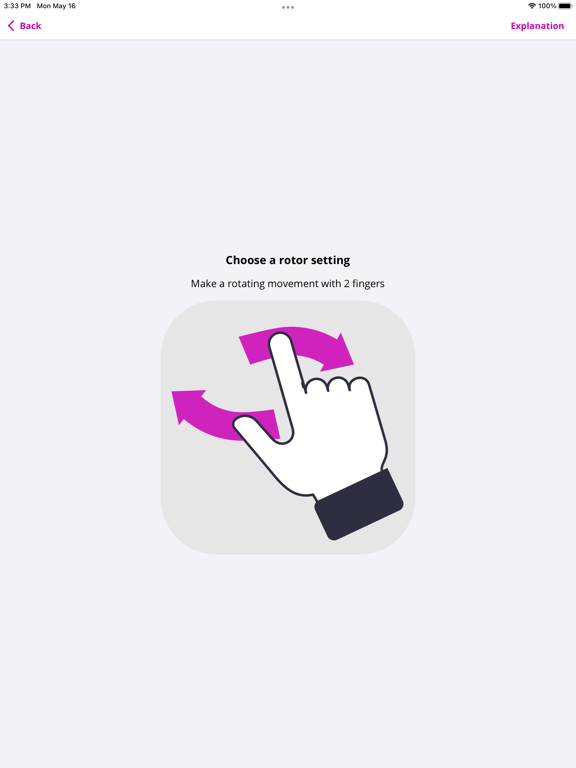
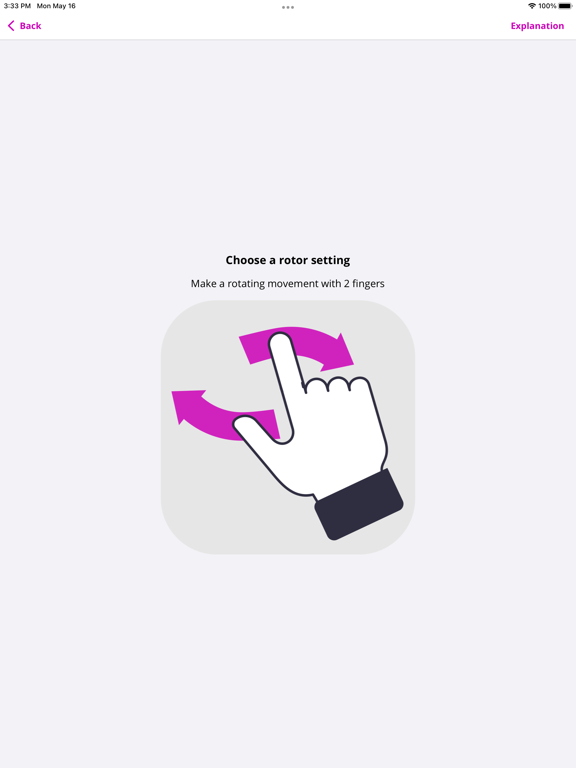
The ScreenReader app contains excersises to learn the VoiceOver screen reader.
Learn VoiceOver gestures, such as:
- Swiping with 1 finger
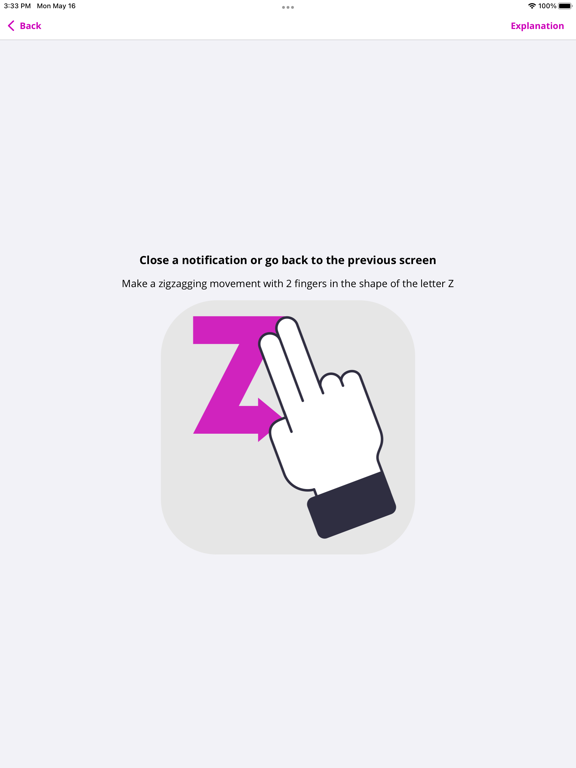
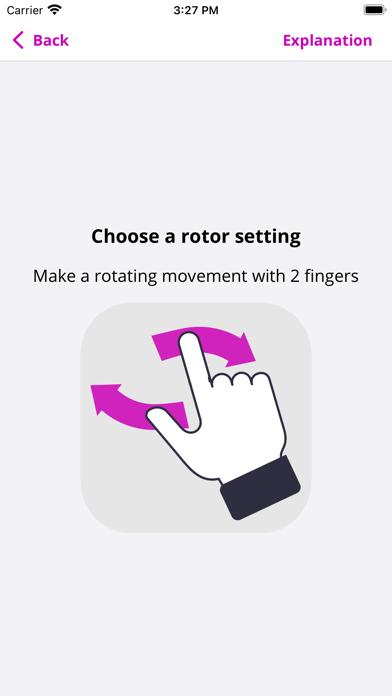
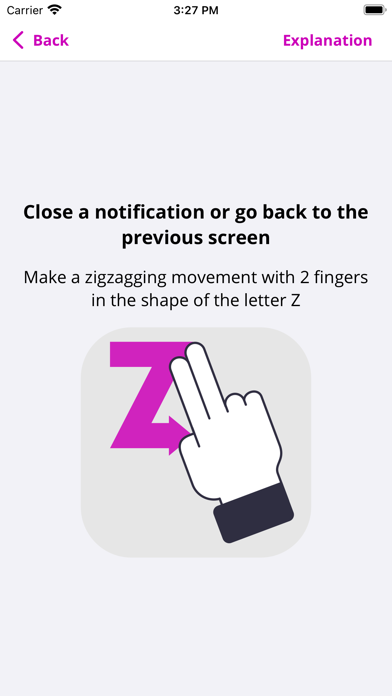
- Swiping with 2 fingers
- Swiping with 3 fingers
- Tapping with 1 finger
- Tapping with 2 fingers
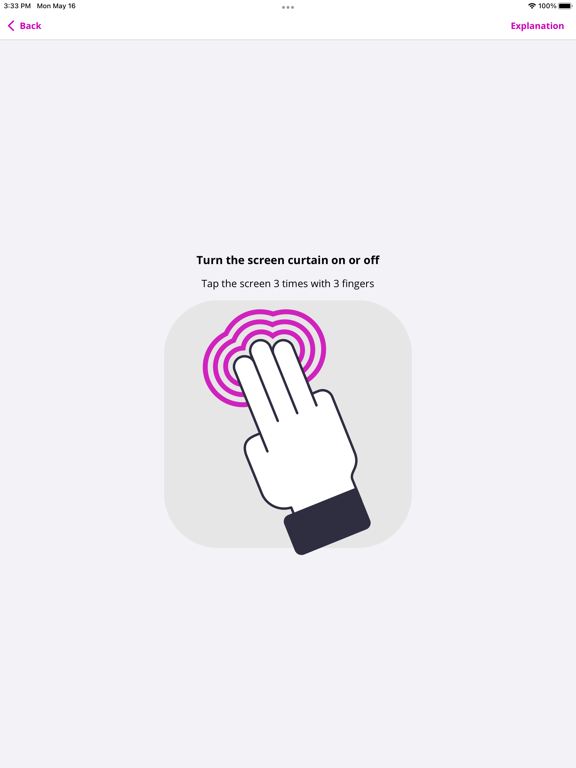
- Tapping with 3 fingers
- Tapping with 4 fingers
- Shortcuts
Learn VoiceOver actions, such as:
- Navigate by headings
- Navigate by links
- Copy text
- Paste text
- Select text
The ScreenReader app is made available for free by the Appt Foundation.

Learn VoiceOver gestures, such as:
- Swiping with 1 finger
- Swiping with 2 fingers
- Swiping with 3 fingers
- Tapping with 1 finger
- Tapping with 2 fingers
- Tapping with 3 fingers
- Tapping with 4 fingers
- Shortcuts
Learn VoiceOver actions, such as:
- Navigate by headings
- Navigate by links
- Copy text
- Paste text
- Select text
The ScreenReader app is made available for free by the Appt Foundation.
Show More
What's New in the Latest Version 1.2.0
Last updated on Jan 29, 2026
Old Versions
- Fix instructions for three finger swiping
- Improvements for iOS 26
Show More
Version History
1.2.0
Jan 29, 2026
- Fix instructions for three finger swiping
- Improvements for iOS 26
ScreenReader - Learn VoiceOver FAQ
Click here to learn how to download ScreenReader - Learn VoiceOver in restricted country or region.
Check the following list to see the minimum requirements of ScreenReader - Learn VoiceOver.
iPhone
iPad