Duovocal
Read, Translate and Review
Free
1.0.5for iPhone, iPad and more
Age Rating
Duovocal Screenshots
About Duovocal
Effortless language learning combining flashcards with instant translation.
Learn English, German, Spanish and more…
Whether you are just starting out or already at an advanced level in a foreign language Duovocal will provide language learning opportunities for you!
How it works:
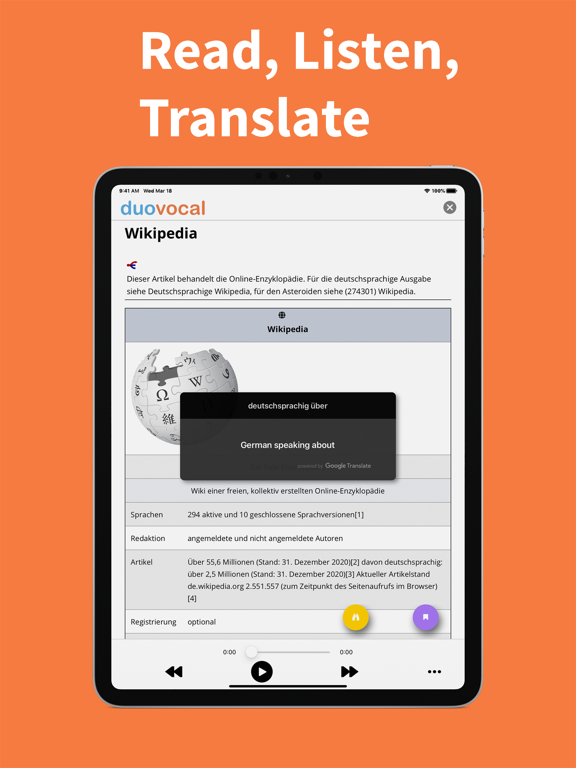
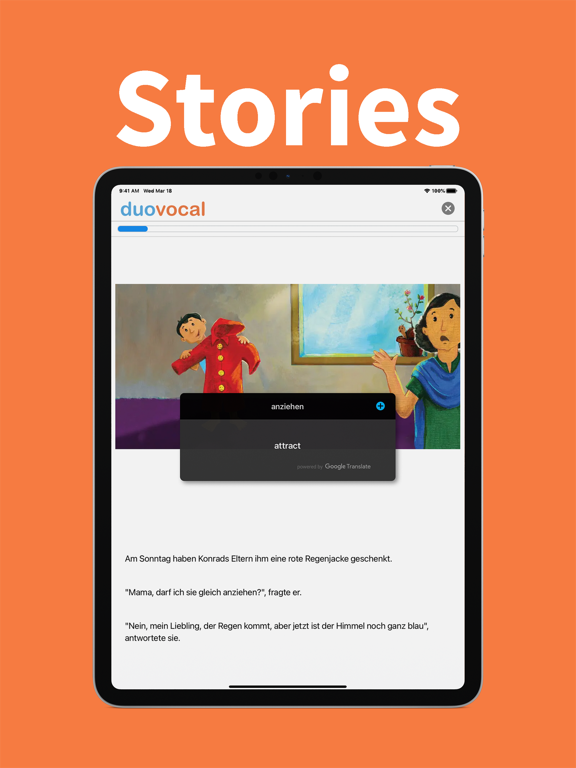
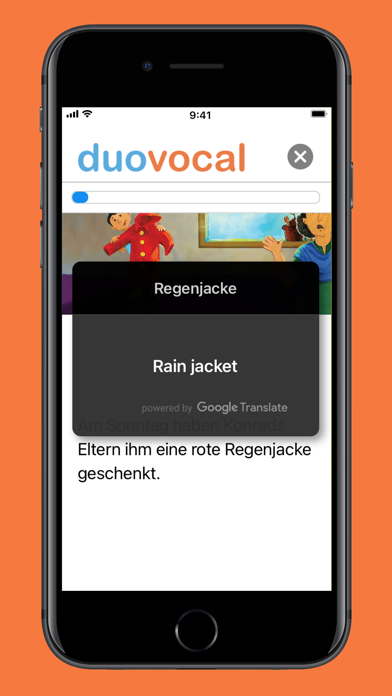
1. Touch any word to translate it
Simply touch words or phrases to instantly translate them.
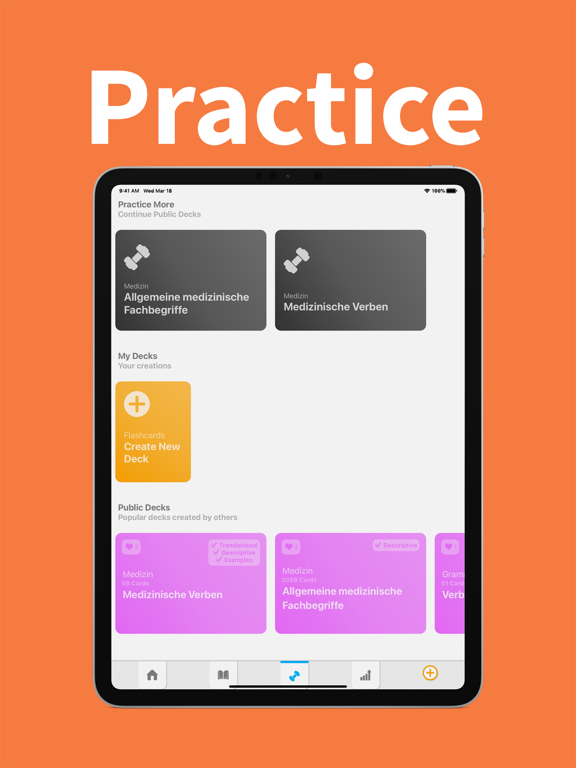
2. Practice these words with flashcards
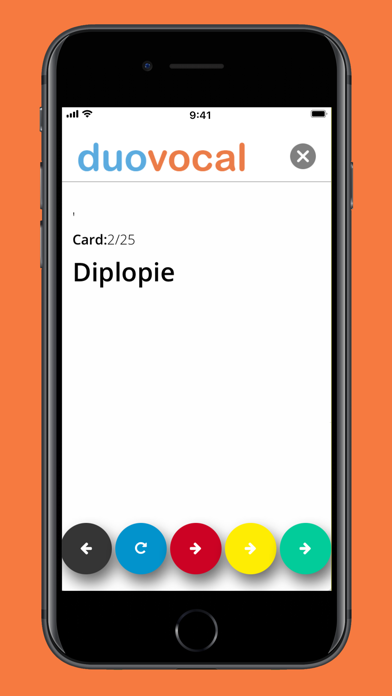
All the words you translate can be made into flashcards, you can revise them in the Practice section, whenever you want.
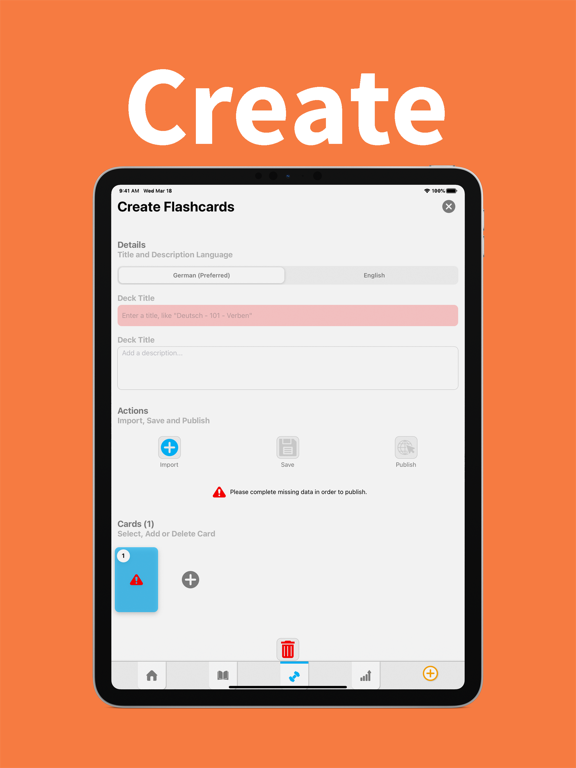
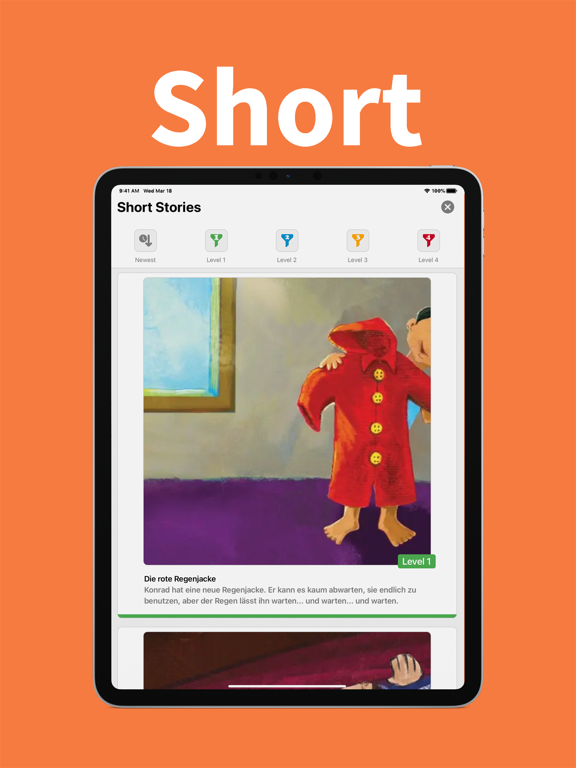
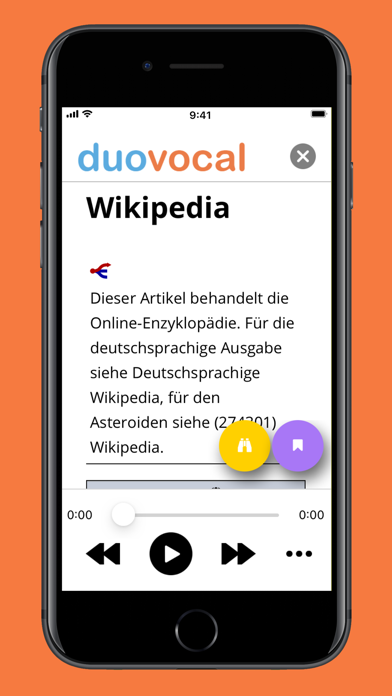
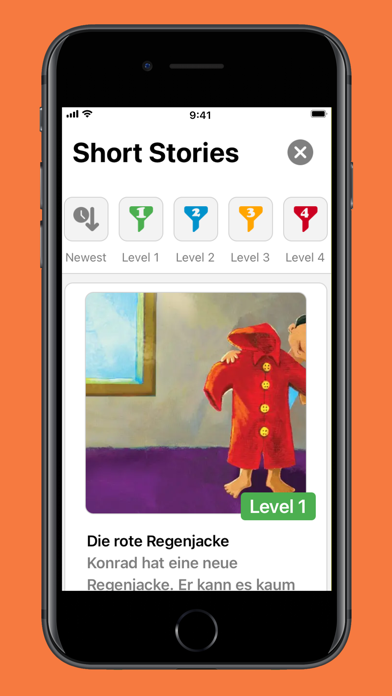
Duovoal provides a fun and effective language learning solution. Read texts (be it a Wikipedia article or a Short Story) and simply touch a word to translate it into your language. Review flashcards made by others or make your own.
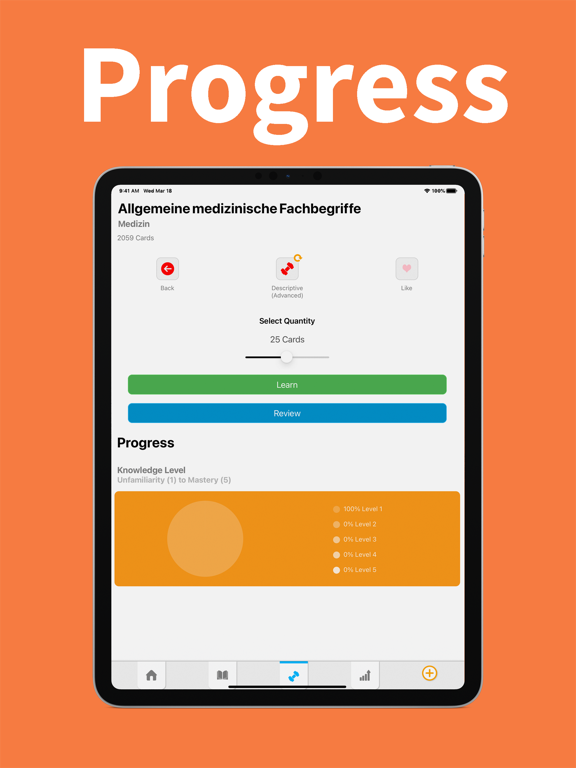
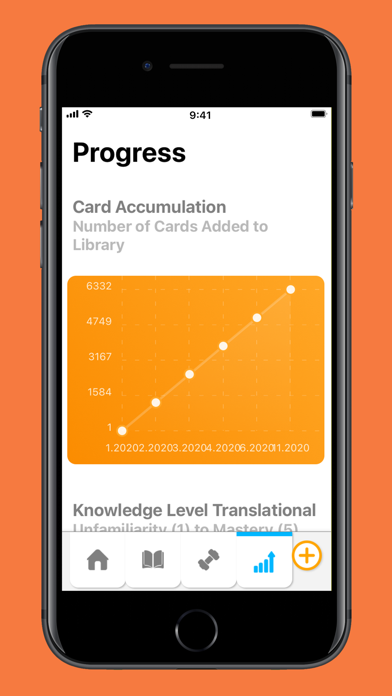
Watch as you master your new language with dazzling charts. Duovocal applies our Spaced-Repetition Algorithm to help you retain new words indefinitely in memory.
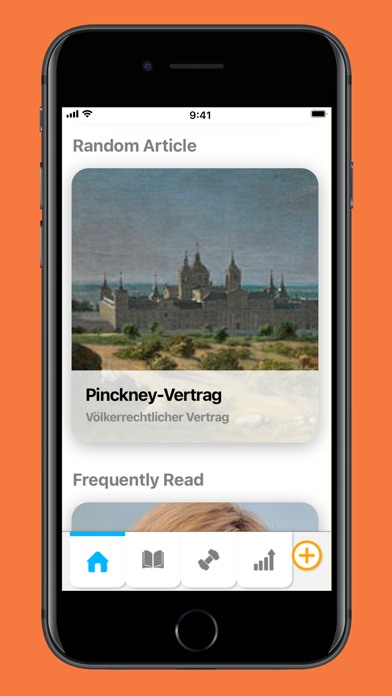
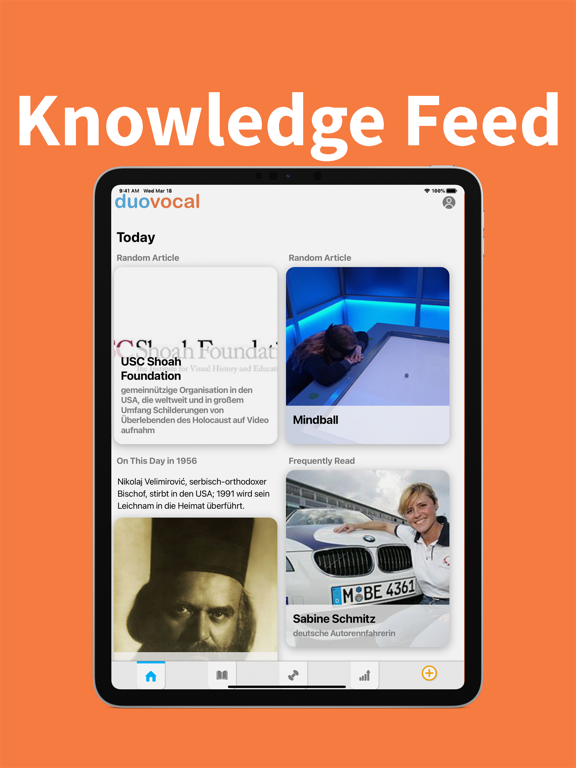
Your personalized Knowledge Feed provides simple shortcuts to discover new resources including "News, Featured, Random, Frequently Read, Spoken Articles, words and phrases". Applying our "Learn a language while you learn!" methodology.
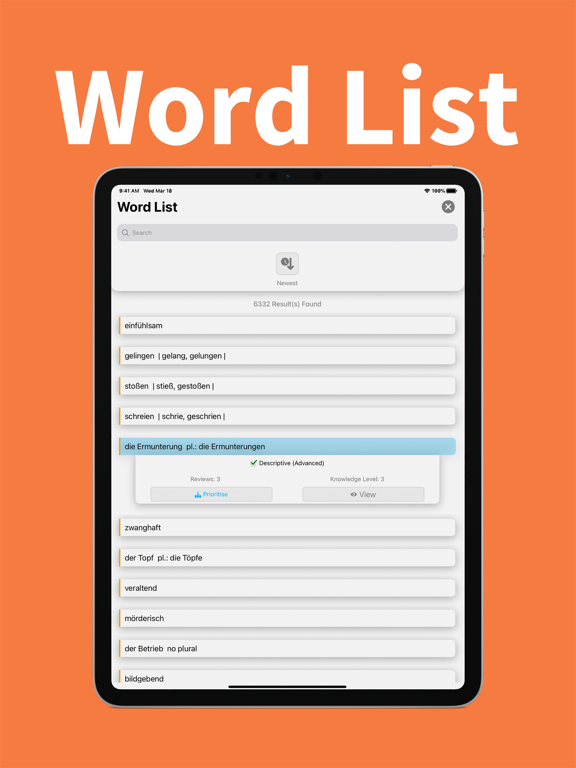
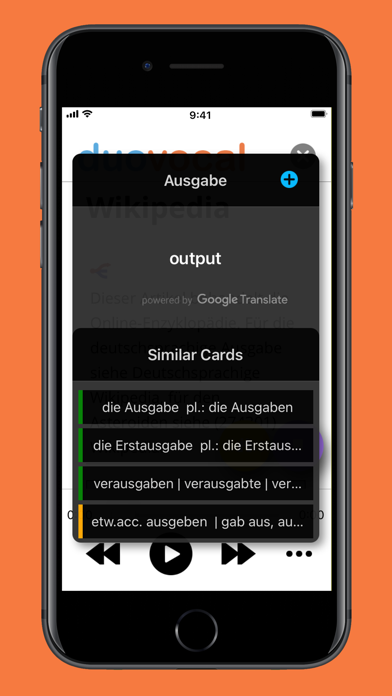
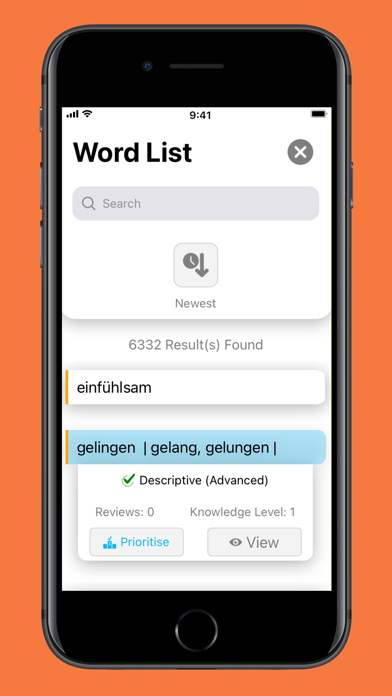
If you touch a word the translation instantly appears along with Similar Cards, the App automatically searches your existing Vocabulary Cards you already have created to check if you have encountered the word previously. As your knowledge of the language increases so will the size of your Word List, developing and growing into your own personal dictionary.
Review your own Vocabulary flashcards in:
1. Beginner Mode (Word -> Translation + Examples)
or in
2. Advanced (Word -> Definition + Examples).
Swipe Across the words to hear them spoken out loud or to translate a phrase.
We are looking forward to joining you on your language learning journey. If you like the App please leave a 5-Star review and/or tell a friend about it.

Learn English, German, Spanish and more…
Whether you are just starting out or already at an advanced level in a foreign language Duovocal will provide language learning opportunities for you!
How it works:
1. Touch any word to translate it
Simply touch words or phrases to instantly translate them.
2. Practice these words with flashcards
All the words you translate can be made into flashcards, you can revise them in the Practice section, whenever you want.
Duovoal provides a fun and effective language learning solution. Read texts (be it a Wikipedia article or a Short Story) and simply touch a word to translate it into your language. Review flashcards made by others or make your own.
Watch as you master your new language with dazzling charts. Duovocal applies our Spaced-Repetition Algorithm to help you retain new words indefinitely in memory.
Your personalized Knowledge Feed provides simple shortcuts to discover new resources including "News, Featured, Random, Frequently Read, Spoken Articles, words and phrases". Applying our "Learn a language while you learn!" methodology.
If you touch a word the translation instantly appears along with Similar Cards, the App automatically searches your existing Vocabulary Cards you already have created to check if you have encountered the word previously. As your knowledge of the language increases so will the size of your Word List, developing and growing into your own personal dictionary.
Review your own Vocabulary flashcards in:
1. Beginner Mode (Word -> Translation + Examples)
or in
2. Advanced (Word -> Definition + Examples).
Swipe Across the words to hear them spoken out loud or to translate a phrase.
We are looking forward to joining you on your language learning journey. If you like the App please leave a 5-Star review and/or tell a friend about it.
Show More
What's New in the Latest Version 1.0.5
Last updated on Apr 29, 2021
Old Versions
- Bug fixes
- Minor UI tweaks
- Compliance with Ad framework
- Minor UI tweaks
- Compliance with Ad framework
Show More
Version History
1.0.5
Apr 29, 2021
- Bug fixes
- Minor UI tweaks
- Compliance with Ad framework
- Minor UI tweaks
- Compliance with Ad framework
1.0.4
Apr 7, 2021
New Features:
- Learn English, German, Spanish and more
- New improved vocabulary card generation
- include audio in vocabulary cards
- Learn English, German, Spanish and more
- New improved vocabulary card generation
- include audio in vocabulary cards
1.0.3
Mar 26, 2021
New Features:
- Major UI rework (Clean, Sleek)
- Improved functionality and flow
- New and improved Knowledge Feed (with In the News, Featured, Random, Frequently Read, Spoken Articles, random words and phrases.)
- Spoken Articles Support
- New Knowledge Feed
- New-look charts
- Create your own Public Flashcard Decks
- Most popular cards, newest
- Search function upgrade
- Major UI rework (Clean, Sleek)
- Improved functionality and flow
- New and improved Knowledge Feed (with In the News, Featured, Random, Frequently Read, Spoken Articles, random words and phrases.)
- Spoken Articles Support
- New Knowledge Feed
- New-look charts
- Create your own Public Flashcard Decks
- Most popular cards, newest
- Search function upgrade
1.0.2
Mar 18, 2021
New Features:
- Major UI rework (Clean, Sleek)
- Improved functionality and flow
- New and improved Knowledge Feed (with In the News, Featured, Random, Frequently Read, Spoken Articles, random words and phrases.)
- Spoken Articles Support
- New Knowledge Feed
- New-look charts
- Create your own Public Flashcard Decks
- Search function upgrade
- Major UI rework (Clean, Sleek)
- Improved functionality and flow
- New and improved Knowledge Feed (with In the News, Featured, Random, Frequently Read, Spoken Articles, random words and phrases.)
- Spoken Articles Support
- New Knowledge Feed
- New-look charts
- Create your own Public Flashcard Decks
- Search function upgrade
1.0.1
Jan 26, 2021
This version contains:
- Additional Languages (My Language Option)
- Usage tips
- Minor User Interface adjustments
- Smaller package size
- Additional Languages (My Language Option)
- Usage tips
- Minor User Interface adjustments
- Smaller package size
1.0
Jan 20, 2021
Duovocal FAQ
Click here to learn how to download Duovocal in restricted country or region.
Check the following list to see the minimum requirements of Duovocal.
iPhone
Requires iOS 11.0 or later.
iPad
Requires iPadOS 11.0 or later.
iPod touch
Requires iOS 11.0 or later.
Duovocal supports English
Related Videos
Latest introduction video of Duovocal on iPhone