Authentity

Authentity


Free

1.5for iPhone, iPad
Liudas Baronas
Developer
2021年01月11日
Update Date
Utilities
Category
Age Rating
4+
Apps in this category do not contain restricted content.
9+
Apps in this category may contain mild or occasional cartoon, fantasy or real-life violence, as well as occasional or mild adult, sexually suggestive or horrifying content and may not be suitable for children under 9 years of age.
12+
Apps in this category may contain occasional mild indecent language, frequent or intense cartoon or real-life violence, minor or occasional adult or sexually suggestive material, and simulated gambling, and may be for children under 12 years of age.
17+
You must be at least 17 years old to access this App.
Apps in this category may contain frequent and intense offensive language; Frequent and intense cartoon, fantasy or realistic violence: frequent and intense adult, scary and sexually suggestive subjects: as well as sexual content, nudity, tobacco, alcohol and drugs, may not be suitable for children under 17 years of age.
Authentity スクリーンショット
Authentity ポスターAuthentity ポスターAuthentity ポスターAuthentity ポスター

About Authentity

Learning the password or PIN for an account is what most hackers go after. Accessing your token generator and getting biological features is harder and that is the reason why Two-factor (2FA) and Multi-factor (MFA) authentication mechanisms are effective in providing greater security for your accounts. It is a process of requiring you to verify your identity in two or more unique ways before you are granted access to your account.

That is what Authentity brings you - a possibility to add more authentication factors to make your account even harder to be hacked.

With Authentity you get:

••• Security:
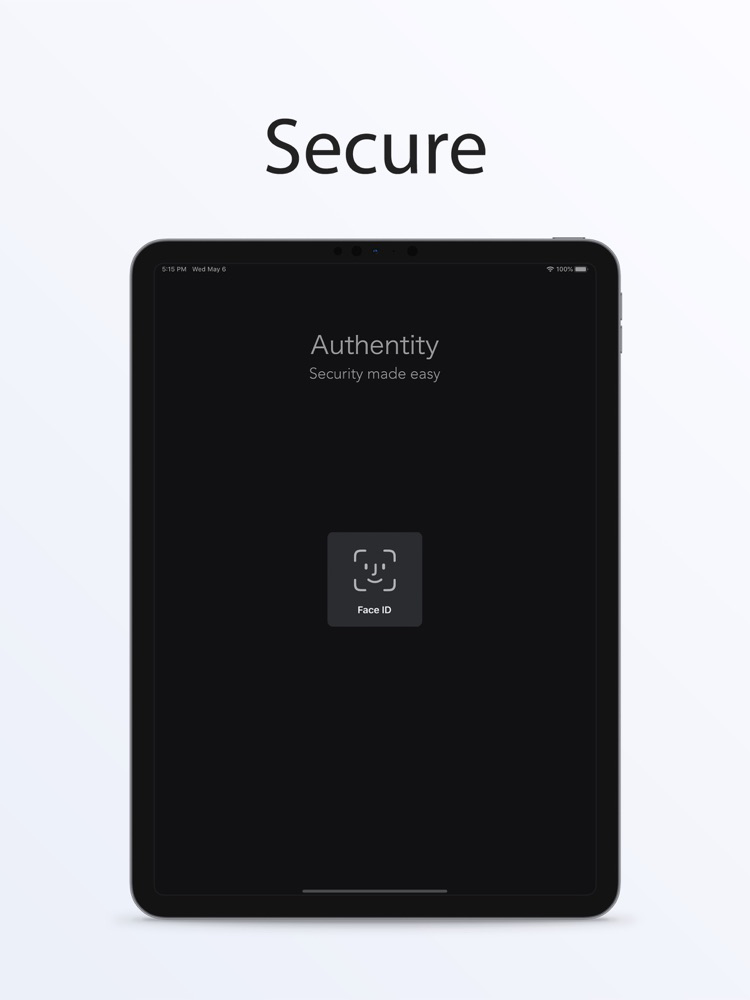
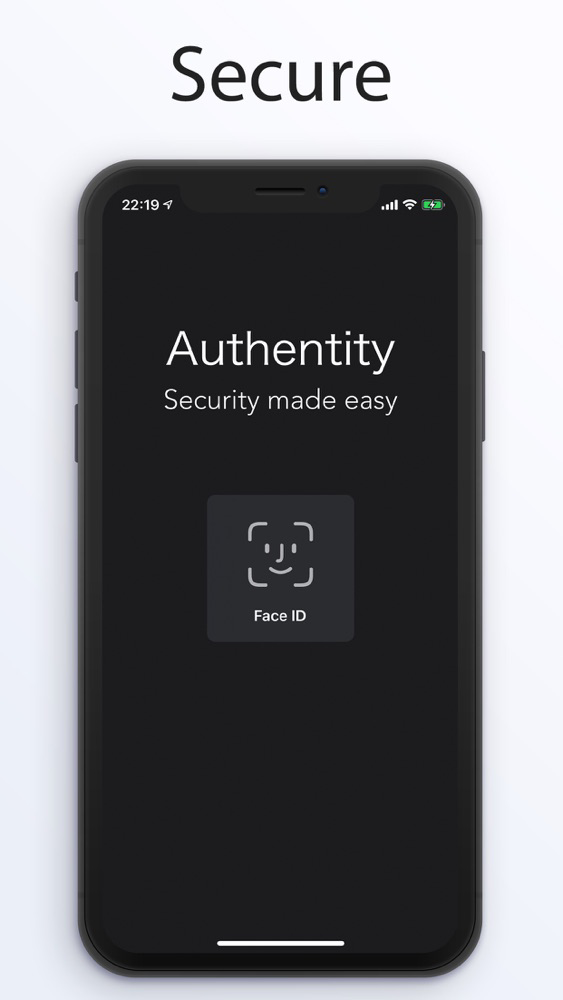
- Authentity uses biometric authentication so only you have access to your 2FA/MFA authentication tokens.
- Sensitive data is stored in a secure Apple Keychain storage.
- While using Authentity, tokens are hidden when the application is in the background state.
- Authentity does not use any password or PIN authentication so the biometric security (if enabled) is used all the time.
- There is no other way anyone can access your generated tokens.

••• Ease of use:
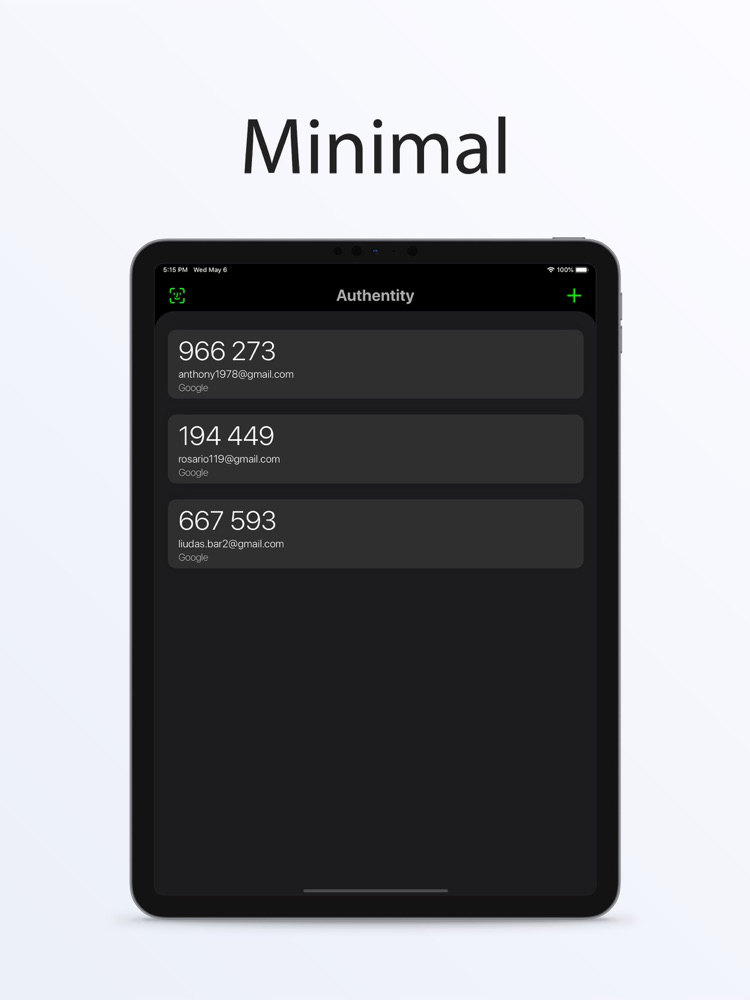
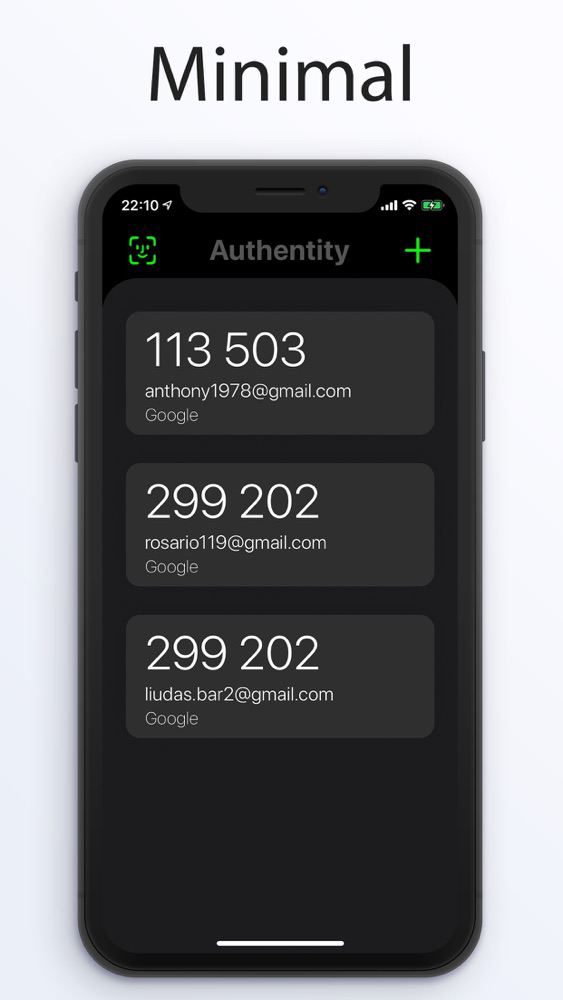
- A minimalistic interface provides you with the best experience while using Authentity token generator.

••• Offline use:
- Tokens are temporarily generated safely on your local device storage without any Internet connection requirement.

••• Open-source project:
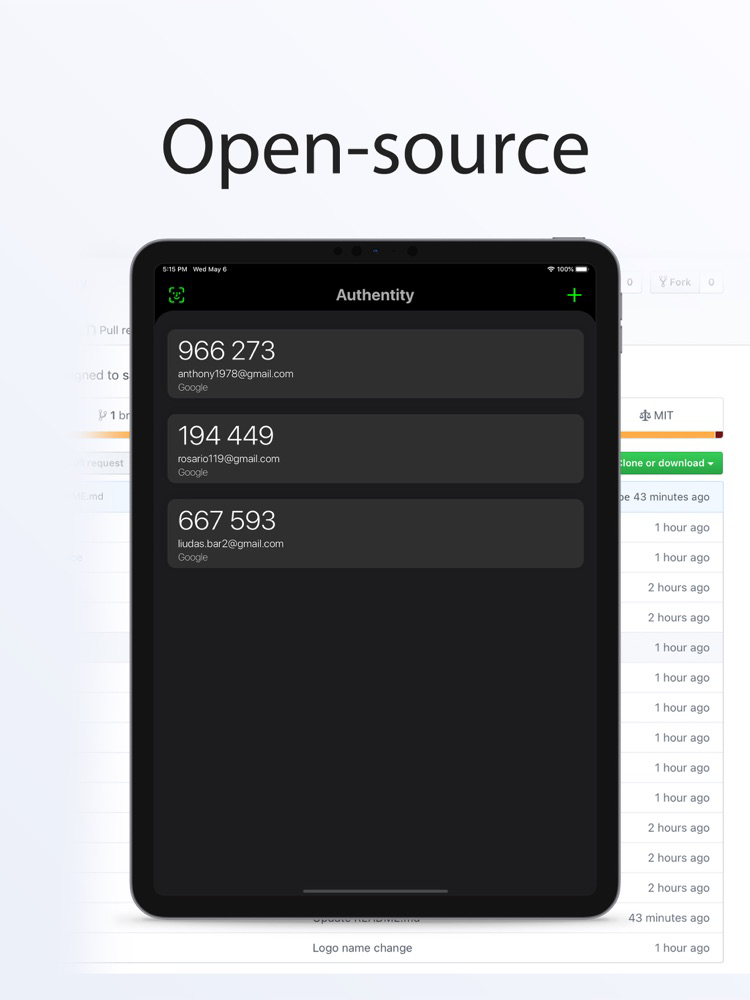
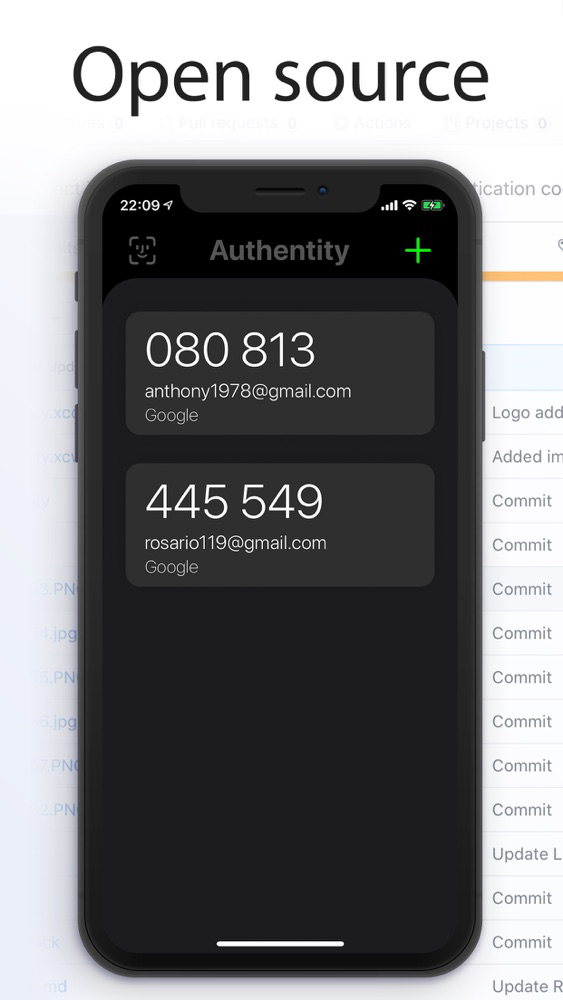
- It is an open-source project that is documented on GitHub. Source code can be verified at any time by anyone.
- See on GitHub: https://github.com/liudasbar/Authentity

Note:
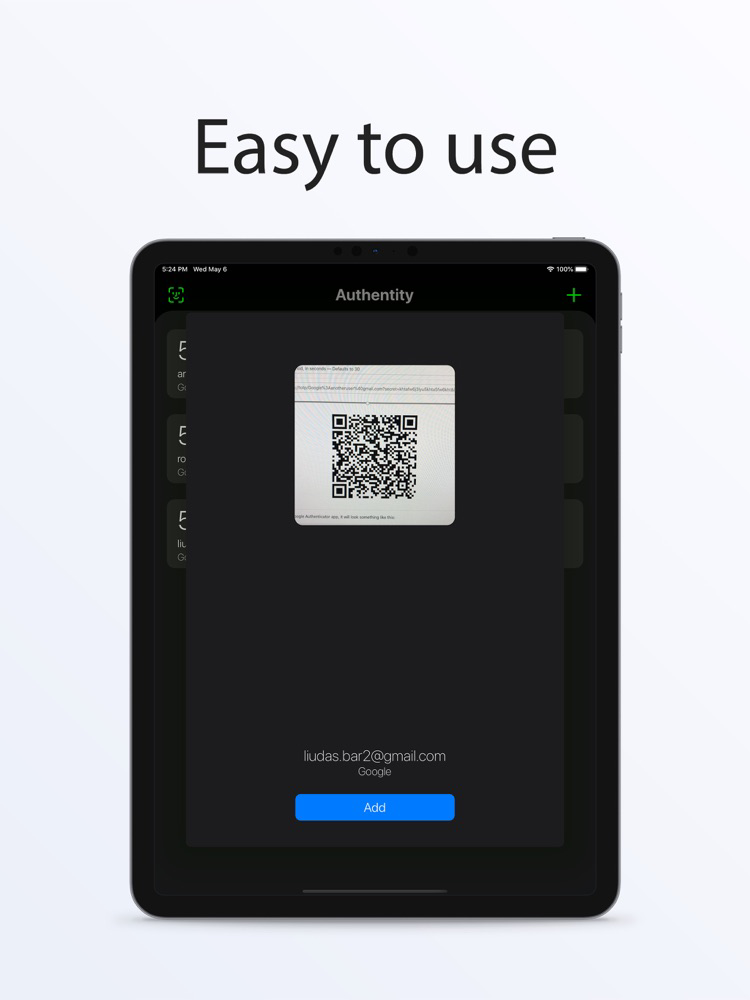
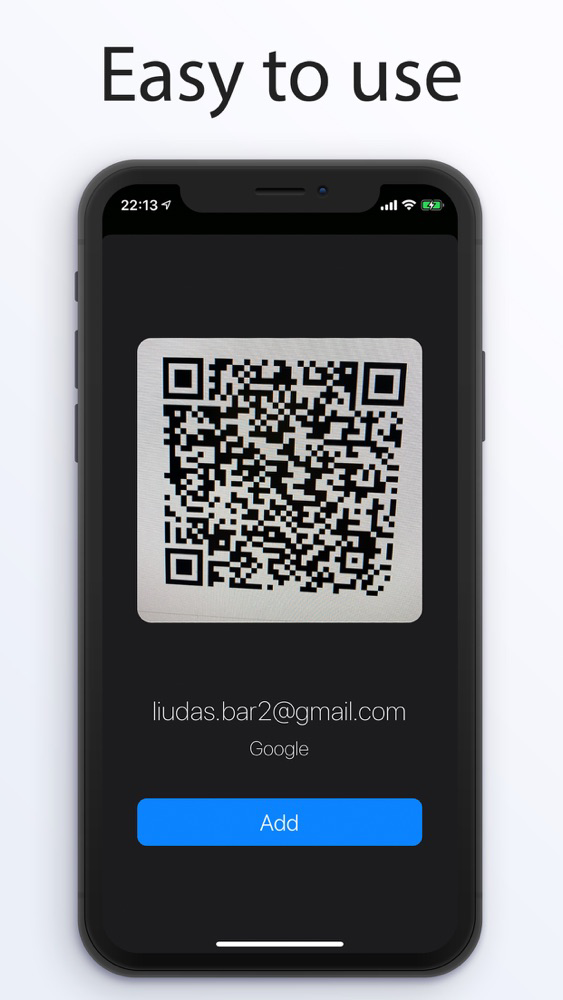
Authentity uses a QR code scanner only to add new tokens by using your device's camera.

Show More

最新バージョン 1.5 の更新情報

Last updated on 2021年01月11日
旧バージョン
Optimized authentication flow for more convenient use.
Show More
Version History
1.5
2021年01月11日
Optimized authentication flow for more convenient use.
1.4
2020年08月07日
What's new:

Authentity is much faster, stable, and secure now! In addition, to copy the token, just tap on it. Simple as that!
1.3.1
2020年05月07日
What's new:

Bug fixes to improve your experience while using Authentity!

Authentity FAQ

ここをクリック!地理的に制限されているアプリのダウンロード方法をご参考ください。
次のリストをチェックして、Authentityの最低システム要件をご確認ください。
iPhone
iPad
Authentityは次の言語がサポートされています。 English

Authentityの類似アプリ

あなたも好きかも

Liudas Baronas からもっと手に入れる