Code - Learn Swift & Design
Free
1.0.5for iPhone
Age Rating
Code - Learn Swift & Design スクリーンショット
About Code - Learn Swift & Design
In the app tutorial is divided into 4 chapters.
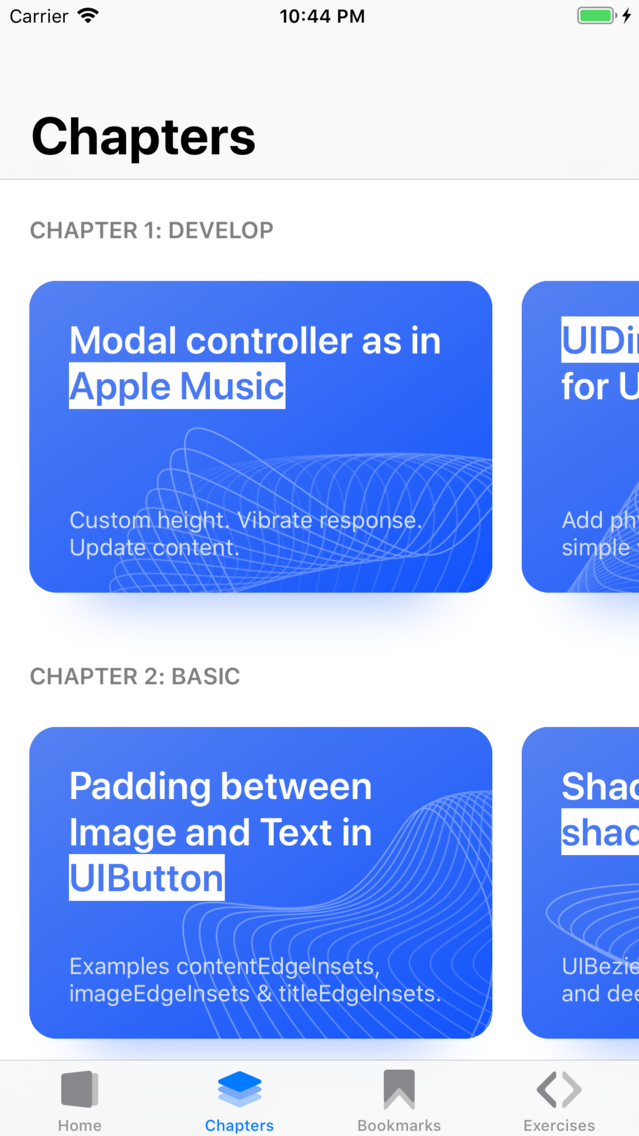
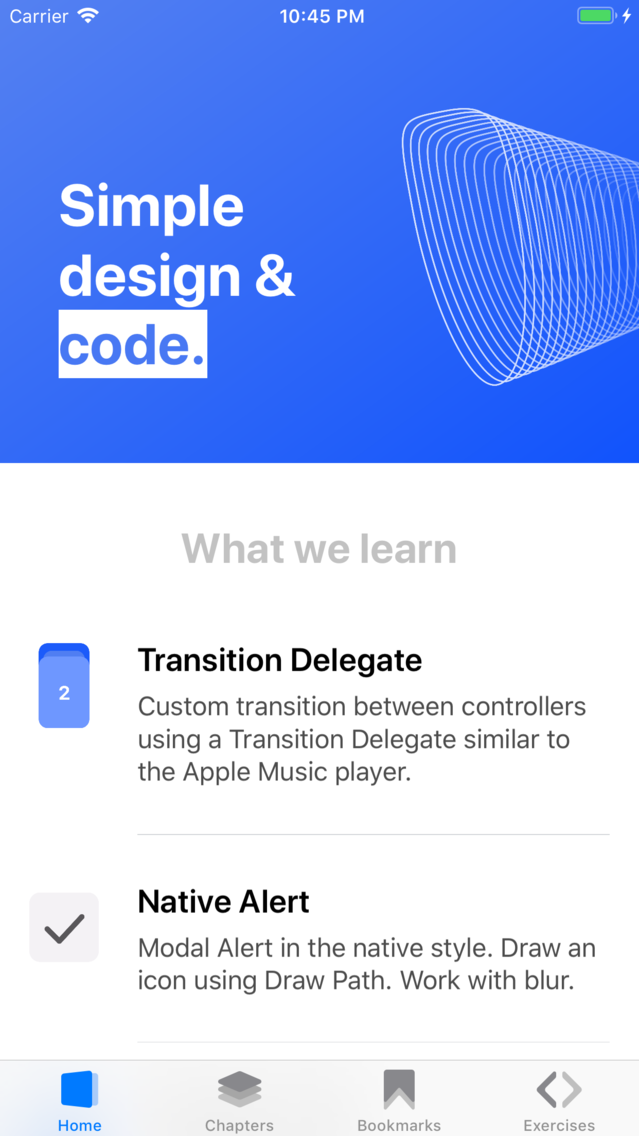
In the Develop chapter, you will find complex systems with a combination of systems. For example, how to work with UIDinamicAnimator and add physical animation to objects.
The chapter Base contains solutions for popular tasks, for example, how to get or write a file to the cloud or to indents between text and a picture in UIButton.
The Swift chapter contains programming language tutorials. From it you will learn why checking the string for the number of elements can be performed several times more, how to use Raw String and more.
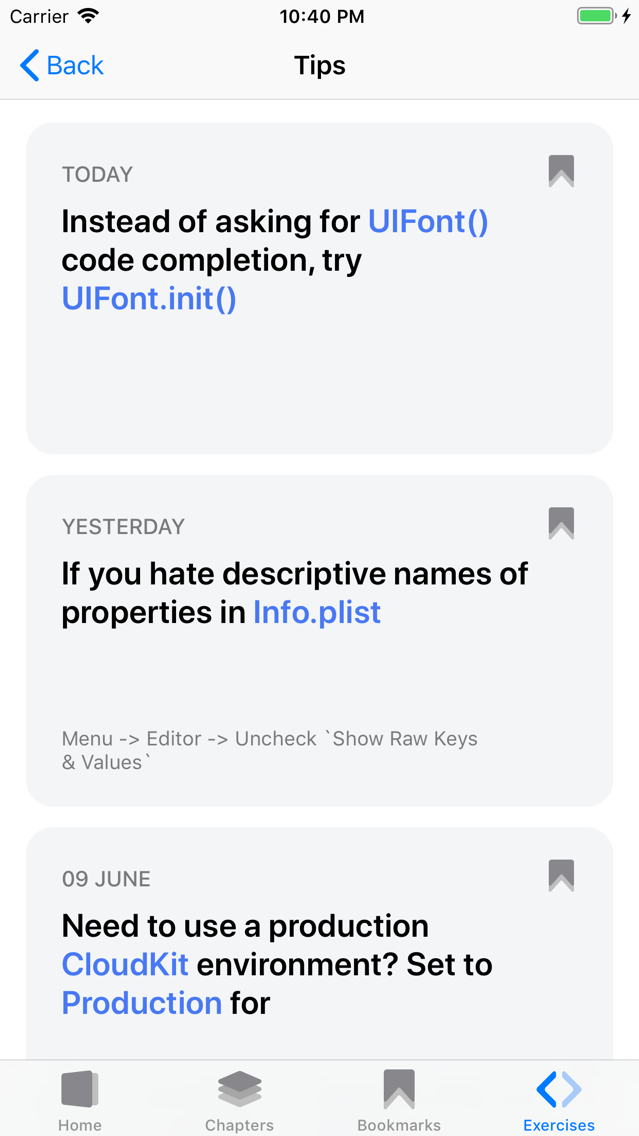
The Design chapter will contain tutorials on design and work in Sketch. Now you will find a selection of life hacking to work in the IDE.
Information about the auto-renewable nature of the subscription: Your subscription must be active. At the end of the free period, your subscription resumes. Payment will be made to the iTunes account upon confirmation of purchase. Subscription automatically renews if automatic renewal is not turned off, at least 24 hours before the end of the current period. Accounts will be charged for renewal within 24 hours before the end of the current period. You can cancel your subscription at this URL: https://support.apple.com/en-us/HT202039
Terms of Use: https://code.api.ivanvorobei.by/terms-of-use
Privacy Policy: https://code.api.ivanvorobei.by/privacy-policy

In the Develop chapter, you will find complex systems with a combination of systems. For example, how to work with UIDinamicAnimator and add physical animation to objects.
The chapter Base contains solutions for popular tasks, for example, how to get or write a file to the cloud or to indents between text and a picture in UIButton.
The Swift chapter contains programming language tutorials. From it you will learn why checking the string for the number of elements can be performed several times more, how to use Raw String and more.
The Design chapter will contain tutorials on design and work in Sketch. Now you will find a selection of life hacking to work in the IDE.
Information about the auto-renewable nature of the subscription: Your subscription must be active. At the end of the free period, your subscription resumes. Payment will be made to the iTunes account upon confirmation of purchase. Subscription automatically renews if automatic renewal is not turned off, at least 24 hours before the end of the current period. Accounts will be charged for renewal within 24 hours before the end of the current period. You can cancel your subscription at this URL: https://support.apple.com/en-us/HT202039
Terms of Use: https://code.api.ivanvorobei.by/terms-of-use
Privacy Policy: https://code.api.ivanvorobei.by/privacy-policy
Show More
最新バージョン 1.0.5 の更新情報
Last updated on 2019年06月14日
旧バージョン
Updated cells for tutorials. Fixed errors and formatting in the article about shortcuts for Sketch. Updated screenshoots.
Show More
Version History
1.0.5
2019年06月14日
Updated cells for tutorials. Fixed errors and formatting in the article about shortcuts for Sketch. Updated screenshoots.
1.0.4
2019年06月13日
Fixed a bug where after activating a subscription there could be problems with access to tutorials.
1.0.2
2019年06月12日
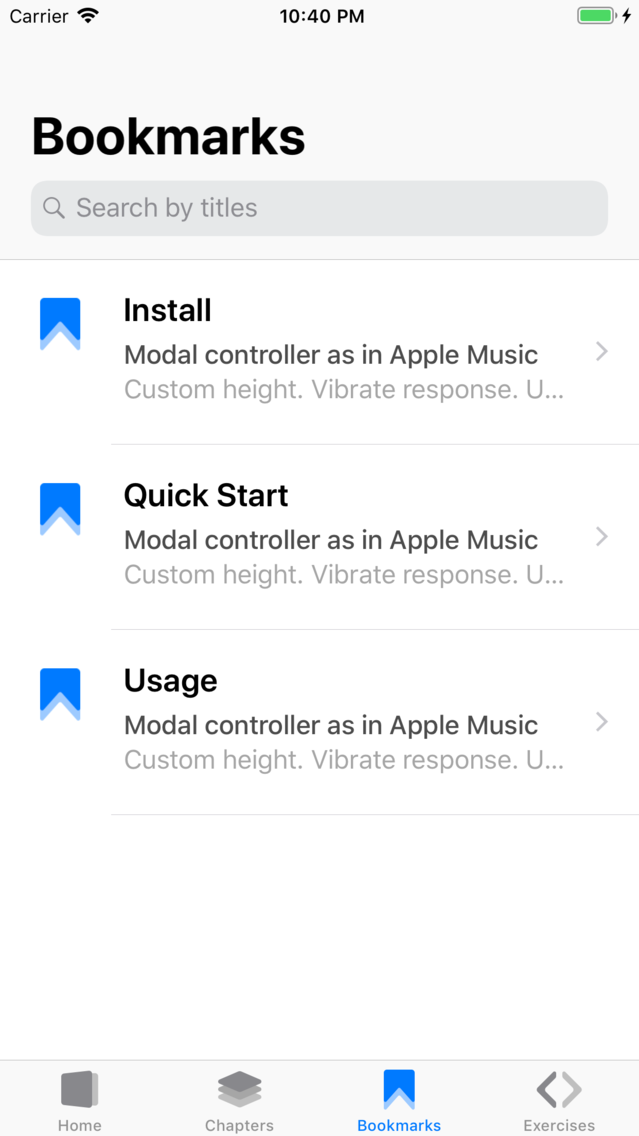
Added 10 new tutorials in 4 chapters. Added bookmark section. Updated application for Apple Watch. Fixed localization errors.
1.0.1
2019年04月24日
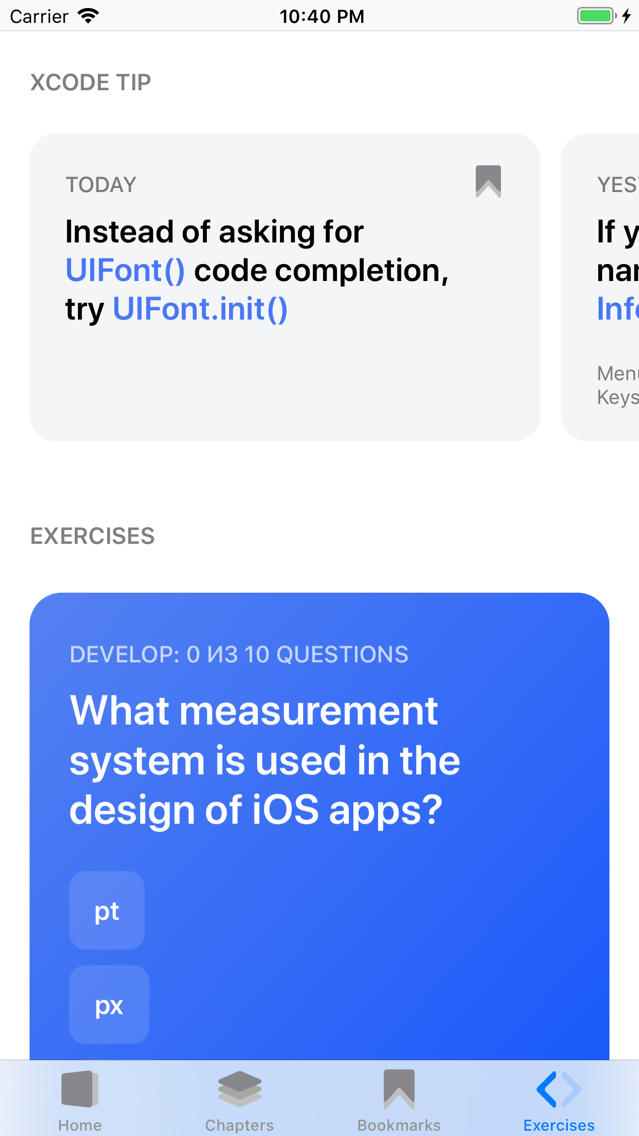
Added tactile response when closing the controller. Fixed tabulation in code examples. Fixed typos. Fixed problem with answers to questions in the application for hours.
Code - Learn Swift & Design FAQ
ここをクリック!地理的に制限されているアプリのダウンロード方法をご参考ください。
次のリストをチェックして、Code - Learn Swift & Designの最低システム要件をご確認ください。
iPhone
Code - Learn Swift & Designは次の言語がサポートされています。 English, Russian