Code - Learn Swift & Design

Code - Learn Swift & Design


Free

1.0.5for iPhone
Age Rating
4+
Apps in this category do not contain restricted content.
9+
Apps in this category may contain mild or occasional cartoon, fantasy or real-life violence, as well as occasional or mild adult, sexually suggestive or horrifying content and may not be suitable for children under 9 years of age.
12+
Apps in this category may contain occasional mild indecent language, frequent or intense cartoon or real-life violence, minor or occasional adult or sexually suggestive material, and simulated gambling, and may be for children under 12 years of age.
17+
You must be at least 17 years old to access this App.
Apps in this category may contain frequent and intense offensive language; Frequent and intense cartoon, fantasy or realistic violence: frequent and intense adult, scary and sexually suggestive subjects: as well as sexual content, nudity, tobacco, alcohol and drugs, may not be suitable for children under 17 years of age.
Code - Learn Swift & Design 스크린 샷
Code - Learn Swift & Design 포스터Code - Learn Swift & Design 포스터Code - Learn Swift & Design 포스터Code - Learn Swift & Design 포스터Code - Learn Swift & Design 포스터Code - Learn Swift & Design 포스터

About Code - Learn Swift & Design

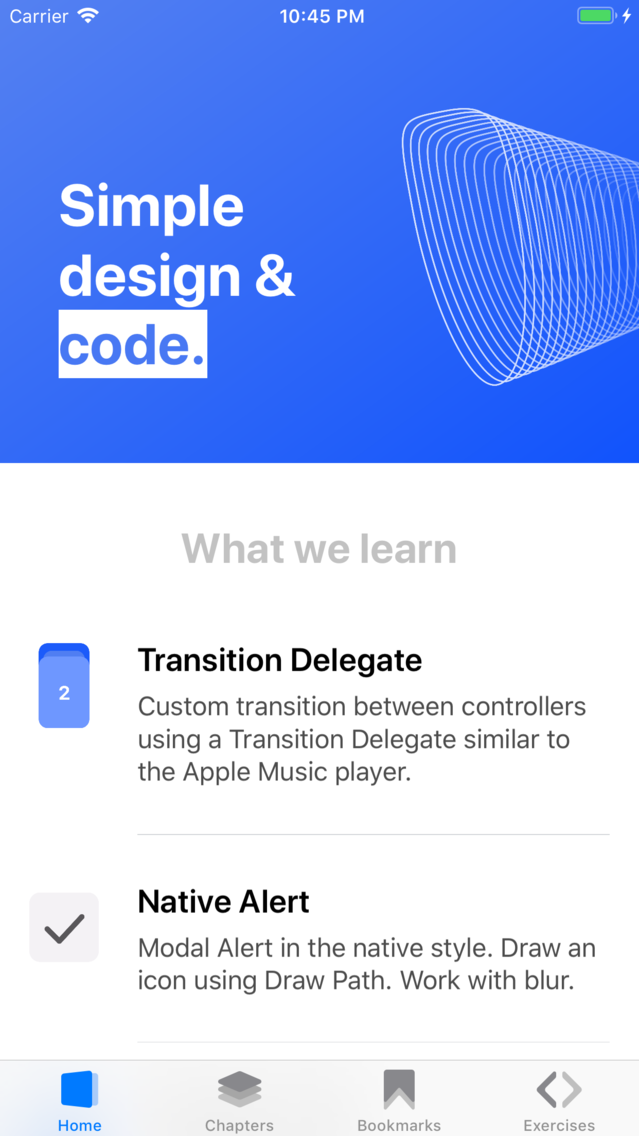
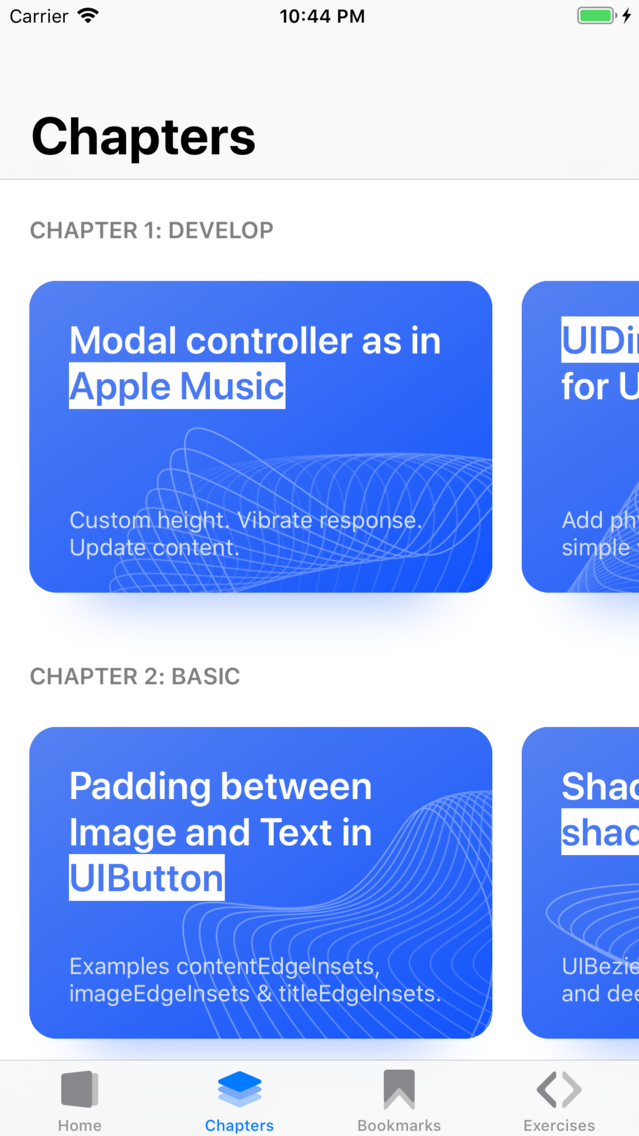
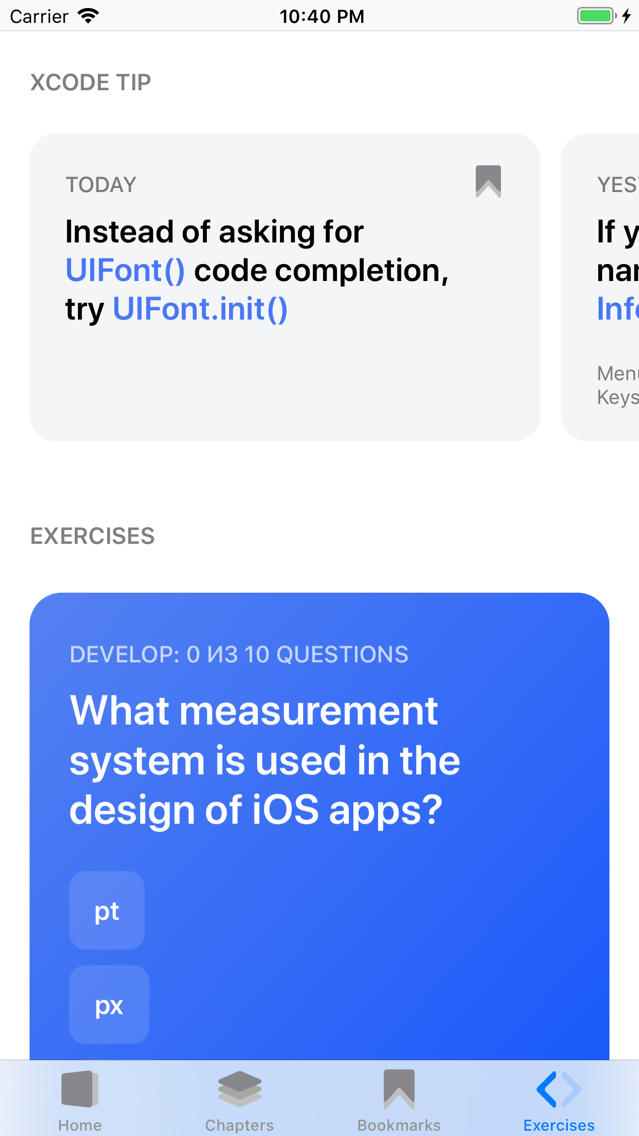
In the app tutorial is divided into 4 chapters.

In the Develop chapter, you will find complex systems with a combination of systems. For example, how to work with UIDinamicAnimator and add physical animation to objects.

The chapter Base contains solutions for popular tasks, for example, how to get or write a file to the cloud or to indents between text and a picture in UIButton.

The Swift chapter contains programming language tutorials. From it you will learn why checking the string for the number of elements can be performed several times more, how to use Raw String and more.

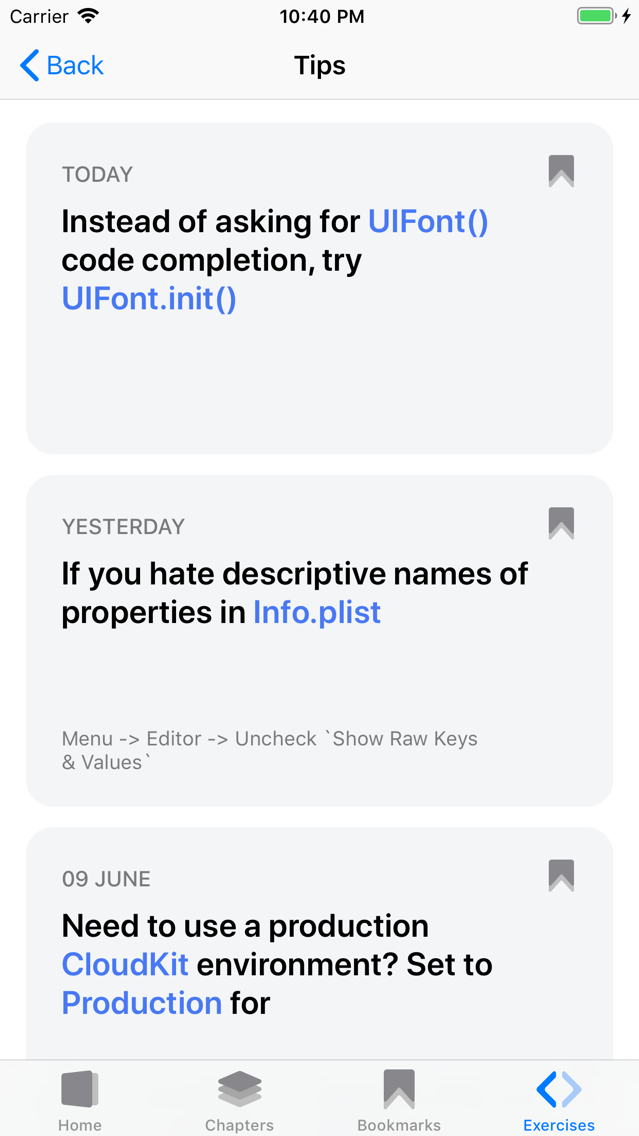
The Design chapter will contain tutorials on design and work in Sketch. Now you will find a selection of life hacking to work in the IDE.

Information about the auto-renewable nature of the subscription: Your subscription must be active. At the end of the free period, your subscription resumes. Payment will be made to the iTunes account upon confirmation of purchase. Subscription automatically renews if automatic renewal is not turned off, at least 24 hours before the end of the current period. Accounts will be charged for renewal within 24 hours before the end of the current period. You can cancel your subscription at this URL: https://support.apple.com/en-us/HT202039

Terms of Use: https://code.api.ivanvorobei.by/terms-of-use
Privacy Policy: https://code.api.ivanvorobei.by/privacy-policy

Show More

최신 버전 1.0.5의 새로운 기능

Last updated on Jun 14, 2019
오래된 버전
Updated cells for tutorials. Fixed errors and formatting in the article about shortcuts for Sketch. Updated screenshoots.
Show More
Version History
1.0.5
Jun 14, 2019
Updated cells for tutorials. Fixed errors and formatting in the article about shortcuts for Sketch. Updated screenshoots.
1.0.4
Jun 13, 2019
Fixed a bug where after activating a subscription there could be problems with access to tutorials.
1.0.2
Jun 12, 2019
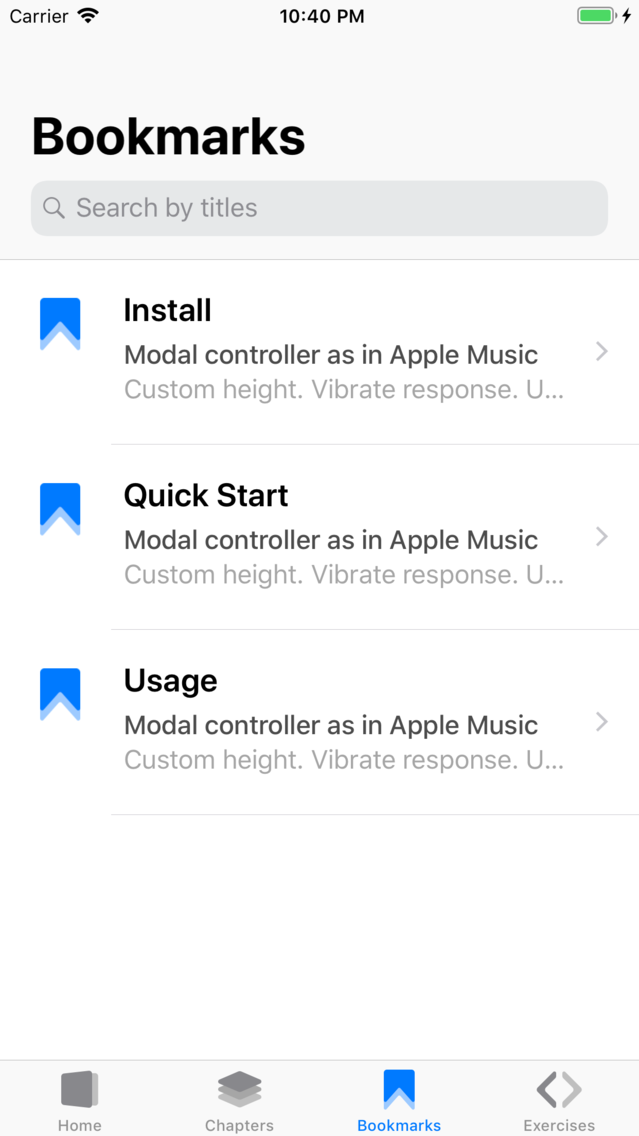
Added 10 new tutorials in 4 chapters. Added bookmark section. Updated application for Apple Watch. Fixed localization errors.
1.0.1
Apr 24, 2019
Added tactile response when closing the controller. Fixed tabulation in code examples. Fixed typos. Fixed problem with answers to questions in the application for hours.

Code - Learn Swift & Design FAQ

제한된 국가 또는 지역에서 Code - Learn Swift & Design를 다운로드하는 방법을 알아보려면 여기를 클릭하십시오.
Code - Learn Swift & Design의 최소 요구 사항을 보려면 다음 목록을 확인하십시오.
iPhone
Code - Learn Swift & Design은 다음 언어를 지원합니다. English, Russian

Code - Learn Swift & Design 대안

당신은 또한 좋아할 수도 있습니다