Code Reader - QR Scanner

Code Reader - QR Scanner


無料

5.19for iPhone, iPad
Age Rating
4+
Apps in this category do not contain restricted content.
9+
Apps in this category may contain mild or occasional cartoon, fantasy or real-life violence, as well as occasional or mild adult, sexually suggestive or horrifying content and may not be suitable for children under 9 years of age.
12+
Apps in this category may contain occasional mild indecent language, frequent or intense cartoon or real-life violence, minor or occasional adult or sexually suggestive material, and simulated gambling, and may be for children under 12 years of age.
17+
You must be at least 17 years old to access this App.
Apps in this category may contain frequent and intense offensive language; Frequent and intense cartoon, fantasy or realistic violence: frequent and intense adult, scary and sexually suggestive subjects: as well as sexual content, nudity, tobacco, alcohol and drugs, may not be suitable for children under 17 years of age.
Code Reader - QR Scanner スクリーンショット
Code Reader - QR Scanner ポスターCode Reader - QR Scanner ポスターCode Reader - QR Scanner ポスターCode Reader - QR Scanner ポスター

About Code Reader - QR Scanner

A feature rich QR and Barcode Scanner application: Scan, Generate & Share Codes with everyone.

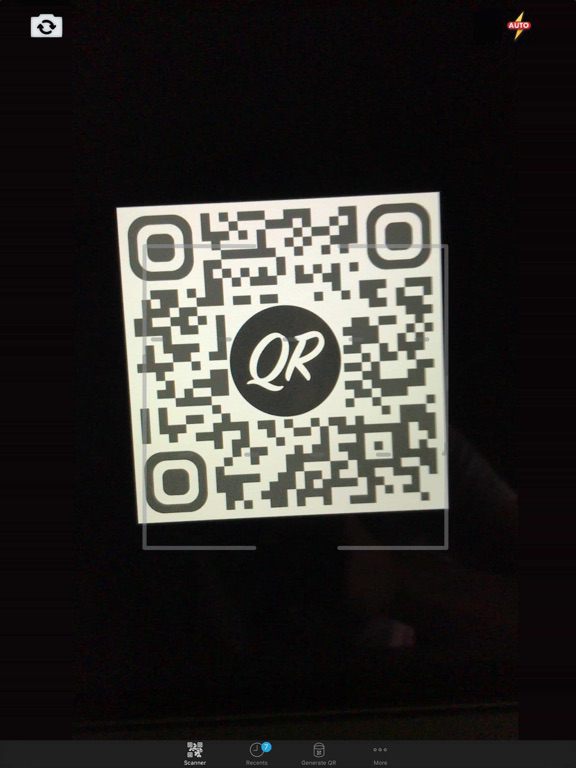
Scan codes with encoded text, links, contacts, emails, locations, etc.

When scanning the code, if it contains a link it will automatically open the browser; if it's an email address it will let you send a message quickly; as well as displaying or adding a contact from an encoded VCard.

You can not only read codes but also generate them inside the app or using an action extension¹.

Have you ever seen a QR Code image online and wanted to scan it quickly using your own phone?, you can use the "Read Code" extension to do it. ¹

Main features:

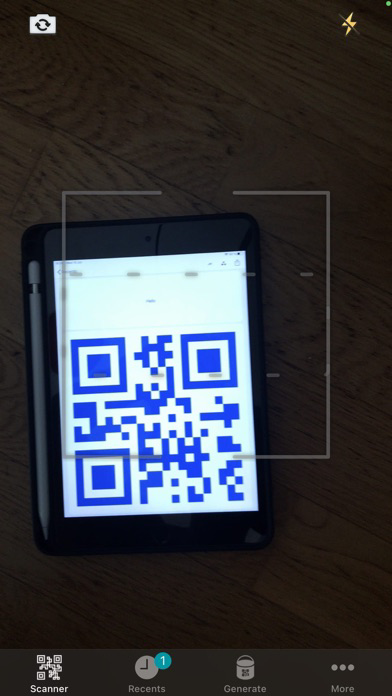
- Read codes from the main app using the camera; scan text, links, contacts, emails, product barcodes, etc.
- Read QR codes (and 1-D barcodes in iOS 11) from an image using the "Read Code" extension. ¹
- Scan barcodes and automatically open a relevant web page or even Amazon (see the Settings).
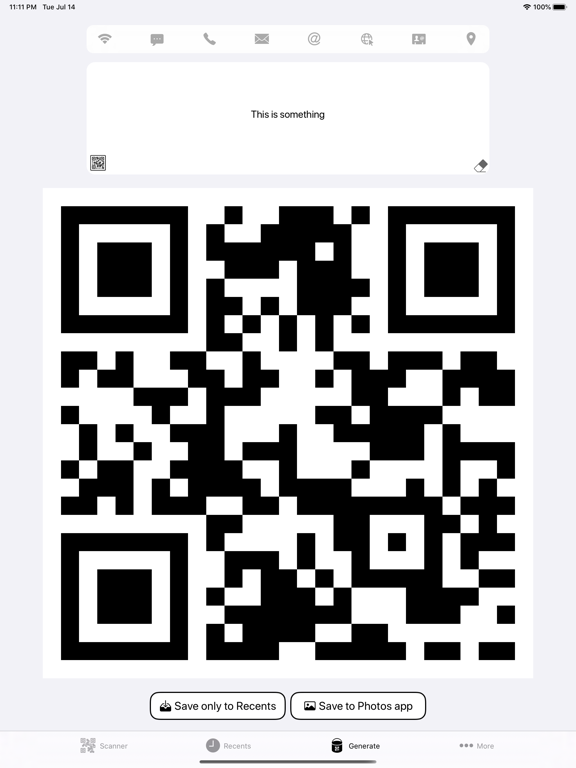
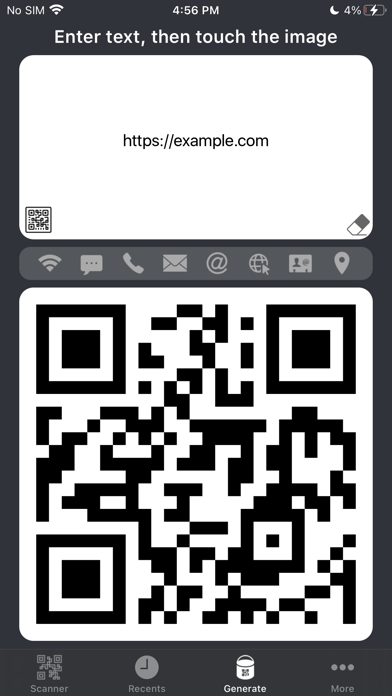
- Generate QR or 1-D Barcodes.
- Generate codes from Emails, SMS, phone numbers and Wi-Fi networks.
- Connect a Wi-Fi network automatically by reading a barcode.
- Read, display and save multiple codes at the same time.
- Generate a code from a text, link or contact using the "Generate QR" extension. ¹
- The scanner preview is up to 60fps with Optical image stabilization and zoom capabilities (optical zoom (x2) for iPhones with dual cameras).
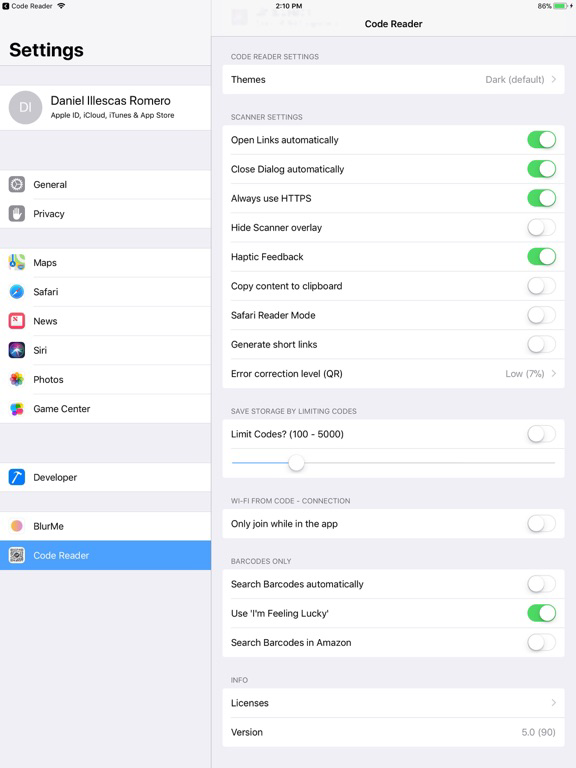
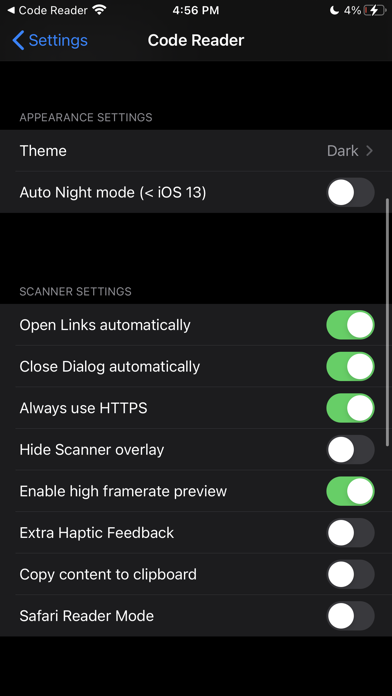
- Option to automatically copy the read content to the clipboard.
- Option to always use https, to avoid insecure websites.
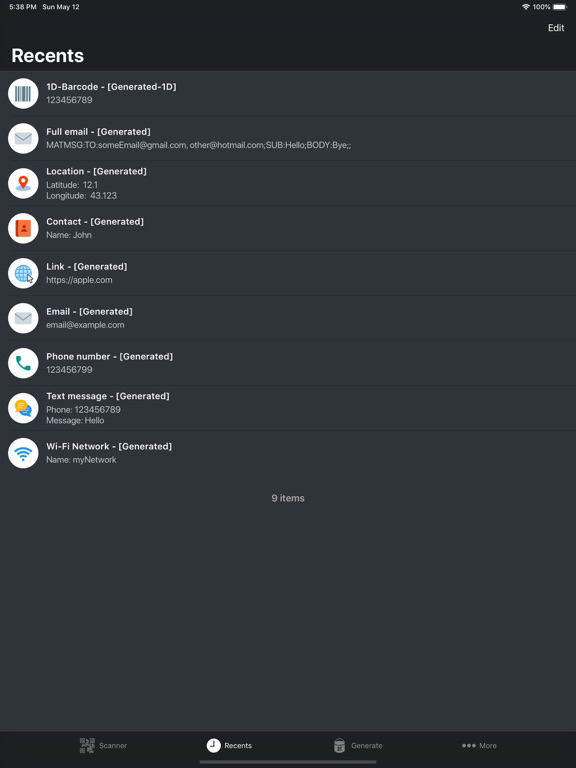
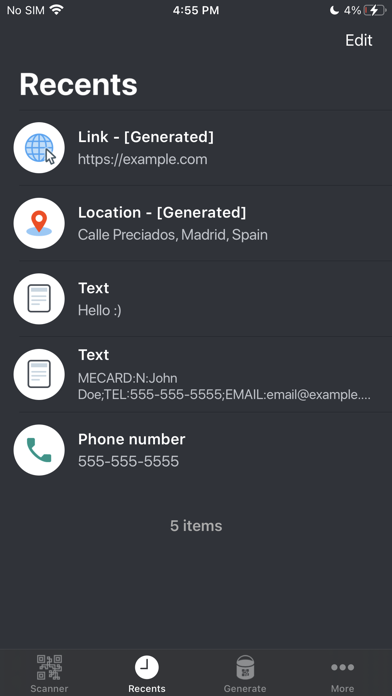
- Show Recent scanned or generated QR codes.
- Generate colored barcodes just by tapping on the image with 2 fingers or using the 3 Dots icon when selecting a code.
- Share any barcode.
- A custom URL Scheme to generate QR codes from an URL or text (encoded). ²
- Widgets [today extensions] for recent codes and to open the QR scanner directly


¹ The extension might need to be enabled manually, just open the share menu, tap on the bottom "More" icon, enable the app extensions (Activities).

² You can try this function on your browser or in a text messaging app, just add "generateqr://" before an URL or a text to open the app and generate a QR Code Image.

Show More

最新バージョン 5.19 の更新情報

Last updated on 2025年09月28日
旧バージョン
- Fix toolbar width in Generate tab
- Add dynamic font size in recents rows
- App can now read multiple barcodes at the same time (for some reason this feature was removed some time ago)
- App ready for iOS 26 (search bar scope buttons isn't currently working for iPad users on iOS 26 in the Recents tab)
Show More
Version History
5.19
2025年09月28日
- Fix toolbar width in Generate tab
- Add dynamic font size in recents rows
- App can now read multiple barcodes at the same time (for some reason this feature was removed some time ago)
- App ready for iOS 26 (search bar scope buttons isn't currently working for iPad users on iOS 26 in the Recents tab)

Code Reader - QR Scanner FAQ

ここをクリック!地理的に制限されているアプリのダウンロード方法をご参考ください。
次のリストをチェックして、Code Reader - QR Scannerの最低システム要件をご確認ください。
iPhone
iPad

Code Reader - QR Scannerの類似アプリ

あなたも好きかも

Daniel ILLESCAS ROMERO からもっと手に入れる