The Crowd Pixie App works with the CrowdPixie service to allow anyone to join a group of other users to form a 'flash mob' matrix which is composed of the displays controlled by the users' iPhone.
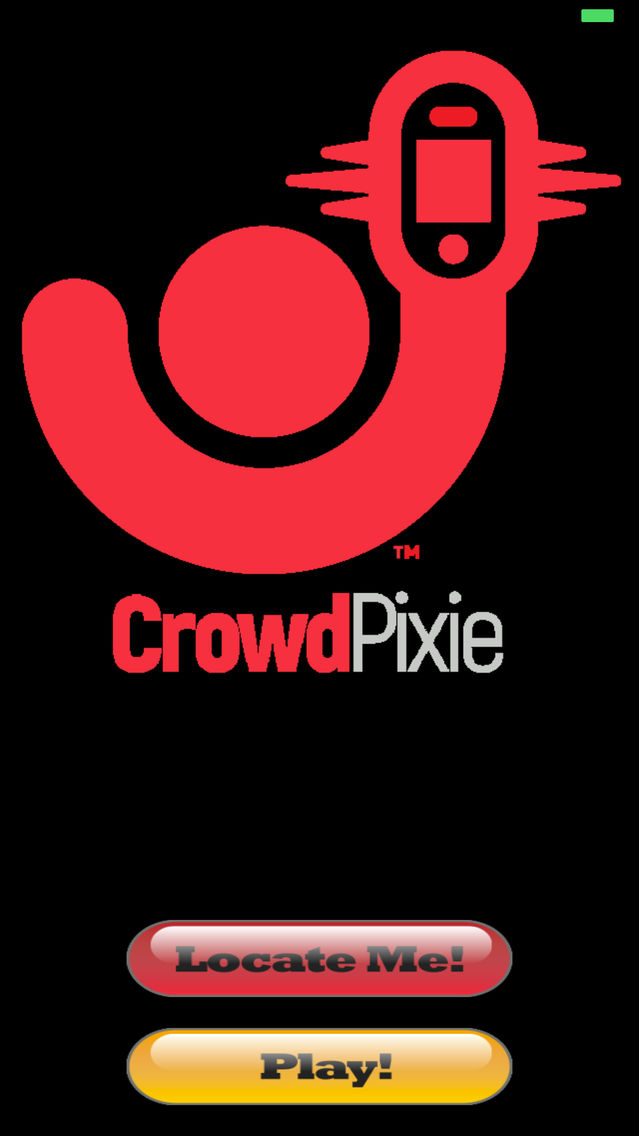
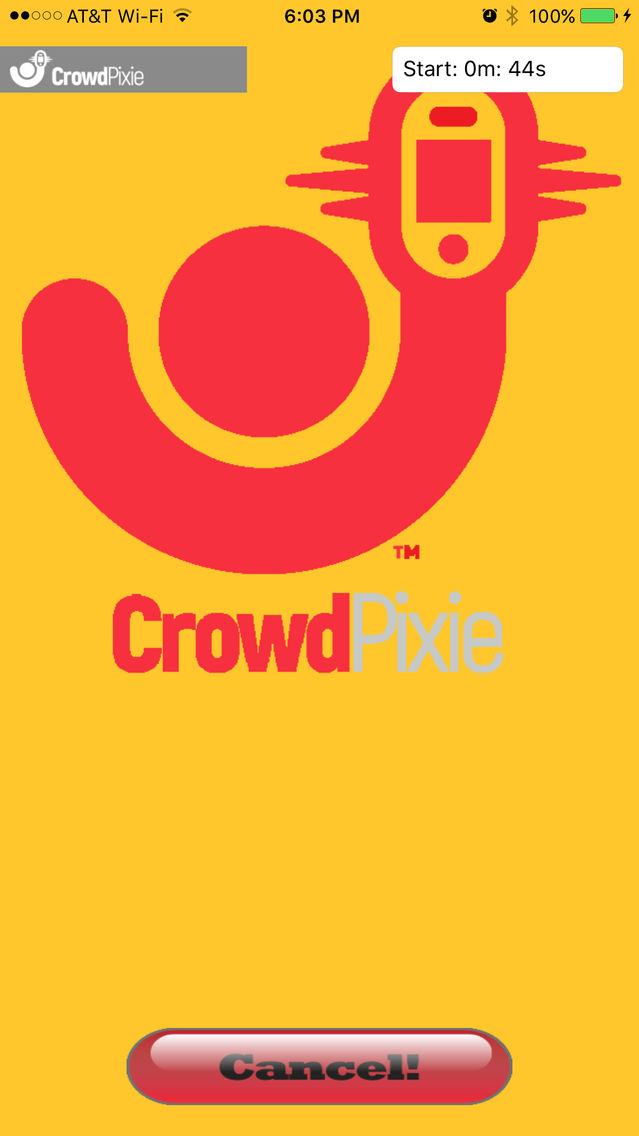
The landing screen allows the user to join the group using the 'Locate Me!' control. The locate control provides a unique sequence of colors which allows the CrowdPixie system to locate and determine the relative timing of all the displays within the field of view of the system. When a device is detected, the view proceeds to the playback screen.
The 'Locate Me' function can be cancelled with a two finger touch for 2 seconds or more on the Locate Me screen.
The 'Play!' control lets the user check to see if they are part of a matrix which is ready to play some content. If content is found, the Play the Crowd view presents a countdown to the time when the content will start playing.
If no content is found as illustrated in the third screen shot, the user can return to the main view with the back control.
A swipe right gesture from the main screen lets the user manage approved senders of materials. Return to the main screen by pressing Done.
A swipe right gesture from the main screen lets the user manage stored images which have been sent to the device during image-based effects. A swipe right gesture lets the user return to the main screen.
A swipe up gesture lets the user manage stored 'Point of View' videos of effects provided by the system. A swipe right gesture lets the user return to the main screen.
There is now a CrowdPixie Director App that will allow any user to create a slide show and send it to a group of participants using the built-in camera.