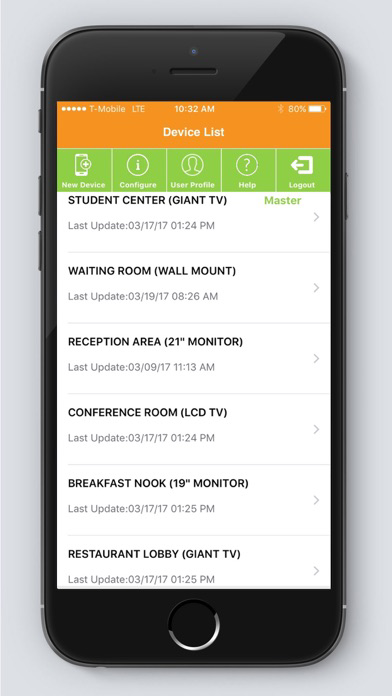
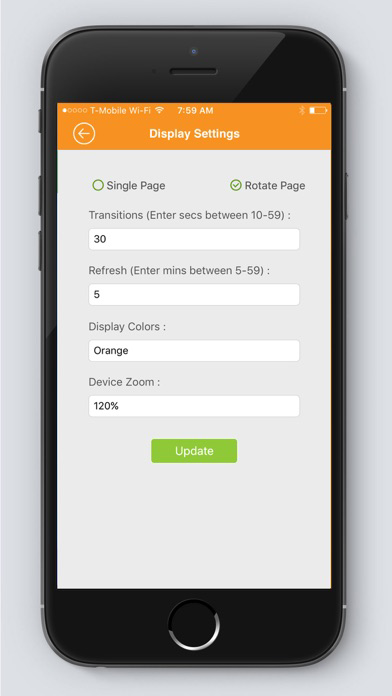
NOTICE: Please note that this app is used to configure and control HuddleFly, RecogniFy, StreamFly and WaterWasp IoT devices. HuddleFly is a Wi-Fi enabled smart digital signage device. RecogniFy is recognition device. StreamFly is a streaming device and WaterWasp is a water conservation device. Based on the preferences chosen in the app, the respective devices will respond and display content. Think of this as a WeMo app that controls your Wi-Fi enabled lights in your home.
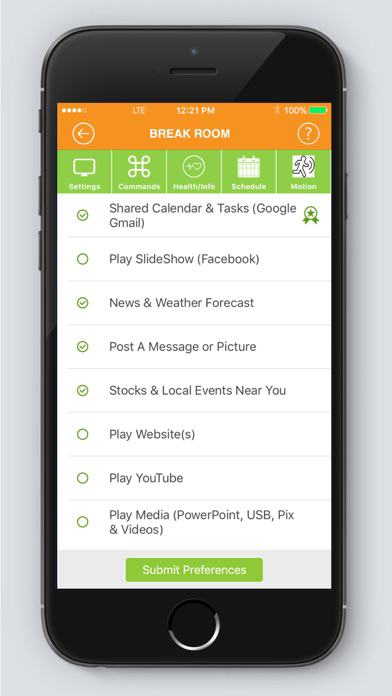
HuddleFly is an IoT device. It is a Wi-Fi enabled digital signage device for businesses or homes. You can control HuddleFly and its content using this app. Hookup HuddleFly to any HDMI TV or a PC monitor. Securely display shared/color-coded calendars, slide-show photo albums from Facebook, weather, news, local events, websites or Play YouTube, USB or PowerPoint in a continuous loop.
Imagine a scenario where a medical practice wants to display important vaccination information to their patients in the waiting room, or a small business wants to display color coded team calendar in their lunch room or a restaurant wants to display their menus and employee of the month on their flat-screen TV, or a university wants to alert students of the last date of registration for CS101 course on their multiple locations. Solutions to these scenarios are simple with HuddleFly.
HuddleFly app is FREE to use. With a FREE subscription you can control one HuddleFly device and can enjoy most features. However HuddleFly requires a paid subscription to control more than one device. Also paid subscription opens up the use of premium features such as the shared Google calendars, shared Google task list and Local Events Near You features.
HuddleFly Device Features:
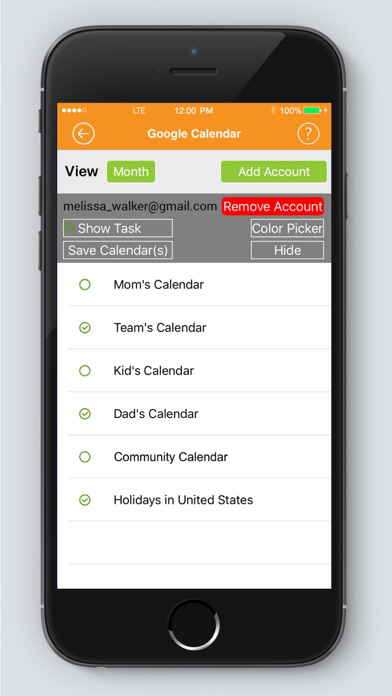
- Shared and Color Coded Google Calendars (*Premium feature)
- Shared and Color Coded Google Tasks (*Premium feature)
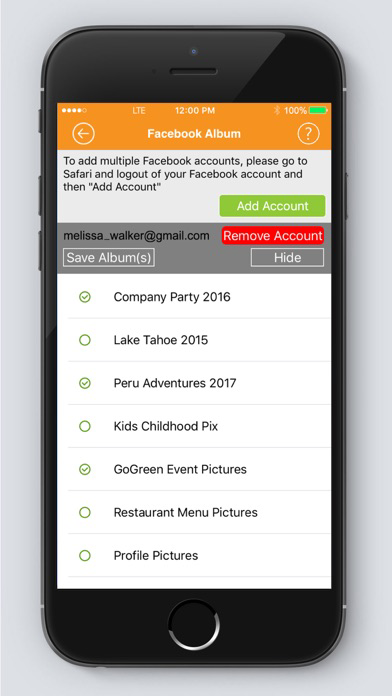
- Multiple Facebook Albums
- Weather Forecast
- Post A Message & Image
- Show World Times
- Local Events Near You (*Premium feature)
- Global & Local News
- Stocks & Currency
- Lock Screen
- Post Website(s)
- Play YouTube
- Play Media (Pictures, Videos or PowerPoint's from Dropbox or from USB)
- Offline Mode Configuration
- Motion Sensor (*Premium feature - Additional hardware purchase required)
- Screen Status Screenshot
- Master-Clone Device
- WiFi & LAN Capability
- 30 day Trial Period
- Control more than one device (*Premium feature)
HuddleFly Subscriptions:
HuddleFly app is FREE to download, however you will need the HuddleFly Wi-Fi device (purchased on huddlefly.co website or Amazon.com for $89.99 to configure or control content display on screens (HDMI or any monitors). By default you can control one device. For the full access of all the premium features and to control more than one device under a single account you can subscribe annually (paid monthly) via in-app purchases.
HuddleFly subscriptions are auto-renewable in nature. Following are the Annual HuddleFly subscriptions (charged monthly) available:
- Bronze ($9.99/month, control up-to 2 devices)
- Silver ($29.99/month, control up-to 6 devices)
- Gold ($59.99/month, control up-to 12 devices)
Payment will be charged to your iTunes Account at confirmation of purchase.
HuddleFly subscriptions are auto-renewable in nature. Therefore it will automatically renew unless auto-renew is turned off at least 24 hours before the end of the current period. Account will be charged for renewal within 24 hours prior to the end of the current period, and will give you the cost of the renewal. Subscriptions may be managed by the user and auto-renewal may be turned off by going to the user's Account Settings after purchase.
No cancellation of the current subscription is allowed during active subscription period.
Terms and conditions: https://logiqfish.com/terms-of-use/
Privacy Policy: https://logiqfish.com/privacy-policy/