IP Tools - Network Utilities
無料
1.0for iPhone, iPad
Age Rating
IP Tools - Network Utilities スクリーンショット
About IP Tools - Network Utilities
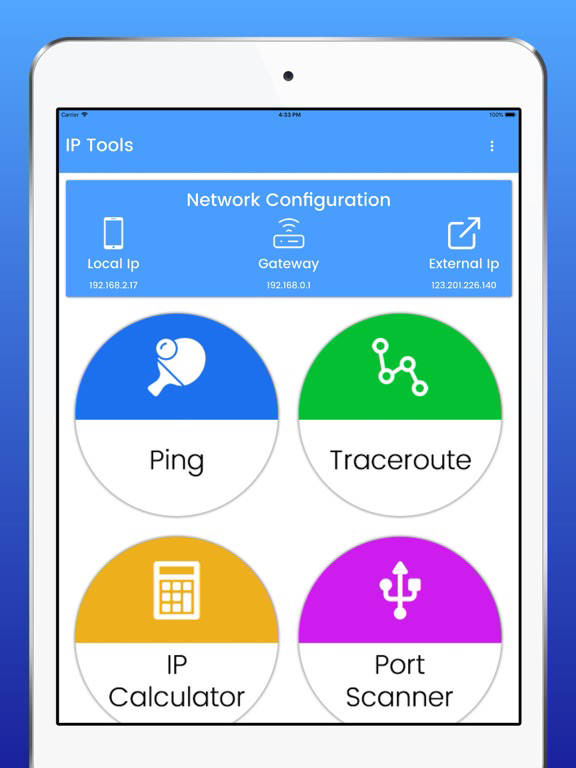
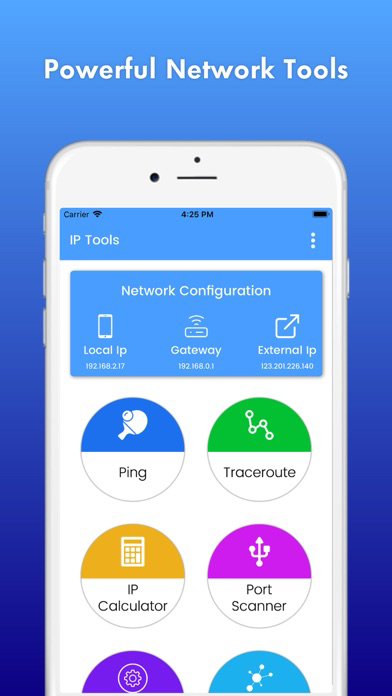
Network IP Tools is a useful set of network utilities. Created for an easy use with a simple and intuitive interface. Accurate, free and powered by IP Tools — the global standard in network testing. Network scanning and discovery along with port scanner.
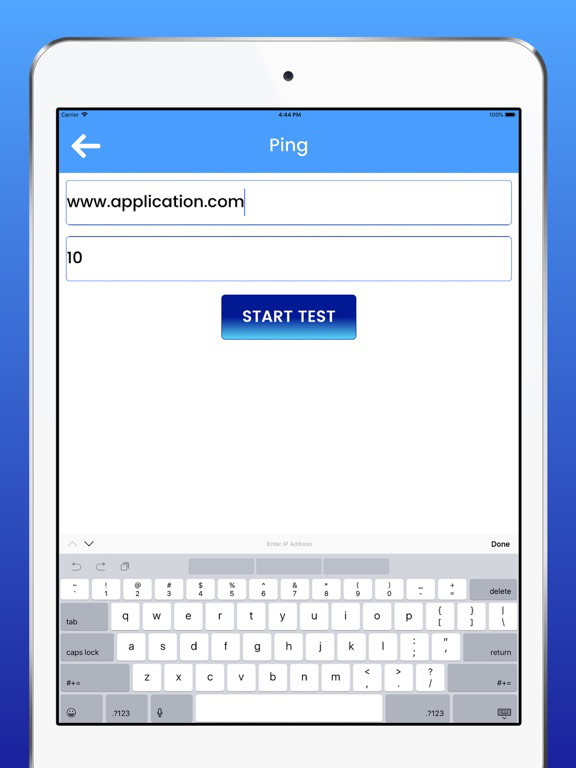
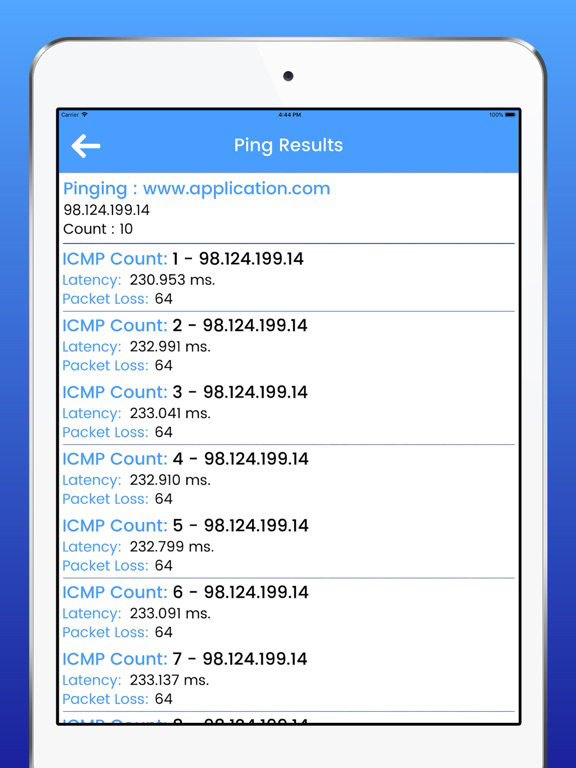
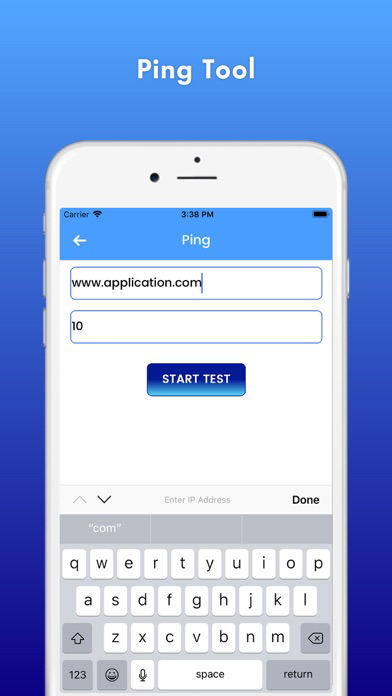
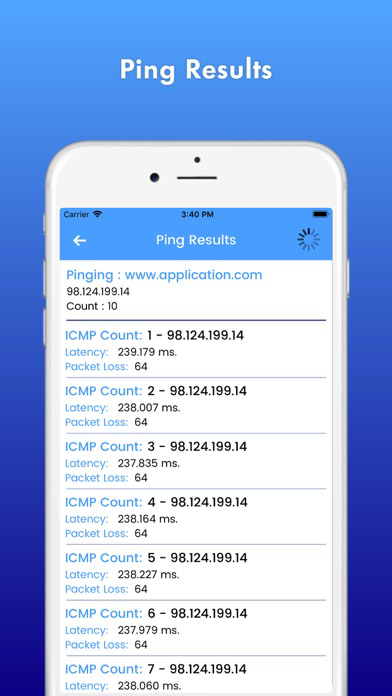
• Ping - a tool needs no description. You can use a standard set of parameters, as well as additional features such as TCP and HTTP\HTTPS ping. Background work and sound notifications will enable you to monitor the state of the remote host without being distracted.
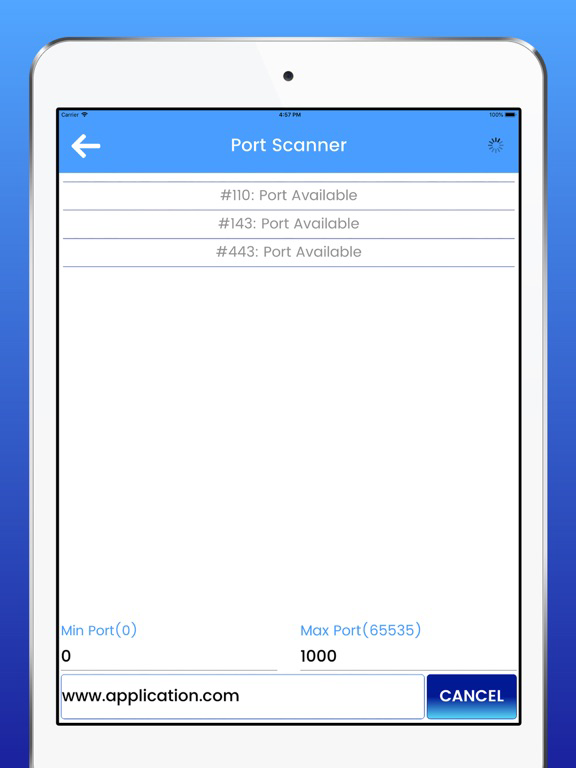
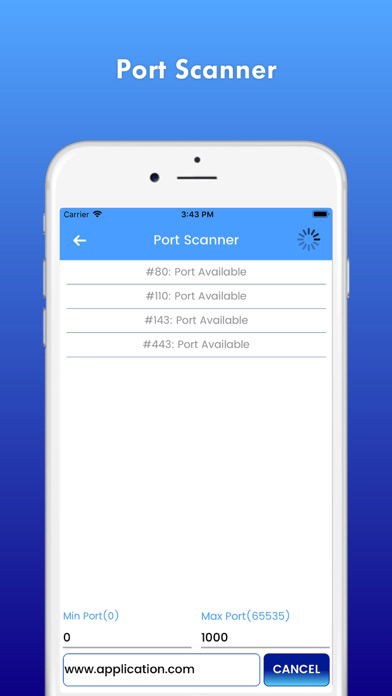
• Port scanner - a powerful multi-threaded TCP ports scanner. With this tool you can get a list of open ports on a remote device. Most of ports displayed with description, so you will know what application uses it.
IP Tools – Network Utilities app contains the following Features:
• IP Information, Ping tools, Net Scan, Network Discovery
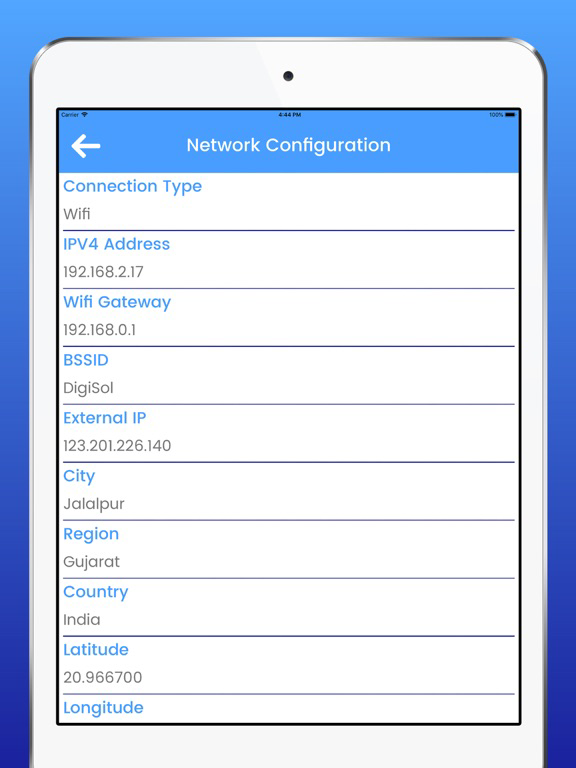
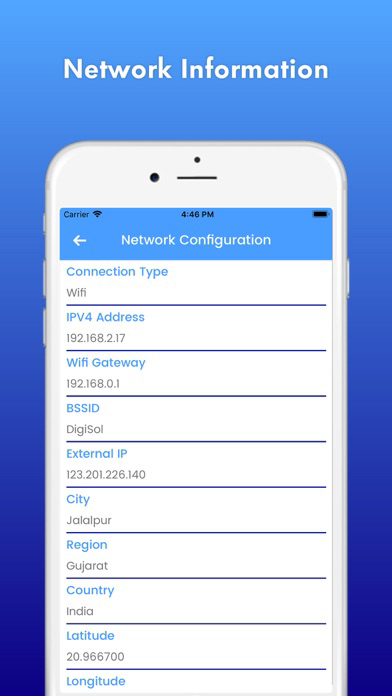
• Network Info - basic information about your device network
• Ping - ICMP, TCP and HTTP ping
• Ping - Check resource availability worldwide
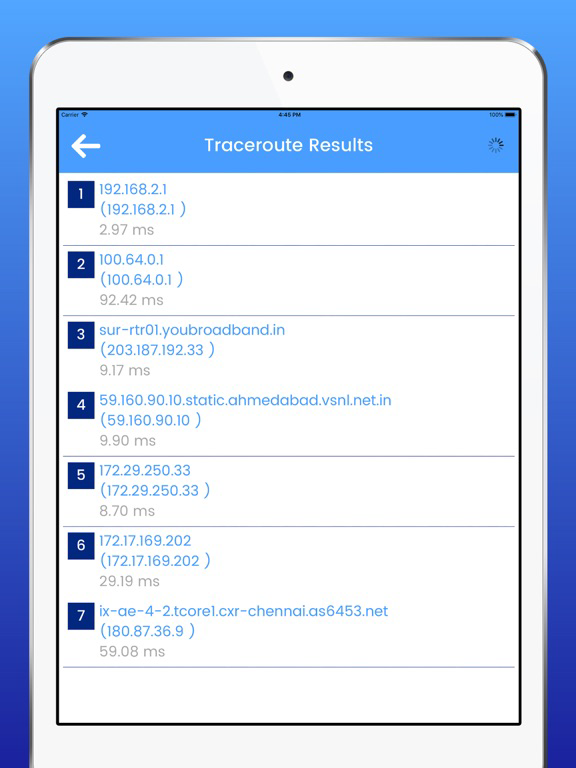
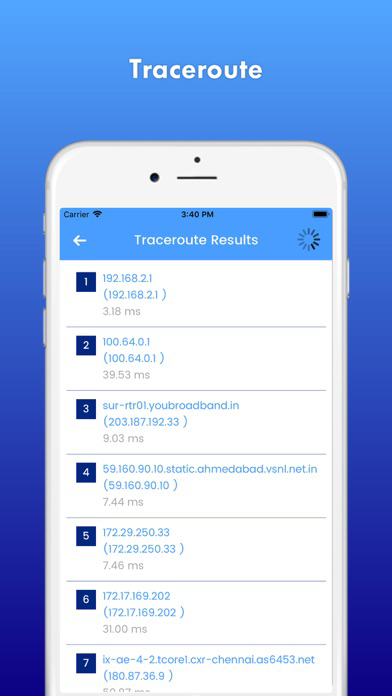
• Traceroute - UDP or ICMP traceroute tool
• Tool for network performance measurement and tuning
• Port scanner - TCP ports scanner
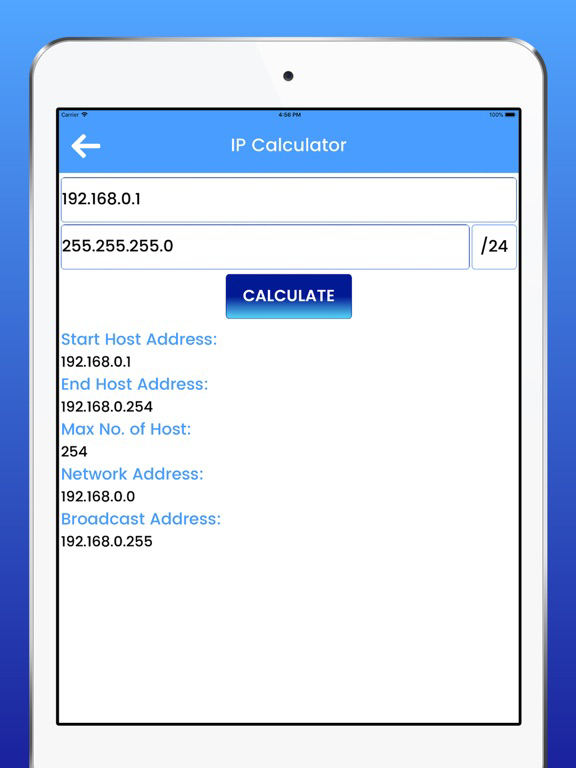
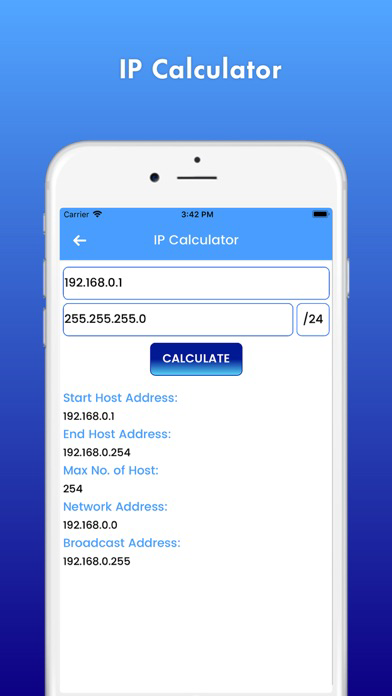
• IP Calculator
• IP & Host Info
IP Tools – Network Utilities Tags :
What is my IP, My IP address, Network Tools, Network Utilities, Ping Tools, Port Scanner, IP Config, IP Calculator, IP & Host Info, IP lookup, IP tracker, IP location, Check IP, IP address lookup, DNS lookup, IP address location, IP address, IP address, Traceroute, What is IP, How to find IP address, Geo IP, IP addresses, Ping IP, IP location finder, IP Scanner, LAN Scanner, WIFI Scanner, Internet Scanner, Port Checker, Online Port Scanner, Test Port, Open Port, Open Port Checker, Port Test, Network Scanner, Scan IP Tools, Port scan, IP Scanner Tools, WIFI Connection, Network Status, Network IP Tools, Network Tools, Ping tools – Network Utilities and many more.
Feedbacks and suggestions
If you enjoy using IP Tools & Network Utilities App, would you mind taking a moment to rate it? It won’t take more than a minute. Thanks for your support!

• Ping - a tool needs no description. You can use a standard set of parameters, as well as additional features such as TCP and HTTP\HTTPS ping. Background work and sound notifications will enable you to monitor the state of the remote host without being distracted.
• Port scanner - a powerful multi-threaded TCP ports scanner. With this tool you can get a list of open ports on a remote device. Most of ports displayed with description, so you will know what application uses it.
IP Tools – Network Utilities app contains the following Features:
• IP Information, Ping tools, Net Scan, Network Discovery
• Network Info - basic information about your device network
• Ping - ICMP, TCP and HTTP ping
• Ping - Check resource availability worldwide
• Traceroute - UDP or ICMP traceroute tool
• Tool for network performance measurement and tuning
• Port scanner - TCP ports scanner
• IP Calculator
• IP & Host Info
IP Tools – Network Utilities Tags :
What is my IP, My IP address, Network Tools, Network Utilities, Ping Tools, Port Scanner, IP Config, IP Calculator, IP & Host Info, IP lookup, IP tracker, IP location, Check IP, IP address lookup, DNS lookup, IP address location, IP address, IP address, Traceroute, What is IP, How to find IP address, Geo IP, IP addresses, Ping IP, IP location finder, IP Scanner, LAN Scanner, WIFI Scanner, Internet Scanner, Port Checker, Online Port Scanner, Test Port, Open Port, Open Port Checker, Port Test, Network Scanner, Scan IP Tools, Port scan, IP Scanner Tools, WIFI Connection, Network Status, Network IP Tools, Network Tools, Ping tools – Network Utilities and many more.
Feedbacks and suggestions
If you enjoy using IP Tools & Network Utilities App, would you mind taking a moment to rate it? It won’t take more than a minute. Thanks for your support!
Show More
最新バージョン 1.0 の更新情報
Last updated on 2018年08月05日
旧バージョン
This app has been updated by Apple to prepare for watchOS 27 compatibility. No new features are included.
Show More
Version History
1.0
2018年08月05日
This app has been updated by Apple to prepare for watchOS 27 compatibility. No new features are included.
IP Tools - Network Utilities FAQ
ここをクリック!地理的に制限されているアプリのダウンロード方法をご参考ください。
次のリストをチェックして、IP Tools - Network Utilitiesの最低システム要件をご確認ください。
iPhone
iPad