iSentry

iSentry


Free

1.5.2for iPhone, iPad
Age Rating
4+
Apps in this category do not contain restricted content.
9+
Apps in this category may contain mild or occasional cartoon, fantasy or real-life violence, as well as occasional or mild adult, sexually suggestive or horrifying content and may not be suitable for children under 9 years of age.
12+
Apps in this category may contain occasional mild indecent language, frequent or intense cartoon or real-life violence, minor or occasional adult or sexually suggestive material, and simulated gambling, and may be for children under 12 years of age.
17+
You must be at least 17 years old to access this App.
Apps in this category may contain frequent and intense offensive language; Frequent and intense cartoon, fantasy or realistic violence: frequent and intense adult, scary and sexually suggestive subjects: as well as sexual content, nudity, tobacco, alcohol and drugs, may not be suitable for children under 17 years of age.
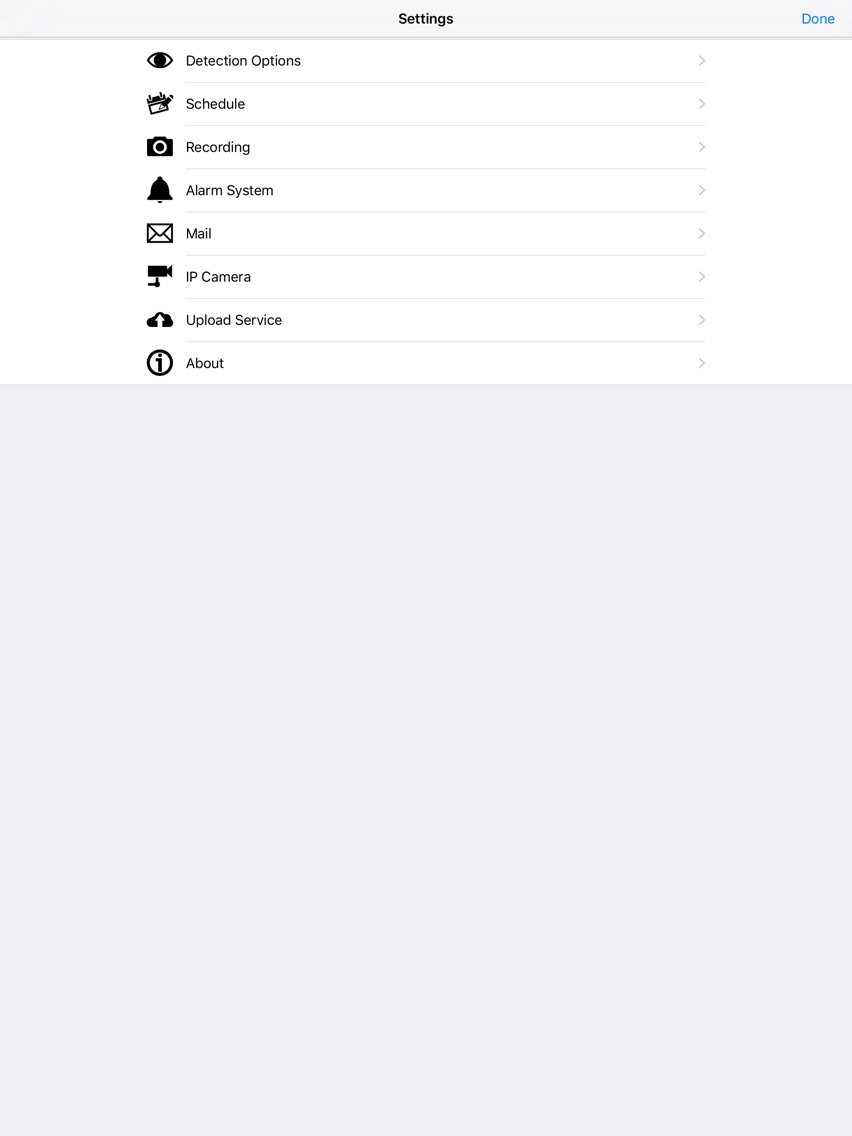
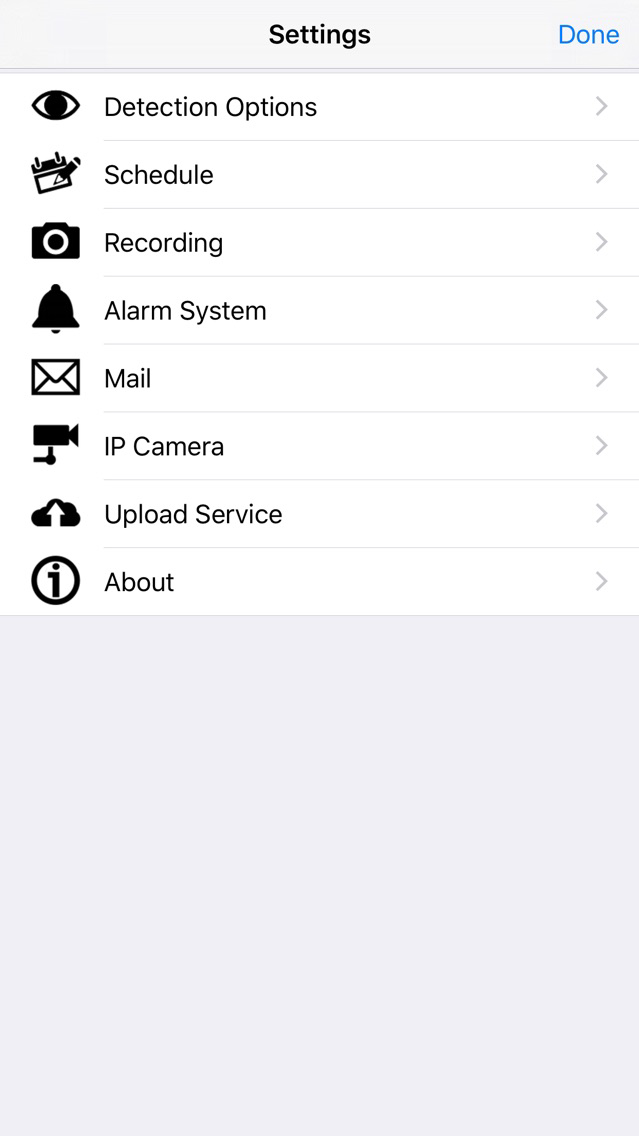
iSentry スクリーンショット
iSentry ポスター
iSentry ポスター

About iSentry

Use iSentry app to instantly turn your iPhone/iPod touch/iPad into a motion-sensing security camera. Just launch iSentry, focus your iPhone camera on the spot you want to monitor, and prepare to receive a photo should any motion activity trigger the iPhone’s camera.

With wide selection of settings, iSentry allows you to schedule the activation time, enable sound alerts and receive email notifications about the events detected. More detailed settings include selection of frames per second, camera resolution and sensitivity, use of flash, upload limit, subject text of mail notification and choice of alarm system sounds. In addition to storing the pictures in the photo album on your iPhone, iSentry can upload them into Dropbox and Google Drive using WiFi or 3G.

iSentry compatibility:
- iPhone 4 and newer
- iPad 2 and newer
- iPod Touch 5G and newer
- iOS 7+

***You can optionally add visual time stamp to the recorded video by checking “Add Timestamp” option in video recording settings. However when enabled, the video recording will be performed at lower frame rate which might have noticeable difference in video quality.

Show More

最新バージョン 1.5.2 の更新情報

Last updated on 2017年11月15日
旧バージョン
- Fixed Dropbox and Google Drive compatibility issues; - Updated UI to support iPhone X.
Show More
Version History
1.5.2
2011年02月10日
- Fixed Dropbox and Google Drive compatibility issues; - Updated UI to support iPhone X.

iSentry FAQ

ここをクリック!地理的に制限されているアプリのダウンロード方法をご参考ください。
次のリストをチェックして、iSentryの最低システム要件をご確認ください。
iPhone
iPad
iSentryは次の言語がサポートされています。 English

iSentryの類似アプリ

あなたも好きかも

Tristero Consulting からもっと手に入れる