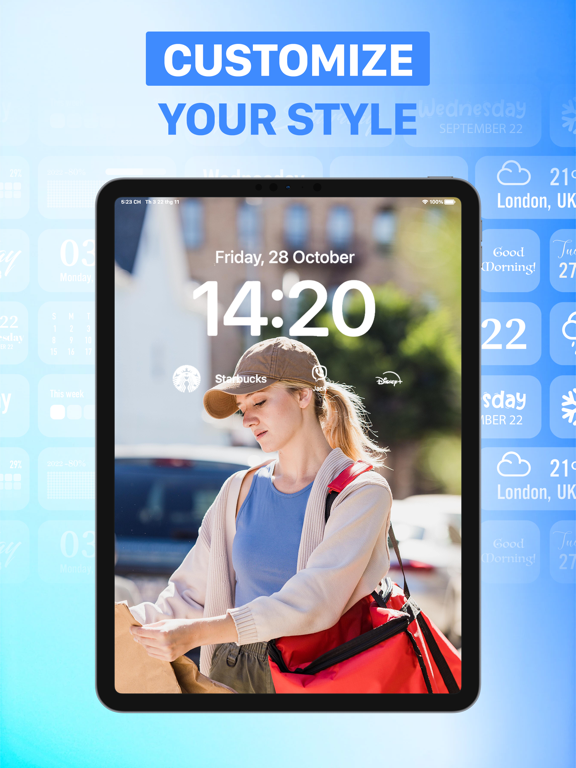
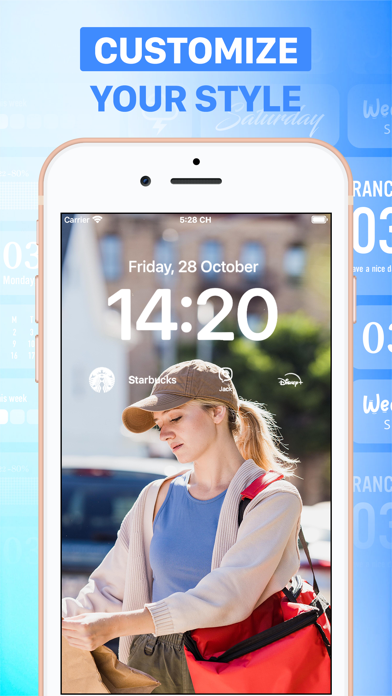
iOS 16 has arrived, Apple introduced customizable lock screen widgets.
Your Lock Screen is the first thing you see when you pick up your phone, and Lock Screen widgets for lots of apps. You can now customize your Lock Screen to put the information you need.
A new appearance for your iPhone should inject some much-needed enthusiasm into your day.
#1: HOW IT WORKS
1. Add your favorite features to your Locked Screen
2.You’ll be able to unlock your device to access your favorite features in just one tap — and even see some updates right on your Lock Screen.
#2: KEY FEATURES:
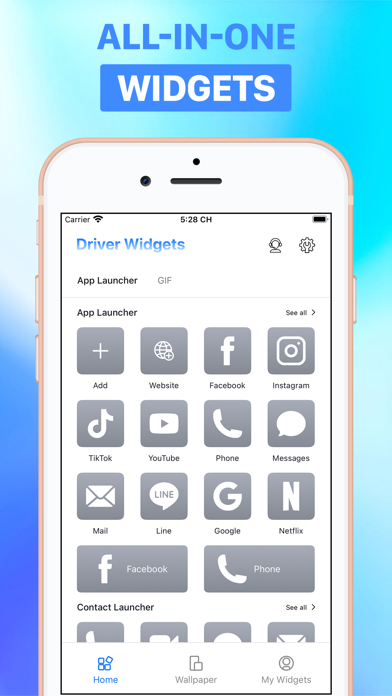
1.App/Contact Launcher:
* Easily launch your favorite apps/Contacts right on the lock screen without redirecting. It perfectly supports various Apps, Websites, Shortcuts and custom URL Scheme.
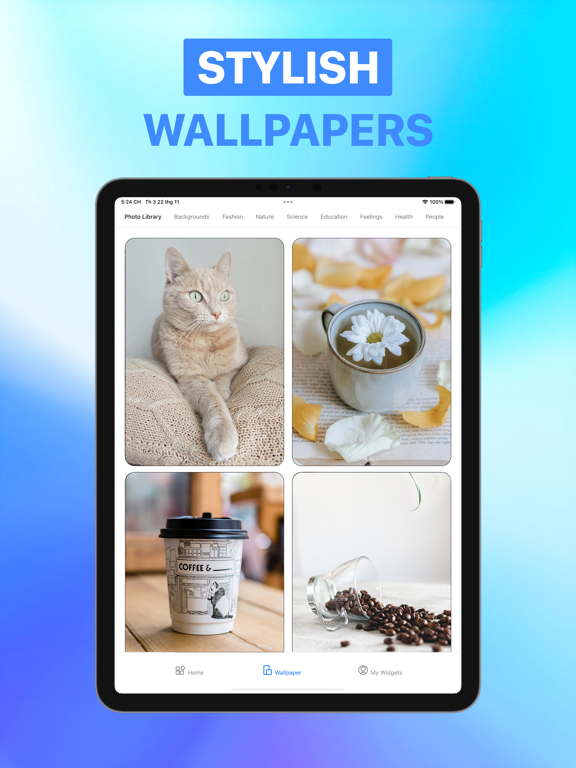
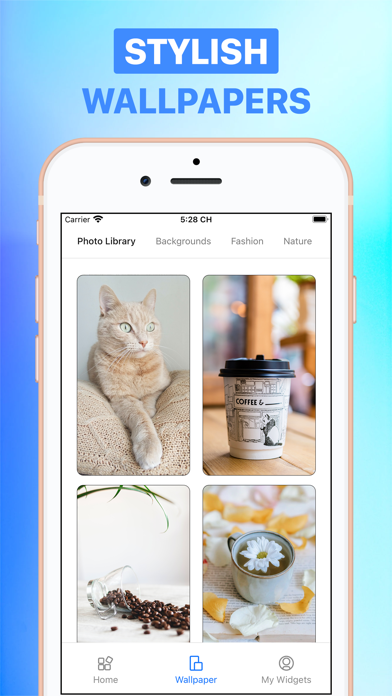
2. Gorgeous HD Lock Screen Wallpapers:
* Get photos for free from one of these free stock photo websites: Pexel & Pixabay.
3. You can add a unique lock screen using cute icons. Combine how you want.
4. Get animated GIF images to your lock screen widgets to customize your iphone aesthetic.
5. Easy to use
Start personalizing your lock screen to make it better suits your everyday needs. Customize widgets to your liking with plenty of options. You can use lock screen widgets easily on iPhones running iOS 16 and later.
LockWidget has the following subscriptions:
-$9.99 per month
-$39.99 per year
Payment will be charged to your iTunes Account after purchase. Subscription automatically renews 24 hours before the end of the subscription period. Subscription types and prices remain the same. If you do not want to automatically renew your subscription, be sure to cancel your subscription at least 24-hours before it expires. After purchase, you can manually turn off auto-renewal in iTunes/Apple ID Settings Manager.
Terms of Use: https://tos.vidanimate.co
Privacy Policy: https://privacy.vidanimate.co