LogDog - Mobile Security 2021
Best Mobile Security for 2018
Free
5.4.6for iPhone, iPad
Age Rating
LogDog - Mobile Security 2021 スクリーンショット
About LogDog - Mobile Security 2021
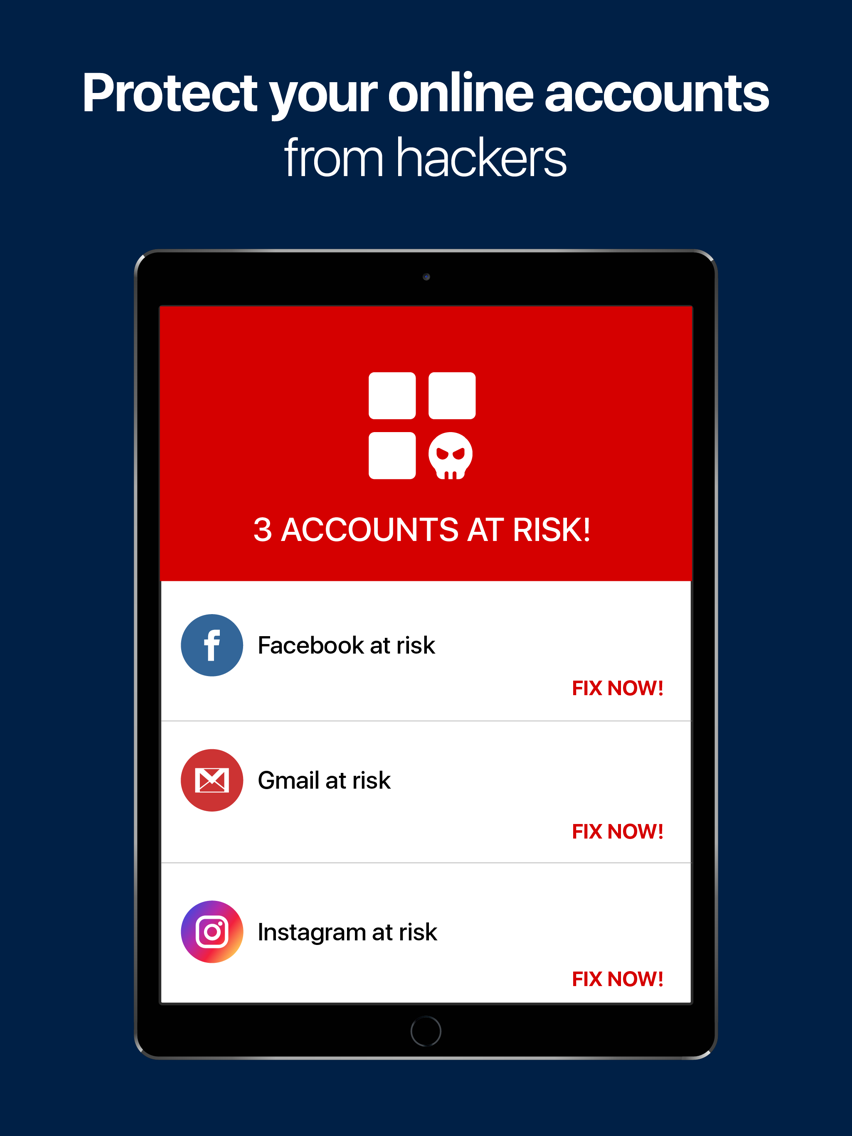
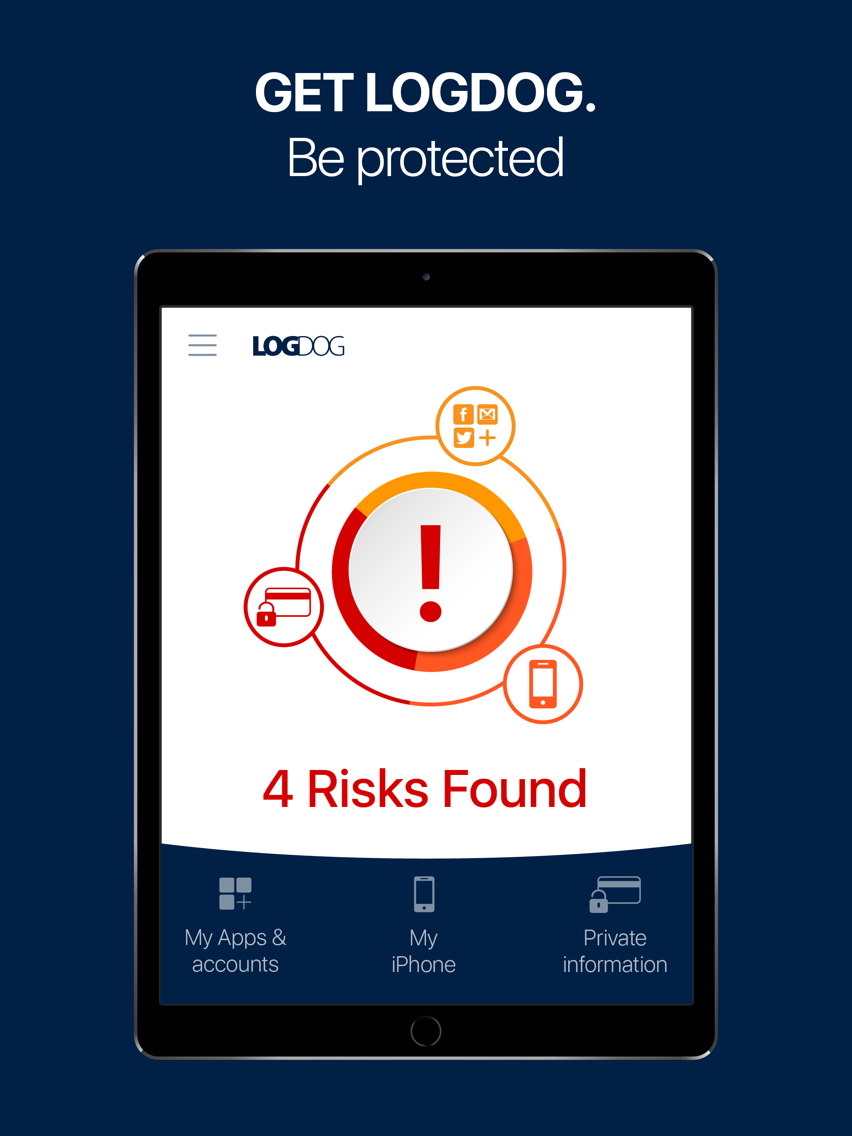
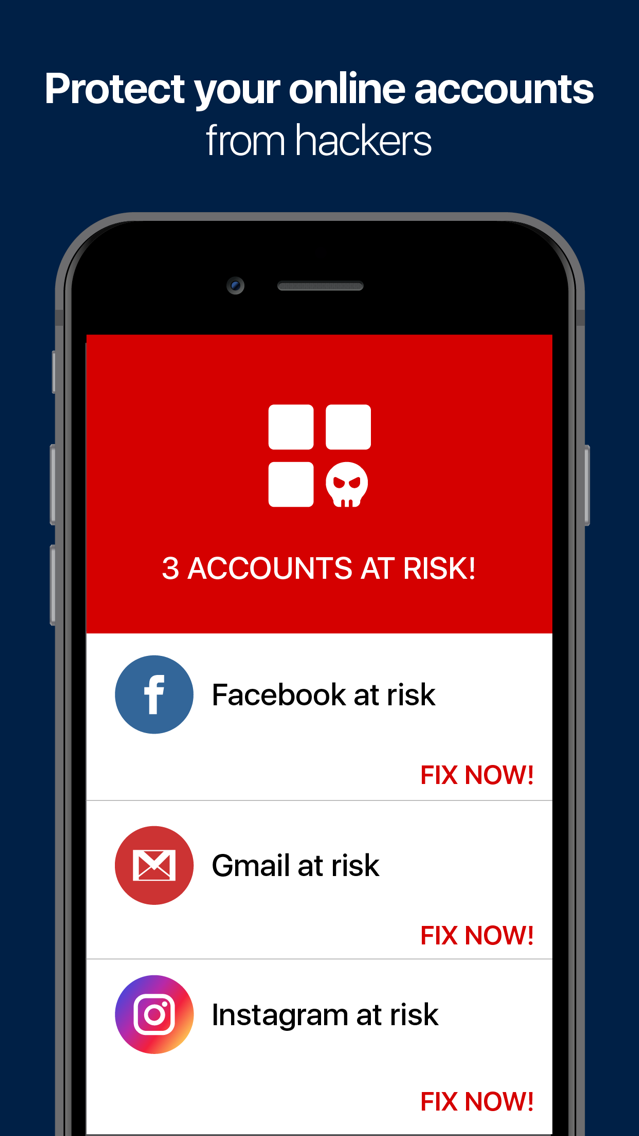
Protect your online accounts with LogDog Mobile Security - your Gmail, Facebook, Instagram and more and prevent identity theft.
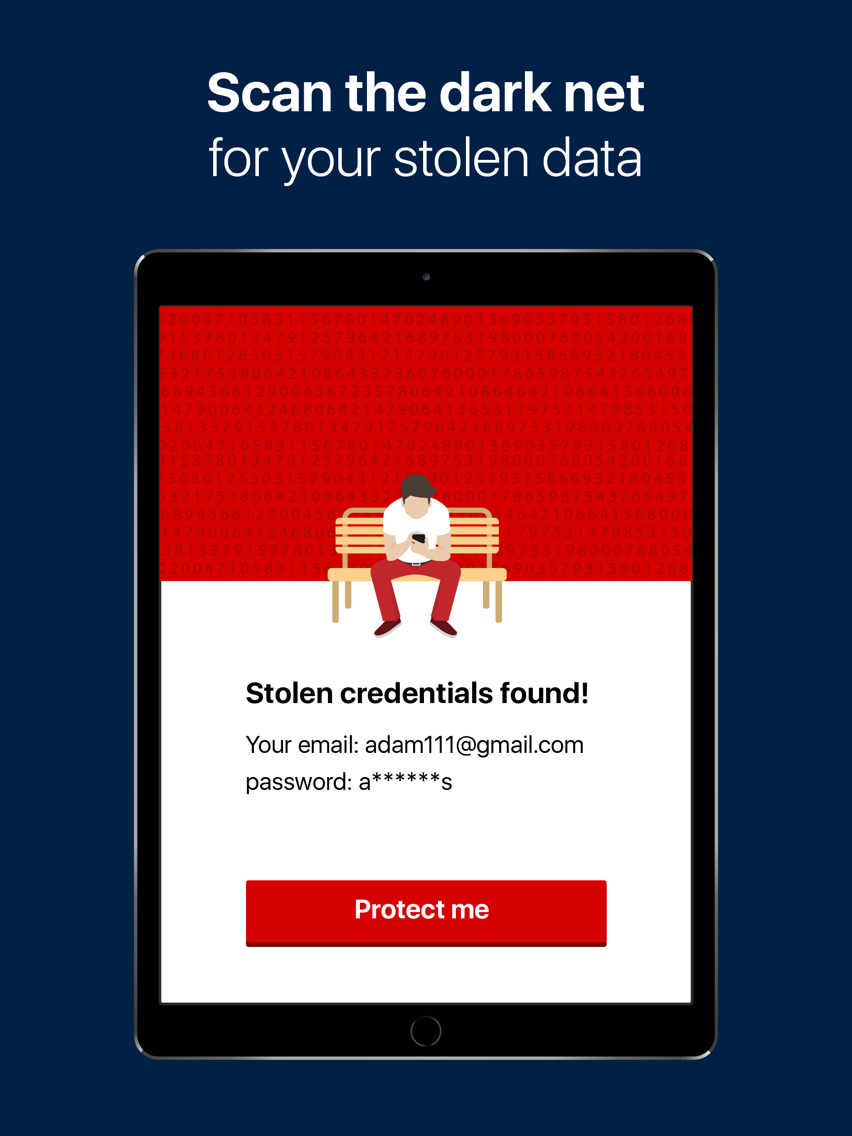
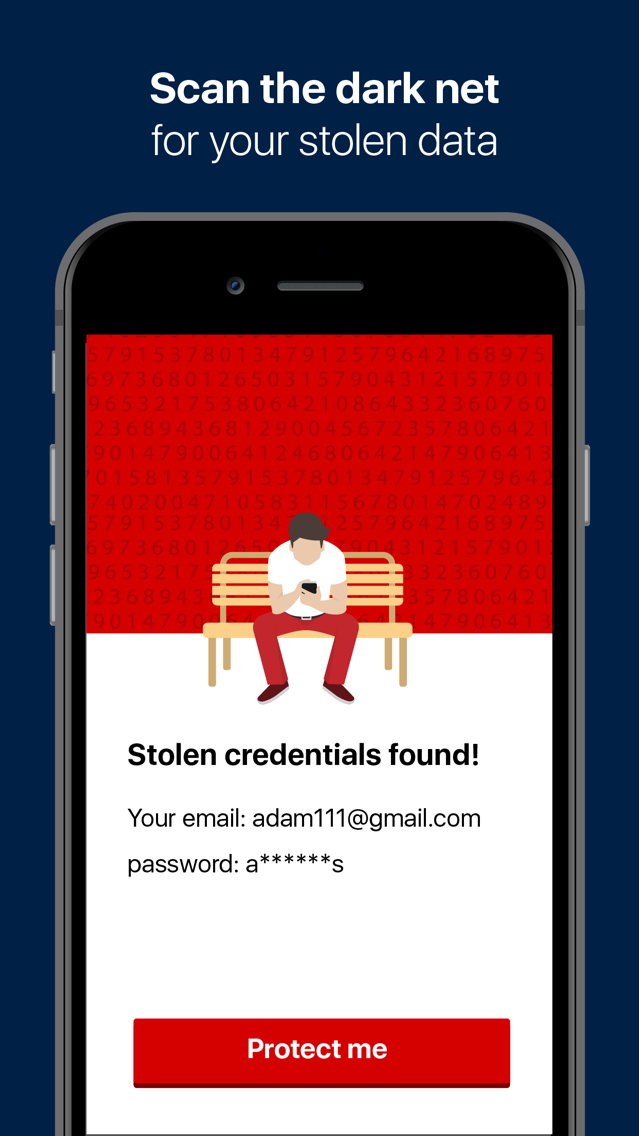
Scan for data that may have been stolen from you online with LogDog Mobile Security.
1 in 4 accounts are hacked, don't let the next be yours!
"... You'll know right away of any abnormal account activity, and it's a snap to change a compromised password ..." PCmag
***Over 2,800,000 installs***
Secure your online personal information. Protect your security. Be alerted when any suspicious activity occurs, and prevent intrusion - Anytime. Anywhere.
LogDog Mobile Security’s unique cyber technology will learn your online activity patterns and create your own personalized cyber profile. Adding safe locations like “Home” and “Work” will upgrade your security level and allow a higher level of detection accuracy.
***How does it work? ***
LogDog Mobile Security continuously scans and monitors your accounts’ login location and times, number of messages and various other parameters. If our advanced online security system detects anything unusual, such as attempted identity theft or an intrusion into your private account, it immediately alerts you so you can prevent or stop the hack.
*** Get alerts for any suspicious online activity in your accounts***
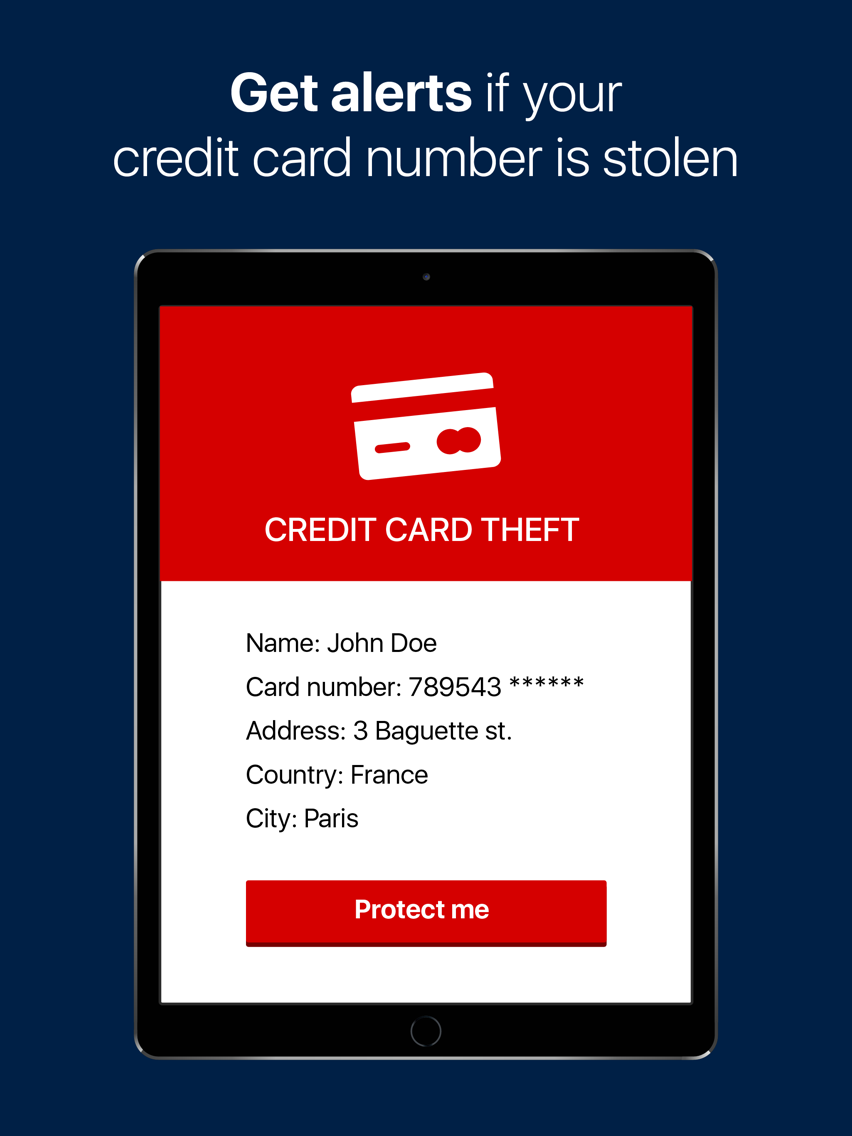
LogDog Mobile Security sends you an immediate security alert when any suspicious activity is detected in your accounts. LogDog Mobile Security has recently added more security measures meant to protect your accounts by constantly scanning breached accounts lists, which appear in black market servers.
*** Identify Fraudulent Filters and Missing Recovery Data ***
LogDog Mobile Security will scan your online accounts for changes in recovery data and forwarding filters. Hackers often manipulate these settings in order to funnel your email to themselves and take over your accounts and compromise your security. Example: when planning to breach a victim’s bank account using a website or app, hackers will often first add a forwarding rule to the victim’s email account. This will allow hackers to intercept queries and email alerts from the bank and approve transfers and password changes. Monitoring these forwarding rules is therefore extremely important. LogDog will take care of this for you.
Pricing:
- Monthly or yearly auto-renewable subscription
- The subscriptions are auto-renewable.
- Cancel at any time
- Term of use: https://getlogdog.com/terms/
- Privacy: https://getlogdog.com/privacy/
– Payment will be charged to iTunes Account at confirmation of purchase
– Subscription automatically renews unless auto-renew is turned off at least 24-hours before the end of the current period
– Account will be charged for renewal within 24-hours prior to the end of the current period, and identify the cost of the renewal
– Subscriptions may be managed by the user and auto-renewal may be turned off by going to the user's Account Settings after purchase
The LogDog app samples GPS information on your device in order to protect your accounts. Continued use of the GPS (running in the background) can dramatically decrease battery life. We have taken steps to minimize GPS use and the impact on battery life. We run multiple tests to ensure that the LogDog app's impact on battery life is minimal and will continue to do so in all future versions.
Don’t Get Hacked – Get a LogDog!

Scan for data that may have been stolen from you online with LogDog Mobile Security.
1 in 4 accounts are hacked, don't let the next be yours!
"... You'll know right away of any abnormal account activity, and it's a snap to change a compromised password ..." PCmag
***Over 2,800,000 installs***
Secure your online personal information. Protect your security. Be alerted when any suspicious activity occurs, and prevent intrusion - Anytime. Anywhere.
LogDog Mobile Security’s unique cyber technology will learn your online activity patterns and create your own personalized cyber profile. Adding safe locations like “Home” and “Work” will upgrade your security level and allow a higher level of detection accuracy.
***How does it work? ***
LogDog Mobile Security continuously scans and monitors your accounts’ login location and times, number of messages and various other parameters. If our advanced online security system detects anything unusual, such as attempted identity theft or an intrusion into your private account, it immediately alerts you so you can prevent or stop the hack.
*** Get alerts for any suspicious online activity in your accounts***
LogDog Mobile Security sends you an immediate security alert when any suspicious activity is detected in your accounts. LogDog Mobile Security has recently added more security measures meant to protect your accounts by constantly scanning breached accounts lists, which appear in black market servers.
*** Identify Fraudulent Filters and Missing Recovery Data ***
LogDog Mobile Security will scan your online accounts for changes in recovery data and forwarding filters. Hackers often manipulate these settings in order to funnel your email to themselves and take over your accounts and compromise your security. Example: when planning to breach a victim’s bank account using a website or app, hackers will often first add a forwarding rule to the victim’s email account. This will allow hackers to intercept queries and email alerts from the bank and approve transfers and password changes. Monitoring these forwarding rules is therefore extremely important. LogDog will take care of this for you.
Pricing:
- Monthly or yearly auto-renewable subscription
- The subscriptions are auto-renewable.
- Cancel at any time
- Term of use: https://getlogdog.com/terms/
- Privacy: https://getlogdog.com/privacy/
– Payment will be charged to iTunes Account at confirmation of purchase
– Subscription automatically renews unless auto-renew is turned off at least 24-hours before the end of the current period
– Account will be charged for renewal within 24-hours prior to the end of the current period, and identify the cost of the renewal
– Subscriptions may be managed by the user and auto-renewal may be turned off by going to the user's Account Settings after purchase
The LogDog app samples GPS information on your device in order to protect your accounts. Continued use of the GPS (running in the background) can dramatically decrease battery life. We have taken steps to minimize GPS use and the impact on battery life. We run multiple tests to ensure that the LogDog app's impact on battery life is minimal and will continue to do so in all future versions.
Don’t Get Hacked – Get a LogDog!
Show More
最新バージョン 5.4.6 の更新情報
Last updated on 2020年12月02日
旧バージョン
- bug fixes
- interface update
- interface update
Show More
Version History
5.4.6
2020年12月02日
- bug fixes
- interface update
- interface update
5.4.5
2019年10月14日
* Improved Google, Facebook, Instagram protection
* Improved identity theft prevention
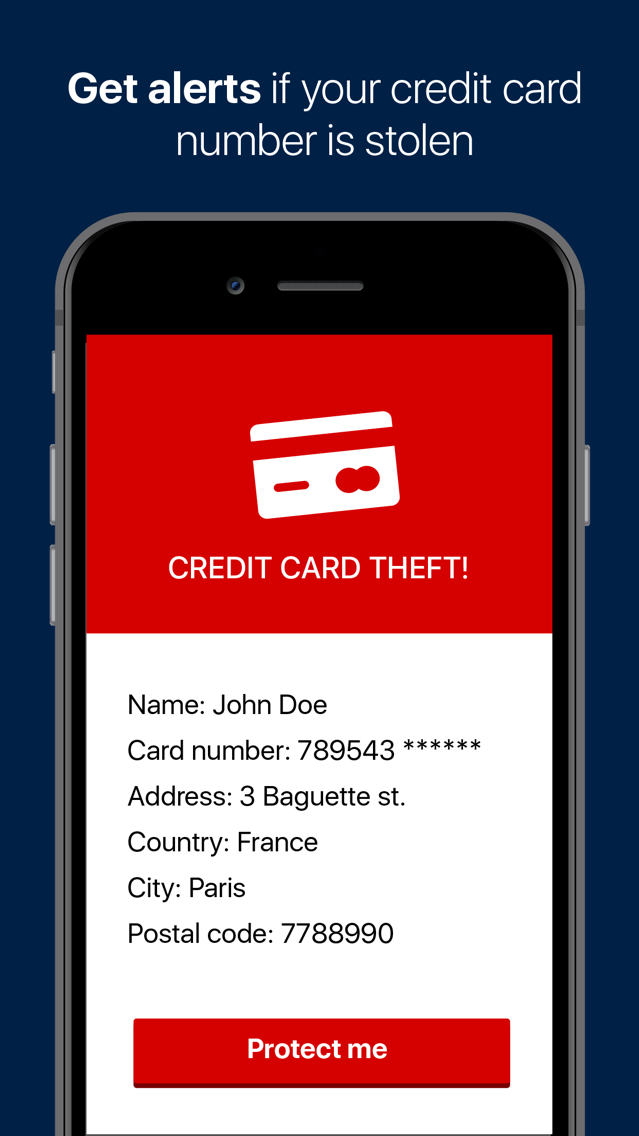
* Improved credit card protection
* Improved identity theft prevention
* Improved credit card protection
5.4.4
2019年08月14日
Bug fixes
5.4.2
2018年11月28日
Bug fixes
5.4.1
2018年11月26日
- New! Monitor email for dangerous messages and privacy issues
- Bug fixes
- Bug fixes
5.3.3
2018年10月15日
Bug fixes
5.3.2
2018年08月23日
Bug fix
5.3.1
2018年08月22日
Bug fixes
5.3.0
2018年08月19日
bug fixes
5.2.0
2018年08月15日
- Bug fixes
- Show more insights
5.1.4
2018年07月29日
- Bug fixes
- Instagram protection
- Outlook.com and Microsoft protection
- Instagram protection
- Outlook.com and Microsoft protection
5.1.0
2018年06月24日
- Bug fixes
- Instagram protection
- Outlook.com and Microsoft protection
- Instagram protection
- Outlook.com and Microsoft protection
5.0.4
2018年06月05日
- Bug fixes and improvements
5.0.3
2018年02月11日
Bug fixes
5.0.2
2018年01月30日
*** The new and improved triple protection version ***
4.4.0
2018年01月03日
- Bug fixes
4.3.1
2017年12月17日
- Bug fixes
4.2.0
2017年10月25日
- Bug fixes
4.1.0
2017年09月12日
- Bug fixes
4.0.0
2017年08月08日
- Bug fixes
- New features
- New features
3.0.0
2017年06月22日
- Improved alerting mechanism
- Bug fixes
- Bug fixes
2.0.1
2017年05月10日
- Added translations
- Bug fixes
- Bug fixes
2.0.0
2017年05月04日
* Provide feedback for multiple alerts of the same type with one tap
* Improved detection of roaming mode and using VPN
* Bug fixes
* Improved detection of roaming mode and using VPN
* Bug fixes
1.5.2
2017年03月07日
Bug fixes
1.5.1
2017年02月14日
Bug fixes
Support system improvements
1.3.1
2016年12月25日
Bug fixes
1.3.0
2016年12月15日
* New accounts: LinkedIn and Slack!
* Improved Gmail & Dropbox protection.
* App localization to Russian, German, Portuguese and Vietnamese.
* Bug fixes.
* Improved Gmail & Dropbox protection.
* App localization to Russian, German, Portuguese and Vietnamese.
* Bug fixes.
1.2.2
2016年11月01日
Bug fixes
LogDog - Mobile Security 2021 FAQ
ここをクリック!地理的に制限されているアプリのダウンロード方法をご参考ください。
次のリストをチェックして、LogDog - Mobile Security 2021の最低システム要件をご確認ください。
iPhone
iPad
LogDog - Mobile Security 2021は次の言語がサポートされています。 English