ManTooth
無料
3.3.0for iPhone
Age Rating
ManTooth スクリーンショット
About ManTooth
The YELLOW JACKET® ManTooth™ app receives live Bluetooth® HVAC/R pressure, temperature, and vacuum readings from one or more of the following devices (hardware purchase required):
- ManTooth™ PT modules
- ManTooth™ V modules
- ManTooth™ PTV modules
- P51 TITAN™ Manifolds
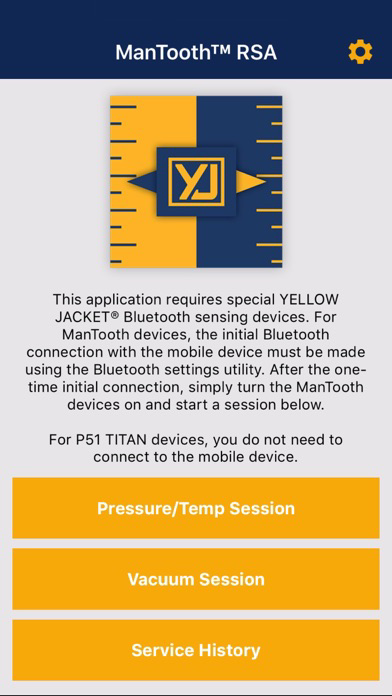
The pressure, temperature, and vacuum readings are displayed, along with key system analysis data, in an easy-to-read format with screenshot and data log sharing capability.
SYSTEM ANALYSIS
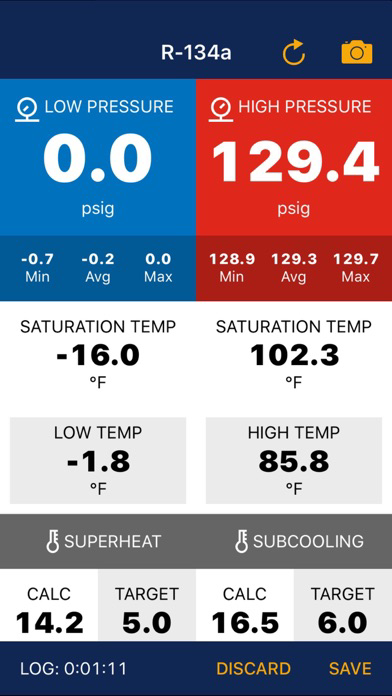
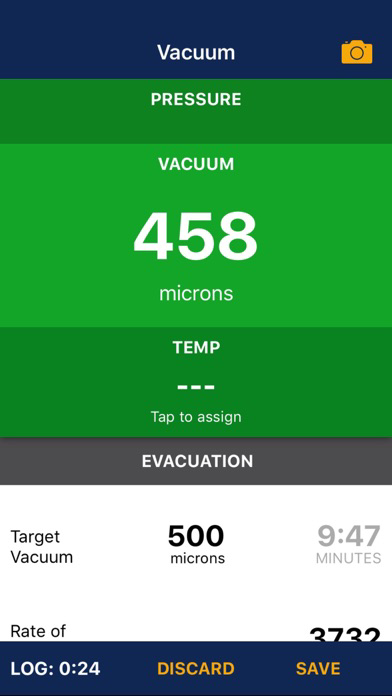
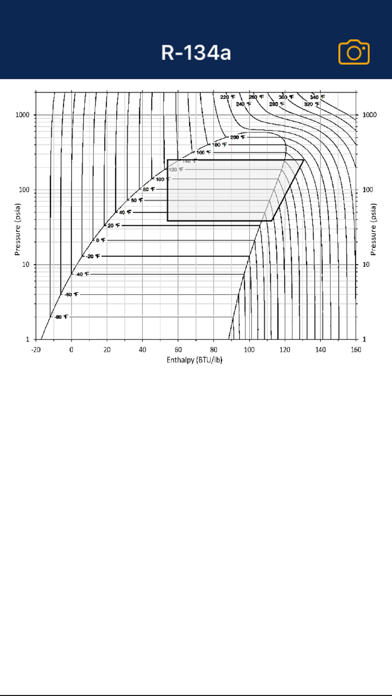
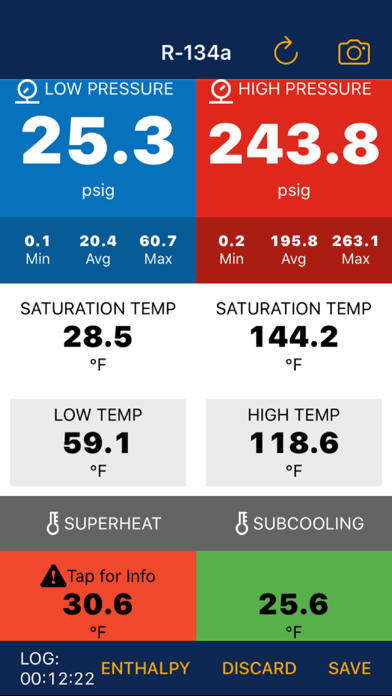
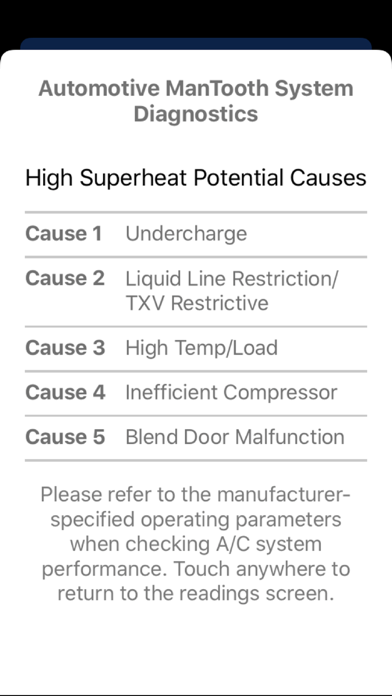
Besides displaying live pressure and temperature readings, the Pressure/Temp Session tracks MIN/AVG/MAX pressure statistics, displays vapor and liquid saturation temperatures, calculates superheat and subcooling, calculates target superheat, and allows the user to enter and display a target subcooling value. The Vacuum Session displays live vacuum readings, allows the user to enter and display a target vacuum level, and provides a “Hold Test” function for effective system evacuation. For automotive applications, enthalpy charting and troubleshooting information for superheat and subcooling readings provide additional diagnostics information.
VERSATILITY
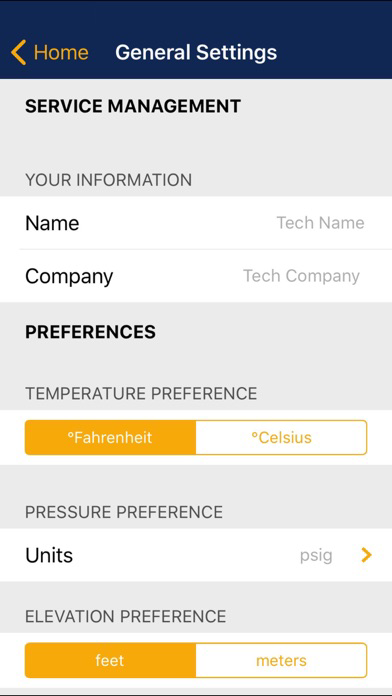
Converts pressure, temperature, and vacuum readings to your favorite units of measure, corrects for your elevation using GPS, and can be used with any one of 126 refrigerant profiles built into the app.
SERVICE HISTORY
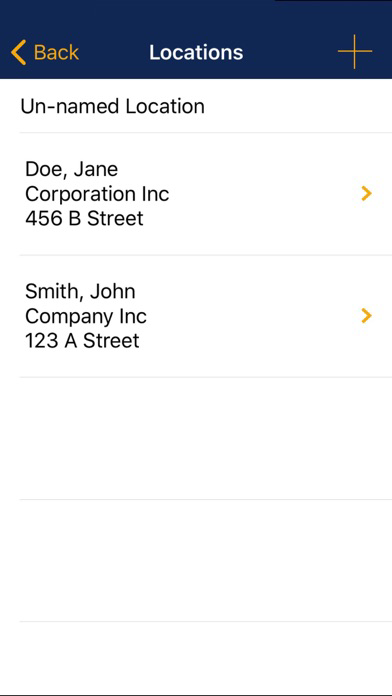
Enter information about each job location and each piece of equipment at that location. Screenshots and data logs taken on the job will be stored by location and equipment with a date and time stamp.
SHARING
Share your screenshots and data logs with others by email, adding other information or attachments as needed.

- ManTooth™ PT modules
- ManTooth™ V modules
- ManTooth™ PTV modules
- P51 TITAN™ Manifolds
The pressure, temperature, and vacuum readings are displayed, along with key system analysis data, in an easy-to-read format with screenshot and data log sharing capability.
SYSTEM ANALYSIS
Besides displaying live pressure and temperature readings, the Pressure/Temp Session tracks MIN/AVG/MAX pressure statistics, displays vapor and liquid saturation temperatures, calculates superheat and subcooling, calculates target superheat, and allows the user to enter and display a target subcooling value. The Vacuum Session displays live vacuum readings, allows the user to enter and display a target vacuum level, and provides a “Hold Test” function for effective system evacuation. For automotive applications, enthalpy charting and troubleshooting information for superheat and subcooling readings provide additional diagnostics information.
VERSATILITY
Converts pressure, temperature, and vacuum readings to your favorite units of measure, corrects for your elevation using GPS, and can be used with any one of 126 refrigerant profiles built into the app.
SERVICE HISTORY
Enter information about each job location and each piece of equipment at that location. Screenshots and data logs taken on the job will be stored by location and equipment with a date and time stamp.
SHARING
Share your screenshots and data logs with others by email, adding other information or attachments as needed.
Show More
最新バージョン 3.3.0 の更新情報
Last updated on 2020年09月19日
旧バージョン
*Additional diagnostics information for automotive applications
*Bug fixes and improvements
Show More
Version History
3.3.0
2020年09月19日
*Additional diagnostics information for automotive applications
*Bug fixes and improvements
ManTooth FAQ
ここをクリック!地理的に制限されているアプリのダウンロード方法をご参考ください。
次のリストをチェックして、ManToothの最低システム要件をご確認ください。
iPhone