MTools BLE RFID Reader

MTools BLE RFID Reader


無料

153.02.06for iPhone, iPad
Age Rating
4+
Apps in this category do not contain restricted content.
9+
Apps in this category may contain mild or occasional cartoon, fantasy or real-life violence, as well as occasional or mild adult, sexually suggestive or horrifying content and may not be suitable for children under 9 years of age.
12+
Apps in this category may contain occasional mild indecent language, frequent or intense cartoon or real-life violence, minor or occasional adult or sexually suggestive material, and simulated gambling, and may be for children under 12 years of age.
17+
You must be at least 17 years old to access this App.
Apps in this category may contain frequent and intense offensive language; Frequent and intense cartoon, fantasy or realistic violence: frequent and intense adult, scary and sexually suggestive subjects: as well as sexual content, nudity, tobacco, alcohol and drugs, may not be suitable for children under 17 years of age.
MTools BLE RFID Reader スクリーンショット
MTools BLE RFID Reader ポスターMTools BLE RFID Reader ポスターMTools BLE RFID Reader ポスターMTools BLE RFID Reader ポスターMTools BLE RFID Reader ポスターMTools BLE RFID Reader ポスターMTools BLE RFID Reader ポスターMTools BLE RFID Reader ポスター

About MTools BLE RFID Reader

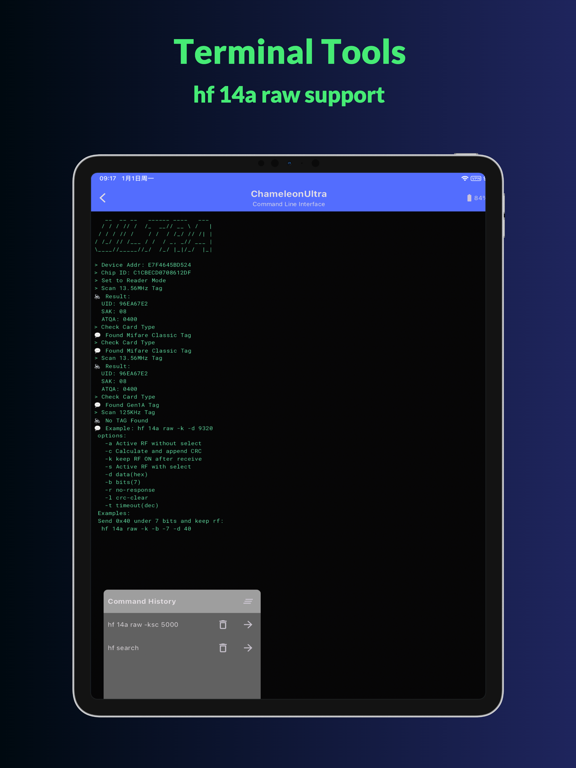
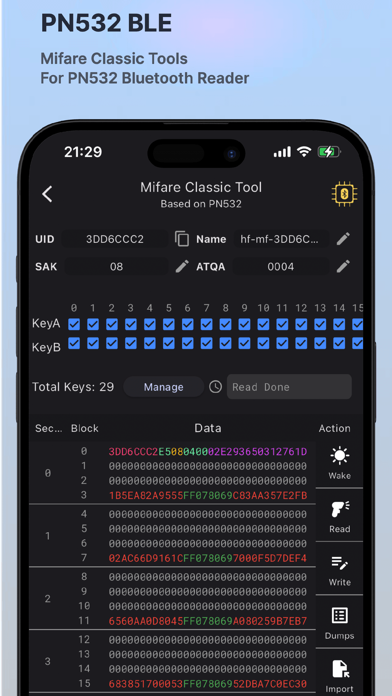
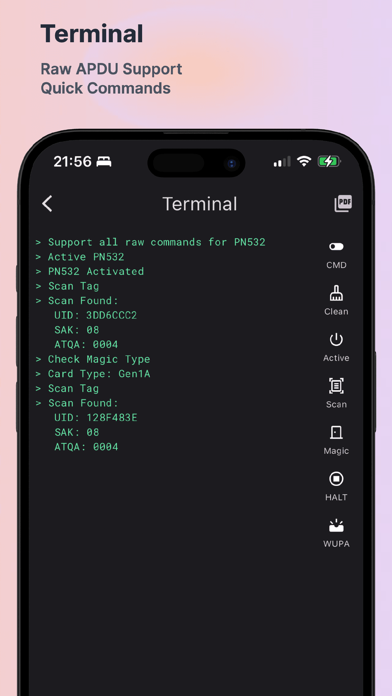
MTools BLE App is an all-in-one App for PN532 BLE, PCR532, ChameleonUltra, ChameleonUltra Dev Kit, ChameleonLite and Pixl.js devices. It supports reading and writing of Mifare Classic 1K, Mifare
Classic 4K, Mifare Ultralight, Mifare Ultralight C, NTAG203, NTAG213, NTAG215, NTAG216, Mifare Desfire, Mifare Plus and other NFC tags with APDU command.

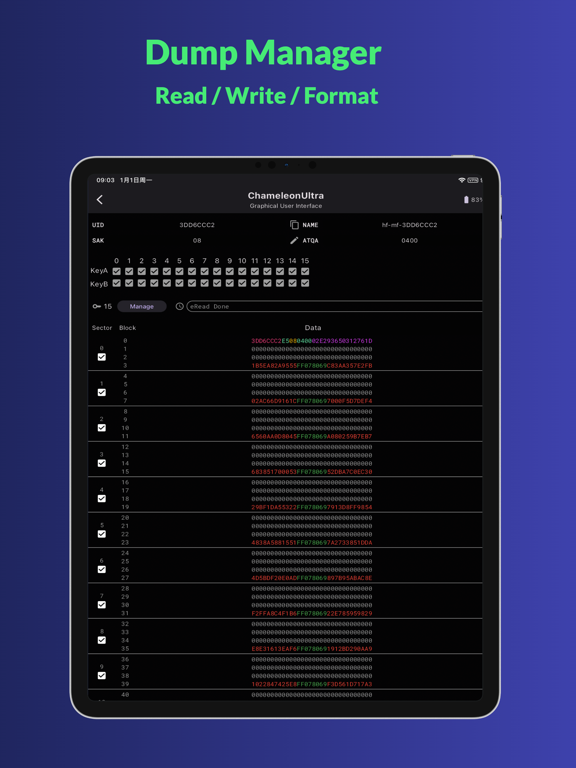
Mifare Classic Tools
UI friendly Mifare Dump editor
full dump reading
Tag formatter
Partial and full sectors writing

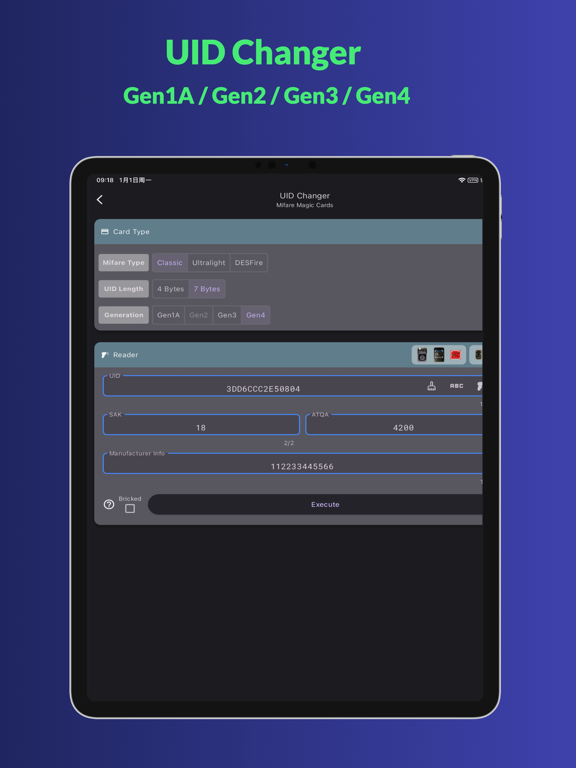
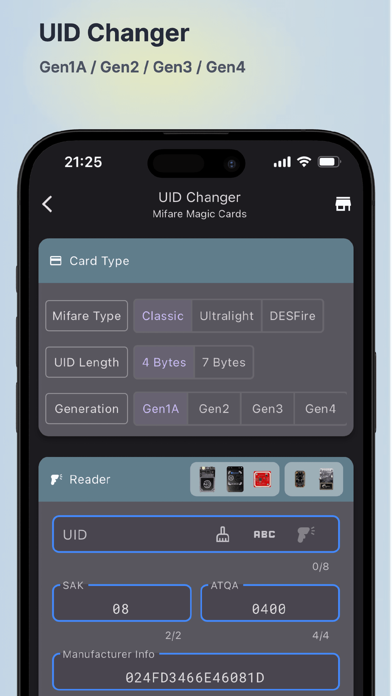
UID Changer
Gen1A, Gen2, Gen3 & Gen4 Magic card support
Mifare Ultralight
Mifare DESFire

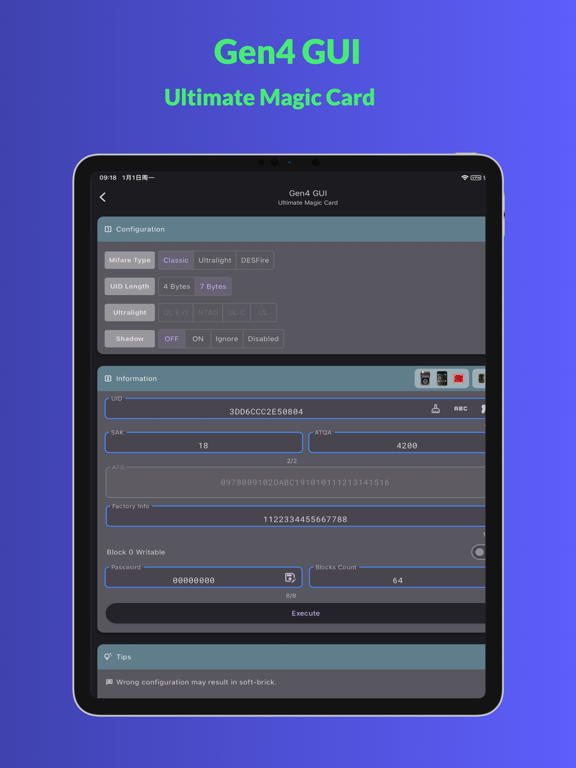
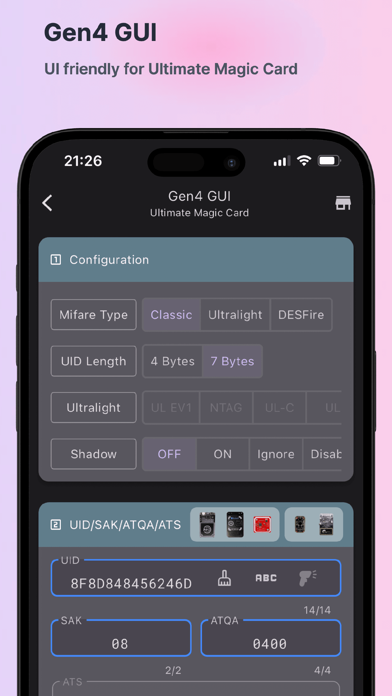
GEN4 GUI
Configuration to Mifare Classic Ultralight DESFire
Shadow mode settings
UID/SAK/ATQA/ATS
Password

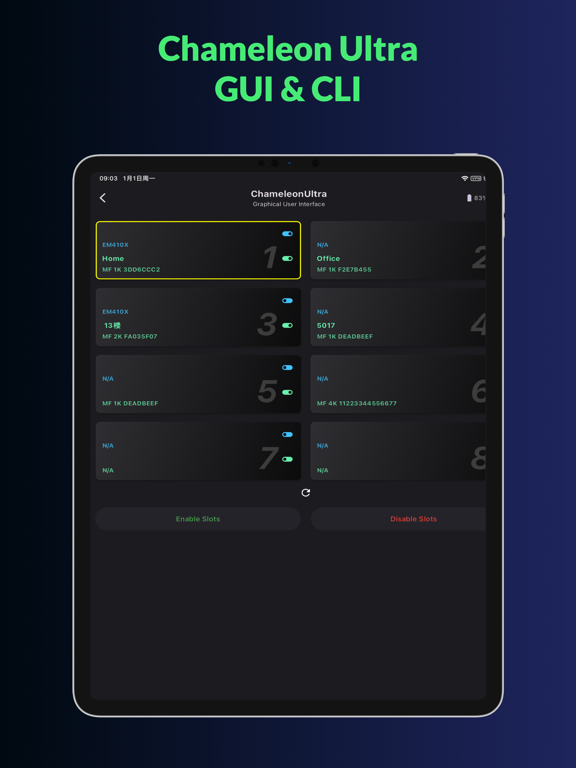
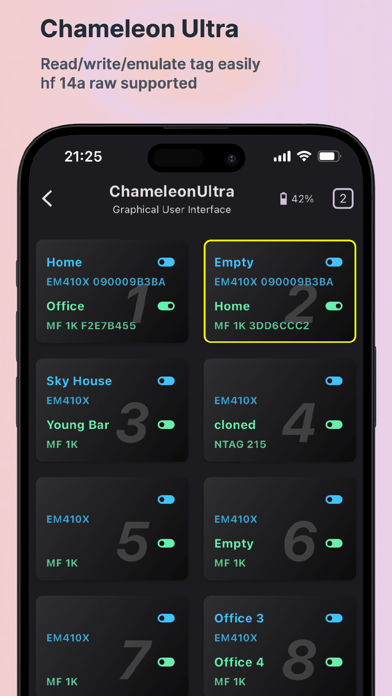
ChameleonUltra
Slot Manager
Quick Reading & Simulating
Slot Dump
Button settings
Mifare Classic Settings
Mfkey32
Firmware Upgrade

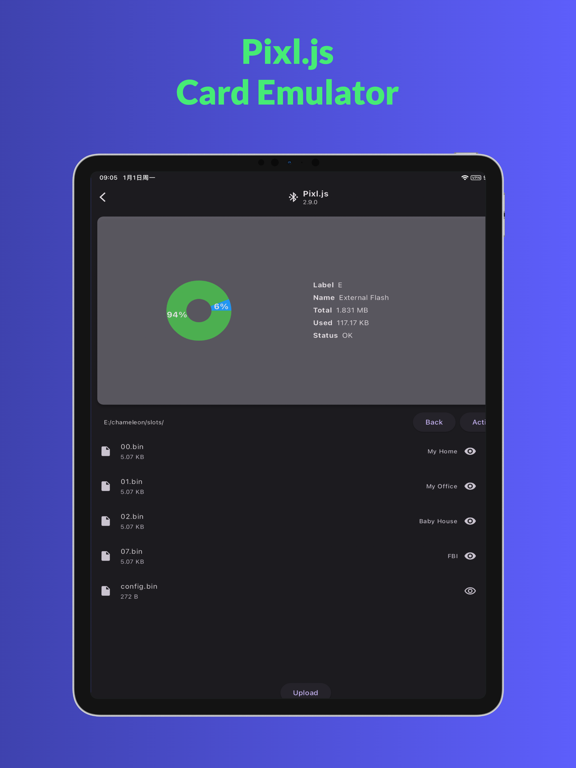
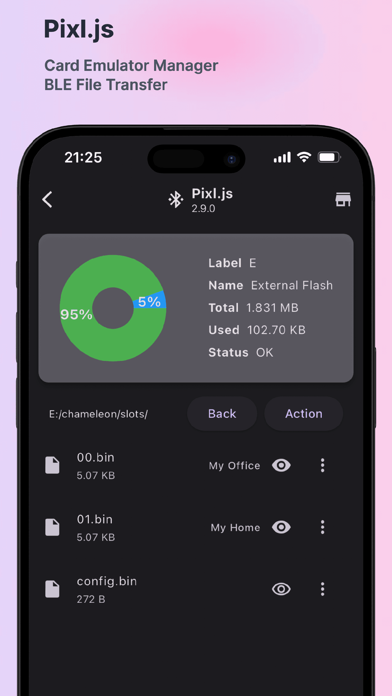
Pixl.js
BLE File Transfer
Dump uploader
Slot name editor
Firmware Upgrade

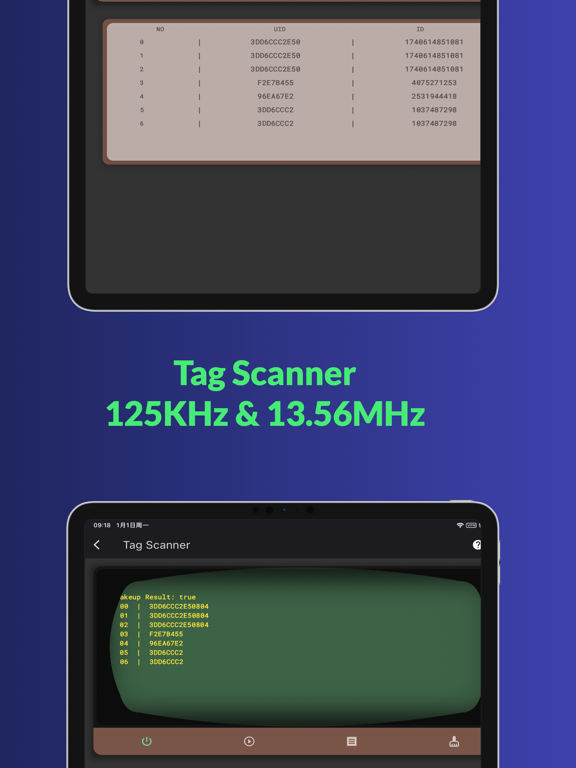
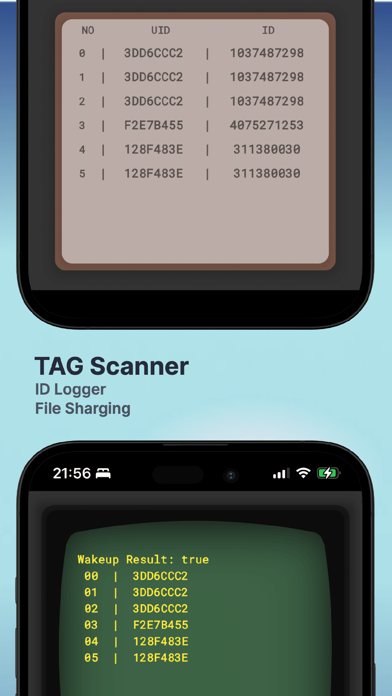
Tag Scanner
ID Logger
Tag ID Sharing

Mifare Dump
Importing by bin, mct or json
Share dump as bin, mct or json
Dump to Keys

Mifare Keys
Public Keys
Private keys by user
History keys by card

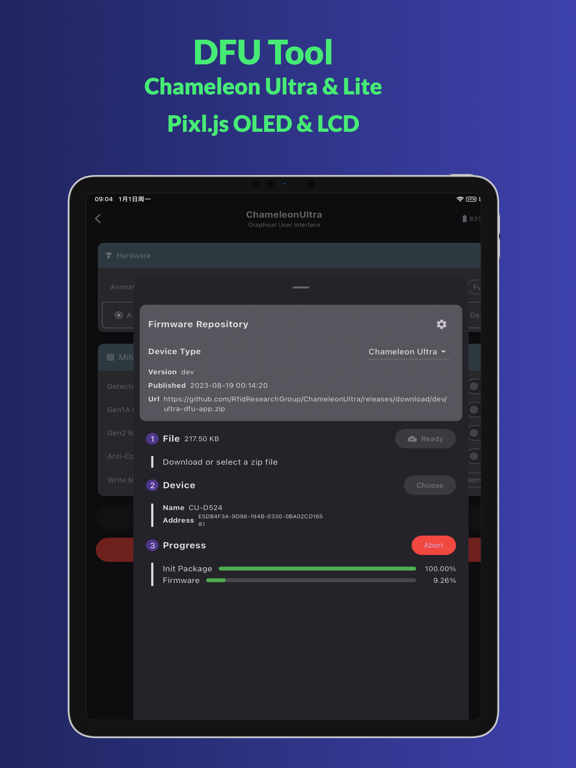
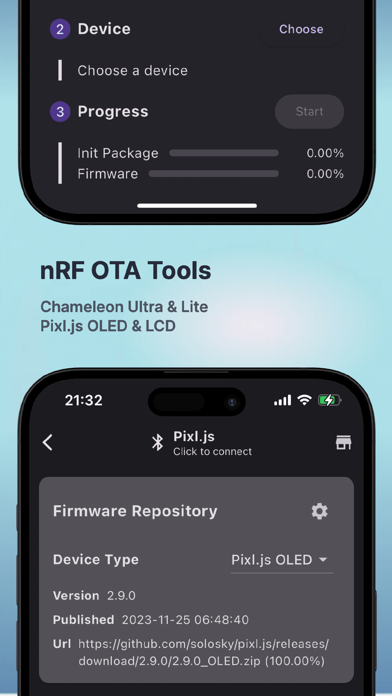
OTA Tool
Firmwre Repository
File selectable
Upgrading process

Show More

最新バージョン 153.02.06 の更新情報

Last updated on 2026年02月07日
旧バージョン
MeshCore: Original, WhisperOS, TapTap
Meshtastic: Repository Settings
nRF52 Legacy DFU support device map
Add wakeup lock during OTA to prevent device from sleeping
Speed up the GUI and CLI for ChameleonUltra
Support ISO15693/NfcV Type Tag read and write by NFC
Support read and write Mifare Classic 4K Tag on PN532
Set UID when load Mifare Ultralight dump on ChameleonUltra
Support MFKey64 & MFKey32 on PN532Killer
Show More
Version History
153.02.06
2026年02月07日
MeshCore: Original, WhisperOS, TapTap
Meshtastic: Repository Settings
nRF52 Legacy DFU support device map
Add wakeup lock during OTA to prevent device from sleeping
Speed up the GUI and CLI for ChameleonUltra
Support ISO15693/NfcV Type Tag read and write by NFC
Support read and write Mifare Classic 4K Tag on PN532
Set UID when load Mifare Ultralight dump on ChameleonUltra
Support MFKey64 & MFKey32 on PN532Killer

MTools BLE RFID Reader FAQ

ここをクリック!地理的に制限されているアプリのダウンロード方法をご参考ください。
次のリストをチェックして、MTools BLE RFID Readerの最低システム要件をご確認ください。
iPhone
iPad

MTools BLE RFID Readerの類似アプリ

あなたも好きかも

MTools Tec Co., Ltd からもっと手に入れる