Notes+ is the ultimate rapid multimedia note taking app, featuring intuitive gesture driven control:
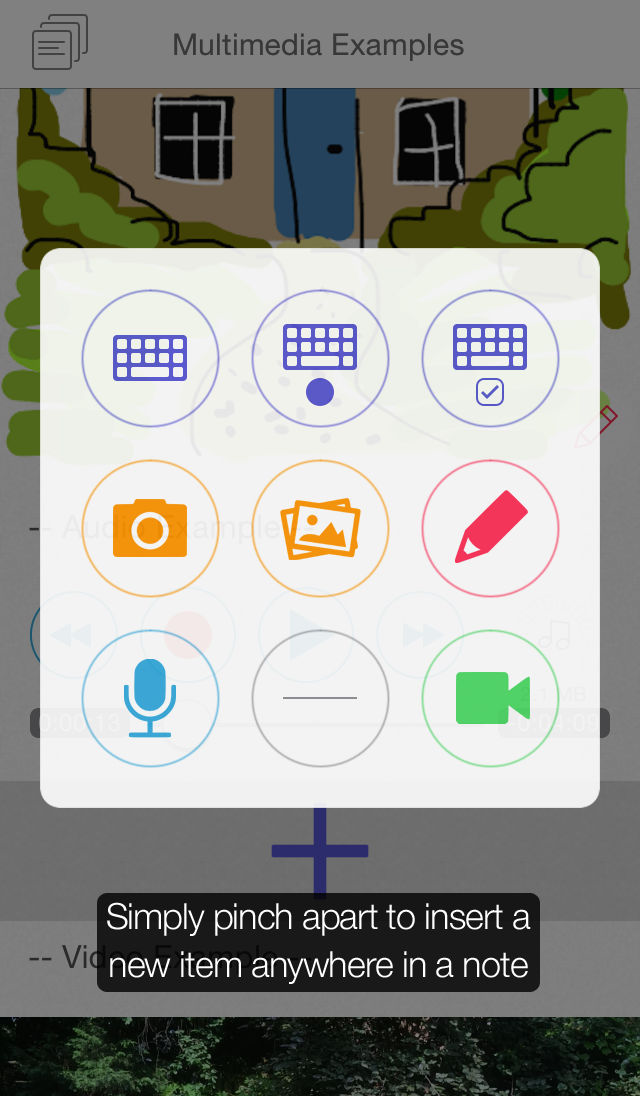
• Pinch apart to add new items, anywhere in a note
• Press and hold any item to select and reorder
• Swipe any item right to share, or left to delete
With its minimal interface design, your content is king!
Context sensitive help - Notes+ shows you as you go.
Pinch apart to add:
• Text
• Bullet & checkbox lists
• Photos
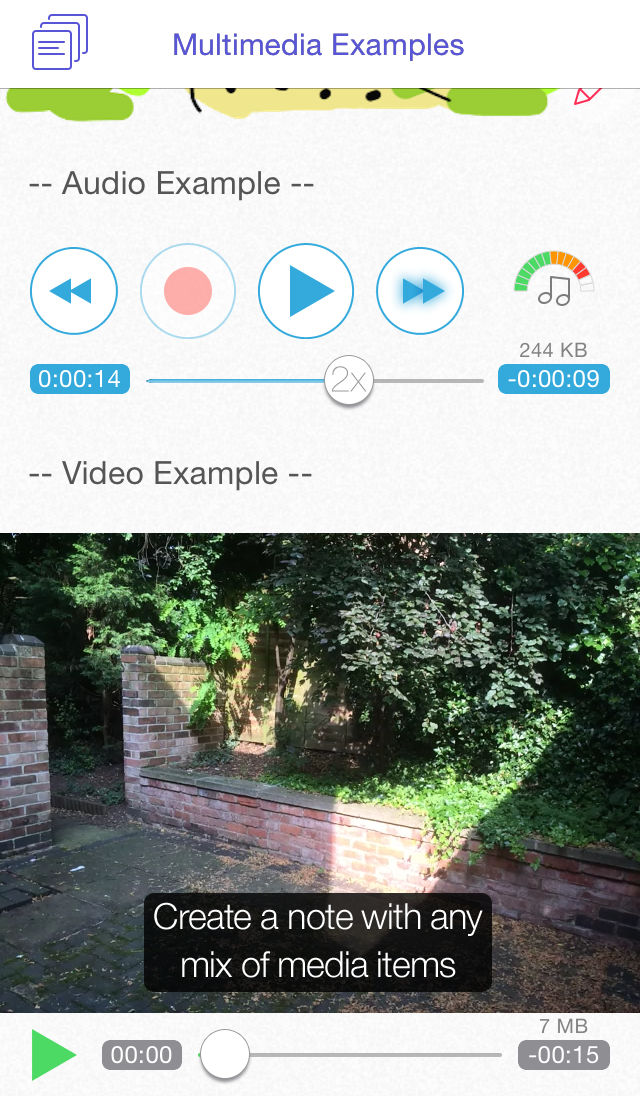
• Video recordings
• Audio recordings
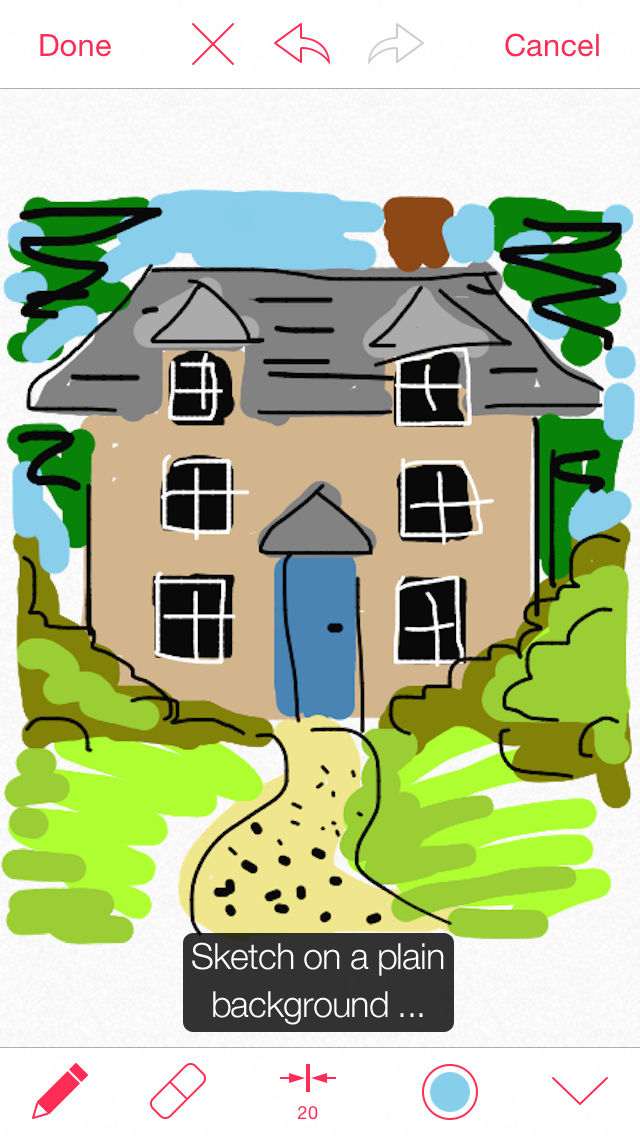
• Sketches
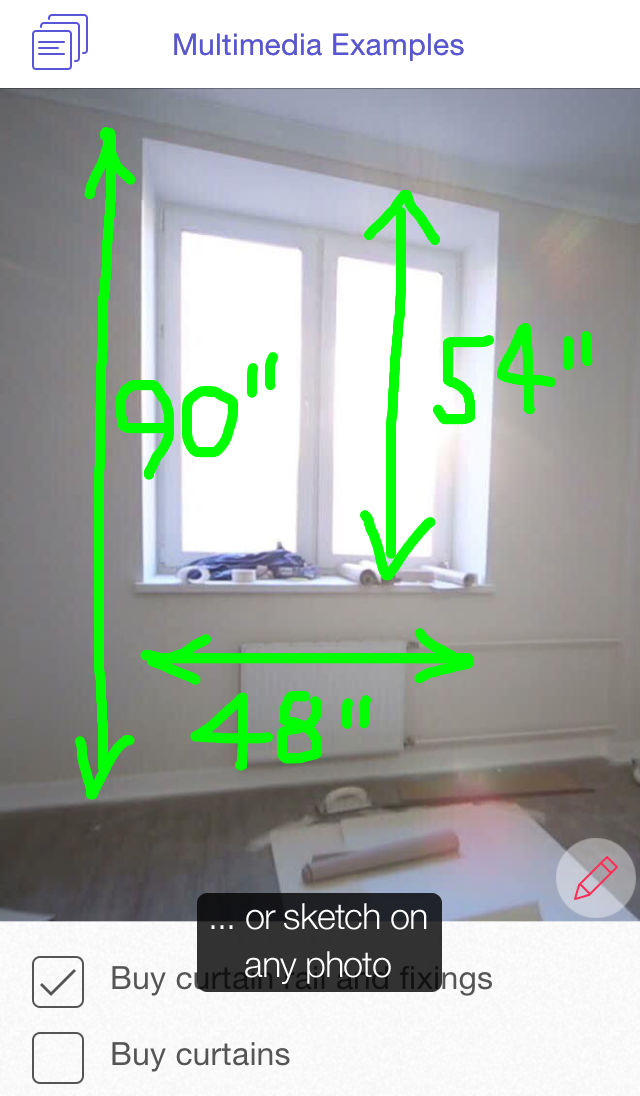
• Sketches on photos
inline in the note, wherever they fit best in your logical flow.
Display photos, sketches and videos at Best Fit or Small size.
Record audio and video events, log ideas, jot down details, and rapidly capture the moment in a quick and easy way.
Ideal for:
• Taking notes on the go
• Sharing multimedia with friends
• Making notes about places you visit and things you see and hear
• Snapping a photo and dictating a few words
• Creating field worker reports, for example, by a journalist, surveyor, naturalist
• Recording meetings and other events
• Storing instructions, recipes, wine details
• Shopping lists
• Marking up photos
• Quick sketches
FEATURES
Beautiful Typography
+ Notes+ fully supports Dynamic Type
+ Text looks great at every font size
+ Set text size in iOS Settings > General > Text Size
+ Create lists with bullets & checkboxes
+ Editing features include Cut, Copy and Paste
+ Check Dictionary definition of selected word
+ Supports standard keyboard options, including spell checking and auto-correction
Photos
+ Capture from camera or choose from your library
+ Take photos in portrait or landscape orientation
+ Choose from four photo resolutions: Full, Large (1920x1440), Medium (1280x960), or Low (640x480)
+ Tap photo to view full screen - zoom and pan with gestures
+ Tap pencil icon to enter sketching mode
+ Add any number of photos to a note
Sketches
+ Sketch on a plain background or on any photo
+ Pencil and eraser tools
+ Select pencil line width, and color
+ Option to reduce line width with increasing speed
+ Select eraser width
+ Full Undo/Redo
+ Tap sketch to view full screen - zoom and pan with gestures
+ Add any number of sketches to a note
Voice & Audio Recordings
+ Choice of three recording qualities: 44kHz, 22kHz, or 11kHz
+ Record for up to 1 hour continuously (11kHz)
+ Pause and continue the same recording
+ Record in the background, even whilst using a different app
+ Recording stops automatically for an incoming phone call
+ Fast forward and reverse at 2x, 3x, and 4x normal speed
+ Scrub control for quick navigation during playback
+ Level meter for recording and playback
+ Add any number of audio recordings to a note
Video Recordings
+ Record in portrait or landscape orientation
+ Choose from three recording resolutions: VGA (640x480), Medium (480x360), or Low (192x144)
+ Record for up to 5 minutes continuously (192x144)
+ Scrub control for quick navigation during playback
+ Add up to 10 video recordings to a note
Browse & Search
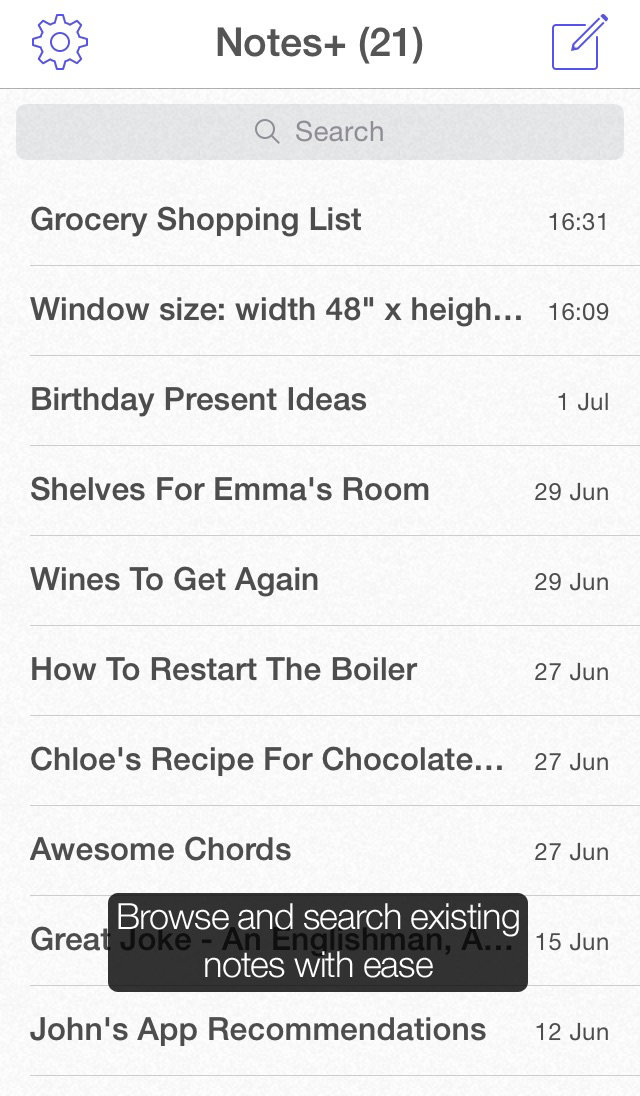
+ Navigate and find existing notes with ease
+ Existing notes are all listed on the Browse Screen
+ Search notes for matching character strings
+ Filter search within note titles, contents, or all
+ No note organisation required :-)
Share
+ Swipe any note item right to share
+ Share text, photos and sketches via Facebook and Twitter
+ Share an audio recording as MPEG 4 Audio format file
+ Share a video recording as MOV format file
+ Use AirPlay to stream video, audio, and photos to AirPlay-enabled devices
+ Print note item to any AirPrint compatible printer
+ Share whole notes (free update, coming soon)
+ iCloud sync (free update, coming soon)
Other Features
+ Comprehensive yet simple settings
+ Add optional note title
+ Portrait and landscape orientations supported
+ Split text at any line by pinching apart
+ Add a separator to organize and space note content