PPT Controller
Remote Your PowerPoint & Media
Free
1.0for iPhone, iPad
Age Rating
PPT Controller スクリーンショット
About PPT Controller
Often presentation but must to press next button on your computer?
Despite using briefing pen, often forget to carry battery or charge it?
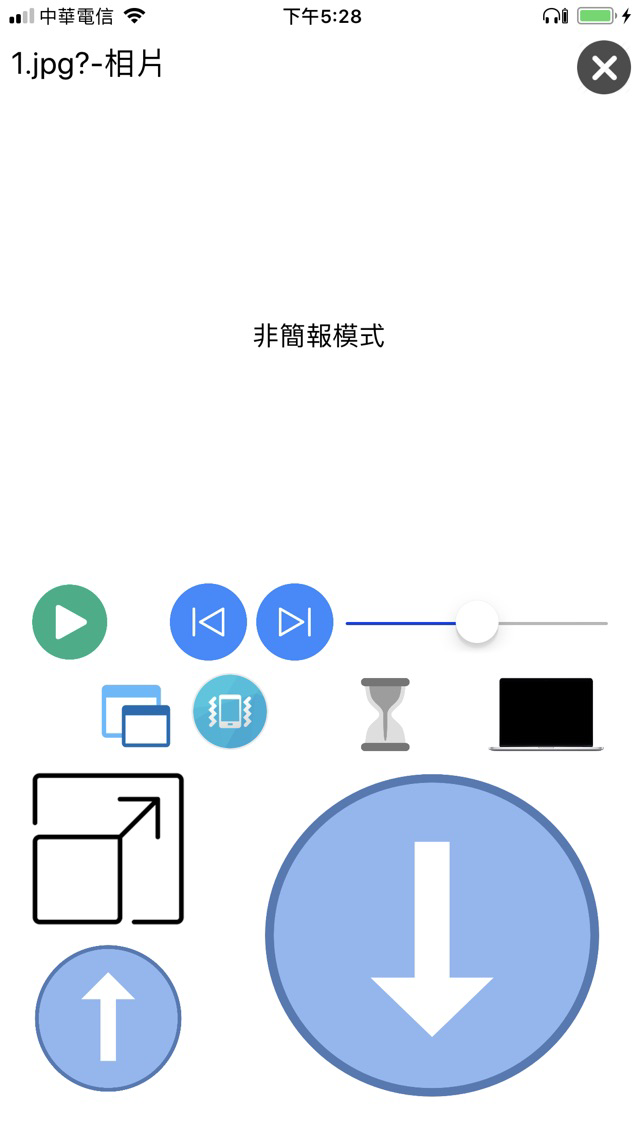
From now on, your phone is your briefing pen, it is easy to set-up, and also can control media playback on your computer.
So that you can have an excellent presentation everywhere.
Software on Windows -> https://gcclab.cc/PPTController/PPT Controller.exe
Please make sure both your phone and computer have internet connection.
Step :
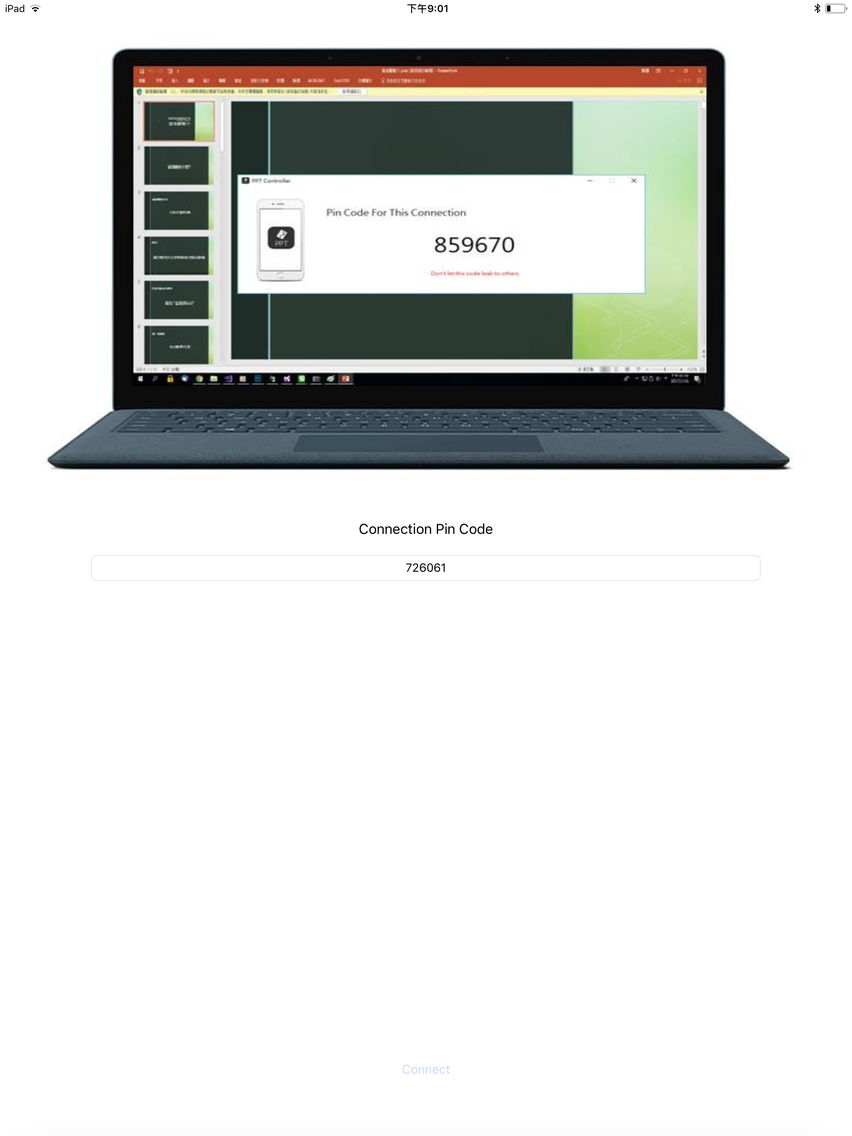
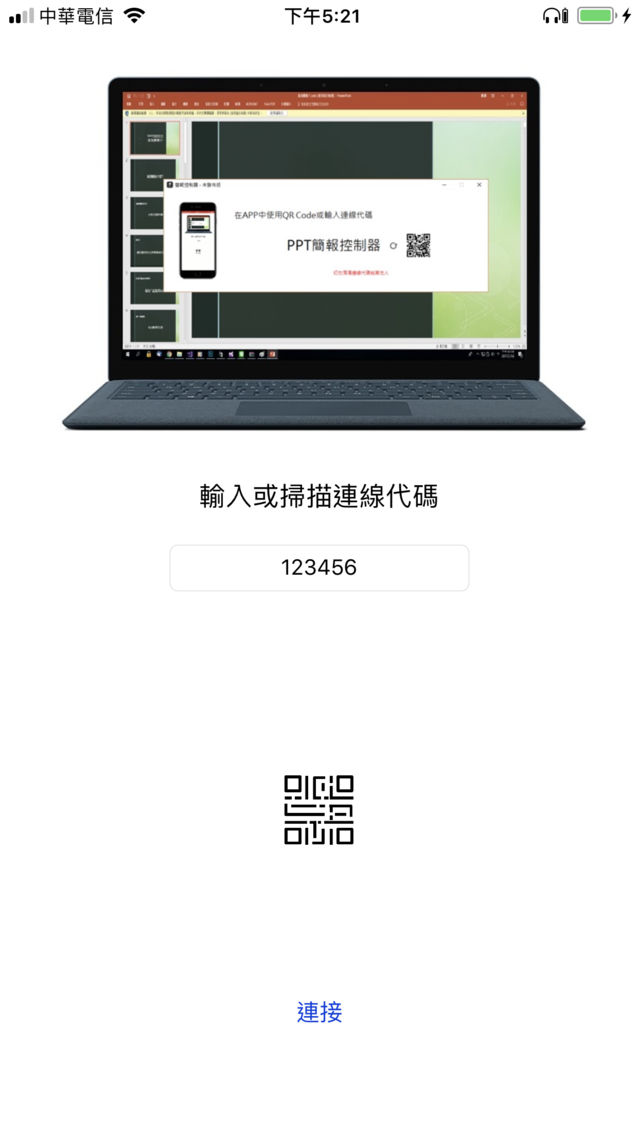
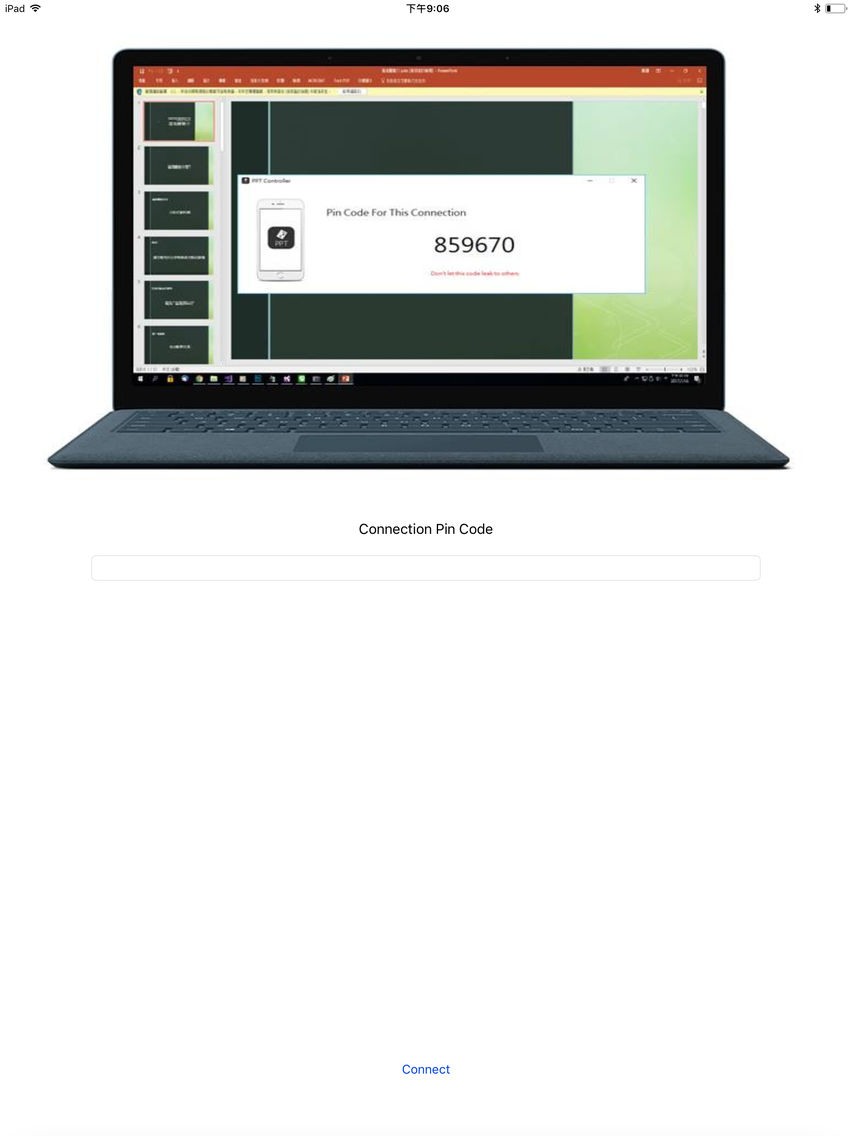
1)Open software on Windows.
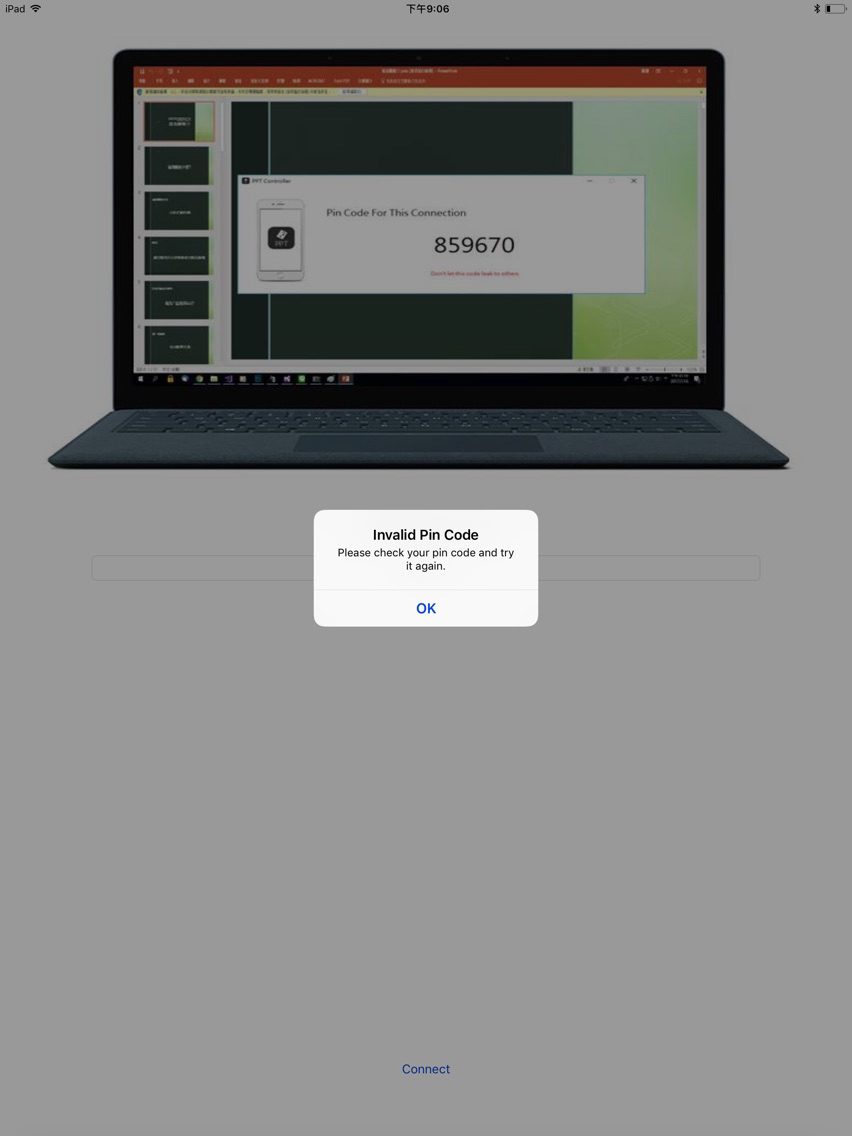
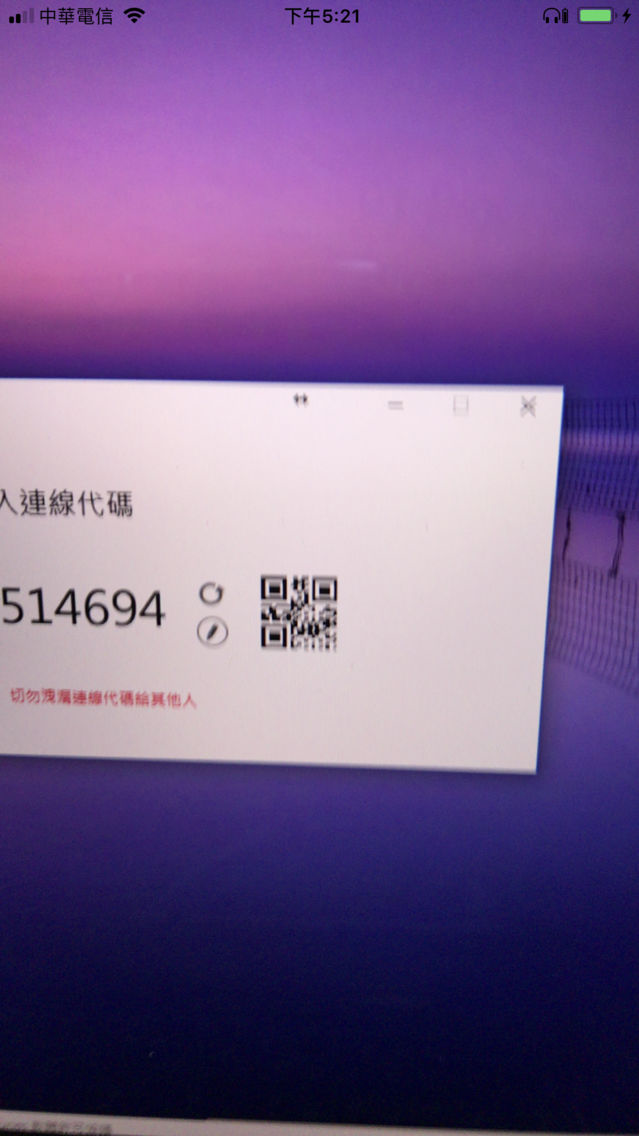
2)Open this APP ,then type the pin code which show on Windows software ,after typing just click "Connect".
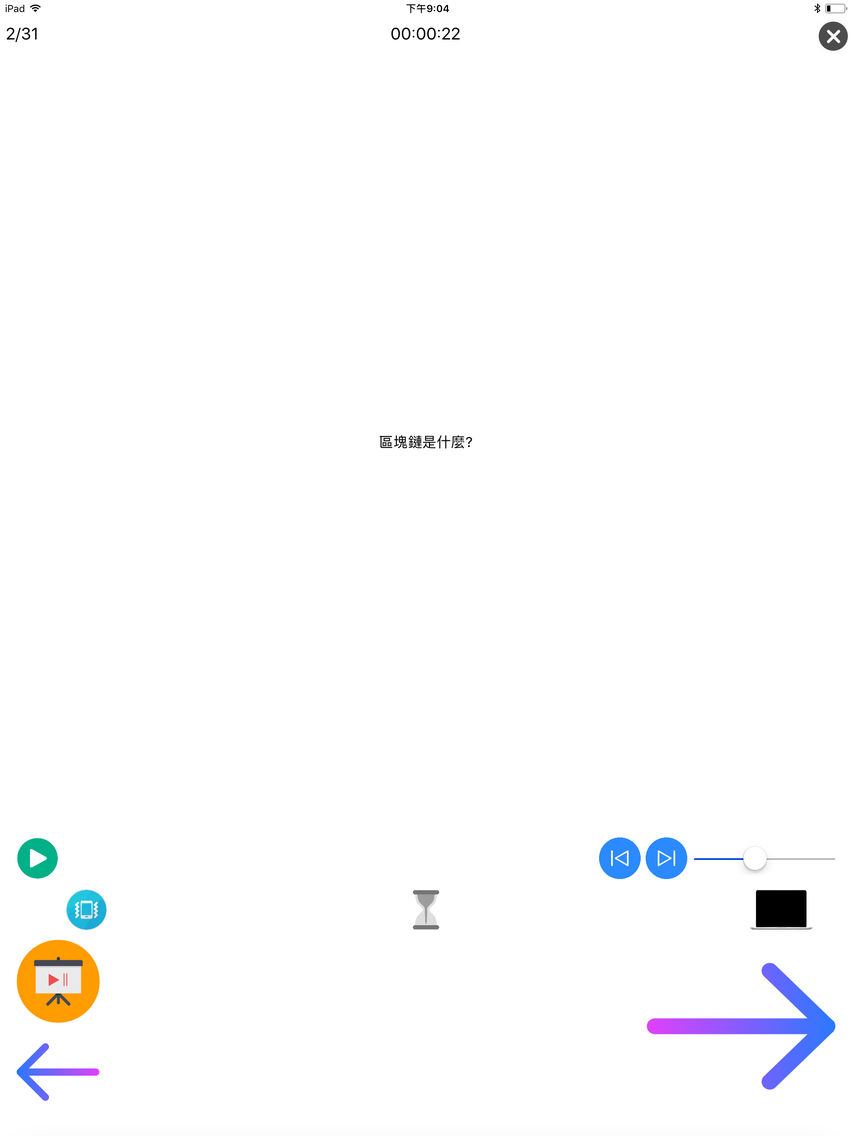
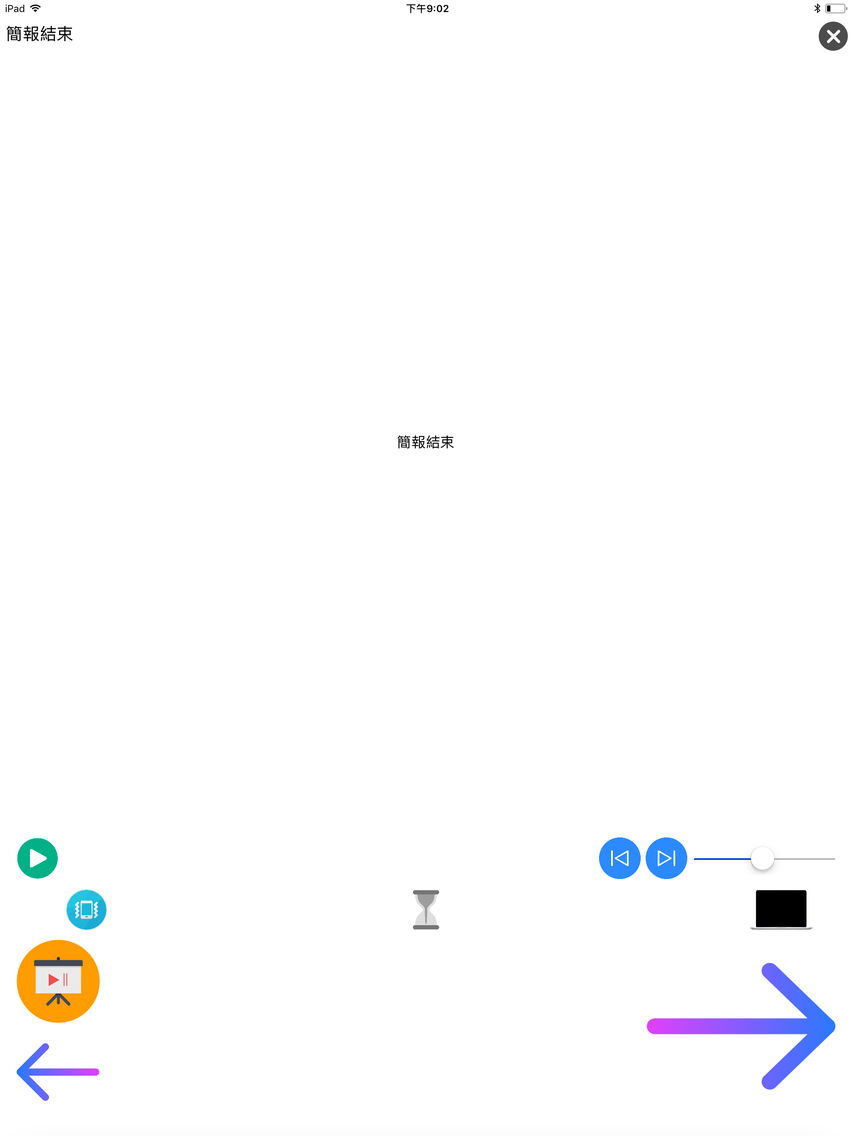
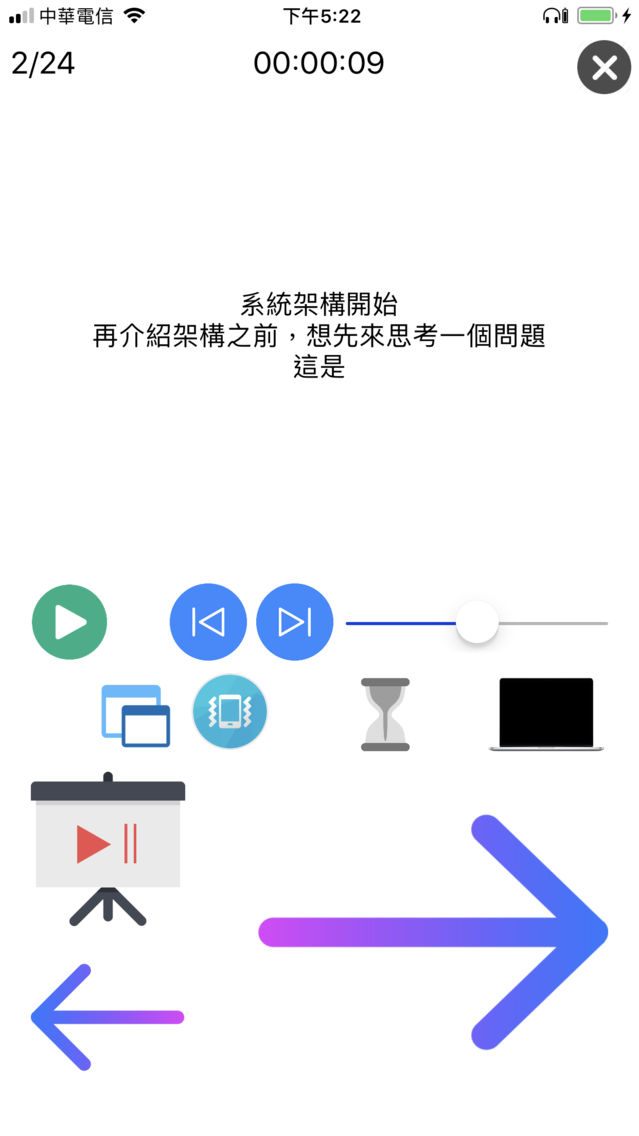
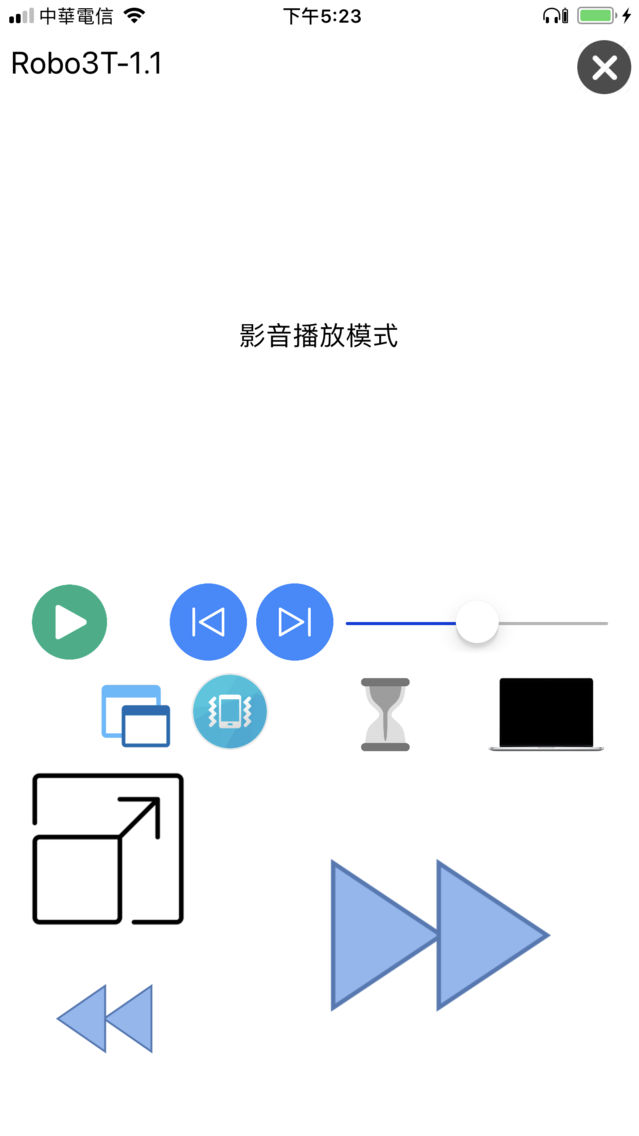
3)Now you can control your PowerPoint or media playback.

Despite using briefing pen, often forget to carry battery or charge it?
From now on, your phone is your briefing pen, it is easy to set-up, and also can control media playback on your computer.
So that you can have an excellent presentation everywhere.
Software on Windows -> https://gcclab.cc/PPTController/PPT Controller.exe
Please make sure both your phone and computer have internet connection.
Step :
1)Open software on Windows.
2)Open this APP ,then type the pin code which show on Windows software ,after typing just click "Connect".
3)Now you can control your PowerPoint or media playback.
Show More
最新バージョン 1.0 の更新情報
Last updated on 2018年06月03日
Version History
1.0
2018年06月03日
PPT Controller FAQ
ここをクリック!地理的に制限されているアプリのダウンロード方法をご参考ください。
次のリストをチェックして、PPT Controllerの最低システム要件をご確認ください。
iPhone
iPad
PPT Controllerは次の言語がサポートされています。 Chinese, English