Quick note - One page note
Are you tired of juggling multiple notes and trying to keep track of everything on your to-do list? Say hello to the one-page note! This simple but effective system can help streamline your daily tasks, boost productivity, and reduce stress. We'll explore the benefits of using a one-page note and provide some tips for creating an effective one. So grab a pen and paper (or open up that digital notepad) - it's time to simplify your life with the power of a single page!
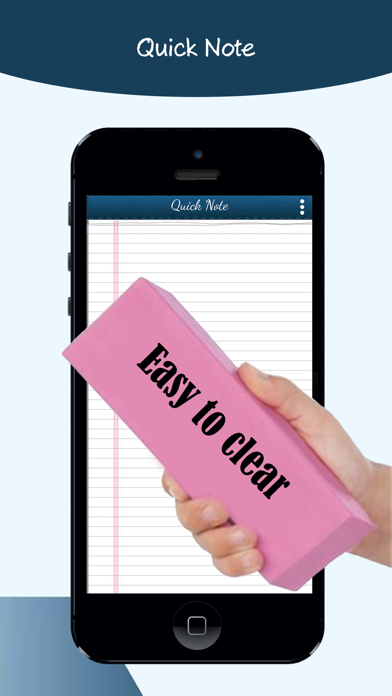
Take your notes without creating many categories just access your note in a page
Assuming you want a more in-depth exploration of the idea of taking notes on a single page:
The problem with most note-taking systems is that they require you to create a lot of categories and subcategories in order to keep your notes organized. This can be time-consuming and frustrating, especially if you just want to jot down a quick thought or idea. Fortunately, there are now some great options for taking notes on a single page.
One popular option is the Zettelkasten system, which was developed by German sociologist Niklas Luhmann. The basic idea is that you have one central notebook where you store all of your notes. Each note is then given a unique identifier (usually a number), which allows you to cross-reference other notes easily. You can also add tags to each note, which makes it easy to find related information later on.
Another option is the Roam Research tool, which lets you create "pages" for each of your ideas. These pages can be linked together using hashtags, so it's easy to see how different ideas are related. You can also embed images, videos, and other media on your pages, which makes Roam an ideal tool for visual thinkers.
There are many other options available as well, including Evernote and Bear. The important thing is to find a system that works for you and that you'll actually use.
Assuming you want tips for taking quick notes:
1. Keep it simple - use a notebook or piece of paper and write down the main points. No need for fancy pens or anything else, just keep it simple.
2. Write down what you hear - if you're in a meeting or lecture, write down the key points as you hear them. This will help you to remember them later.
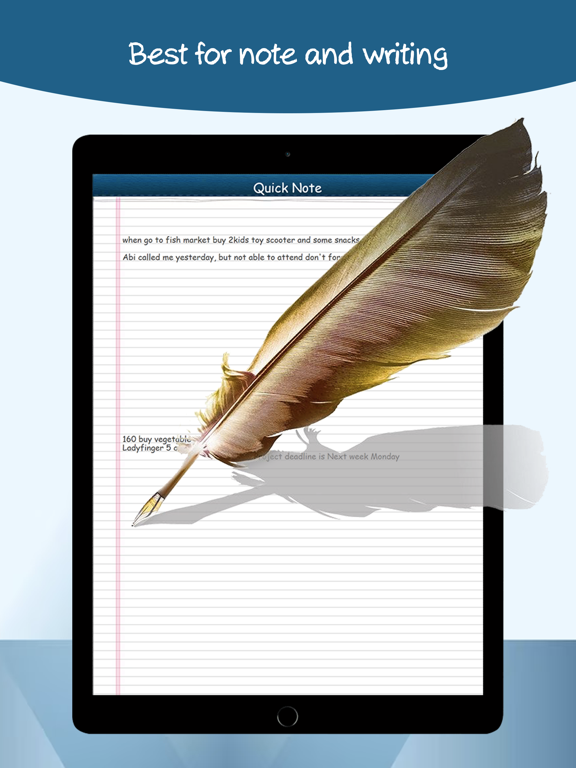
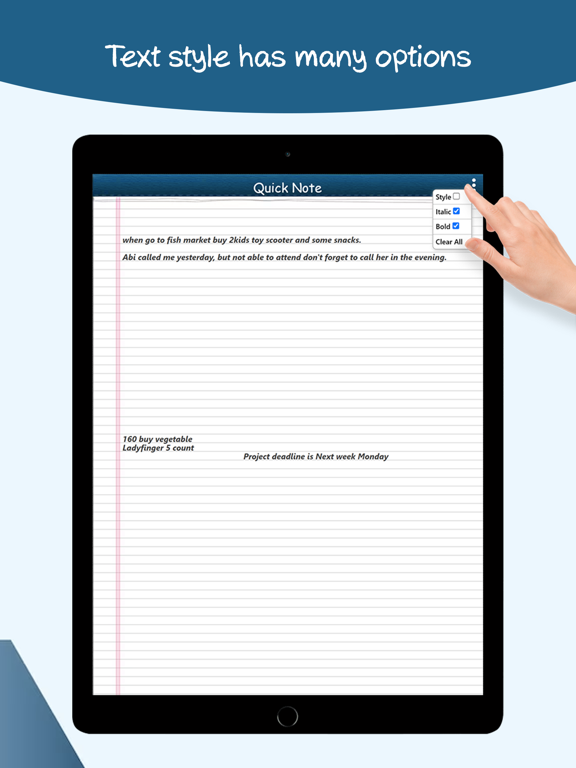
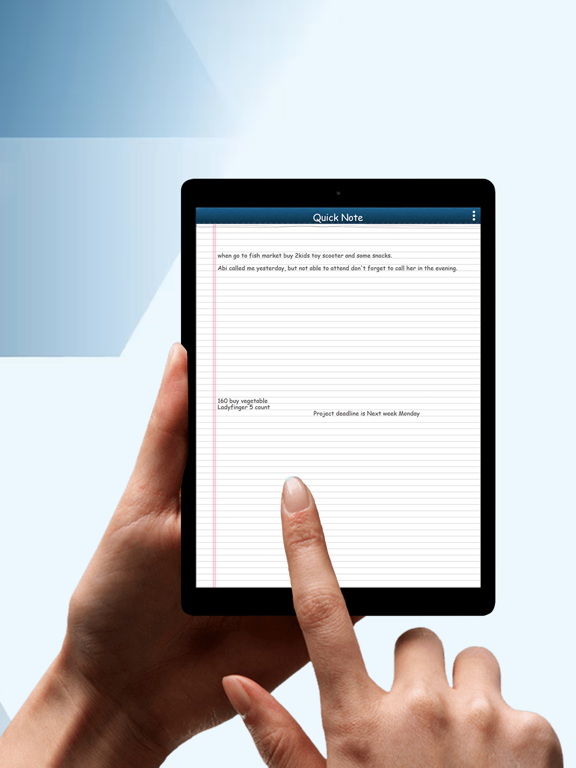
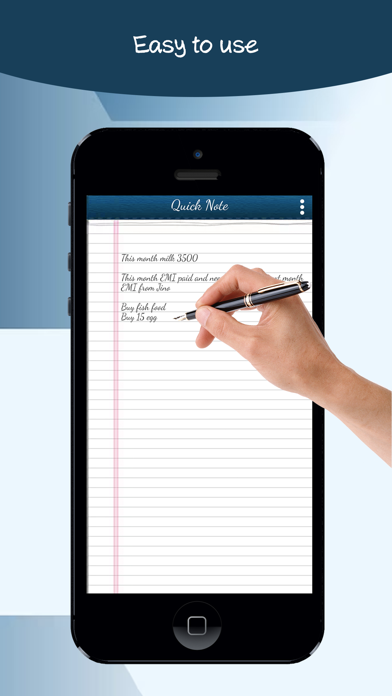
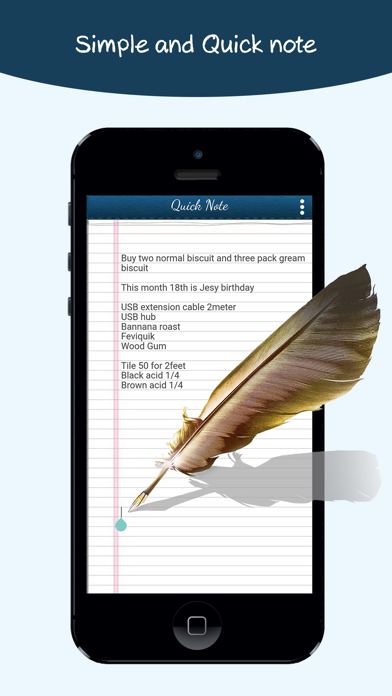
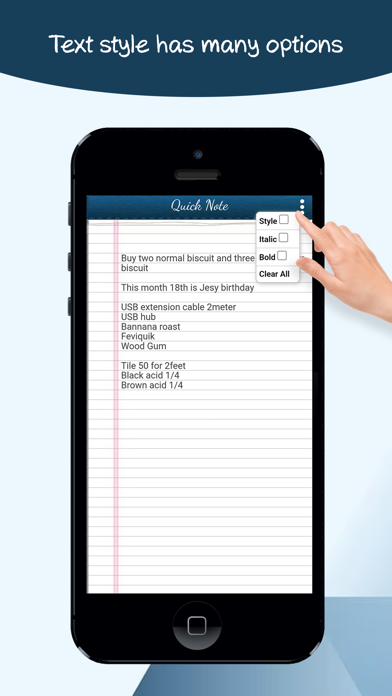
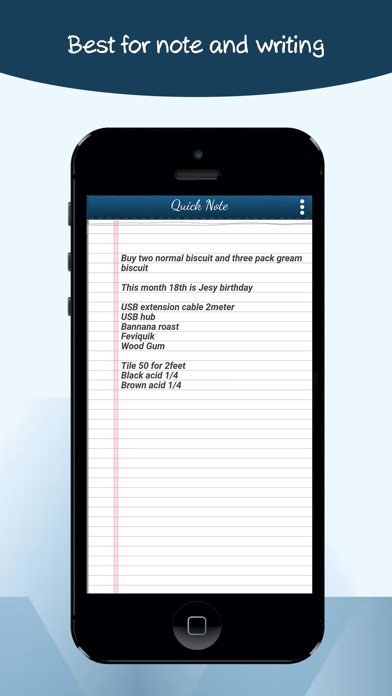
We created this app especially to Quickly access your notes. This contains only one page so you can directly access your note, no need to confuse the categories. Quick notes and easy notes can be accessed with a single click, also we have added some easy and simple tools like you can change your text weight (bold), you can change the text type (italic) and the style font or normal font also can be selected.
Free Quick notes
In this app, all the features can be accessed without any limitations
This is a 100% free one page notes app
Color note apps can be working offline so you can write any notes without expecting internet connections.
Sticky notes features
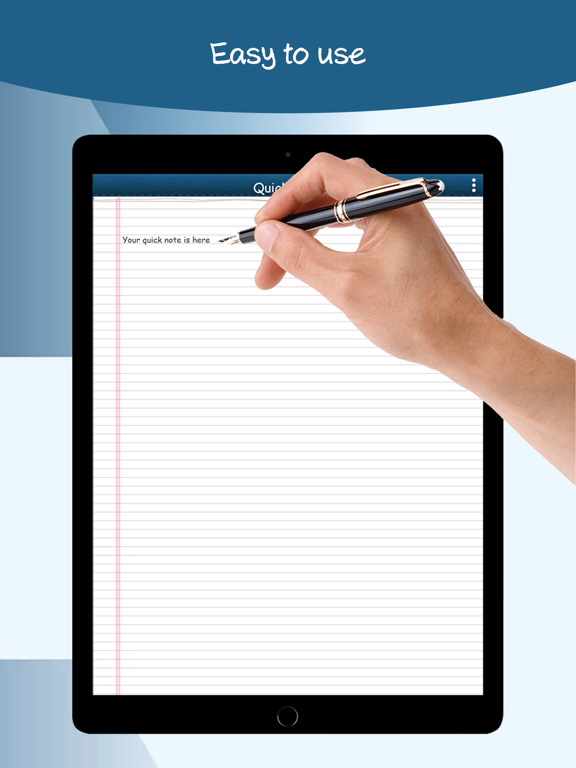
This sticky note app can be used like system sticky notes because we do not have too many pages for confusing the users like sticky notes. Just open the app and write your notes, and it will automatically save them in the memory.
Autosave feature
This mind note app is having auto save option, which that means for every user who types the text the characters are automatically saved in the memory.
Simple notepad
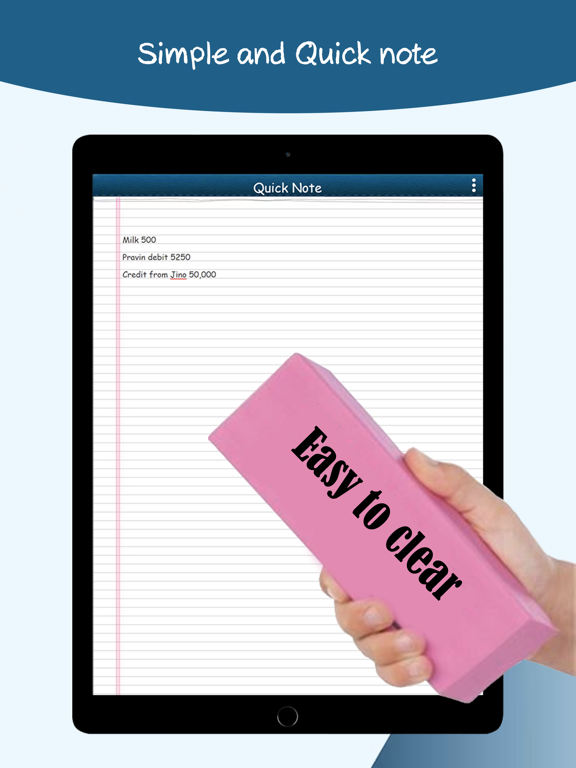
This app works like an easy and simple notepad, we hope for taking down notes with no need for any special design, but it should be very simple for every user.
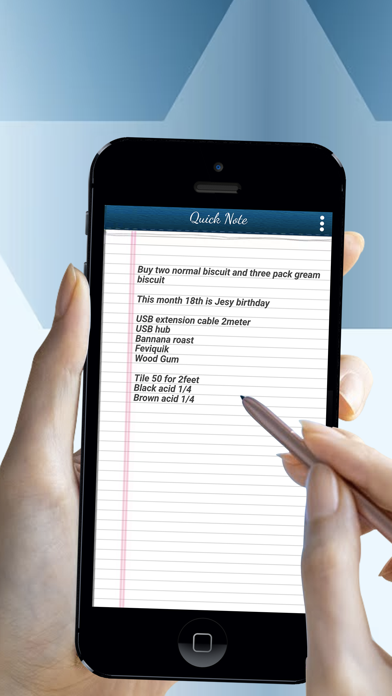
Simple Quick Notes app - Notes can write through the mobile keypad and you can be used a simple Notepad, or Notebook, This Note taking application is a simple and free note-taking app for taking college notes, school notes, personal notes, daily budget notes, and much more. Taking notes with Quick note in a single One page note is easier than any other note taking or simple notepad app.
Terms of Use:
https://www.apple.com/legal/internet-services/itunes/dev/stdeula/