Quick Positioning
無料
1.1.1for iPhone
Age Rating
Quick Positioning スクリーンショット
About Quick Positioning
The Quick Positioning app helps you choose the most suitable boom lift for the work area you need to access.
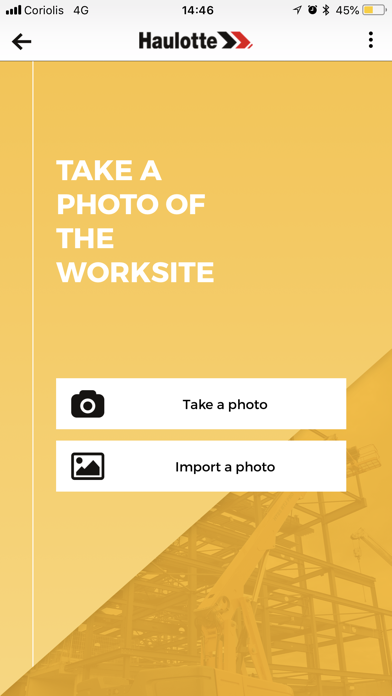
1/ First, you need to take a picture of the worksite including :
- the work area to access;
- an object of known height in the photo (door, window, person, etc.);
- the location of the boom.
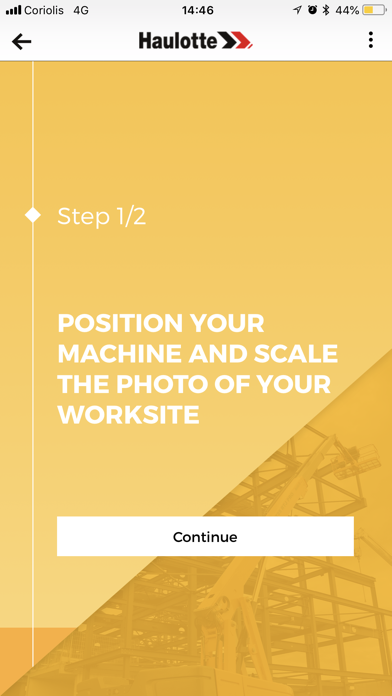
2/ Position the machine on the photo : move the wheel of the boom to indicate ground level on the photo.
3/ Scale your photo :
- Choose an object of known height in the photo (door, window, person, etc.);
- Specify the size of the object.
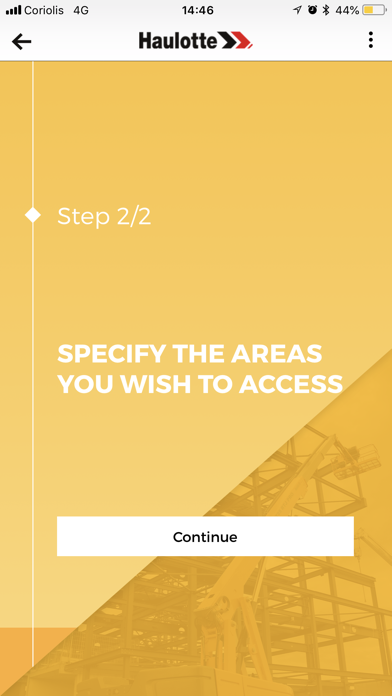
4/ Indicate the work areas to access including the horizontal outreach.
5/ Select the most suitable machine and perform a simulation.
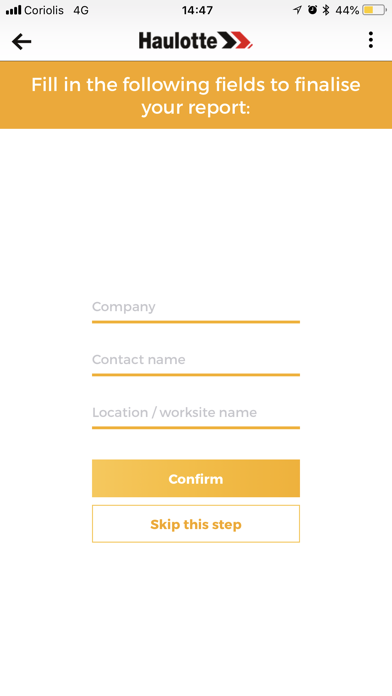
6/ Save your selection by creating a custom report that you can save to your phone or send directly by mail.
Remark : A tutorial and a « help » button is offered at each step to help you get the best result possible.

1/ First, you need to take a picture of the worksite including :
- the work area to access;
- an object of known height in the photo (door, window, person, etc.);
- the location of the boom.
2/ Position the machine on the photo : move the wheel of the boom to indicate ground level on the photo.
3/ Scale your photo :
- Choose an object of known height in the photo (door, window, person, etc.);
- Specify the size of the object.
4/ Indicate the work areas to access including the horizontal outreach.
5/ Select the most suitable machine and perform a simulation.
6/ Save your selection by creating a custom report that you can save to your phone or send directly by mail.
Remark : A tutorial and a « help » button is offered at each step to help you get the best result possible.
Show More
最新バージョン 1.1.1 の更新情報
Last updated on 2018年11月22日
旧バージョン
New app with:
1.App now available in Chinese, Italian, German and Spanish;
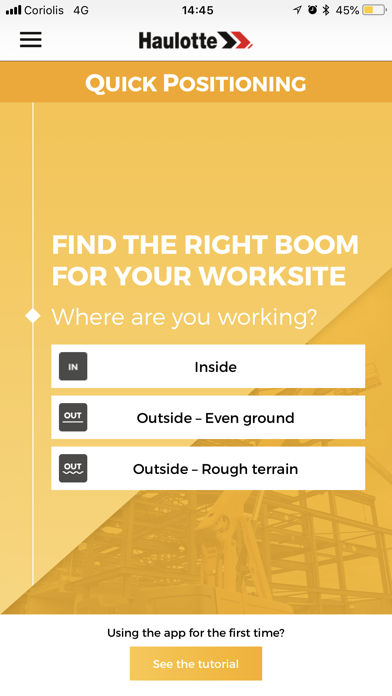
2.To get the most suitable machine, new buttons have been created to select more precisely the working area (outside even ground/outside rough terrain/inside);
3.The custom report of each machine has been improved: 16 features appear in the report instead of 3 before;
4.Improvement of the US version: the machines appear in the results with their US designation.
1.App now available in Chinese, Italian, German and Spanish;
2.To get the most suitable machine, new buttons have been created to select more precisely the working area (outside even ground/outside rough terrain/inside);
3.The custom report of each machine has been improved: 16 features appear in the report instead of 3 before;
4.Improvement of the US version: the machines appear in the results with their US designation.
Show More
Version History
1.1.1
2018年11月22日
New app with:
1.App now available in Chinese, Italian, German and Spanish;
2.To get the most suitable machine, new buttons have been created to select more precisely the working area (outside even ground/outside rough terrain/inside);
3.The custom report of each machine has been improved: 16 features appear in the report instead of 3 before;
4.Improvement of the US version: the machines appear in the results with their US designation.
1.App now available in Chinese, Italian, German and Spanish;
2.To get the most suitable machine, new buttons have been created to select more precisely the working area (outside even ground/outside rough terrain/inside);
3.The custom report of each machine has been improved: 16 features appear in the report instead of 3 before;
4.Improvement of the US version: the machines appear in the results with their US designation.
Quick Positioning FAQ
ここをクリック!地理的に制限されているアプリのダウンロード方法をご参考ください。
次のリストをチェックして、Quick Positioningの最低システム要件をご確認ください。
iPhone