SSH Client - Secure ShellFish

SSH Client - Secure ShellFish


無料

2026.19for iPhone
Age Rating
4+
Apps in this category do not contain restricted content.
9+
Apps in this category may contain mild or occasional cartoon, fantasy or real-life violence, as well as occasional or mild adult, sexually suggestive or horrifying content and may not be suitable for children under 9 years of age.
12+
Apps in this category may contain occasional mild indecent language, frequent or intense cartoon or real-life violence, minor or occasional adult or sexually suggestive material, and simulated gambling, and may be for children under 12 years of age.
17+
You must be at least 17 years old to access this App.
Apps in this category may contain frequent and intense offensive language; Frequent and intense cartoon, fantasy or realistic violence: frequent and intense adult, scary and sexually suggestive subjects: as well as sexual content, nudity, tobacco, alcohol and drugs, may not be suitable for children under 17 years of age.
SSH Client - Secure ShellFish スクリーンショット
SSH Client - Secure ShellFish ポスターSSH Client - Secure ShellFish ポスターSSH Client - Secure ShellFish ポスターSSH Client - Secure ShellFish ポスターSSH Client - Secure ShellFish ポスターSSH Client - Secure ShellFish ポスターSSH Client - Secure ShellFish ポスターSSH Client - Secure ShellFish ポスター

About SSH Client - Secure ShellFish

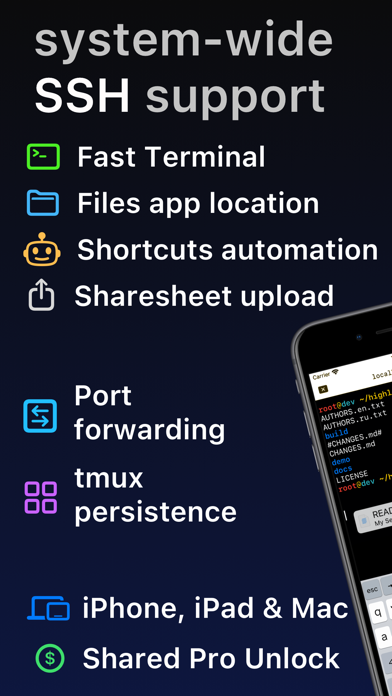
Lightning fast SSH terminal with remote file access. No other app fuses your SSH servers and iOS devices as well as Secure ShellFish. Tap Get and see for yourself.

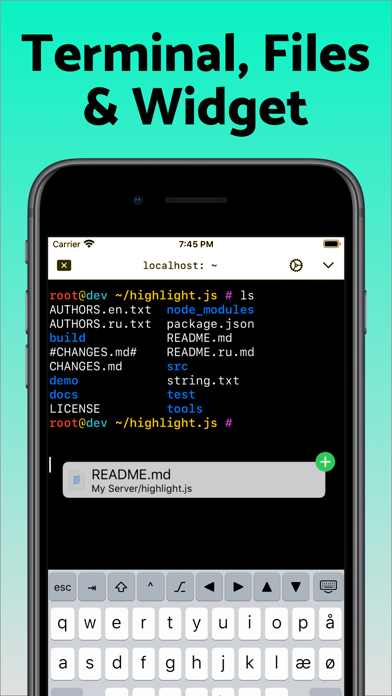
Terminal supports standard text editing gestures for selection, scrolling and copy/paste as well as custom gestures to send arrow keys and tabulator making shell entry and full screen editing with vim or emacs delightful. Bar above the keyboard makes it easy to type special keys and insert snippets.

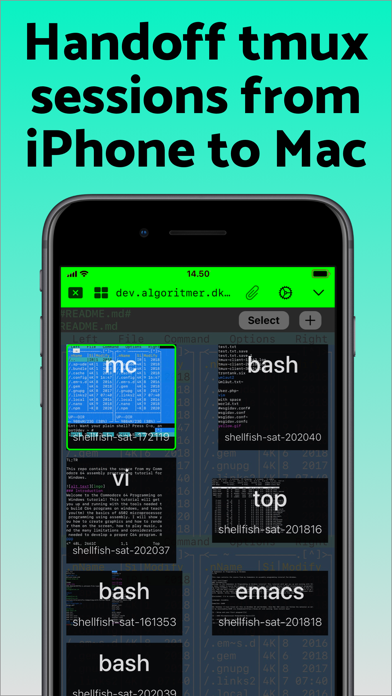
Select and drag filenames out of the terminal as actual files and drag files from other apps into the terminal to upload. Use built-in tmux support to persist terminal sessions if you lose Internet access, pick existing sessions with thumbnails and Handoff sessions between devices.

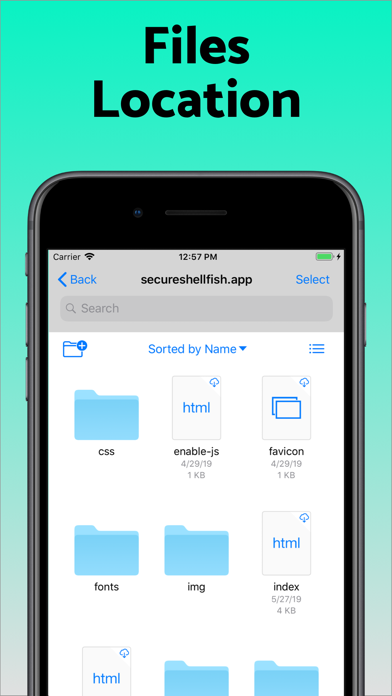
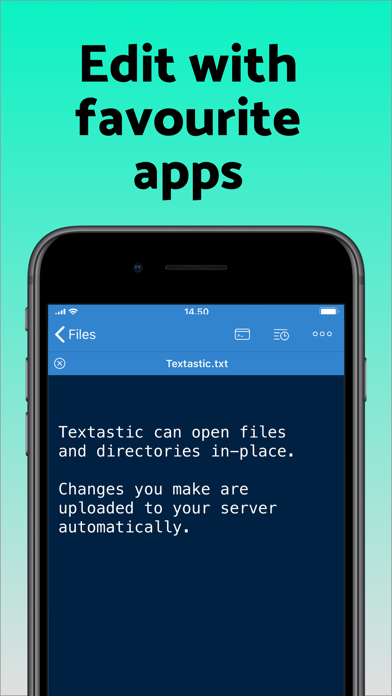
Server file system is available in the Files app and recently accessed files and directories are cached to make them available when offline. Use apps like Textastic and iA Writer for a native editing experience working on your remote server files.

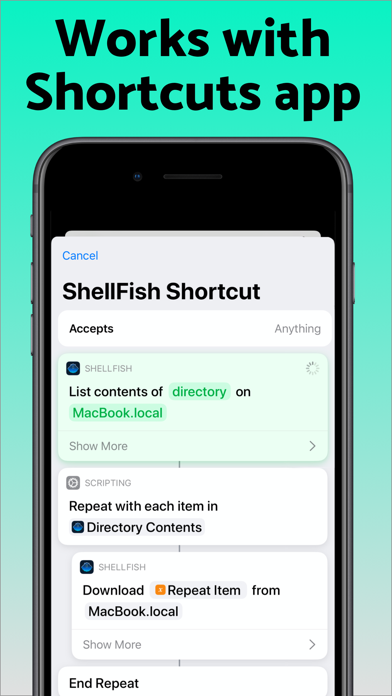
Upload files or entire directories from the share sheet with minimal friction as the last destination directory for each kind of file is remembered or automate file transfers in the Shortcuts app.

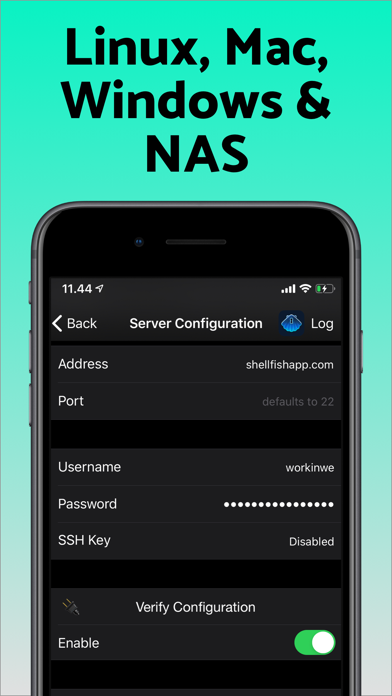
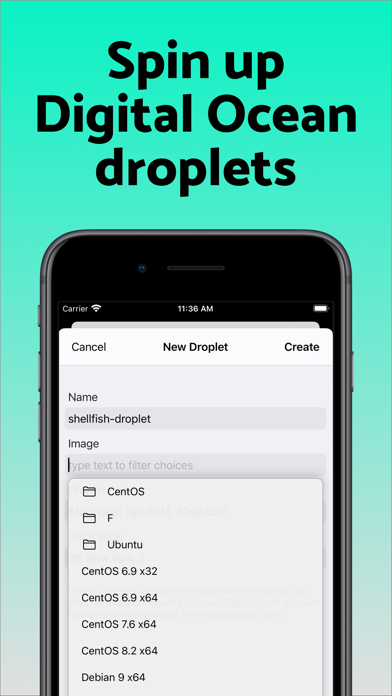
Connect to your Mac, Synology NAS and any other SSH server or create new Digital Ocean droplets right from the app.

Secure ShellFish is useful as a free app and paying pro users can disable ads in the terminal, upload through the Files app and configure unlimited number of servers.

Show More

最新バージョン 2026.19 の更新情報

Last updated on 2026年06月05日
旧バージョン
Tap "Scan clipboard" when configuring a new server to pull connection details out of a screenshot or text. Processing happens entirely on device making it exclusive to newer iPads, iPhones & Macs.

Fixes for keyboard customization and Keyboard Presets.

Allow auto-scrolling terminal to extend selection.

Improvements to tmux native mode.

Fixes incorrect cursor placement.
Show More
Version History
2026.19
2026年06月05日
Tap "Scan clipboard" when configuring a new server to pull connection details out of a screenshot or text. Processing happens entirely on device making it exclusive to newer iPads, iPhones & Macs.

Fixes for keyboard customization and Keyboard Presets.

Allow auto-scrolling terminal to extend selection.

Improvements to tmux native mode.

Fixes incorrect cursor placement.

SSH Client - Secure ShellFish FAQ

SSH Client - Secure ShellFishは、以下の国または地域では利用できません。
Israel,Belarus,Russia
次のリストをチェックして、SSH Client - Secure ShellFishの最低システム要件をご確認ください。
iPhone
ここをクリック!地理的に制限されているアプリのダウンロード方法をご参考ください。

関連動画

Latest introduction video of SSH Client - Secure ShellFish on iPhone

SSH Client - Secure ShellFishの類似アプリ

あなたも好きかも

Anders Borum からもっと手に入れる