SSH Client - Secure ShellFish
무료
2026.19for iPhone
Age Rating
SSH Client - Secure ShellFish 스크린 샷
About SSH Client - Secure ShellFish
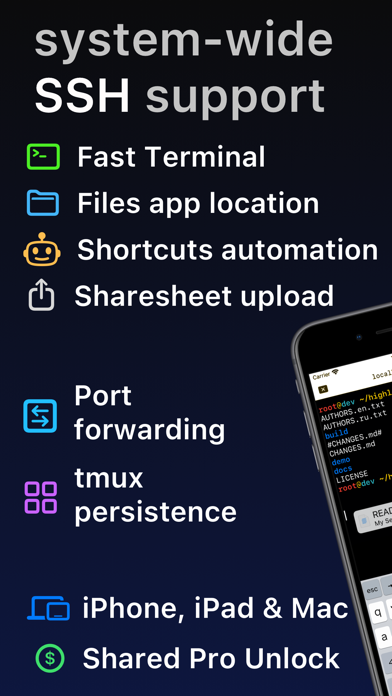
Lightning fast SSH terminal with remote file access. No other app fuses your SSH servers and iOS devices as well as Secure ShellFish. Tap Get and see for yourself.
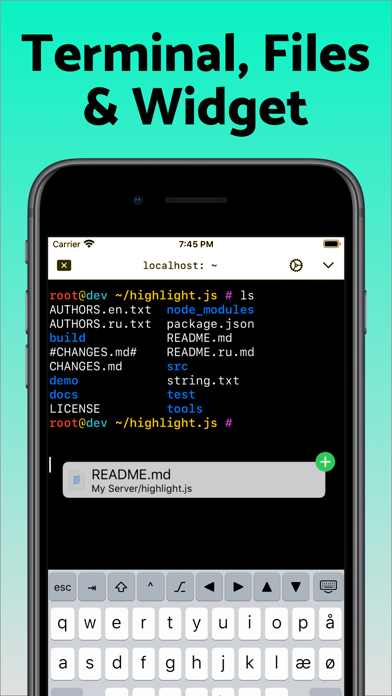
Terminal supports standard text editing gestures for selection, scrolling and copy/paste as well as custom gestures to send arrow keys and tabulator making shell entry and full screen editing with vim or emacs delightful. Bar above the keyboard makes it easy to type special keys and insert snippets.
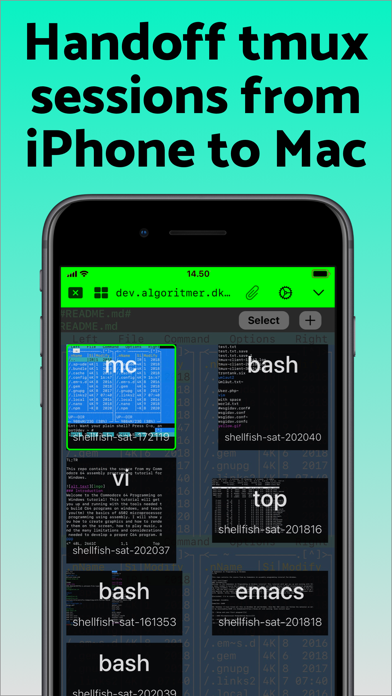
Select and drag filenames out of the terminal as actual files and drag files from other apps into the terminal to upload. Use built-in tmux support to persist terminal sessions if you lose Internet access, pick existing sessions with thumbnails and Handoff sessions between devices.
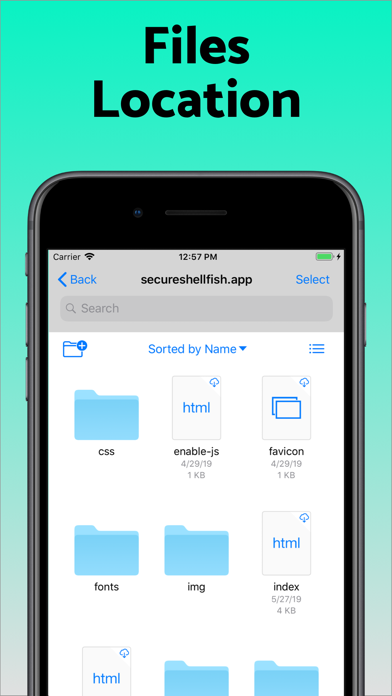
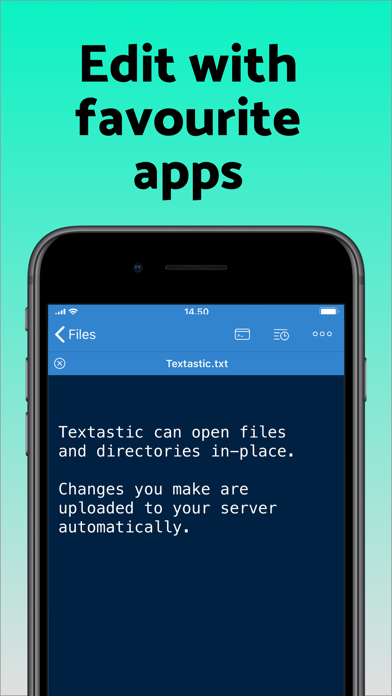
Server file system is available in the Files app and recently accessed files and directories are cached to make them available when offline. Use apps like Textastic and iA Writer for a native editing experience working on your remote server files.
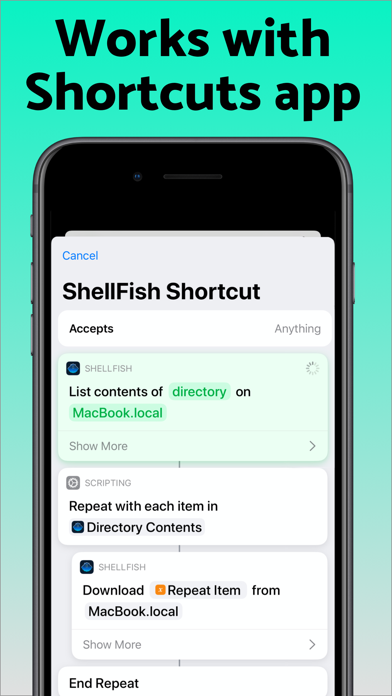
Upload files or entire directories from the share sheet with minimal friction as the last destination directory for each kind of file is remembered or automate file transfers in the Shortcuts app.
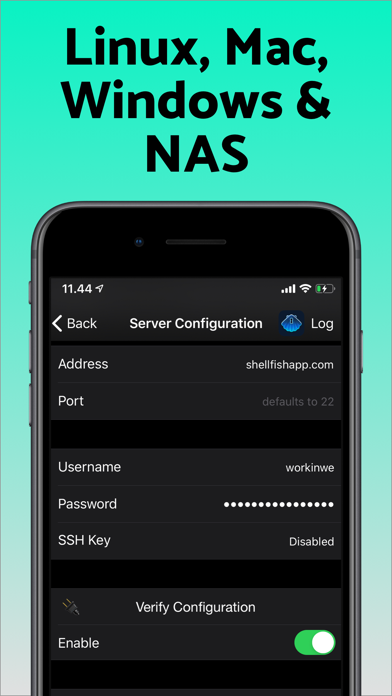
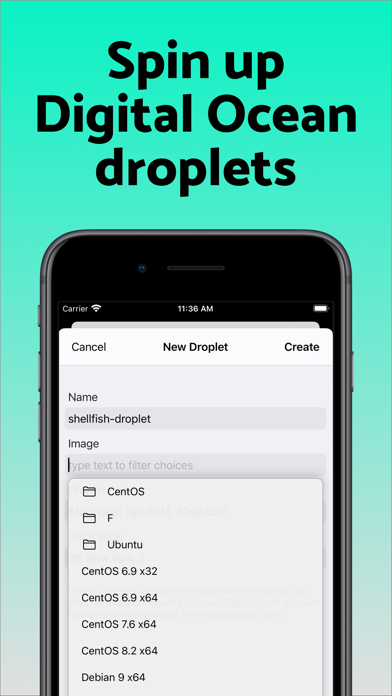
Connect to your Mac, Synology NAS and any other SSH server or create new Digital Ocean droplets right from the app.
Secure ShellFish is useful as a free app and paying pro users can disable ads in the terminal, upload through the Files app and configure unlimited number of servers.

Terminal supports standard text editing gestures for selection, scrolling and copy/paste as well as custom gestures to send arrow keys and tabulator making shell entry and full screen editing with vim or emacs delightful. Bar above the keyboard makes it easy to type special keys and insert snippets.
Select and drag filenames out of the terminal as actual files and drag files from other apps into the terminal to upload. Use built-in tmux support to persist terminal sessions if you lose Internet access, pick existing sessions with thumbnails and Handoff sessions between devices.
Server file system is available in the Files app and recently accessed files and directories are cached to make them available when offline. Use apps like Textastic and iA Writer for a native editing experience working on your remote server files.
Upload files or entire directories from the share sheet with minimal friction as the last destination directory for each kind of file is remembered or automate file transfers in the Shortcuts app.
Connect to your Mac, Synology NAS and any other SSH server or create new Digital Ocean droplets right from the app.
Secure ShellFish is useful as a free app and paying pro users can disable ads in the terminal, upload through the Files app and configure unlimited number of servers.
Show More
최신 버전 2026.19의 새로운 기능
Last updated on Jun 5, 2026
오래된 버전
Tap "Scan clipboard" when configuring a new server to pull connection details out of a screenshot or text. Processing happens entirely on device making it exclusive to newer iPads, iPhones & Macs.
Fixes for keyboard customization and Keyboard Presets.
Allow auto-scrolling terminal to extend selection.
Improvements to tmux native mode.
Fixes incorrect cursor placement.
Fixes for keyboard customization and Keyboard Presets.
Allow auto-scrolling terminal to extend selection.
Improvements to tmux native mode.
Fixes incorrect cursor placement.
Show More
Version History
2026.19
Jun 5, 2026
Tap "Scan clipboard" when configuring a new server to pull connection details out of a screenshot or text. Processing happens entirely on device making it exclusive to newer iPads, iPhones & Macs.
Fixes for keyboard customization and Keyboard Presets.
Allow auto-scrolling terminal to extend selection.
Improvements to tmux native mode.
Fixes incorrect cursor placement.
Fixes for keyboard customization and Keyboard Presets.
Allow auto-scrolling terminal to extend selection.
Improvements to tmux native mode.
Fixes incorrect cursor placement.
SSH Client - Secure ShellFish FAQ
SSH Client - Secure ShellFish는 다음 제한 국가 이외의 지역에서 제공됩니다.
Israel,Belarus,Russia
SSH Client - Secure ShellFish의 최소 요구 사항을 보려면 다음 목록을 확인하십시오.
iPhone
제한된 국가 또는 지역에서 SSH Client - Secure ShellFish를 다운로드하는 방법을 알아보려면 여기를 클릭하십시오.
관련 동영상
Latest introduction video of SSH Client - Secure ShellFish on iPhone