SmartLink Network
無料
6.2.0for iPhone, iPad
Age Rating
SmartLink Network スクリーンショット
About SmartLink Network
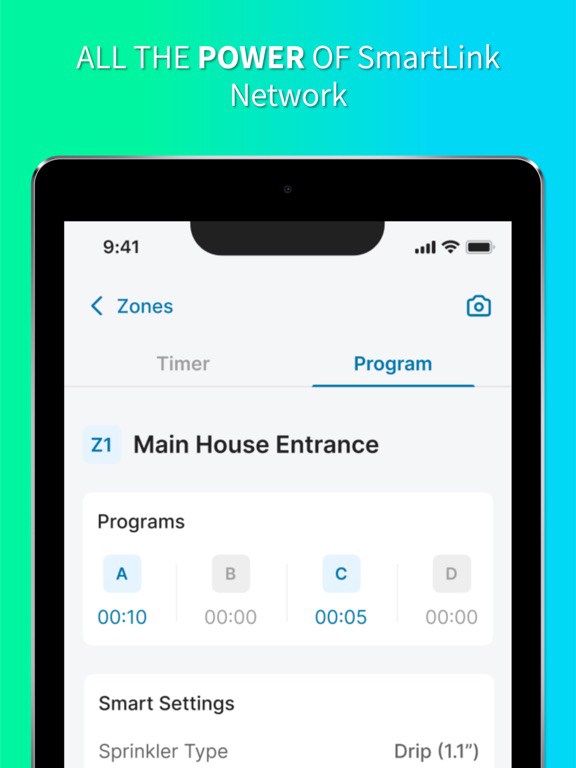
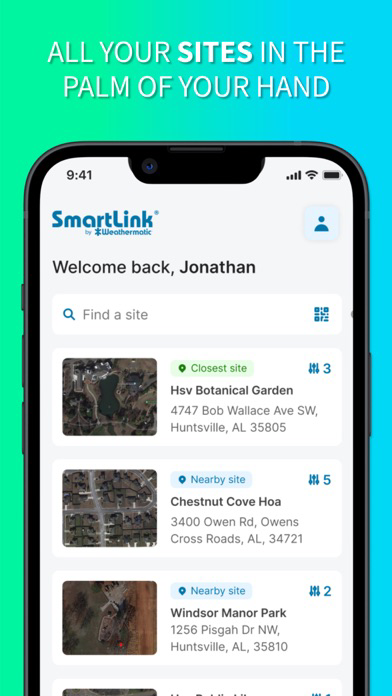
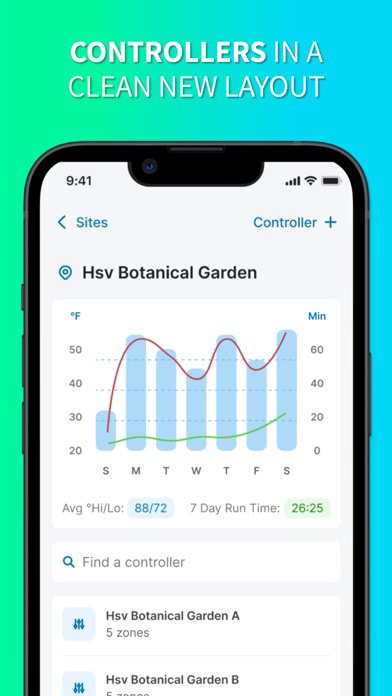
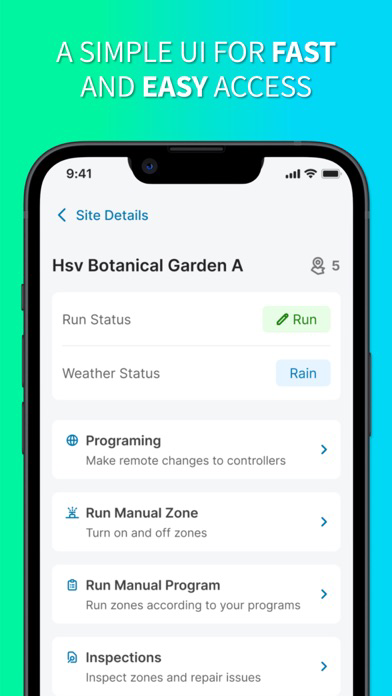
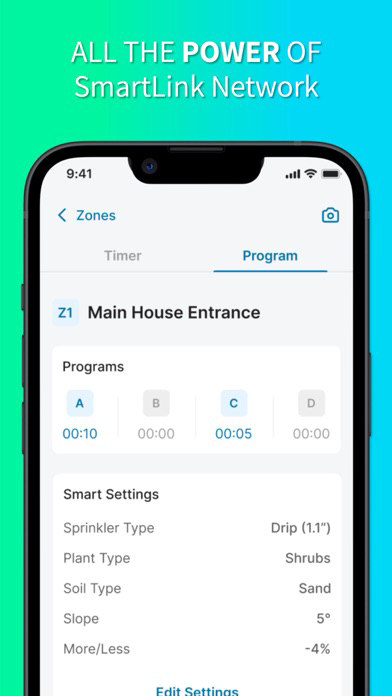
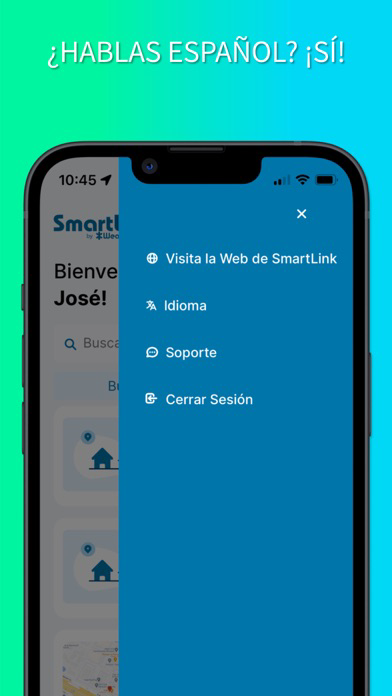
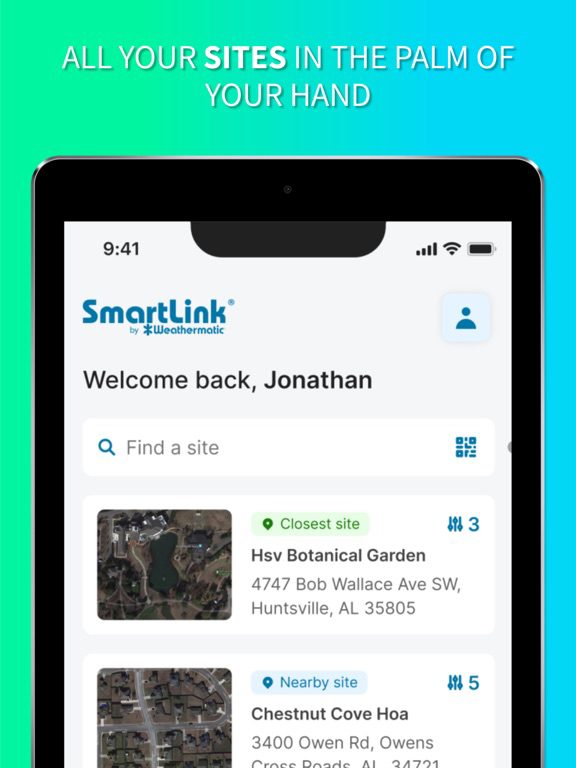
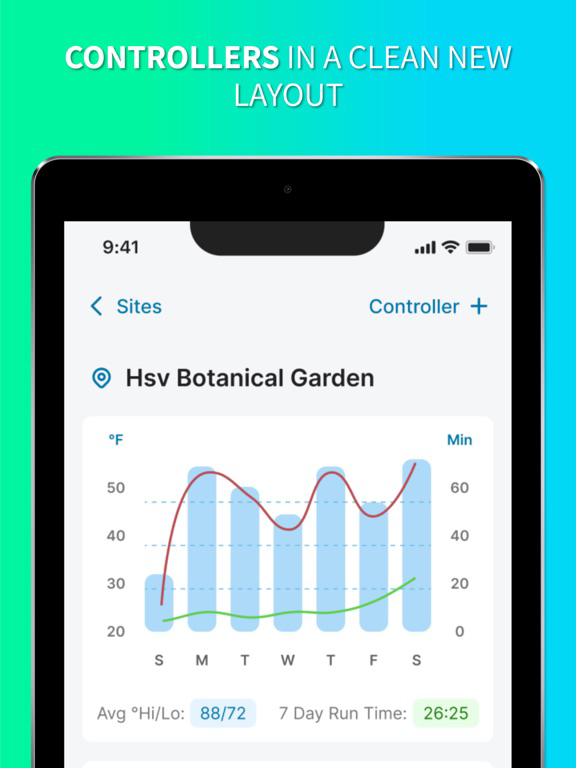
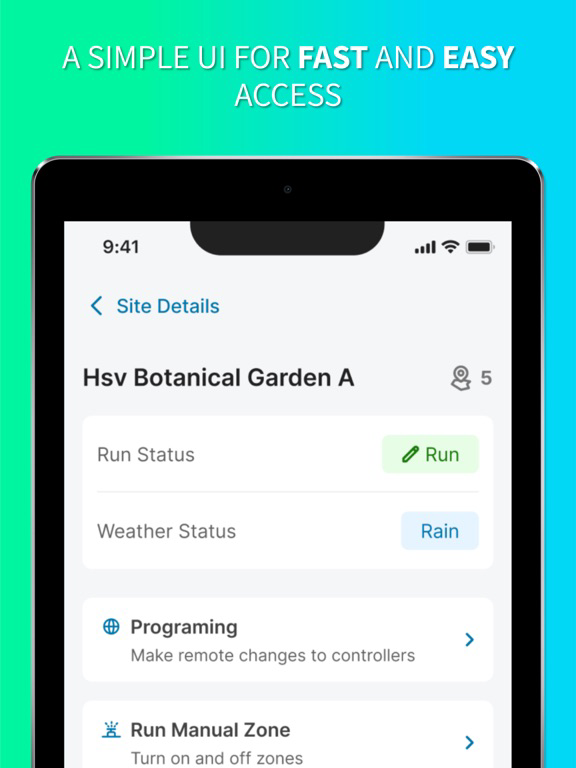
Control your Weathermatic SmartLine landscape irrigation system from your iPhone with the SmartLink Network app.
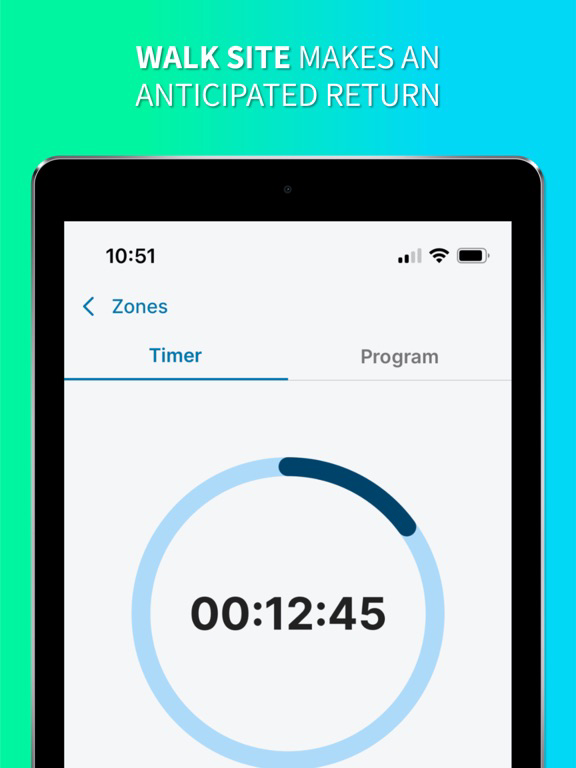
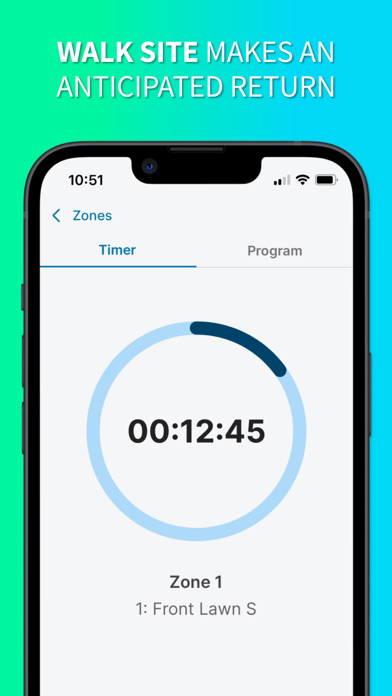
Walk-Site, your in-field remote, is BACK in the SmartLink App. Update or download today. Your phone is your remote. Eliminate trips to the controller. Get more done. 1-Click browser access also allows you full access to the power of SmartLink - global commands, inspections and proposals, monitor alerts, and generate reports for your clients detailing exactly how much water (and money) you’ve saved for them. SmartLink offers a solution to current labor challenges, increases profit margins, and positions your business as an industry leader in smart water technology, conservation, and sustainability practices.
Show More
最新バージョン 6.2.0 の更新情報
Last updated on 2026年03月07日
旧バージョン
6.2.0:
======================
New Features
Inspection Lobby Screen — Tapping Inspections now opens a list of all past draft and completed inspections, with search and infinite scroll.
Inspection Details Screen — Tapping an inspection shows a details screen with title, status, date, and inspector, plus context-aware action buttons.
Edit Completed Inspection Modal — A confirmation modal now appears when editing a completed inspection, letting users choose to edit the existing record, start a new one, or cancel.
Resume Draft Inspection — Continuing a draft inspection reloads all previously entered data (issues, repair items, photos, zones) with full offline support.
Zone Run Starting Delay — Running a zone during an inspection now shows a "Starting" state for 5 seconds before the active countdown begins, consistent with manual zone run behavior.
Bug Fixes
Zone photos not deleted offline — Photos removed from zone issues while offline were still appearing after sync. Fixed.
Zone settings Save button missing — Switching to the Runtimes tab while editing zone settings hid the Save button and prevented location changes from saving. Fixed.
UI regressions after framework upgrade — Resolved oversized inputs, incorrect modal backgrounds, misplaced back buttons, extra spacing in bottom sheets, and zone list overflow.
Inspection search bar hidden on load — The search bar on the inspection list was only visible after scrolling down and back up. Fixed.
Offline inspection showing blank screen — Opening a cached inspection while offline showed a blank screen instead of saved data. Fixed.
Empty state missing on inspection list — When a controller had no inspections, the empty state was not displayed. Fixed.
Keyboard "Done" button not visible on Android — When adding a photo caption, the Done button to dismiss the keyboard was hidden unless the hardware back button was tapped. Fixed.

======================
New Features
Inspection Lobby Screen — Tapping Inspections now opens a list of all past draft and completed inspections, with search and infinite scroll.
Inspection Details Screen — Tapping an inspection shows a details screen with title, status, date, and inspector, plus context-aware action buttons.
Edit Completed Inspection Modal — A confirmation modal now appears when editing a completed inspection, letting users choose to edit the existing record, start a new one, or cancel.
Resume Draft Inspection — Continuing a draft inspection reloads all previously entered data (issues, repair items, photos, zones) with full offline support.
Zone Run Starting Delay — Running a zone during an inspection now shows a "Starting" state for 5 seconds before the active countdown begins, consistent with manual zone run behavior.
Bug Fixes
Zone photos not deleted offline — Photos removed from zone issues while offline were still appearing after sync. Fixed.
Zone settings Save button missing — Switching to the Runtimes tab while editing zone settings hid the Save button and prevented location changes from saving. Fixed.
UI regressions after framework upgrade — Resolved oversized inputs, incorrect modal backgrounds, misplaced back buttons, extra spacing in bottom sheets, and zone list overflow.
Inspection search bar hidden on load — The search bar on the inspection list was only visible after scrolling down and back up. Fixed.
Offline inspection showing blank screen — Opening a cached inspection while offline showed a blank screen instead of saved data. Fixed.
Empty state missing on inspection list — When a controller had no inspections, the empty state was not displayed. Fixed.
Keyboard "Done" button not visible on Android — When adding a photo caption, the Done button to dismiss the keyboard was hidden unless the hardware back button was tapped. Fixed.
Show More
Version History
6.2.0
2026年03月07日
6.2.0:
======================
New Features
Inspection Lobby Screen — Tapping Inspections now opens a list of all past draft and completed inspections, with search and infinite scroll.
Inspection Details Screen — Tapping an inspection shows a details screen with title, status, date, and inspector, plus context-aware action buttons.
Edit Completed Inspection Modal — A confirmation modal now appears when editing a completed inspection, letting users choose to edit the existing record, start a new one, or cancel.
Resume Draft Inspection — Continuing a draft inspection reloads all previously entered data (issues, repair items, photos, zones) with full offline support.
Zone Run Starting Delay — Running a zone during an inspection now shows a "Starting" state for 5 seconds before the active countdown begins, consistent with manual zone run behavior.
Bug Fixes
Zone photos not deleted offline — Photos removed from zone issues while offline were still appearing after sync. Fixed.
Zone settings Save button missing — Switching to the Runtimes tab while editing zone settings hid the Save button and prevented location changes from saving. Fixed.
UI regressions after framework upgrade — Resolved oversized inputs, incorrect modal backgrounds, misplaced back buttons, extra spacing in bottom sheets, and zone list overflow.
Inspection search bar hidden on load — The search bar on the inspection list was only visible after scrolling down and back up. Fixed.
Offline inspection showing blank screen — Opening a cached inspection while offline showed a blank screen instead of saved data. Fixed.
Empty state missing on inspection list — When a controller had no inspections, the empty state was not displayed. Fixed.
Keyboard "Done" button not visible on Android — When adding a photo caption, the Done button to dismiss the keyboard was hidden unless the hardware back button was tapped. Fixed.
======================
New Features
Inspection Lobby Screen — Tapping Inspections now opens a list of all past draft and completed inspections, with search and infinite scroll.
Inspection Details Screen — Tapping an inspection shows a details screen with title, status, date, and inspector, plus context-aware action buttons.
Edit Completed Inspection Modal — A confirmation modal now appears when editing a completed inspection, letting users choose to edit the existing record, start a new one, or cancel.
Resume Draft Inspection — Continuing a draft inspection reloads all previously entered data (issues, repair items, photos, zones) with full offline support.
Zone Run Starting Delay — Running a zone during an inspection now shows a "Starting" state for 5 seconds before the active countdown begins, consistent with manual zone run behavior.
Bug Fixes
Zone photos not deleted offline — Photos removed from zone issues while offline were still appearing after sync. Fixed.
Zone settings Save button missing — Switching to the Runtimes tab while editing zone settings hid the Save button and prevented location changes from saving. Fixed.
UI regressions after framework upgrade — Resolved oversized inputs, incorrect modal backgrounds, misplaced back buttons, extra spacing in bottom sheets, and zone list overflow.
Inspection search bar hidden on load — The search bar on the inspection list was only visible after scrolling down and back up. Fixed.
Offline inspection showing blank screen — Opening a cached inspection while offline showed a blank screen instead of saved data. Fixed.
Empty state missing on inspection list — When a controller had no inspections, the empty state was not displayed. Fixed.
Keyboard "Done" button not visible on Android — When adding a photo caption, the Done button to dismiss the keyboard was hidden unless the hardware back button was tapped. Fixed.
SmartLink Network FAQ
ここをクリック!地理的に制限されているアプリのダウンロード方法をご参考ください。
次のリストをチェックして、SmartLink Networkの最低システム要件をご確認ください。
iPhone
iPad