Spiffy Clock
Tell time in style.
無料
2.1for iPhone, iPad and more
Age Rating
Spiffy Clock スクリーンショット
About Spiffy Clock
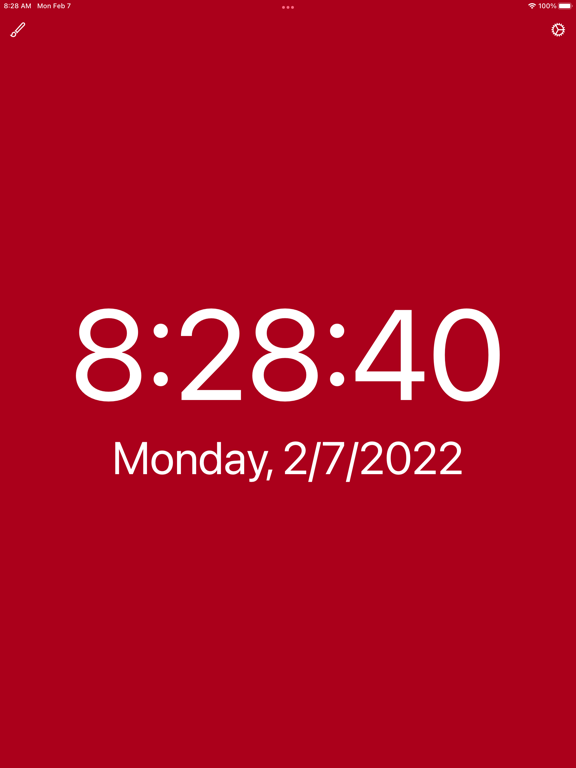
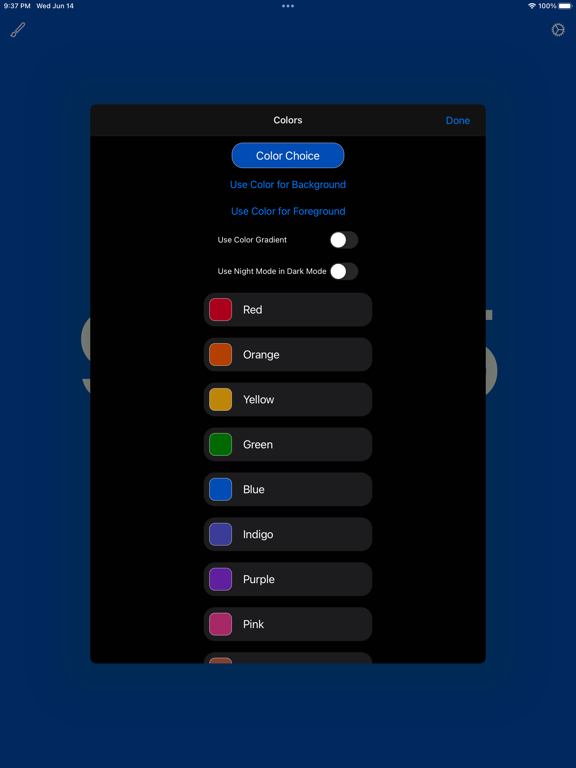
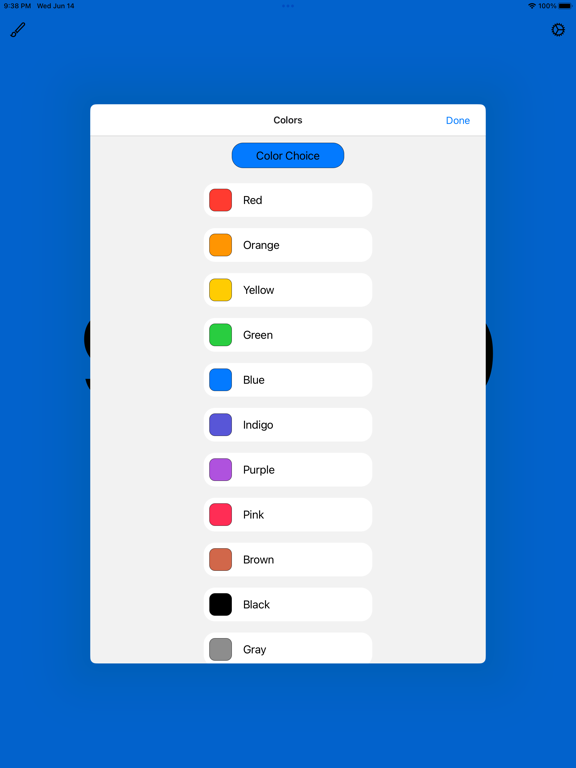
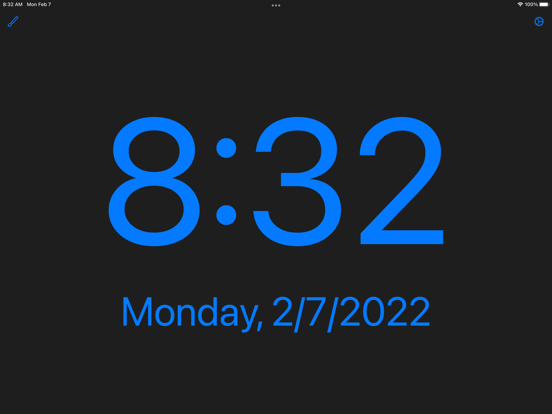
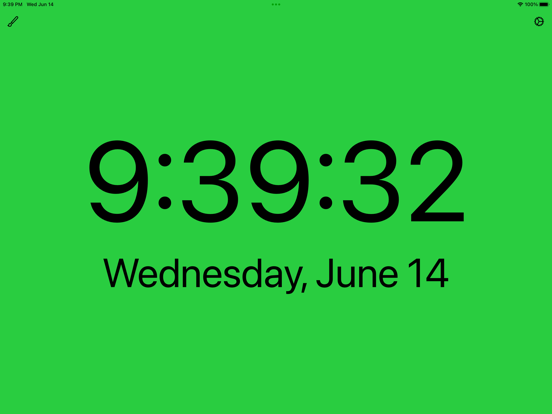
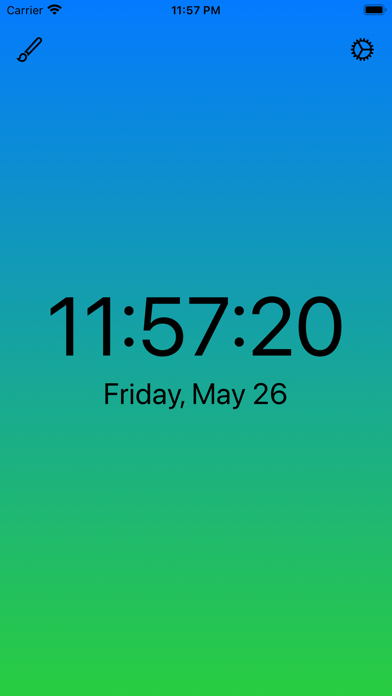
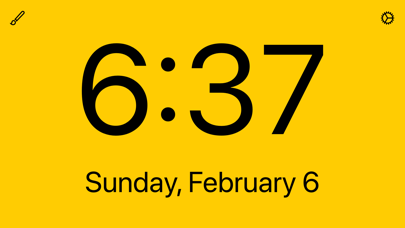
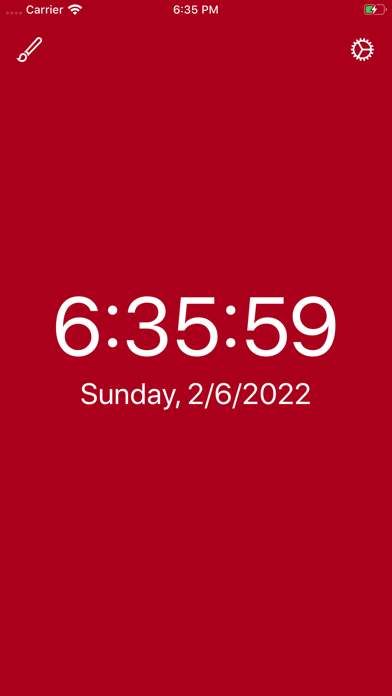
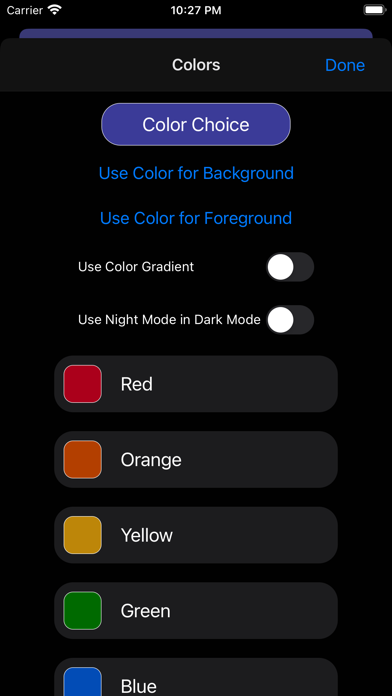
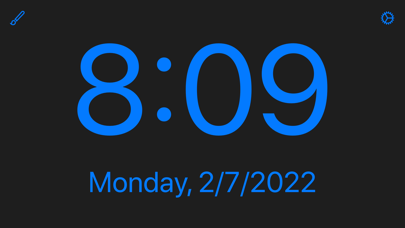
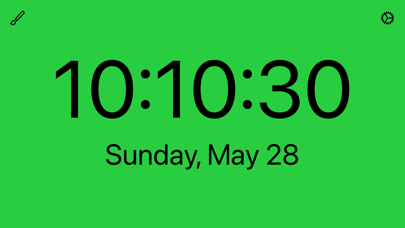
Spiffy Clock puts the time and date front and center! It has 13 built-in colors that can be displayed as the background or as the text. Choose from numerous settings exactly how you want the time and date and day of the week displayed. When the color choice is for the background, the color will automatically change for light mode and dark mode (provided your iOS version supports system-wide dark mode). Works in both portrait and landscape mode.
A useful night mode for use with dark mode allows you to display dark text in dark mode.
Color choices are:
—Red
—Orange
—Yellow
—Green
—Blue
—Indigo
—Purple
—Pink
—Brown
—Black
—Gray
—White
—System
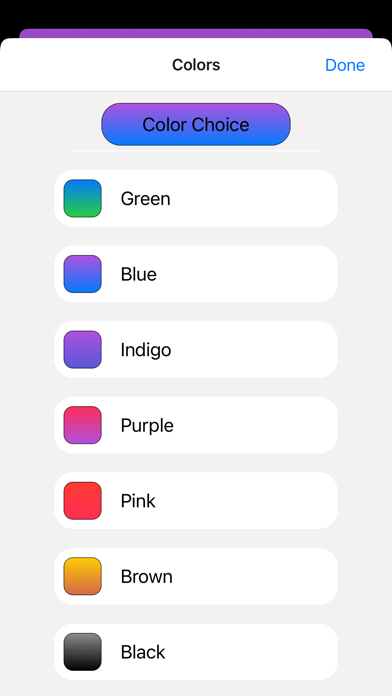
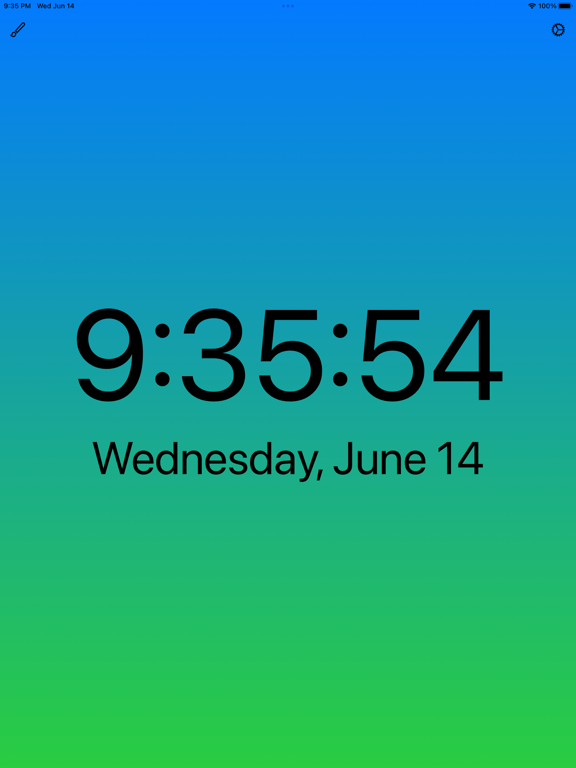
You can choose to display the background as a color gradient.
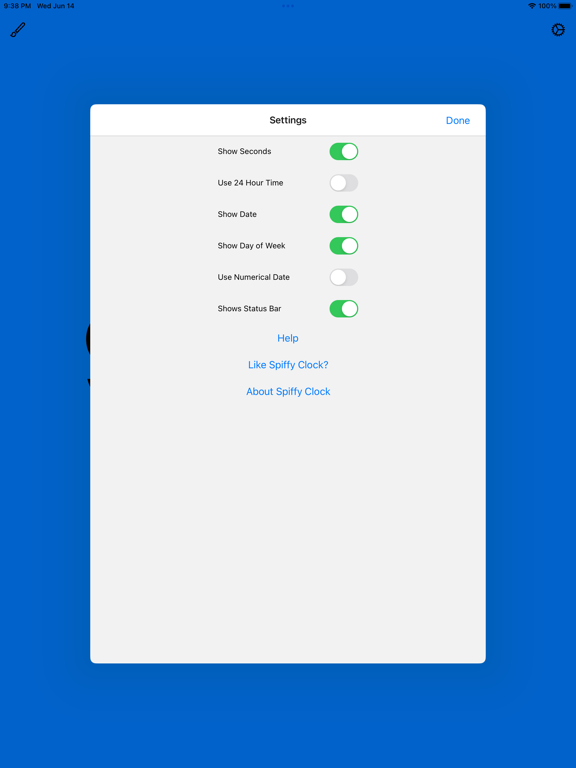
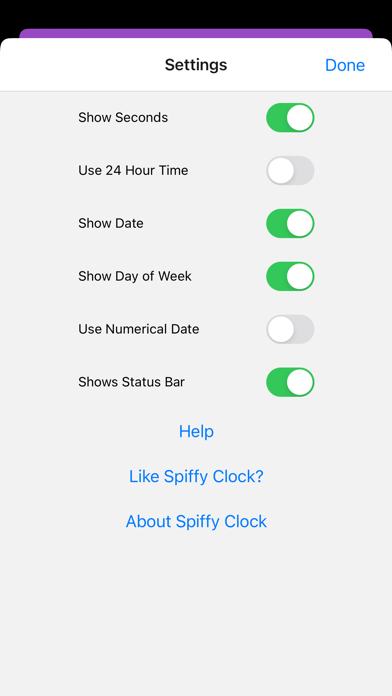
Time and date settings are:
—Show/hide seconds
—Use 24 hour/12 hour time
—Show date
—Show day of the week
—Use numerical date
You can also hide the status bar if you want.
This app is a great compliment to the desktop app Clock Suite. Similar colors are used, so there is a consistent look and feel across your devices.

A useful night mode for use with dark mode allows you to display dark text in dark mode.
Color choices are:
—Red
—Orange
—Yellow
—Green
—Blue
—Indigo
—Purple
—Pink
—Brown
—Black
—Gray
—White
—System
You can choose to display the background as a color gradient.
Time and date settings are:
—Show/hide seconds
—Use 24 hour/12 hour time
—Show date
—Show day of the week
—Use numerical date
You can also hide the status bar if you want.
This app is a great compliment to the desktop app Clock Suite. Similar colors are used, so there is a consistent look and feel across your devices.
Show More
最新バージョン 2.1 の更新情報
Last updated on 2024年11月04日
旧バージョン
—Added a dark mode app icon for on the Home Screen on supported devices when using dark mode!
—Changed background to black instead of dark gray when settings combination includes color for foreground and gradient off.
—Fixed error in app display name.
—Changed background to black instead of dark gray when settings combination includes color for foreground and gradient off.
—Fixed error in app display name.
Show More
Version History
2.1
2024年11月04日
—Added a dark mode app icon for on the Home Screen on supported devices when using dark mode!
—Changed background to black instead of dark gray when settings combination includes color for foreground and gradient off.
—Fixed error in app display name.
—Changed background to black instead of dark gray when settings combination includes color for foreground and gradient off.
—Fixed error in app display name.
2.0
2023年06月19日
Added choice to use color gradients!
1.1
2022年05月09日
—Added black, white, and system colors.
1.0
2022年02月07日
Spiffy Clock FAQ
ここをクリック!地理的に制限されているアプリのダウンロード方法をご参考ください。
次のリストをチェックして、Spiffy Clockの最低システム要件をご確認ください。
iPhone
iOS 13.4以降が必要です。
iPad
iPadOS 13.4以降が必要です。
iPod touch
iOS 13.4以降が必要です。
Spiffy Clockは次の言語がサポートされています。 英語