SwitchTake

SwitchTake


無料

2.26for iPhone, iPad
EZOT, Inc.
Developer
2023年05月31日
Update Date
Photo & Video
Category
Age Rating
4+
Apps in this category do not contain restricted content.
9+
Apps in this category may contain mild or occasional cartoon, fantasy or real-life violence, as well as occasional or mild adult, sexually suggestive or horrifying content and may not be suitable for children under 9 years of age.
12+
Apps in this category may contain occasional mild indecent language, frequent or intense cartoon or real-life violence, minor or occasional adult or sexually suggestive material, and simulated gambling, and may be for children under 12 years of age.
17+
You must be at least 17 years old to access this App.
Apps in this category may contain frequent and intense offensive language; Frequent and intense cartoon, fantasy or realistic violence: frequent and intense adult, scary and sexually suggestive subjects: as well as sexual content, nudity, tobacco, alcohol and drugs, may not be suitable for children under 17 years of age.
SwitchTake スクリーンショット
SwitchTake ポスターSwitchTake ポスターSwitchTake ポスターSwitchTake ポスターSwitchTake ポスターSwitchTake ポスター

About SwitchTake

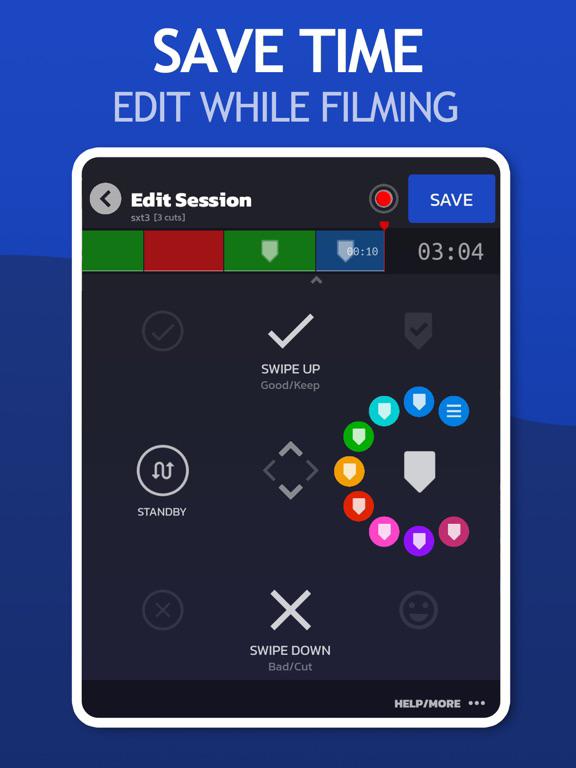
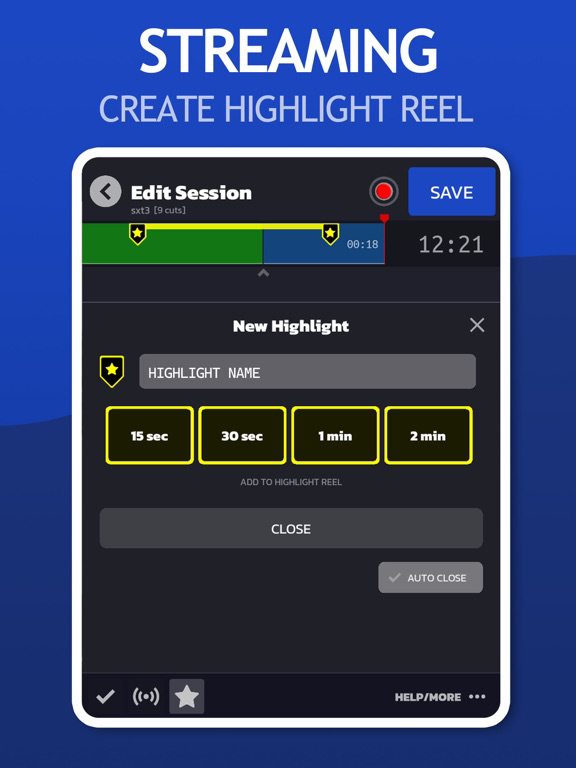
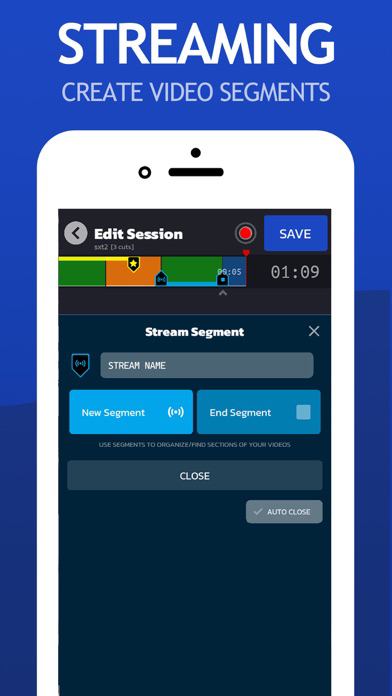
Join the Video Pre-Editing Revolution. SwitchTake is the ultimate video pre-editing system. Save time and optimize your workflow by making edits and organizing footage as you film. It's natural and easy. With simple swipe gestures, set in/out points, cut bad takes, create a blooper reel, set markers, and much more.

EDIT VIDEO
SwitchTake is perfect for editing any long take videos such as interviews, talking head shots, events, and much more.

MANAGE CLIPS
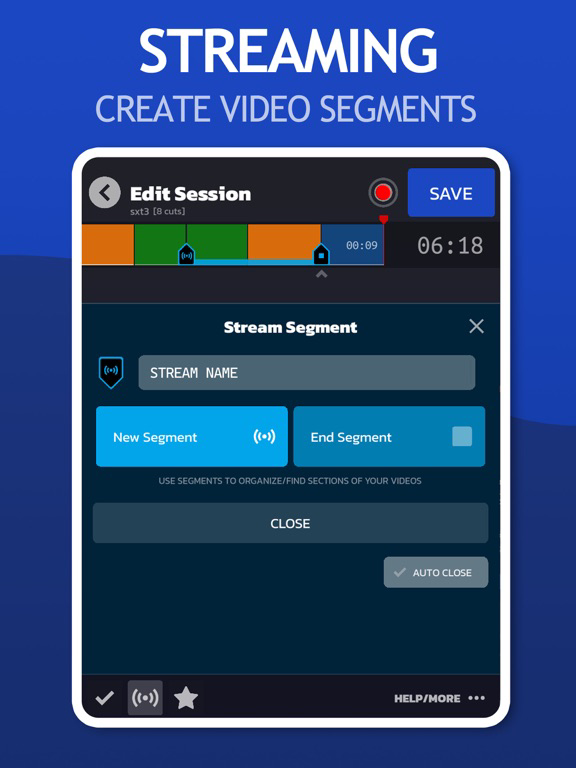
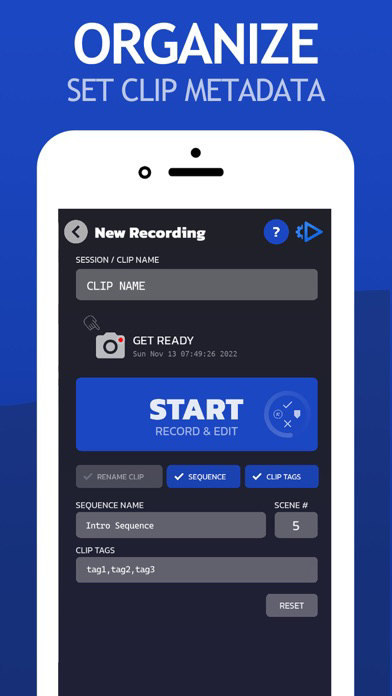
Rename clips, organize media by date/camera, set timeline markers and clip metadata.

MULTI-CLIP SCENE DIRECTOR
The SwitchTake Scene Director is a powerful tool to order and sequence all of your video clips. While filming give each clip a sequence name, scene number, and other context information. SwitchTake will order your clips and create rough-cut sequences with all the clips cut and combined into unified timelines.

VIDEO EDITOR IMPORT
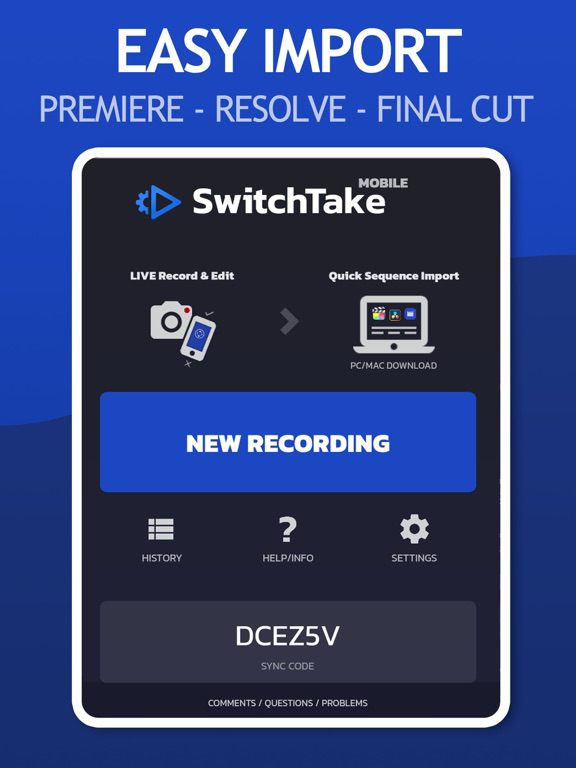
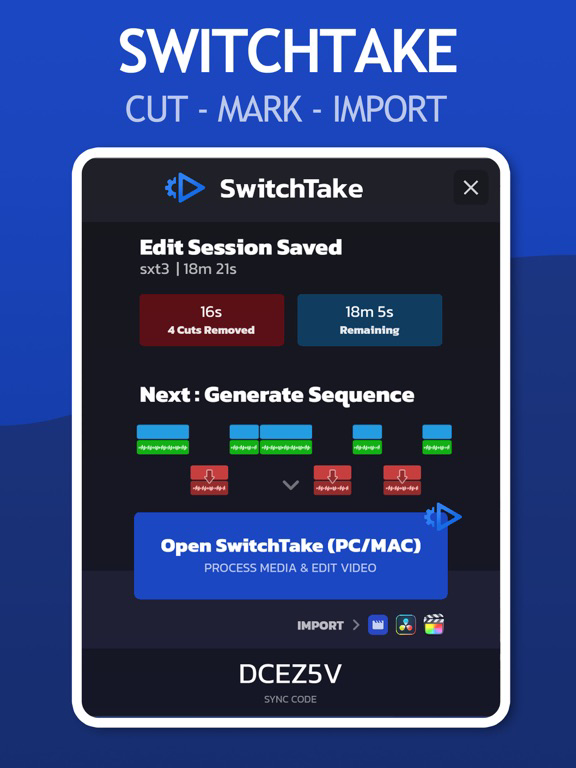
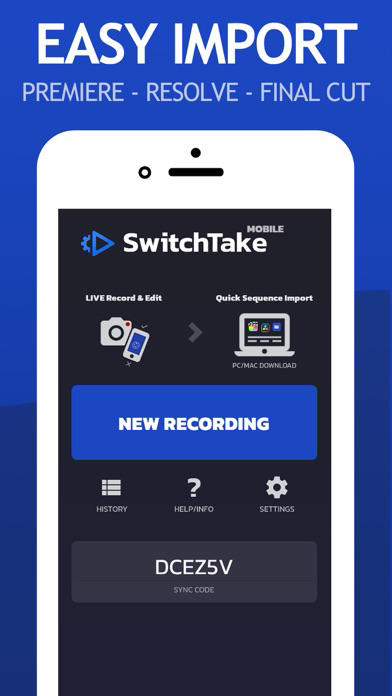
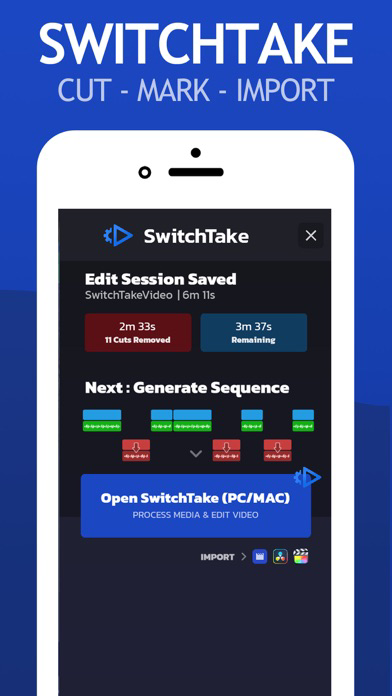
Open SwitchTake Timeline on your PC/Mac to easily generate import files to get your videos directly into Premiere Pro, Final Cut, or Davinci Resolve.

LIVE VIDEO EDITING
* Auto Sync
* No Look / Swipe to Edit
* Sequence Import
* Auto Cut on Silence
* Markers
* Clip Colors
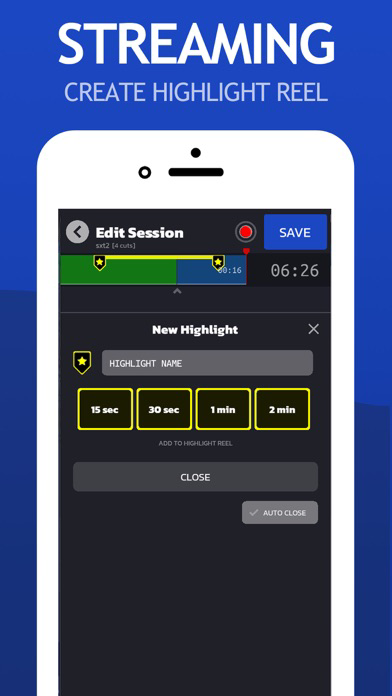
* Blooper Reel
* Pause/Resume

MANAGE VIDEO CLIPS
* Rename Clips
* Organize Media by Date/Camera
* Set Timeline Markers
* Clip Notes/Metadata

MULTI-CLIP SCENE DIRECTOR
* Multi-Clip Timelines
* Tag Clips

Show More

最新バージョン 2.26 の更新情報

Last updated on 2023年05月31日
旧バージョン
Bug fixes
Show More
Version History
2.26
2023年05月31日
Bug fixes

SwitchTake FAQ

ここをクリック!地理的に制限されているアプリのダウンロード方法をご参考ください。
次のリストをチェックして、SwitchTakeの最低システム要件をご確認ください。
iPhone
iPad

SwitchTakeの類似アプリ

あなたも好きかも

EZOT, Inc. からもっと手に入れる