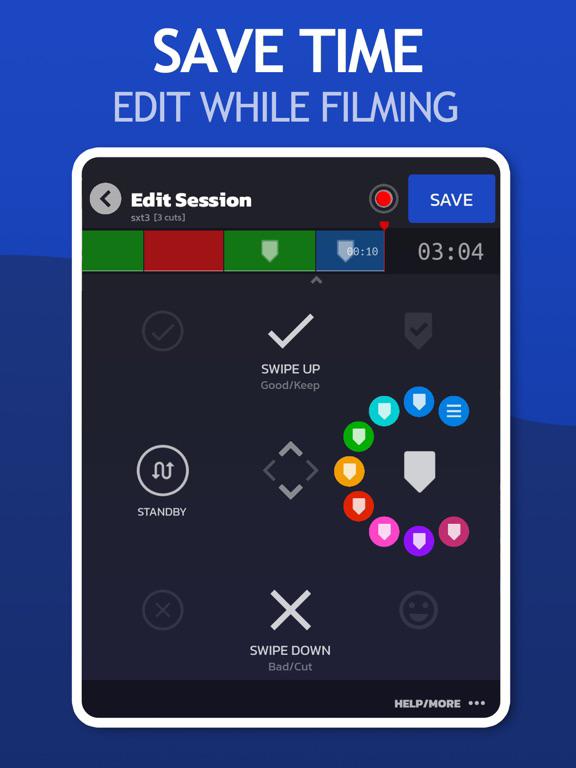
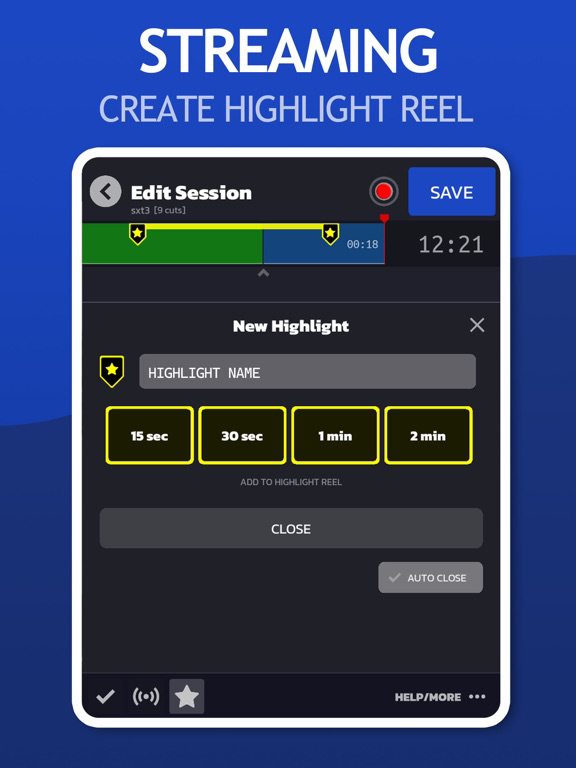
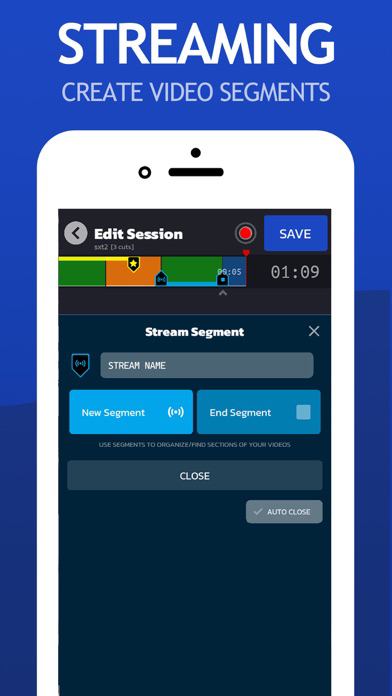
Join the Video Pre-Editing Revolution. SwitchTake is the ultimate video pre-editing system. Save time and optimize your workflow by making edits and organizing footage as you film. It's natural and easy. With simple swipe gestures, set in/out points, cut bad takes, create a blooper reel, set markers, and much more.
EDIT VIDEO
SwitchTake is perfect for editing any long take videos such as interviews, talking head shots, events, and much more.
MANAGE CLIPS
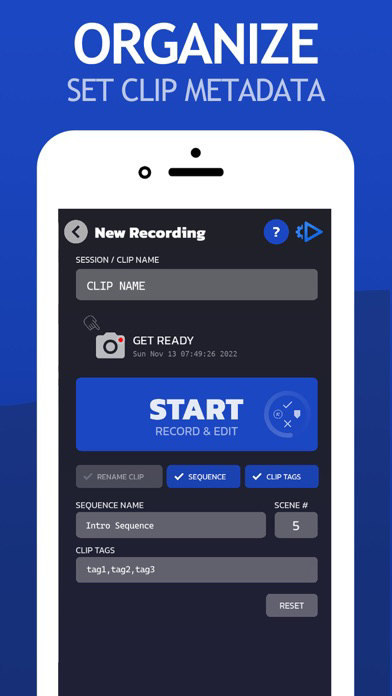
Rename clips, organize media by date/camera, set timeline markers and clip metadata.
MULTI-CLIP SCENE DIRECTOR
The SwitchTake Scene Director is a powerful tool to order and sequence all of your video clips. While filming give each clip a sequence name, scene number, and other context information. SwitchTake will order your clips and create rough-cut sequences with all the clips cut and combined into unified timelines.
VIDEO EDITOR IMPORT
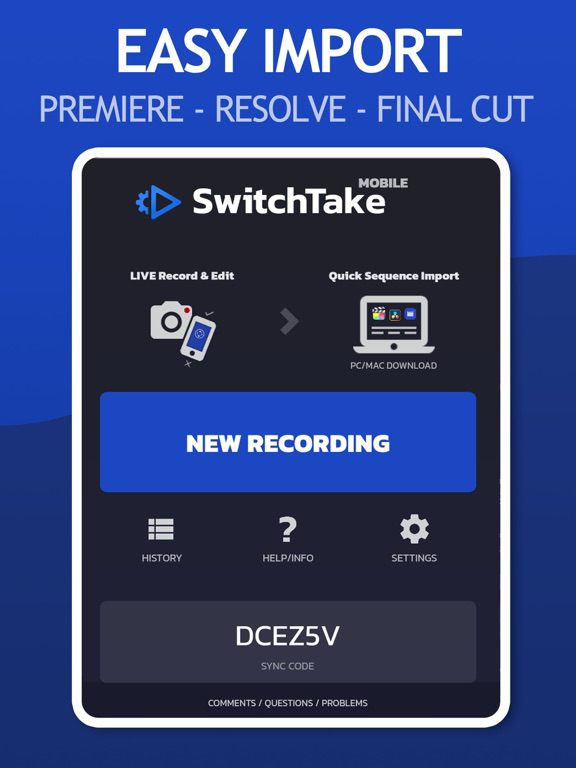
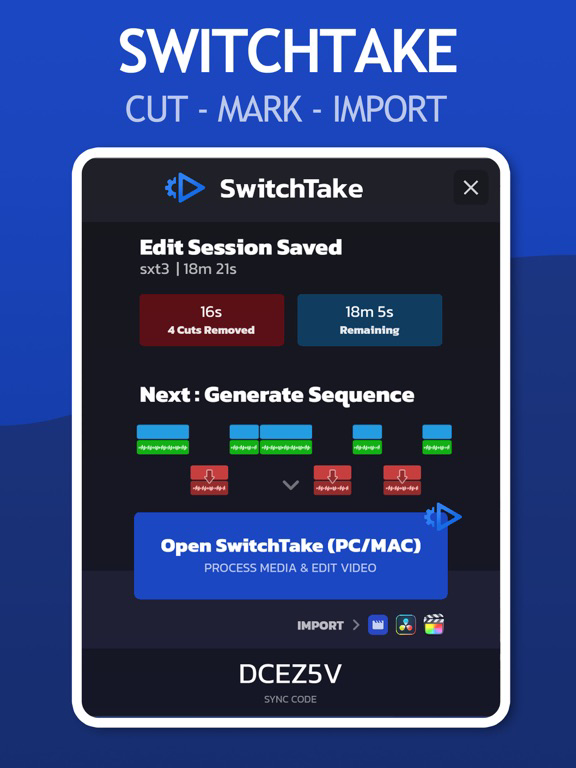
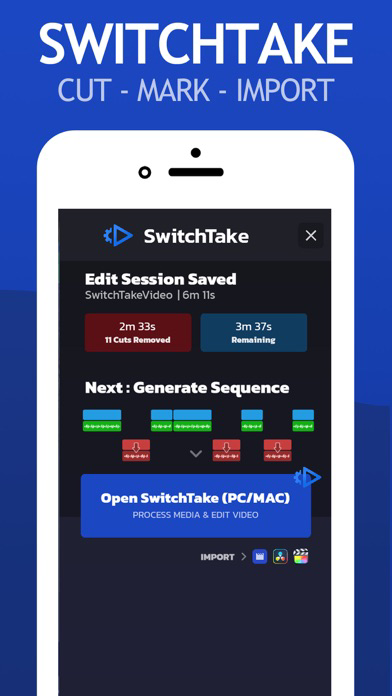
Open SwitchTake Timeline on your PC/Mac to easily generate import files to get your videos directly into Premiere Pro, Final Cut, or Davinci Resolve.
LIVE VIDEO EDITING
* Auto Sync
* No Look / Swipe to Edit
* Sequence Import
* Auto Cut on Silence
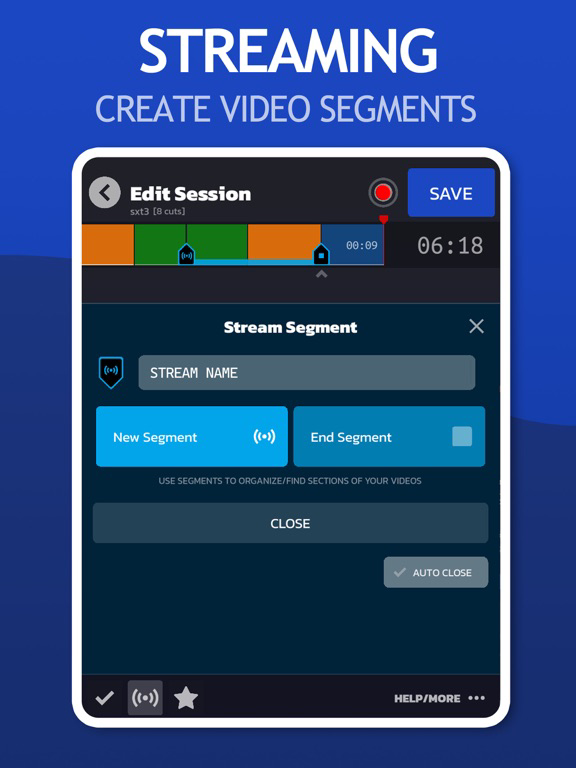
* Markers
* Clip Colors
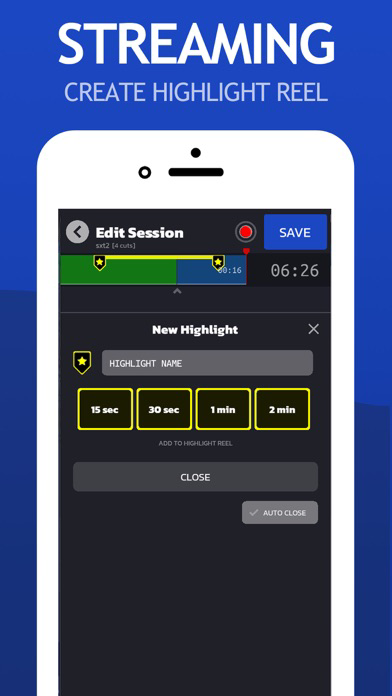
* Blooper Reel
* Pause/Resume
MANAGE VIDEO CLIPS
* Rename Clips
* Organize Media by Date/Camera
* Set Timeline Markers
* Clip Notes/Metadata
MULTI-CLIP SCENE DIRECTOR
* Multi-Clip Timelines
* Tag Clips