Age Rating
Texturing スクリーンショット
About Texturing
--- Texturing is one of the best artistic photos creator in the world ---
• Create Artistic photos.
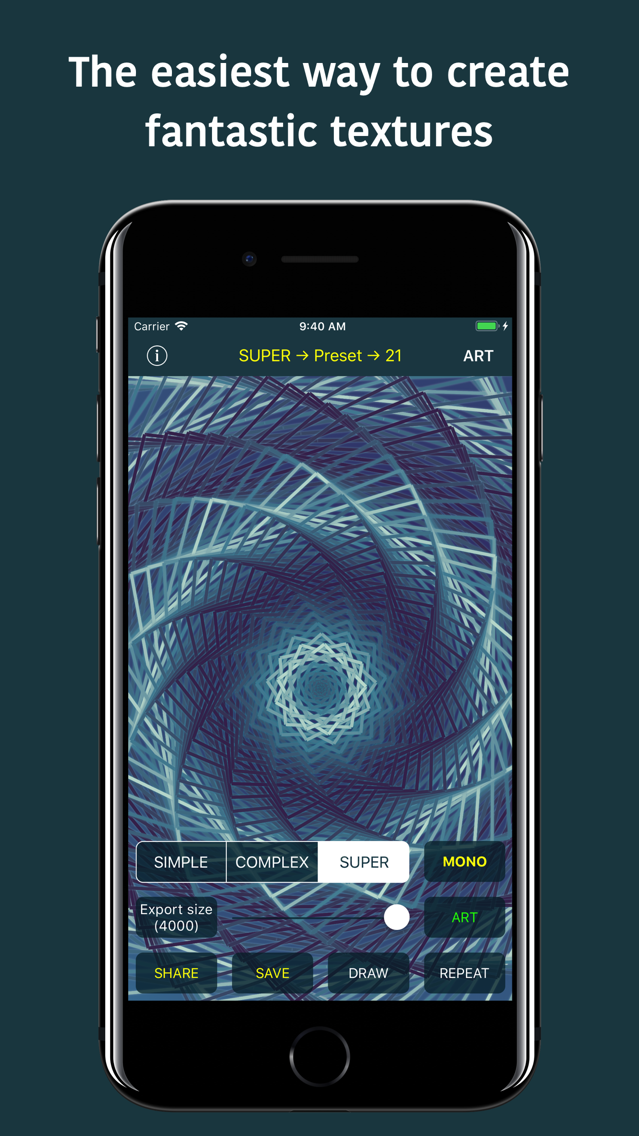
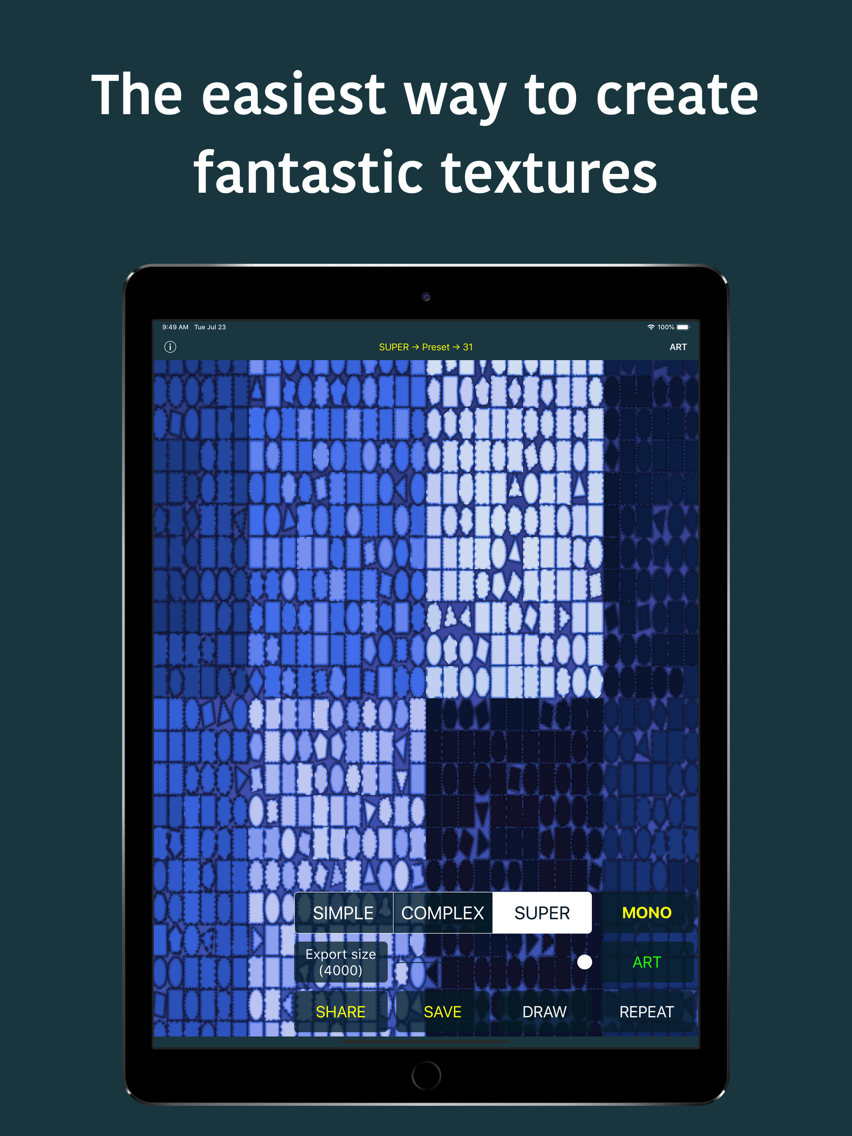
• Design fantastic textures & patterns & wallpapers with 4 different texture engines.
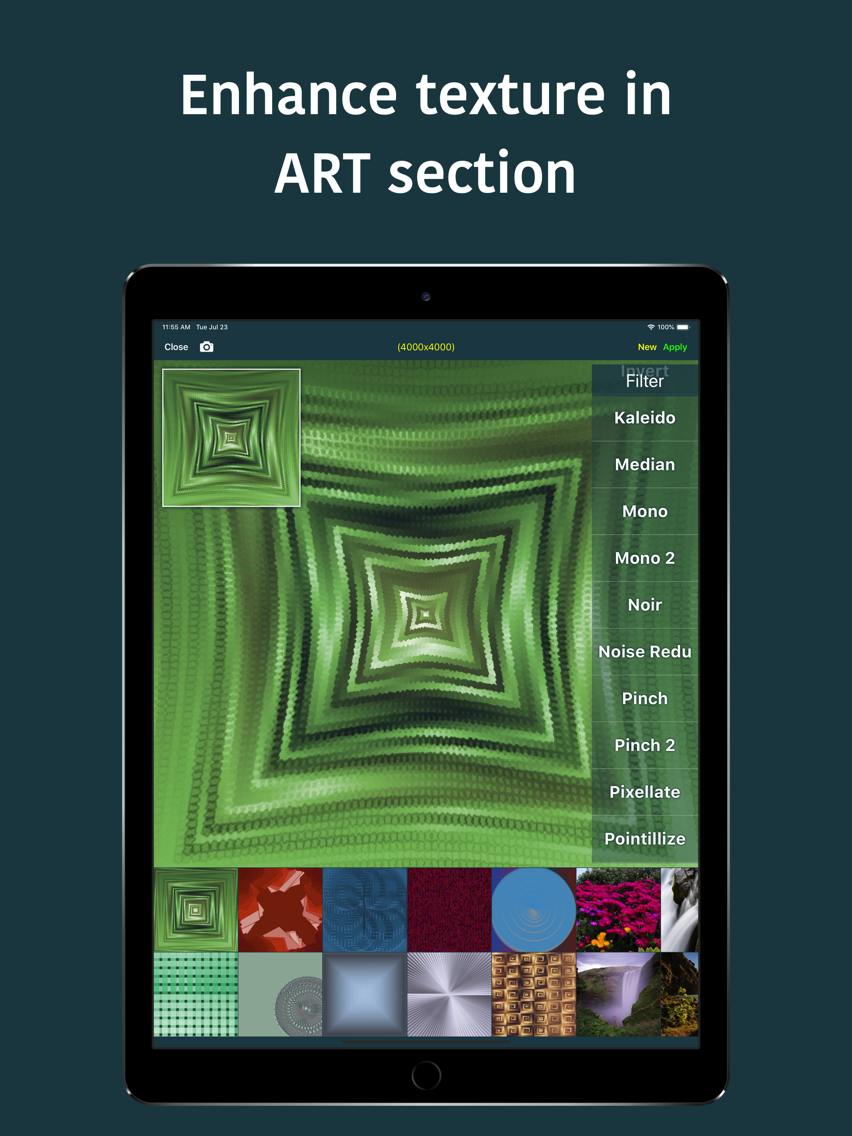
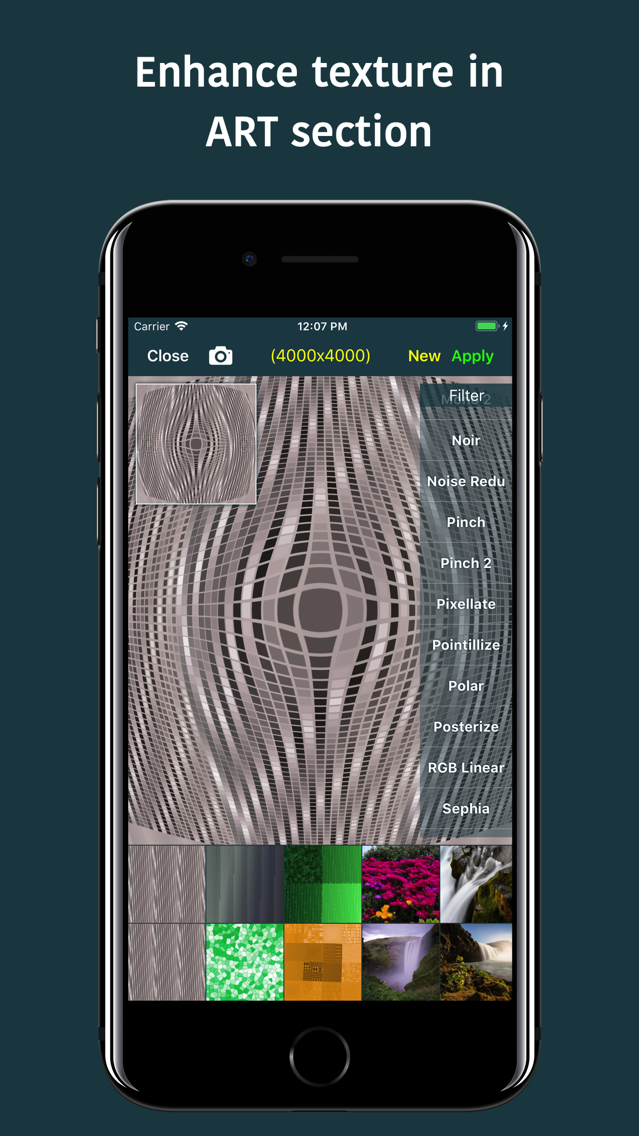
• Enhance image in ART section.
• Export image up to 4000x4000 in size in full sharpness.
• If you are an indie game developer, designer or you just wish to create superb wallpaper, this is the app for you.
• Kids will love it!
Features
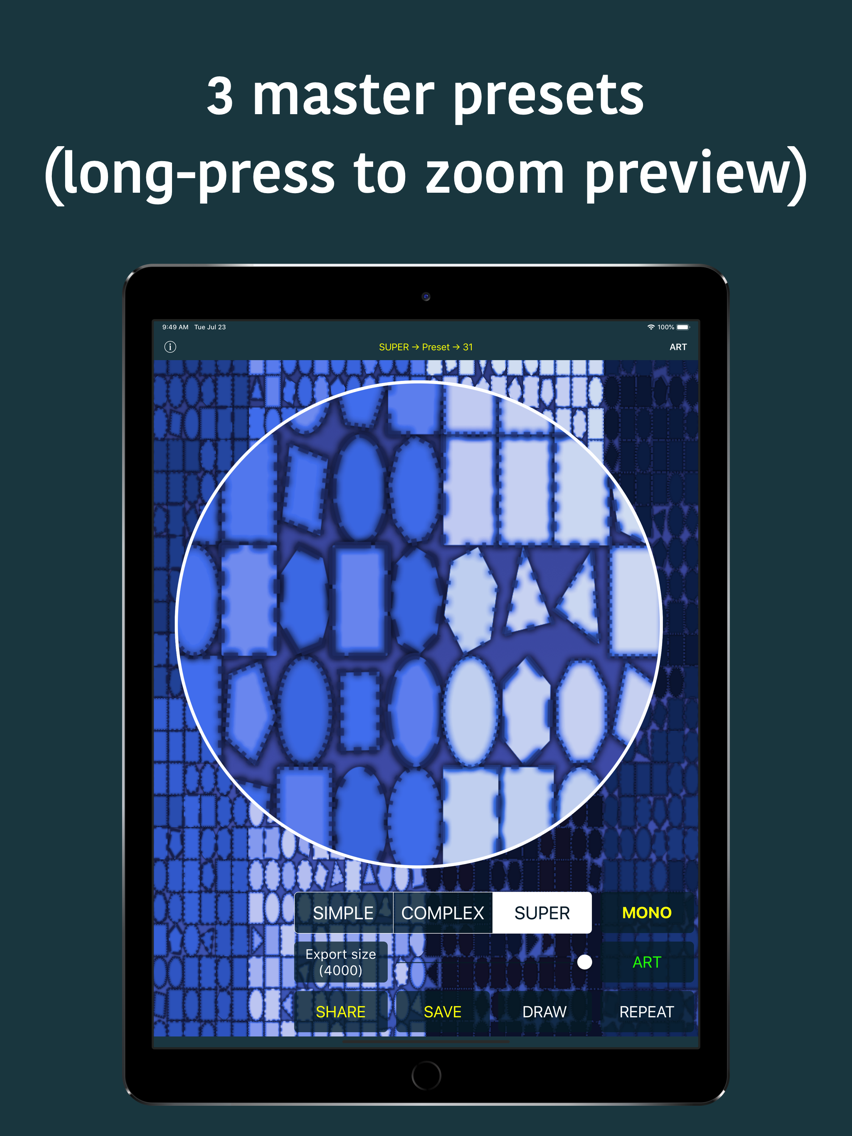
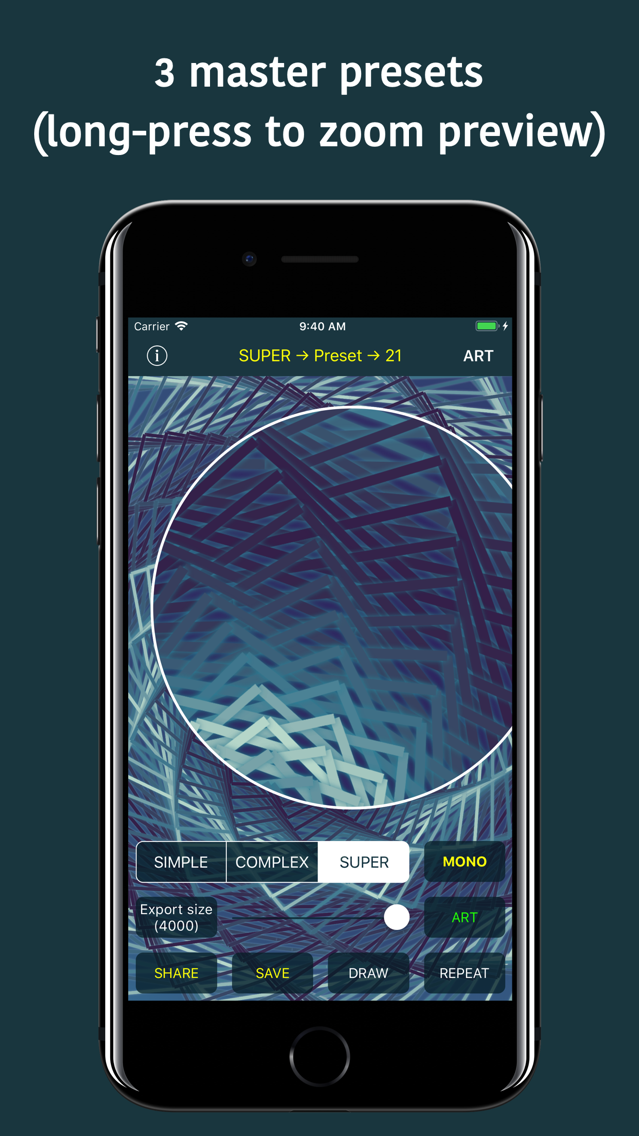
• 4 texture engines (+90 master presets): Simple, Complex, Super, Patternion
• Each main preset contains numerous sub-presets
• Patternion - Fully configurable pattern editor
• Draw custom text overlay (+6000 famous quotes collection to choose from)
• Export created image up to 4000x4000 in size in full sharpness
• 2-finger-touch to save texture
• 3-finger-touch to centerize image
• Long press to zoom
• Each texture is generated completely procedurally-randomly, this means there are literally innumerable possible combinations
• Shake gesture to draw new texture
ART
• +60 filters & effects (native and custom designed)
• Photo blending
• Photo restyling (polygons or ASCII)
• Photo resizing
ART Gestures
• Tap for clean preview
• 2-finger-touch to apply changes
• 3-finger-touch to centerize image
• Long press to zoom
• Shake gesture to start new Artwork
• Create Artistic photos.
• Design fantastic textures & patterns & wallpapers with 4 different texture engines.
• Enhance image in ART section.
• Export image up to 4000x4000 in size in full sharpness.
• If you are an indie game developer, designer or you just wish to create superb wallpaper, this is the app for you.
• Kids will love it!
Features
• 4 texture engines (+90 master presets): Simple, Complex, Super, Patternion
• Each main preset contains numerous sub-presets
• Patternion - Fully configurable pattern editor
• Draw custom text overlay (+6000 famous quotes collection to choose from)
• Export created image up to 4000x4000 in size in full sharpness
• 2-finger-touch to save texture
• 3-finger-touch to centerize image
• Long press to zoom
• Each texture is generated completely procedurally-randomly, this means there are literally innumerable possible combinations
• Shake gesture to draw new texture
ART
• +60 filters & effects (native and custom designed)
• Photo blending
• Photo restyling (polygons or ASCII)
• Photo resizing
ART Gestures
• Tap for clean preview
• 2-finger-touch to apply changes
• 3-finger-touch to centerize image
• Long press to zoom
• Shake gesture to start new Artwork
Show More
最新バージョン 13.5 の更新情報
Last updated on 2022年09月17日
旧バージョン
• In app purchase (iOS 16) bug fixed (restore/purchase)
• New App Icon
• New App Icon
Show More
Version History
13.5
2022年09月17日
• In app purchase (iOS 16) bug fixed (restore/purchase)
• New App Icon
• New App Icon
12.9
2022年06月14日
• APP: Every twentieth (randomly) new user gets 100 free exports
• APP: Implemented prevention for getting free exports after re-installing the app
12.8
2022年06月10日
• ART: Improved all Tiling Art effects
• TEXTURES: Improved all Super presets
• APP: Better looking IAP screen
• TEXTURES: Improved all Super presets
• APP: Better looking IAP screen
12.5
2022年05月03日
• APP: Better looking dialogs
• APP: Minor bug fixes
12.4
2022年04月05日
• ART: New Tiling Art Mix effect (very cool effect)
• APP: 3rd party libraries updates
11.7
2022年01月04日
• APP: New App Icon
• APP: Minor bug fixes
11.1
2021年10月01日
• APP: Beautified UI
• APP: New ART icon
• APP: Minor UI code refactorings
• APP: New ART icon
• APP: Minor UI code refactorings
11.0
2021年09月23日
• APP: Enabled ART usage for non-purchased version
• ART: New filter Perspective
• ART: New filter Circular Screen
• ART: New filter Perspective
• ART: New filter Circular Screen
7.1
2020年12月30日
• Patternion - Fixed iPad UI issues in Patternion editor
• Patternion - Improved random Patternion texture creation
6.0
2020年06月12日
• New design
• New AppIcon
• Much improved ART section
• New features
• UI improvements
• Bug fixes
• New AppIcon
• Much improved ART section
• New features
• UI improvements
• Bug fixes
5.4
2020年04月03日
• Loop all filters (ART section)
• UI improvements
• Bug fixes
• UI improvements
• Bug fixes
5.3
2019年12月01日
• 10 new COOL filters (ART section)
• UI improvements
• Bug fixes
• UI improvements
• Bug fixes
5.2
2019年11月21日
• iOS 13 new icons graphics
• UI improvements
• Fixed twitchy sliders (size selection, etc.)
• Bug fixes
• NOTE: Some of the filters (in ART section) are temporarily removed
• UI improvements
• Fixed twitchy sliders (size selection, etc.)
• Bug fixes
• NOTE: Some of the filters (in ART section) are temporarily removed
5.0
2019年10月14日
• Added selected font info (text drawing)
• Updated third-party libraries
• Bug fixes
• Updated third-party libraries
• Bug fixes
4.2
2019年09月14日
• Minor iOS 13 tweaks
• Updated third-party libraries
• Bug fixes
• Updated third-party libraries
• Bug fixes
4.1
2019年08月09日
• Improved text overlay drawing (new Super option added)
• (ART) Added Text Super option
• (ART) Added option to set text overlay settings
• (ART) Save & Share button are green-coloured to be more visible
• UI improvements
• Bug fixes
• (ART) Added Text Super option
• (ART) Added option to set text overlay settings
• (ART) Save & Share button are green-coloured to be more visible
• UI improvements
• Bug fixes
4.0
2019年08月07日
• Added option to set font & size for text overlay
• Minor UI bug fix (iPhone)
• Bug fixes
• Minor UI bug fix (iPhone)
• Bug fixes
3.7
2019年08月03日
• Added support to draw custom text overlay (TAP on navigation title to set text OR select sub-preset)
• UI improvements
• Bug fixes
• UI improvements
• Bug fixes
3.6
2019年07月30日
• Added option to select and run specific sub-preset (Tap or SwipeDown navigation title)
• Bug fixes
• Bug fixes
3.5
2019年07月24日
• 1 new Super textures preset
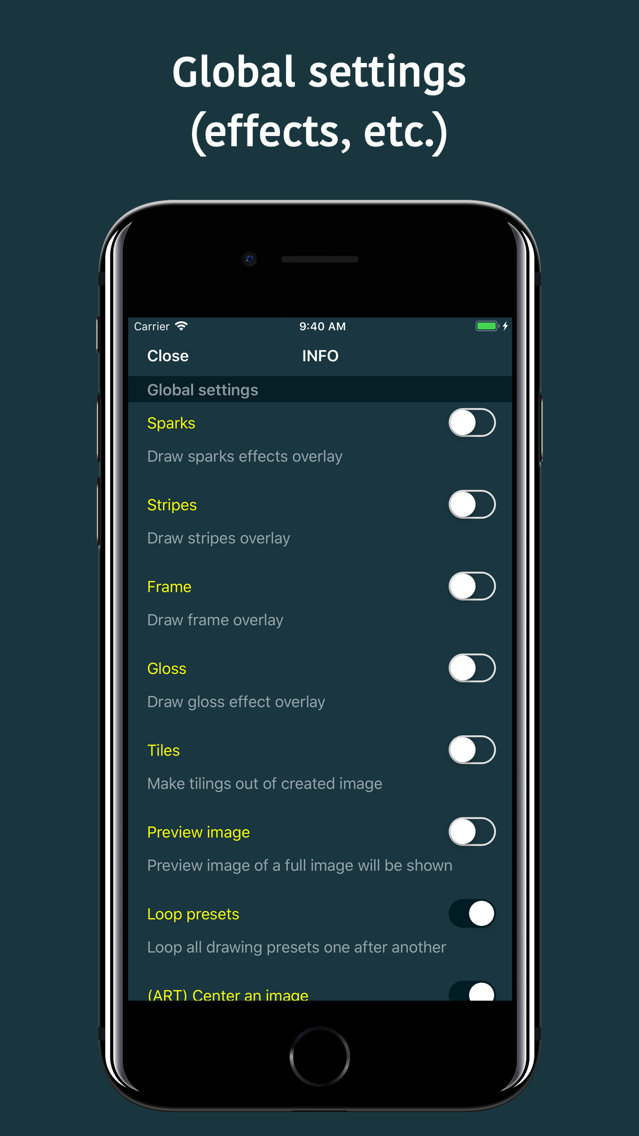
• Draw stripes effect overlay (new global setting)
• (ART) Draw stripes effect overlay
• Bug fixes
• Draw stripes effect overlay (new global setting)
• (ART) Draw stripes effect overlay
• Bug fixes
3.4
2019年07月18日
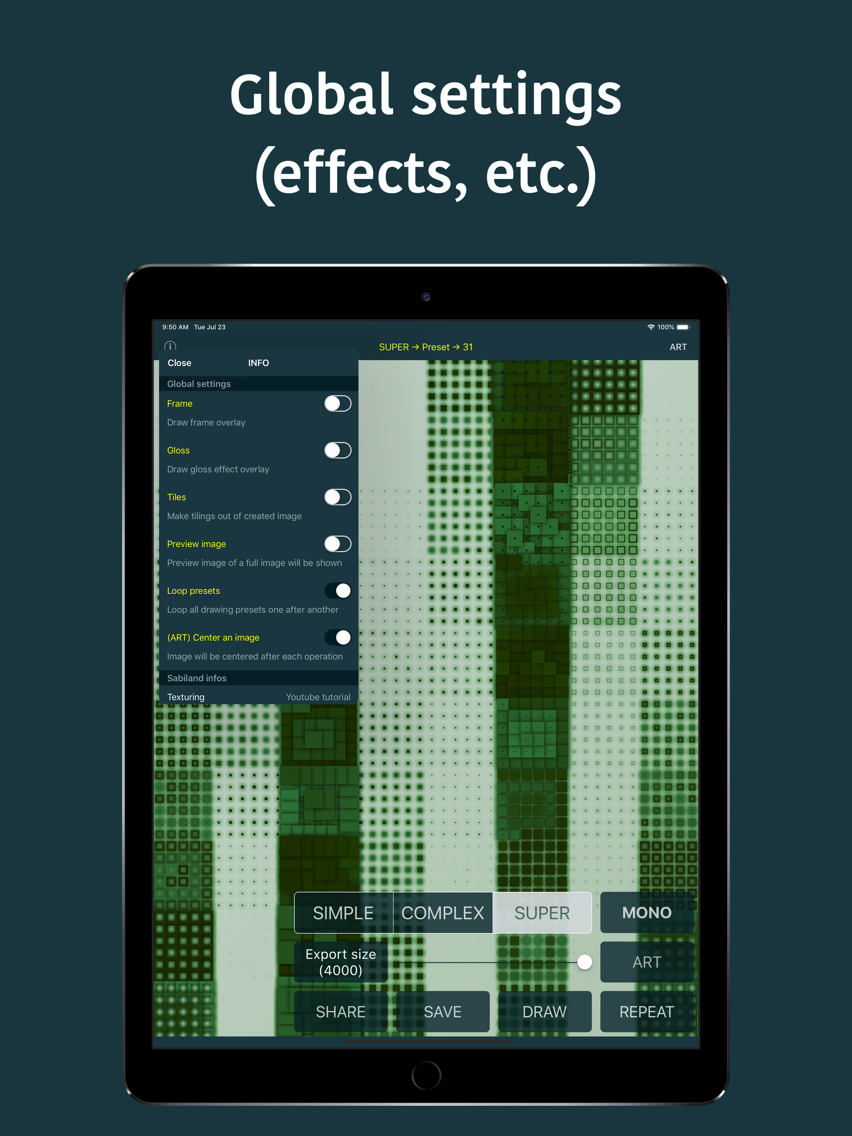
• Draw gloss effect overlay (new global setting)
• (ART) Draw gloss effect overlay
• Bug fixes
• (ART) Draw gloss effect overlay
• Bug fixes
3.3
2019年07月13日
• Draw sparks overlay (new global setting)
• Improved drawing frame overlays
• UI improvements (nice button animations, etc.)
• Bug fixes
• Improved drawing frame overlays
• UI improvements (nice button animations, etc.)
• Bug fixes
3.1
2019年07月07日
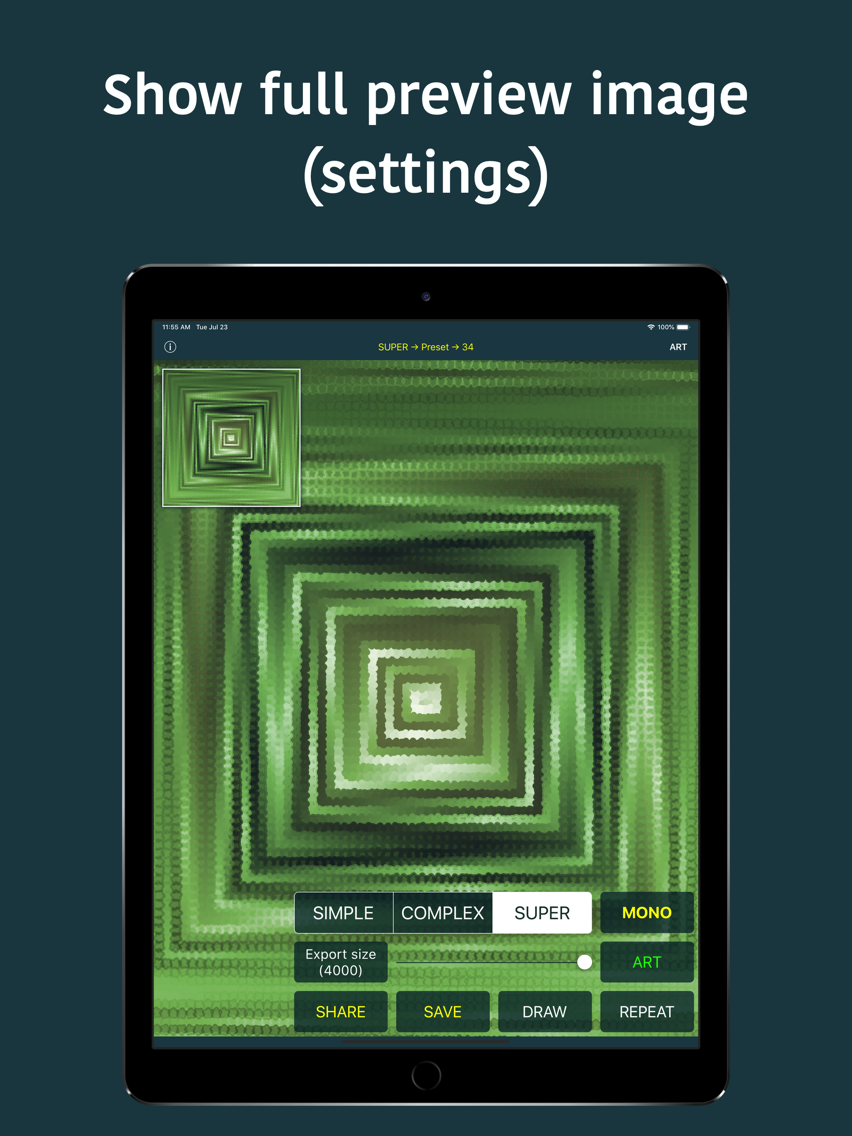
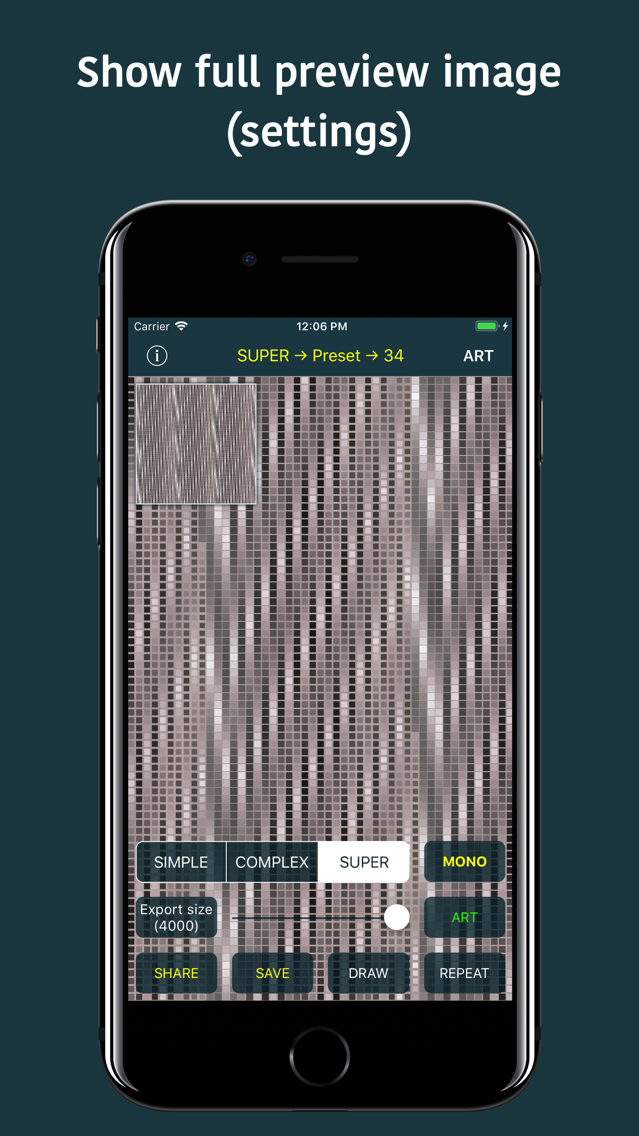
• Tap on navigation title shows full image preview
• Dragging an image shows zoomed section in preview image
• UI improvements
• (ART) Center an image (new global setting)
• Bug fixes
• Dragging an image shows zoomed section in preview image
• UI improvements
• (ART) Center an image (new global setting)
• Bug fixes
3.0
2019年06月21日
• Preset number for each of Simple/Complex/Super textures is shown inside navigation title
• Complex textures correctly (previously wasn't working at all) supports Looping presets one after another (global settings)
• Optimizations
• Bug fixes
• Complex textures correctly (previously wasn't working at all) supports Looping presets one after another (global settings)
• Optimizations
• Bug fixes
2.4
2019年06月14日
• Much improved Draw frame overlay (global setting)
• Added SpotLight search support
• Minor drawing improvements
• UI Improvements (global settings)
• Bug fixes
• Added SpotLight search support
• Minor drawing improvements
• UI Improvements (global settings)
• Bug fixes
2.3
2019年06月06日
• New global settings (draw TILES)
• Minor overall drawing improvements
• Bug fixes
• Minor overall drawing improvements
• Bug fixes
2.2
2019年05月19日
• New global setting (draw FRAME overlay, super cool)
• Improvements
• Bug fixes
• Improvements
• Bug fixes
2.1
2019年05月09日
• Improved shadows on all Super textures presets
• Generic improvements on all Super textures presets
• New Super textures presets
• Bug fixes
• Generic improvements on all Super textures presets
• New Super textures presets
• Bug fixes
2.0
2019年05月03日
• All Super textures presets got new sub-generic presets
• Super Textures new presets
• Optimized Super Textures for better and more versatile results
• UI optimizations
• Bug fixes
• Super Textures new presets
• Optimized Super Textures for better and more versatile results
• UI optimizations
• Bug fixes
1.6
2019年04月25日
• New global setting (loop/random preset for new texture)
• Added shake gesture: draw new texture
• Added shake gesture: start new Artwork
• Fixed possible crash when selecting photo in Art section
• UI improvements
• Bug fixes
• Added shake gesture: draw new texture
• Added shake gesture: start new Artwork
• Fixed possible crash when selecting photo in Art section
• UI improvements
• Bug fixes
1.5
2019年04月15日
• Optimized some Super textures presets
• 1 new Super textures preset
• Bug fixes
• 1 new Super textures preset
• Bug fixes
1.4
2019年04月08日
• Improved Super textures (6 new presets)
• Increased default rendering size to 1500x1500
• UI improvements
• Increased default rendering size to 1500x1500
• UI improvements
1.3
2019年04月01日
• Improved Super textures
• Fixed: Wrong-sized image sent directly to Artwork
• UI improvements
• Bug fixes

• Fixed: Wrong-sized image sent directly to Artwork
• UI improvements
• Bug fixes
1.0
2019年03月15日
Texturing 価格
今日:
Free
最低価格:
Free
最高価格:
$5.99
Texturing FAQ
ここをクリック!地理的に制限されているアプリのダウンロード方法をご参考ください。
次のリストをチェックして、Texturingの最低システム要件をご確認ください。
iPhone
iPad
Texturingは次の言語がサポートされています。 English