• In app purchase (iOS 16) bug fixed (restore/purchase)
• New App Icon
• APP: Every twentieth (randomly) new user gets 100 free exports
• APP: Implemented prevention for getting free exports after re-installing the app
• ART: Improved all Tiling Art effects
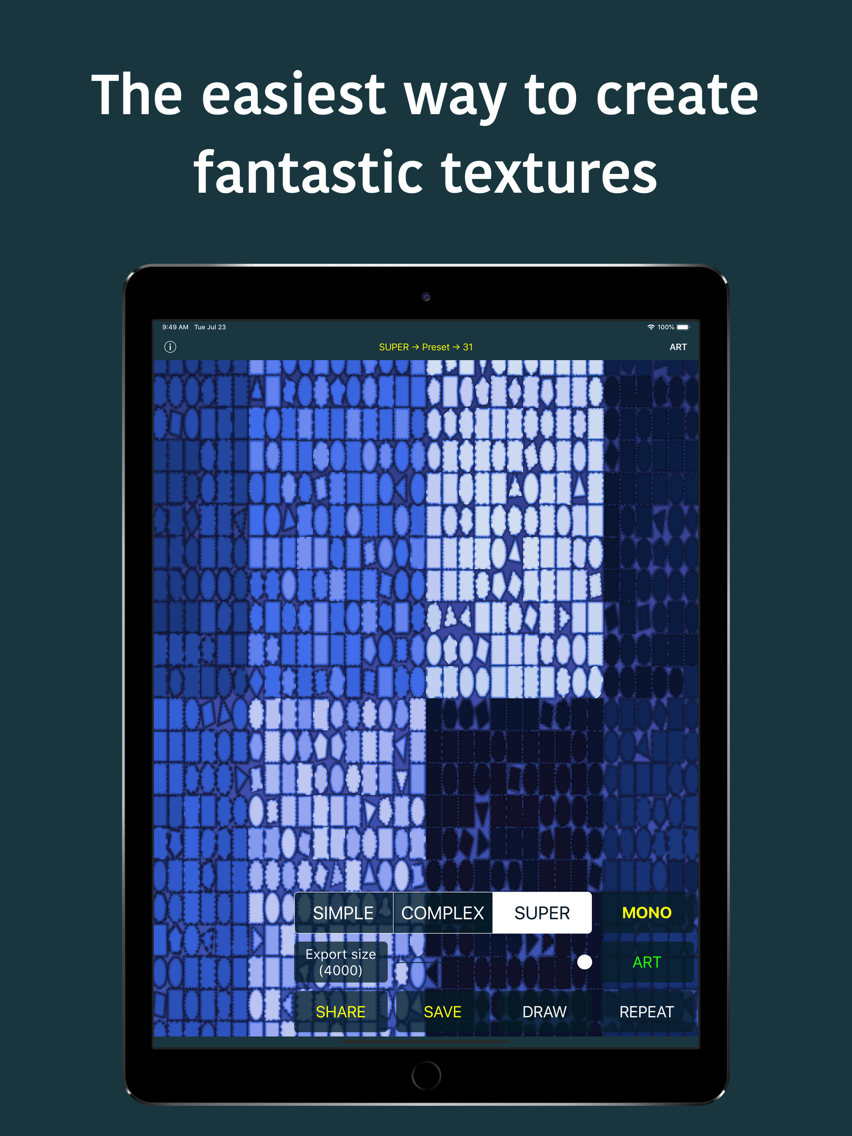
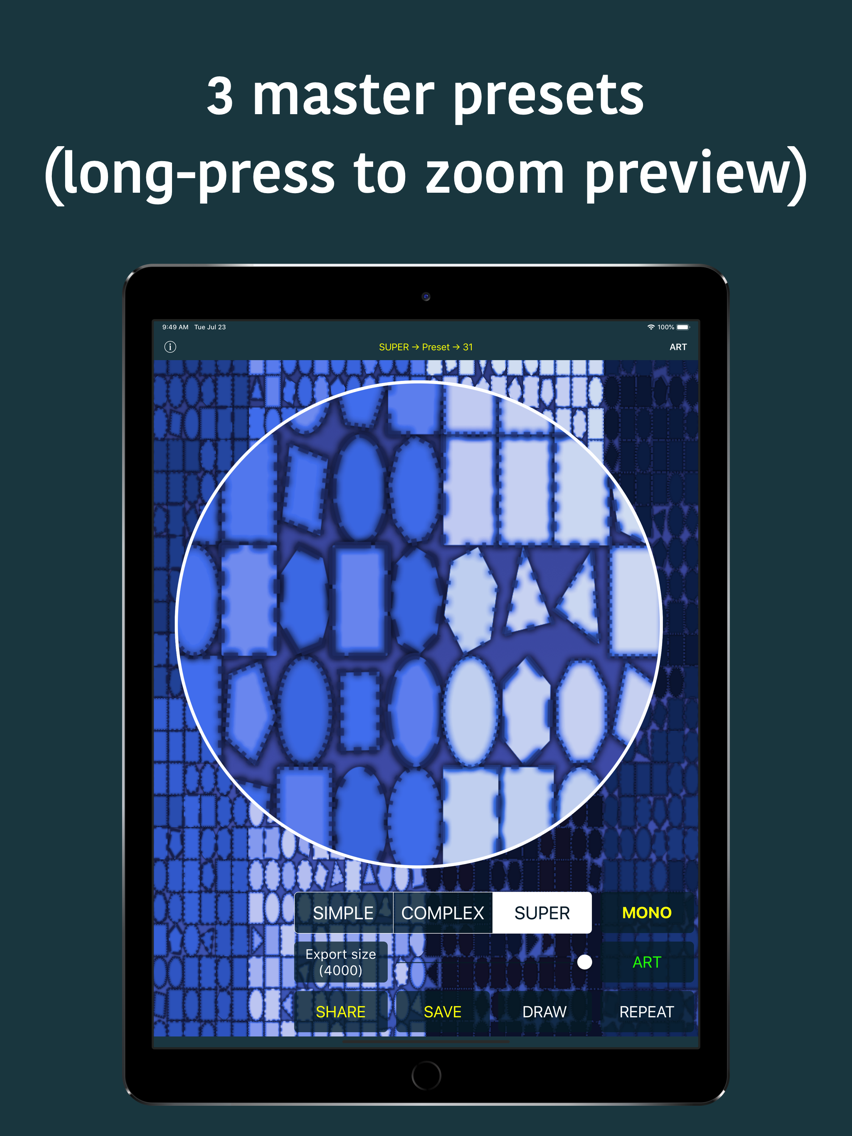
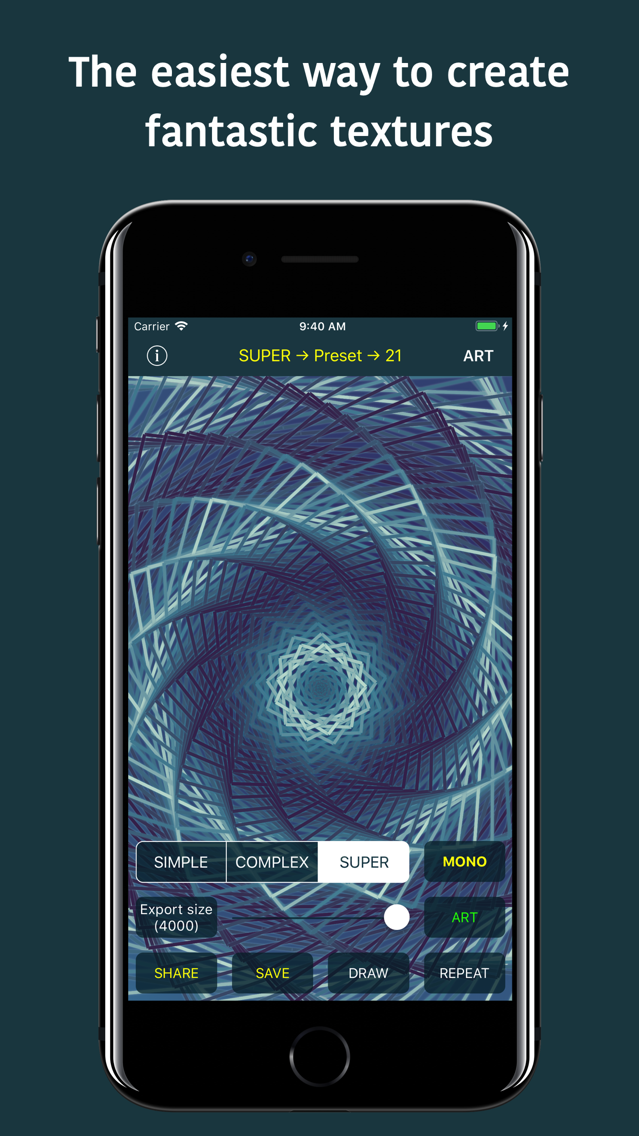
• TEXTURES: Improved all Super presets
• APP: Better looking IAP screen
• APP: Better looking dialogs
• APP: Minor bug fixes
• ART: New Tiling Art Mix effect (very cool effect)
• APP: 3rd party libraries updates
• APP: New App Icon
• APP: Minor bug fixes
• APP: Beautified UI
• APP: New ART icon
• APP: Minor UI code refactorings
• APP: Enabled ART usage for non-purchased version
• ART: New filter Perspective
• ART: New filter Circular Screen
• Patternion - Fixed iPad UI issues in Patternion editor
• Patternion - Improved random Patternion texture creation
• New design
• New AppIcon
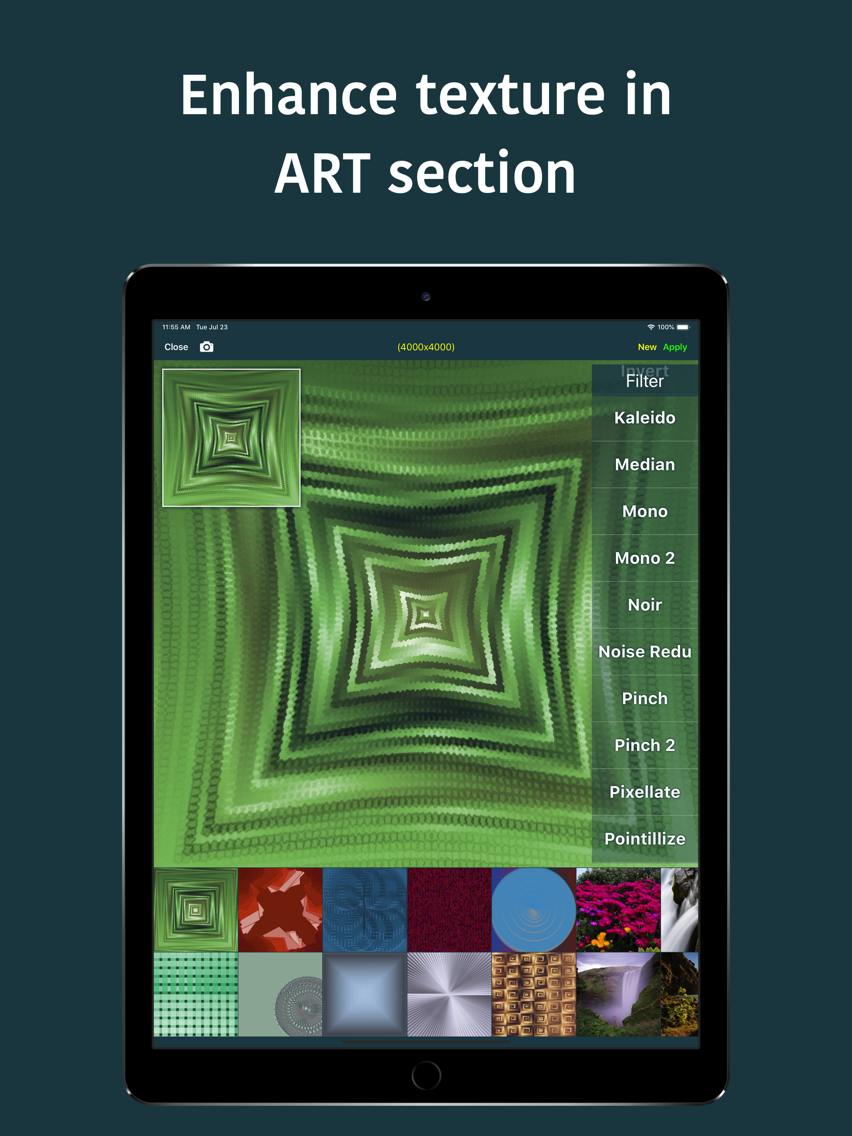
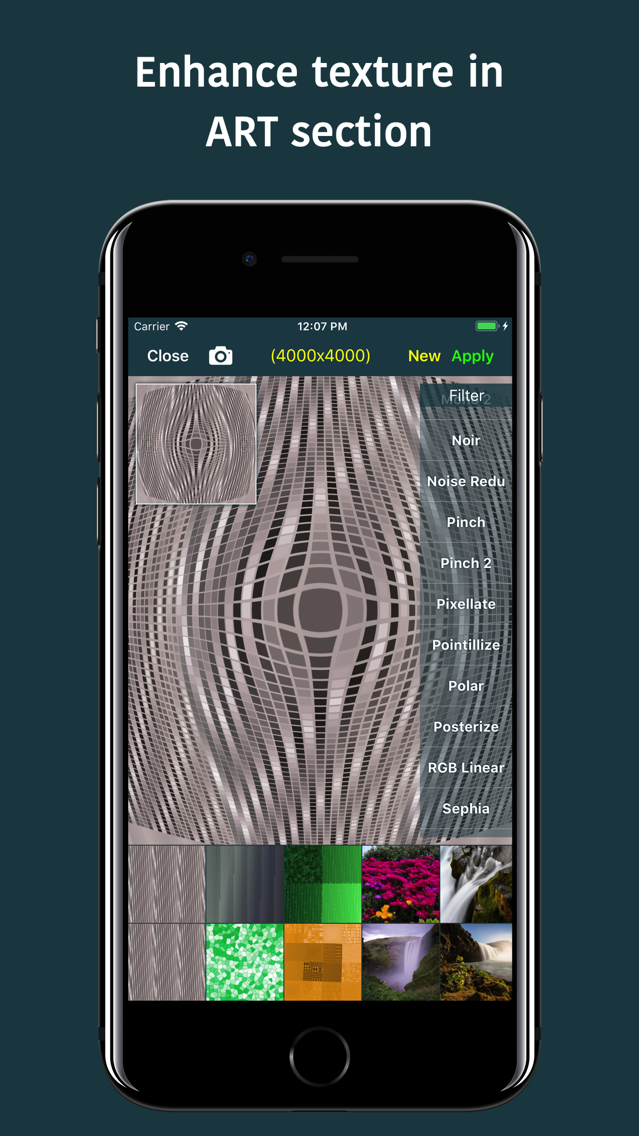
• Much improved ART section
• New features
• UI improvements
• Bug fixes
• Loop all filters (ART section)
• UI improvements
• Bug fixes
• 10 new COOL filters (ART section)
• UI improvements
• Bug fixes
• iOS 13 new icons graphics
• UI improvements
• Fixed twitchy sliders (size selection, etc.)
• Bug fixes
• NOTE: Some of the filters (in ART section) are temporarily removed
• Added selected font info (text drawing)
• Updated third-party libraries
• Bug fixes
• Minor iOS 13 tweaks
• Updated third-party libraries
• Bug fixes
• Improved text overlay drawing (new Super option added)
• (ART) Added Text Super option
• (ART) Added option to set text overlay settings
• (ART) Save & Share button are green-coloured to be more visible
• UI improvements
• Bug fixes
• Added option to set font & size for text overlay
• Minor UI bug fix (iPhone)
• Bug fixes
• Added support to draw custom text overlay (TAP on navigation title to set text OR select sub-preset)
• UI improvements
• Bug fixes
• Added option to select and run specific sub-preset (Tap or SwipeDown navigation title)
• Bug fixes
• 1 new Super textures preset
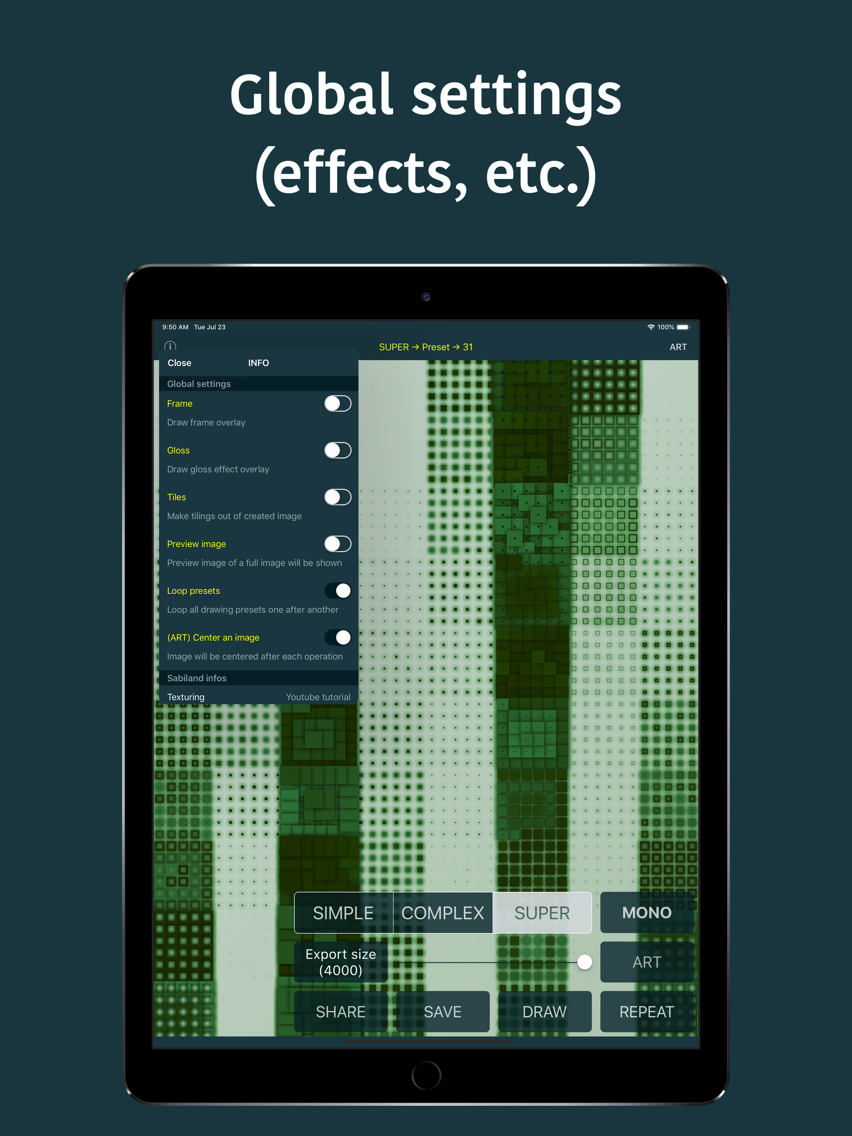
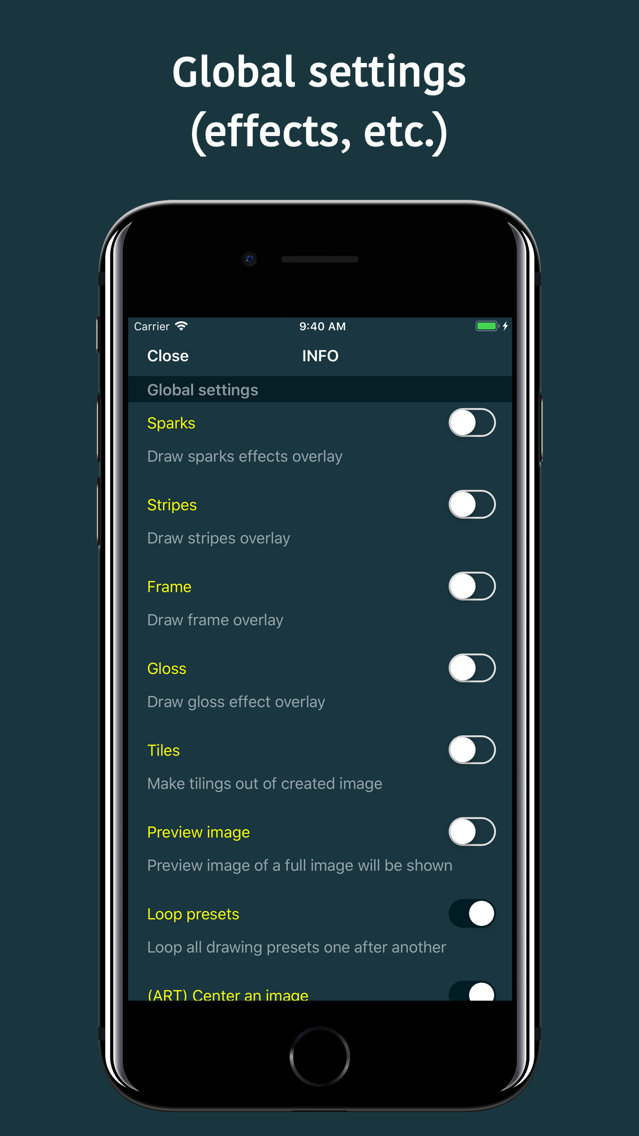
• Draw stripes effect overlay (new global setting)
• (ART) Draw stripes effect overlay
• Bug fixes
• Draw gloss effect overlay (new global setting)
• (ART) Draw gloss effect overlay
• Bug fixes
• Draw sparks overlay (new global setting)
• Improved drawing frame overlays
• UI improvements (nice button animations, etc.)
• Bug fixes
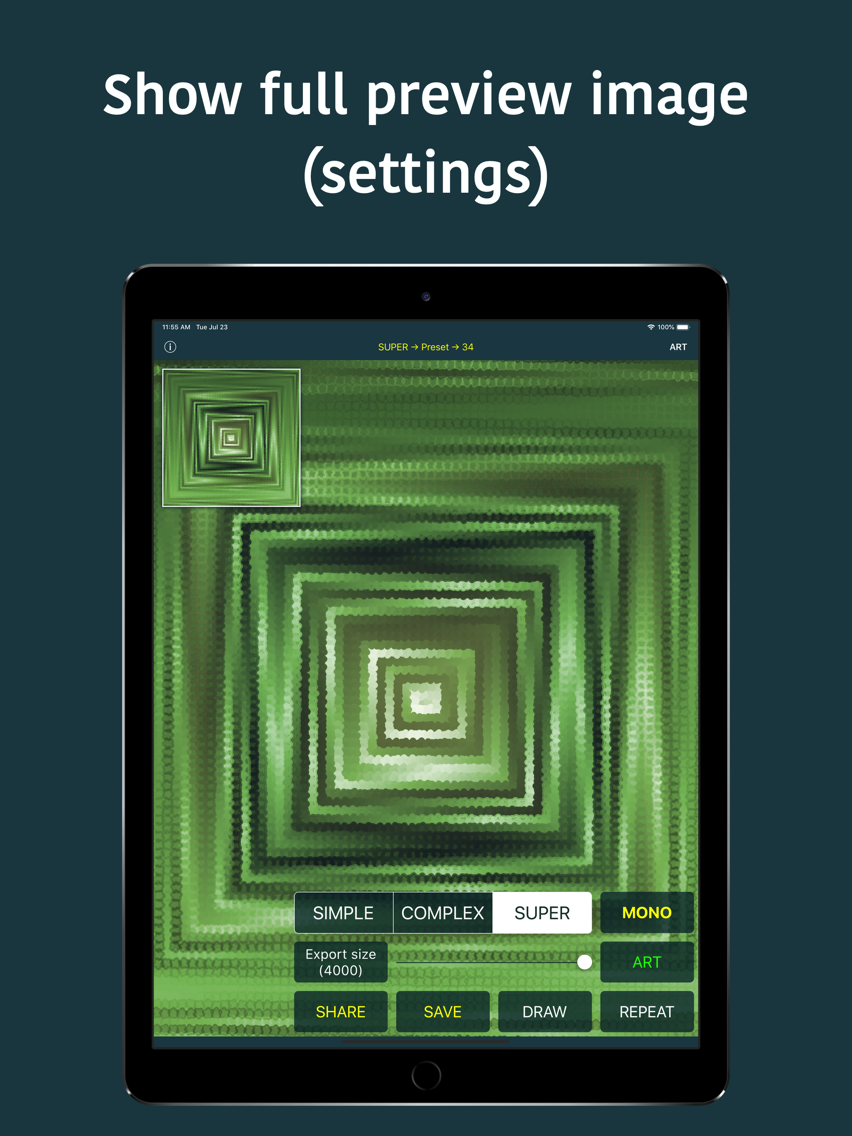
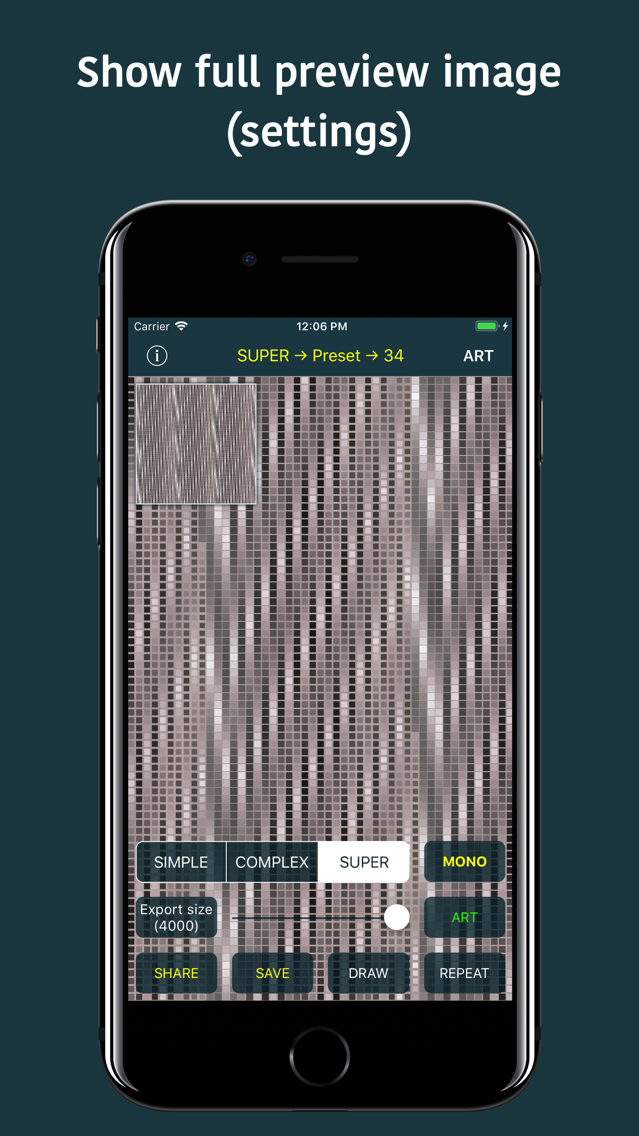
• Tap on navigation title shows full image preview
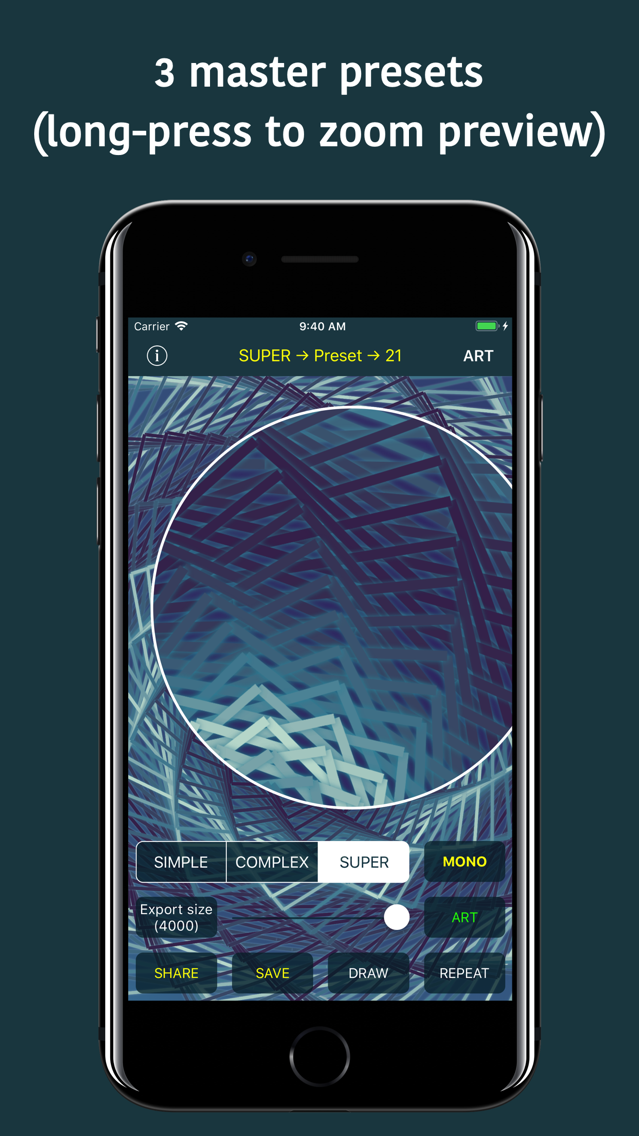
• Dragging an image shows zoomed section in preview image
• UI improvements
• (ART) Center an image (new global setting)
• Bug fixes
• Preset number for each of Simple/Complex/Super textures is shown inside navigation title
• Complex textures correctly (previously wasn't working at all) supports Looping presets one after another (global settings)
• Optimizations
• Bug fixes
• Much improved Draw frame overlay (global setting)
• Added SpotLight search support
• Minor drawing improvements
• UI Improvements (global settings)
• Bug fixes
• New global settings (draw TILES)
• Minor overall drawing improvements
• Bug fixes
• New global setting (draw FRAME overlay, super cool)
• Improvements
• Bug fixes
• Improved shadows on all Super textures presets
• Generic improvements on all Super textures presets
• New Super textures presets
• Bug fixes
• All Super textures presets got new sub-generic presets
• Super Textures new presets
• Optimized Super Textures for better and more versatile results
• UI optimizations
• Bug fixes
• New global setting (loop/random preset for new texture)
• Added shake gesture: draw new texture
• Added shake gesture: start new Artwork
• Fixed possible crash when selecting photo in Art section
• UI improvements
• Bug fixes
• Optimized some Super textures presets
• 1 new Super textures preset
• Bug fixes
• Improved Super textures (6 new presets)
• Increased default rendering size to 1500x1500
• UI improvements
• Improved Super textures
• Fixed: Wrong-sized image sent directly to Artwork
• UI improvements
• Bug fixes