Vimar VIEW Door

Vimar VIEW Door


無料

2.2.4for iPhone, iPad
Vimar S.p.A.
Developer
2025年12月09日
Update Date
Productivity
Category
Age Rating
4+
Apps in this category do not contain restricted content.
9+
Apps in this category may contain mild or occasional cartoon, fantasy or real-life violence, as well as occasional or mild adult, sexually suggestive or horrifying content and may not be suitable for children under 9 years of age.
12+
Apps in this category may contain occasional mild indecent language, frequent or intense cartoon or real-life violence, minor or occasional adult or sexually suggestive material, and simulated gambling, and may be for children under 12 years of age.
17+
You must be at least 17 years old to access this App.
Apps in this category may contain frequent and intense offensive language; Frequent and intense cartoon, fantasy or realistic violence: frequent and intense adult, scary and sexually suggestive subjects: as well as sexual content, nudity, tobacco, alcohol and drugs, may not be suitable for children under 17 years of age.
Vimar VIEW Door スクリーンショット
Vimar VIEW Door ポスターVimar VIEW Door ポスター
Vimar VIEW Door ポスターVimar VIEW Door ポスターVimar VIEW Door ポスターVimar VIEW Door ポスターVimar VIEW Door ポスターVimar VIEW Door ポスターVimar VIEW Door ポスターVimar VIEW Door ポスター

About Vimar VIEW Door

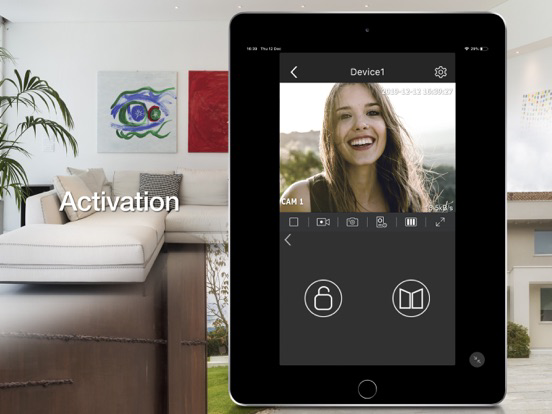
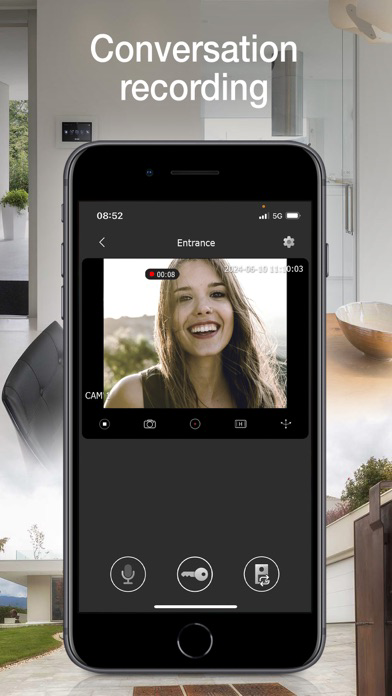
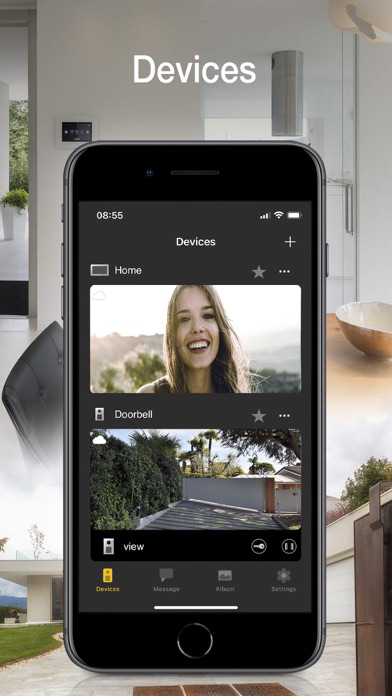
View Door provides mobile phone management of the functions of the Vimar connected video door entry systems in complete safety away from home too. Instant and user-friendly, the App lets you:
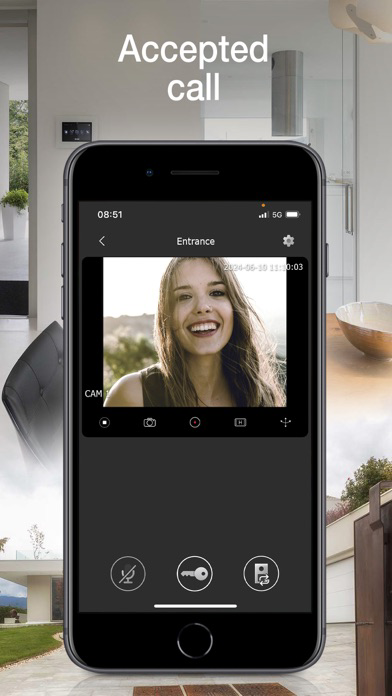
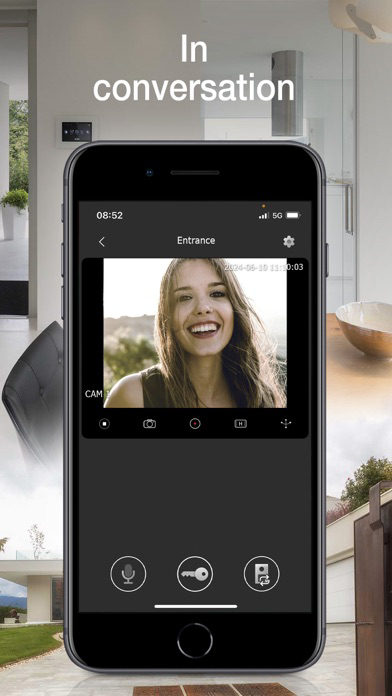
• Manage video door entry system calls
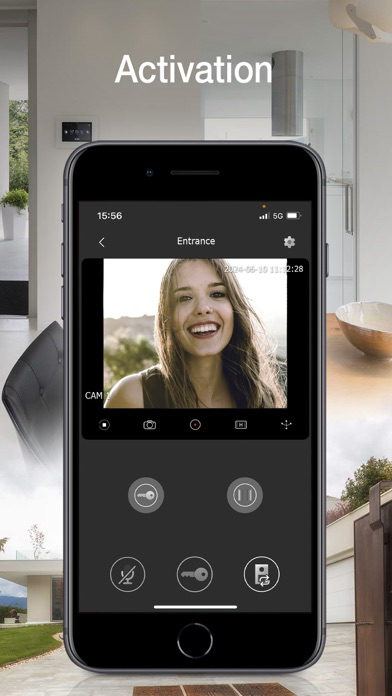
• Manage activations (pedestrian entry, vehicle entry)
• View your call log
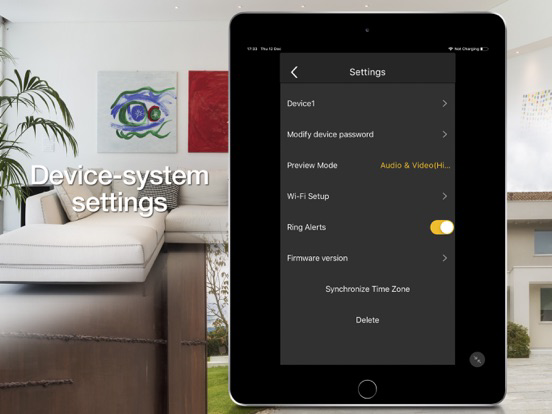
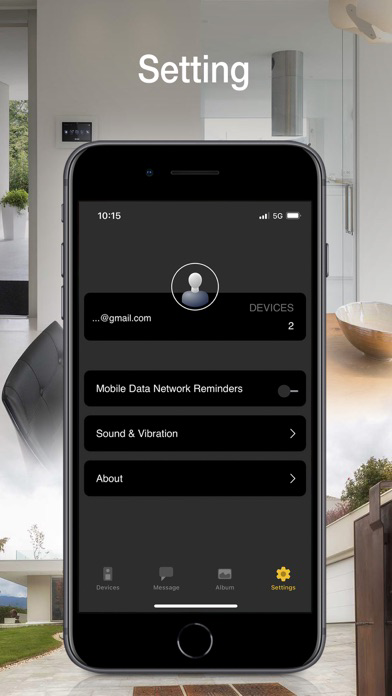
• Manage the settings
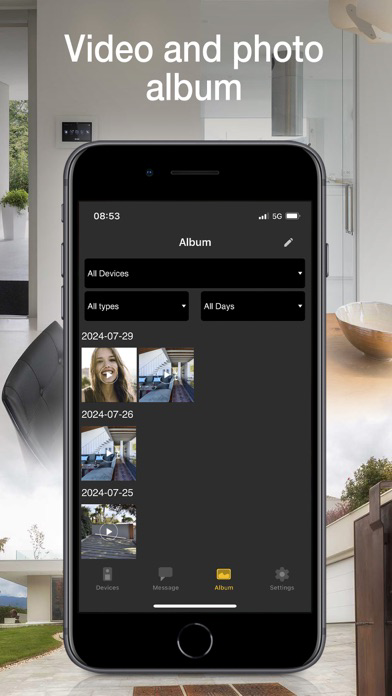
• Record videos and images
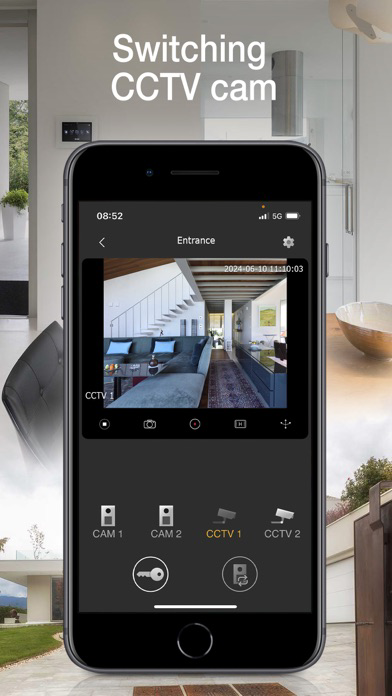
• View video door entry cameras and compatible TVCC cameras - if connected
• Zoom videos
• Functions and controls via voice assistants (for compatible devices Wi-Fi video doorbell K40960 and K40965, IPo2w monitors K40980, K40981 and 40980.M)
• Receive notifications

To start using the App, you need to configure it.
For Wi-Fi connected video door entry kits (K40945, K40946, K40947, K40955, K40956, K40957, K42945, K42946, K42947, K42955, K42956, K42957) and IPo2w kits (K40980, K40981, K40980.AU, K40981.AU and 40980.M) simply scan the QR code displayed on the video entryphone monitor, then follow the procedure in app and configure or use your MyVimar account if required.
For Wi-Fi video doorbell (K40960 and K40965), scan the QR code on the back of the device, then follow the procedure in app and configure or use your MyVimar account.
Further information can be found in the device documentation.

Show More

最新バージョン 2.2.4 の更新情報

Last updated on 2025年12月09日
旧バージョン
• App improvement.
Show More
Version History
2.2.4
2025年12月09日
• App improvement.

Vimar VIEW Door FAQ

ここをクリック!地理的に制限されているアプリのダウンロード方法をご参考ください。
次のリストをチェックして、Vimar VIEW Doorの最低システム要件をご確認ください。
iPhone
iPad

Vimar VIEW Doorの類似アプリ

あなたも好きかも

Vimar S.p.A. からもっと手に入れる