Wifi Code
無料
2.0.4for iPhone, iPad
Age Rating
Wifi Code スクリーンショット
About Wifi Code
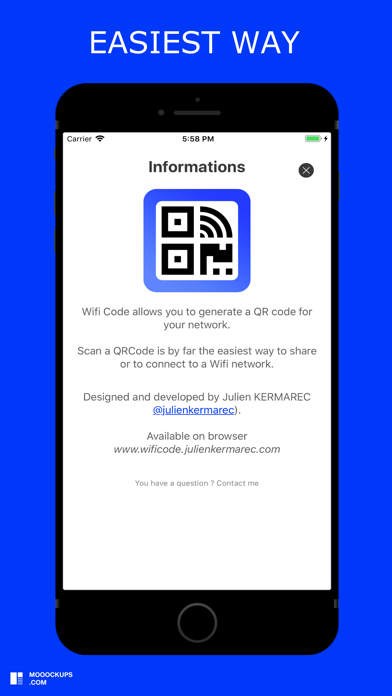
Wifi Code allows you to generate a QR code for your Wifi network.
You want to share your wifi network:
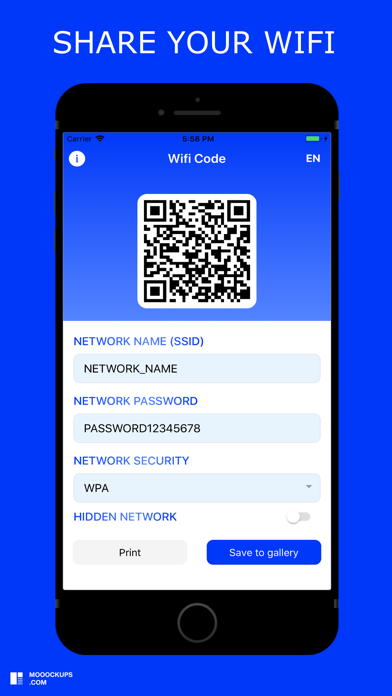
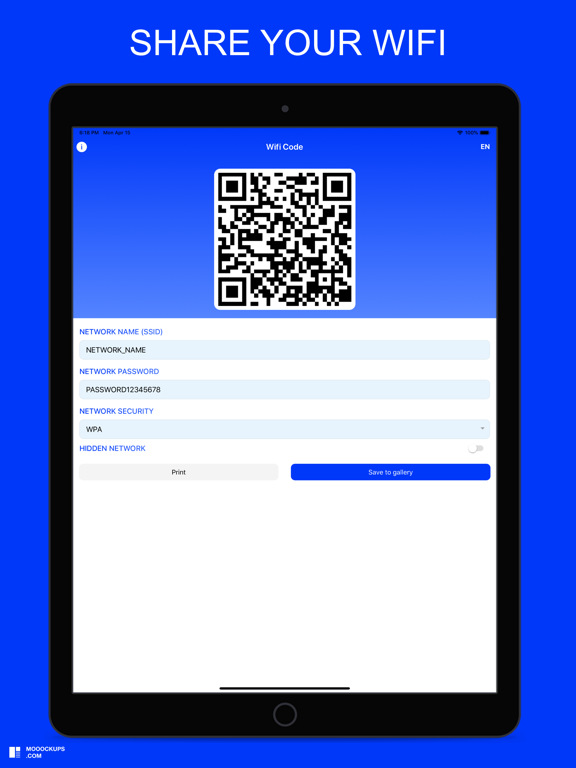
1) Enter the name of your network (SSID)
2) Enter your network password (if you have one)
3) Select your type of network security (WPA default, WEP)
4) Select whether your network is hidden or not
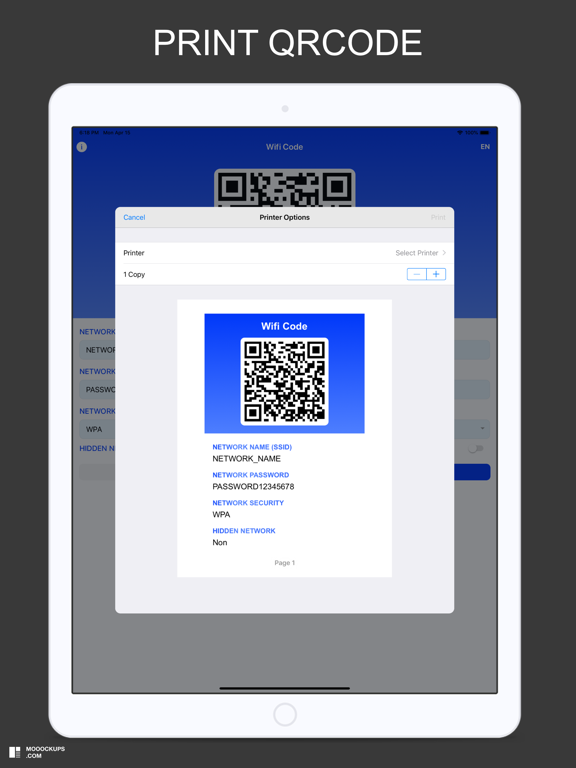
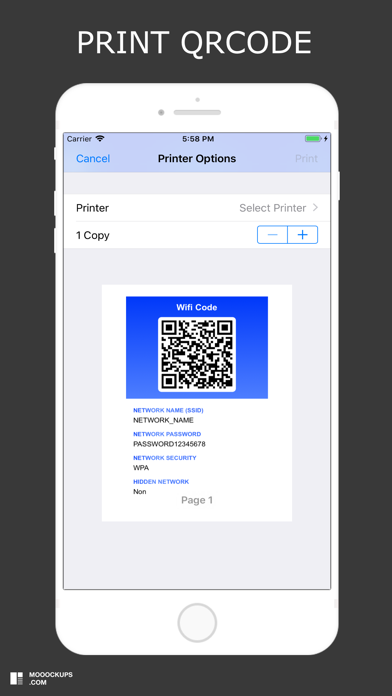
5) Print and save the QRCode generated by the application
This is by far the easiest and most convenient way to connect to a Wifi network.
You want to access a wifi network:
1) Open your camera or scan application
2) Scan the QRcode
3) Connect to the wifi network

You want to share your wifi network:
1) Enter the name of your network (SSID)
2) Enter your network password (if you have one)
3) Select your type of network security (WPA default, WEP)
4) Select whether your network is hidden or not
5) Print and save the QRCode generated by the application
This is by far the easiest and most convenient way to connect to a Wifi network.
You want to access a wifi network:
1) Open your camera or scan application
2) Scan the QRcode
3) Connect to the wifi network
Show More
最新バージョン 2.0.4 の更新情報
Last updated on 2025年02月23日
旧バージョン
Bugfixes
Show More
Version History
2.0.4
2025年02月23日
Bugfixes
Wifi Code FAQ
ここをクリック!地理的に制限されているアプリのダウンロード方法をご参考ください。
次のリストをチェックして、Wifi Codeの最低システム要件をご確認ください。
iPhone
iPad