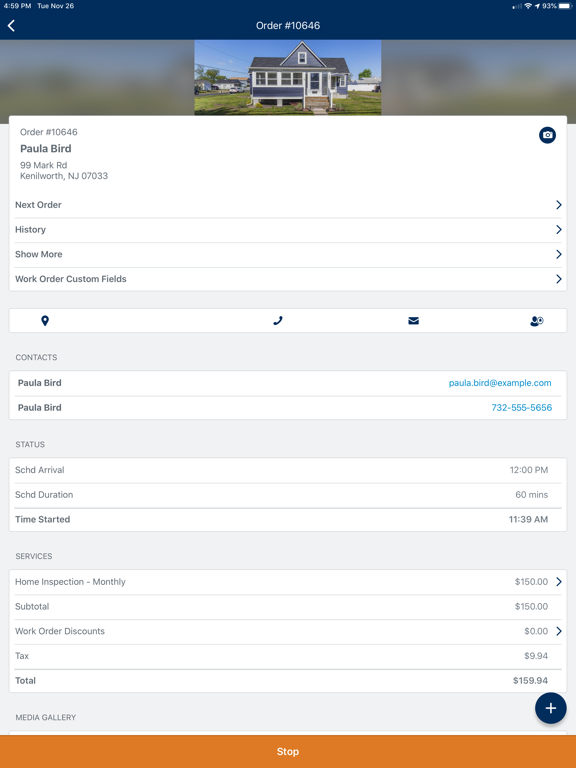
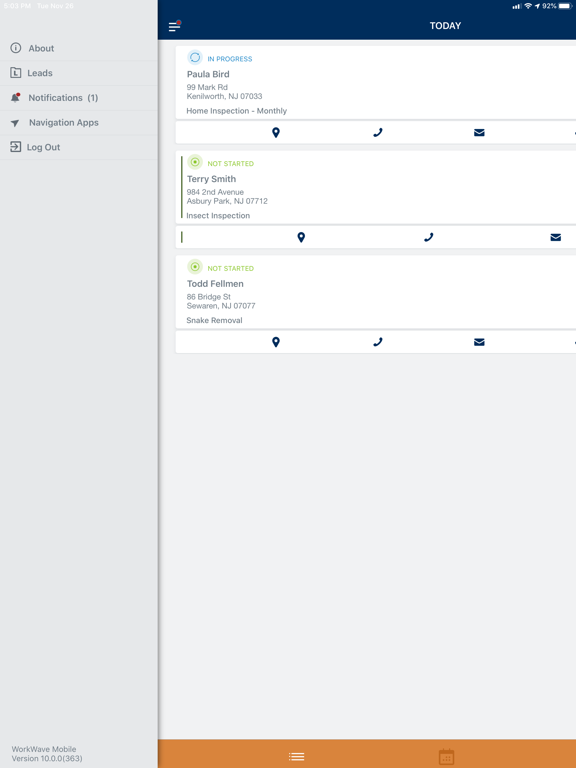
• When a work order is assigned to a team, the team’s name will now display on the work order
• PDFs that have been uploaded by WWS web are now displayed within the media gallery
• Bug fixes and performance improvements
• Bug fixes
• New photo and video icons in the Media Gallery
• New offline alert handling when attempting to open media
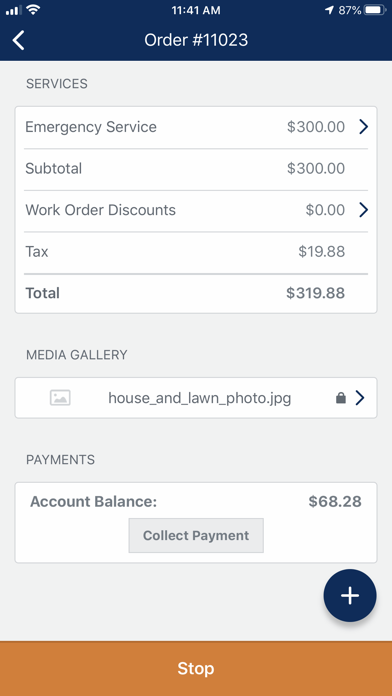
• Updates to the payment processing screen
• Streamlining sending forms through Form Manager
Check out the full release notes on the community page
Bug fixes and performance improvements
This release includes:
• The ability to add video files to leads
• A new banner to alert users when a work order has been successfully completed
• Users with the ability to only view notes will now be able to click and open the full note on the mobile app
Check out the full release notes on the community page.
This release includes the ability to add video files to Lead details screen, some small changes to uploaded file requirements and updated work order cards.
Check out the full release notes on the community page.
*Note: This release also includes updates to the minimum version requirements for iOS. The minimum supported version for the mobile app is now iOS 14. Users with older versions will still be able to access the app but will not be able to update to any future versions.
Included in This Release:
• Resolved issue where time out button was behaving as timed in
• Resolved issue that was causing calendar to sometimes go blank
• Resolved an issue that was causing crashes when logging in
For more information, check out the full release notes on the community page!
• Signatures that are captured via the mobile app will now display the signature date along with the actual signature on customer facing documents such as service reports
• Bug fixes and stability improvements
Bug fixes and performance improvements
This release includes updated WorkWave branding logos in the Mobile app.
It also has bug fixes for the Work Order card and the Work Order detail duration display
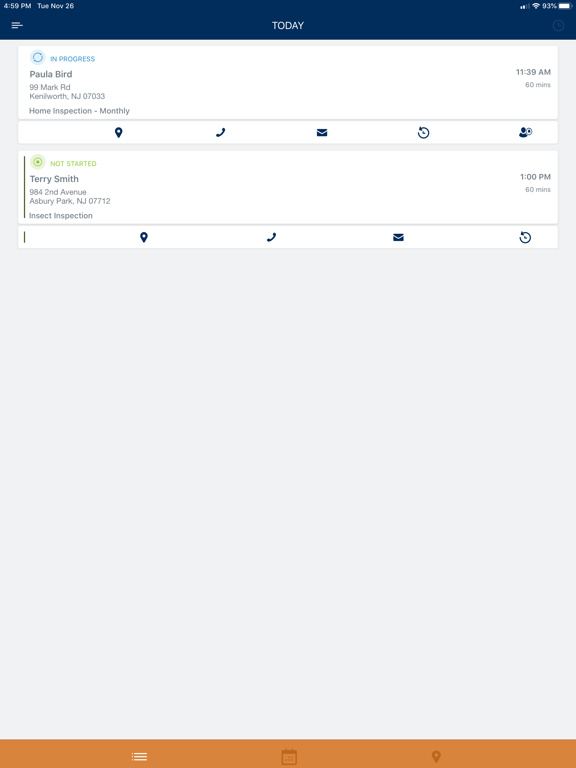
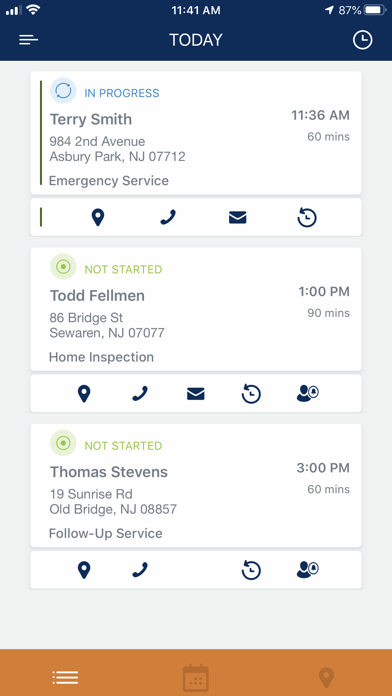
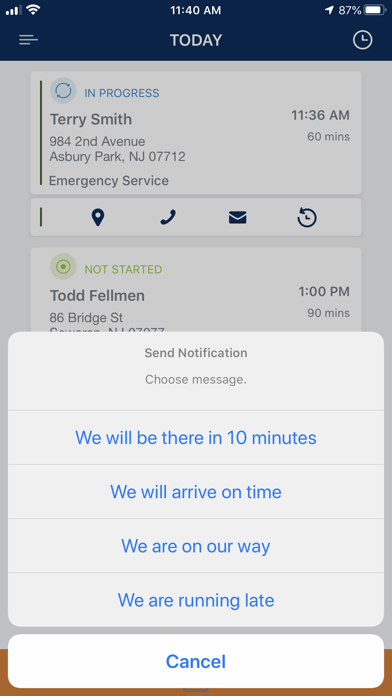
This release focuses on a new feature to find a work order in the Mobile app. Users will now be able to search by work order number, and the assigned Technician or Team will now be displayed on the work order list results.
This release includes an improved process when entering and processing credit cards in the mobile app as well as bug fixes and improvements.
• Ability to undo a time in on a work order
• Ability to undo a time out on a work order
• Ability to add multiple character types in the check number field
• List employees name and last update date for each note
• Bug fixes
- Improved note list display on the detail order screen
- Added modified date for notes, gallery and sketch files
- Bug fixes
- Bug Fixes
- Ability to favorite forms
- Improved view of media gallery and sketch items
- Introducing Product and Service discounts. Techs can now add canned discounts to both products and services
- Form improvements
- Miscellaneous Bug Fixes and Stability Improvements
- New! Support for various states in Forms. Technicians can now see all states of a form.
- New! Improved role support in Forms
- New! Ability to send form to a customer for completion
- Various bug fixes & improvements
Miscellaneous bug fixes and stability improvements.
Miscellaneous bug fixes and stability improvements.
- Introducing Form Manager - Use predefined or custom forms to capture information from customers, collect signatures, and more.
Requires WorkWave Professional or Premier.
- Miscellaneous bug fixes and stability improvements
Introducing Form Manager - Use predefined or custom forms to capture information from customers, collect signatures, and more.
Requires WorkWave Professional or Premier.
Miscellaneous Bug Fixes and Stability Improvements.
- Introducing Team Leader Timesheets! A designated team leader will have the ability to manage timecards for other team members, including timing in and out, breaks, and travel time.
- Travel time is now available! Keep track of your drive time while you’re on the job.
- New satellite dish object added within the Sketch tool.
- Miscellaneous Bug Fixes and Stability Improvements.
- Miscellaneous bug fixes and stability improvements
• Introducing Sketch! With Sketch, you can visually record details of a Service Location on a map, mark application areas of Materials, and plan other aspects of your service.
• Technician Canned Note Templates are now available! This lets your employees use templates to add frequently used, or long text notes, to a Work Order.
• Miscellaneous Bug Fixes and Stability Improvements
• This update requires iOS 11 or later
• The name of the app has changed to WorkWave Mobile
• We’ve added a fresh coat of paint to the app. It’s the same great app, but with a new look.