Batch Resize

Batch Resize


무료

8.5for iPhone, iPad
Age Rating
4+
Apps in this category do not contain restricted content.
9+
Apps in this category may contain mild or occasional cartoon, fantasy or real-life violence, as well as occasional or mild adult, sexually suggestive or horrifying content and may not be suitable for children under 9 years of age.
12+
Apps in this category may contain occasional mild indecent language, frequent or intense cartoon or real-life violence, minor or occasional adult or sexually suggestive material, and simulated gambling, and may be for children under 12 years of age.
17+
You must be at least 17 years old to access this App.
Apps in this category may contain frequent and intense offensive language; Frequent and intense cartoon, fantasy or realistic violence: frequent and intense adult, scary and sexually suggestive subjects: as well as sexual content, nudity, tobacco, alcohol and drugs, may not be suitable for children under 17 years of age.
Batch Resize 스크린 샷
Batch Resize 포스터Batch Resize 포스터Batch Resize 포스터Batch Resize 포스터Batch Resize 포스터Batch Resize 포스터

About Batch Resize

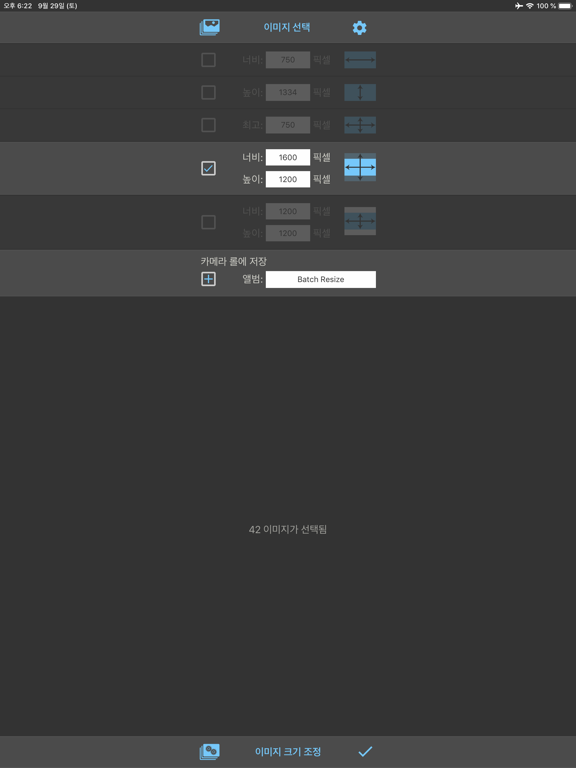
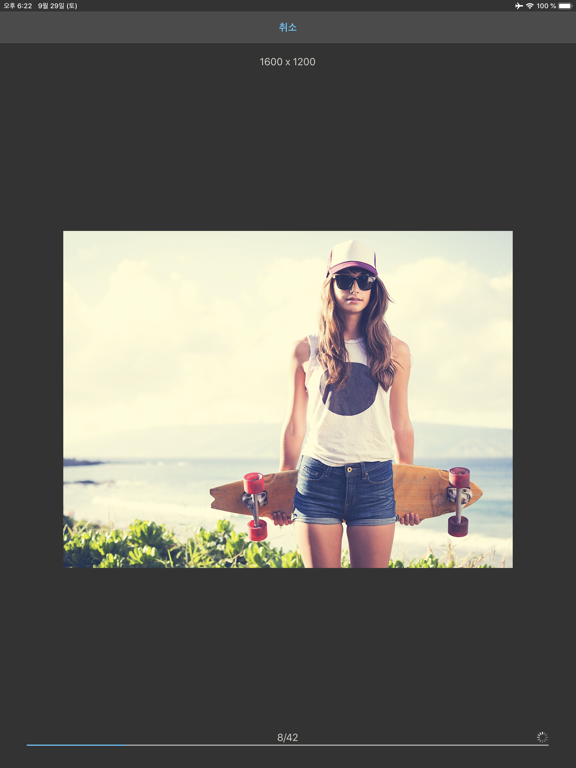
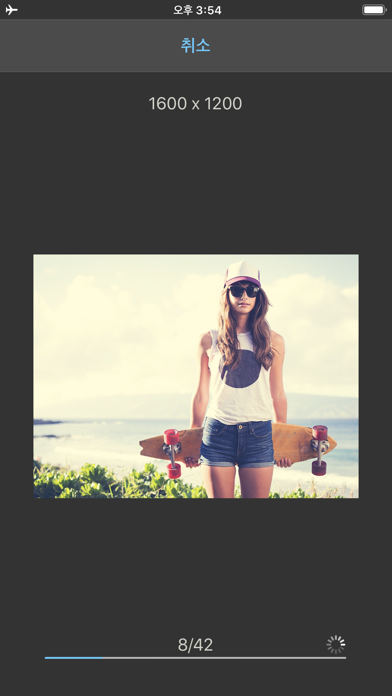
이 앱을 이용해 빠르고 간편하게 최대 500개의 이미지를 원하는 픽셀 크기로 한 번에 조정할 수 있습니다.

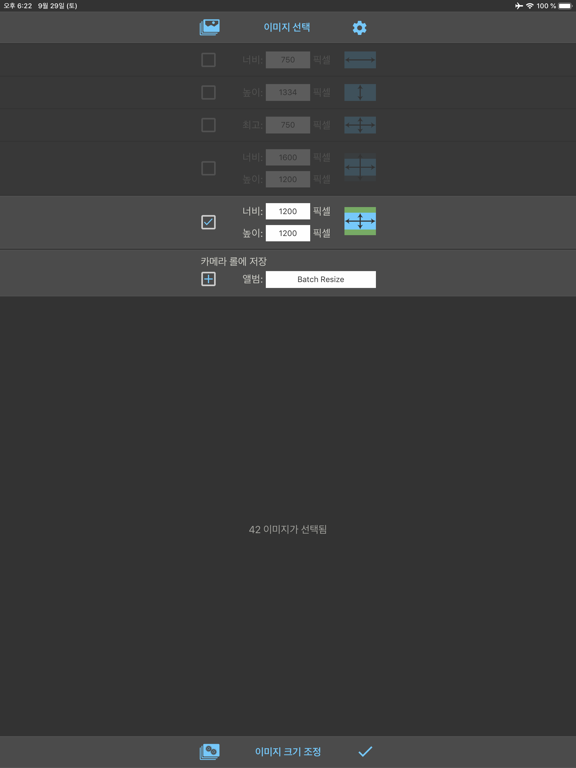
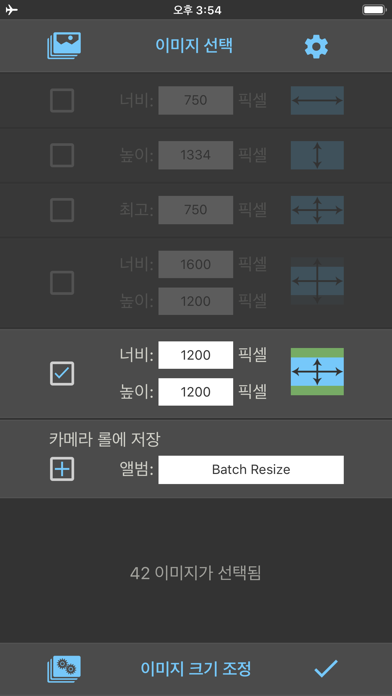
다음 네 개의 크기 조정 모드를 이용해 출력 형식을 지정할 수 있습니다.

1. 너비 고정 (높이 비례)

2. 높이 고정 (너비 비례)

3. 최대 픽셀 (비례 폭 또는 높이)

4. 모양 채우기: 이미지의 배율을 조정해 출력 크기만큼 채웁니다 (일부는 잘립니다)

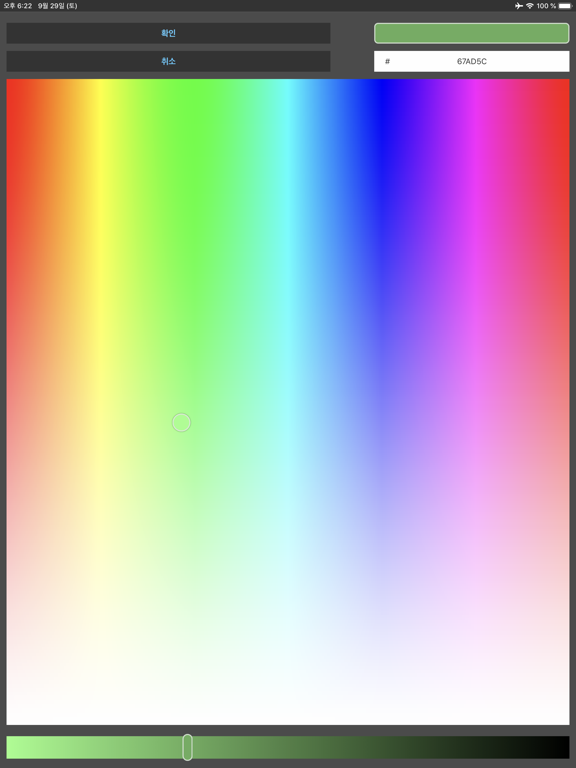
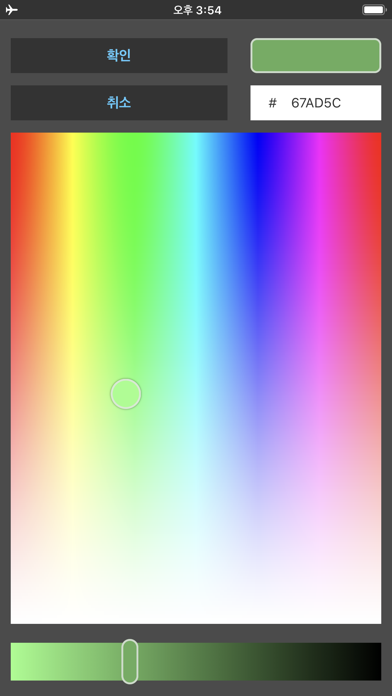
5. 모양 맞춤: 이미지의 배율을 조정해 출력 크기에 맞춥니다 (일부는 정의된 색상으로 채워집니다)

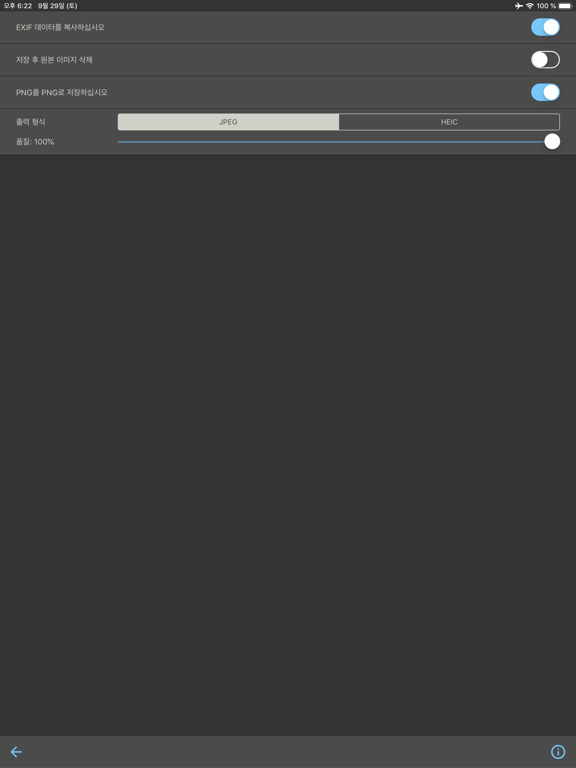
Batch Resize는 크기가 조정된 이미지를 카메라 롤 또는 사용자 정의 앨범에 저장하는 옵션을 제공합니다.

32비트 장치에 대한 최대 출력 크기는 4000 x 4000 픽셀로 제한되며 64비트 장치의 경우 8000 x 8000 픽셀입니다.

Show More

최신 버전 8.5의 새로운 기능

Last updated on May 17, 2026
오래된 버전
버그 수정 및 개선
Show More
Version History
8.5
May 17, 2026
버그 수정 및 개선

Batch Resize FAQ

제한된 국가 또는 지역에서 Batch Resize를 다운로드하는 방법을 알아보려면 여기를 클릭하십시오.
Batch Resize의 최소 요구 사항을 보려면 다음 목록을 확인하십시오.
iPhone
iPad

Batch Resize 대안

당신은 또한 좋아할 수도 있습니다

Vitalij Schaefer에서 더 많은 것을 얻기