Batch Resize
免費
8.5for iPhone, iPad
Age Rating
Batch Resize 螢幕截圖
About Batch Resize
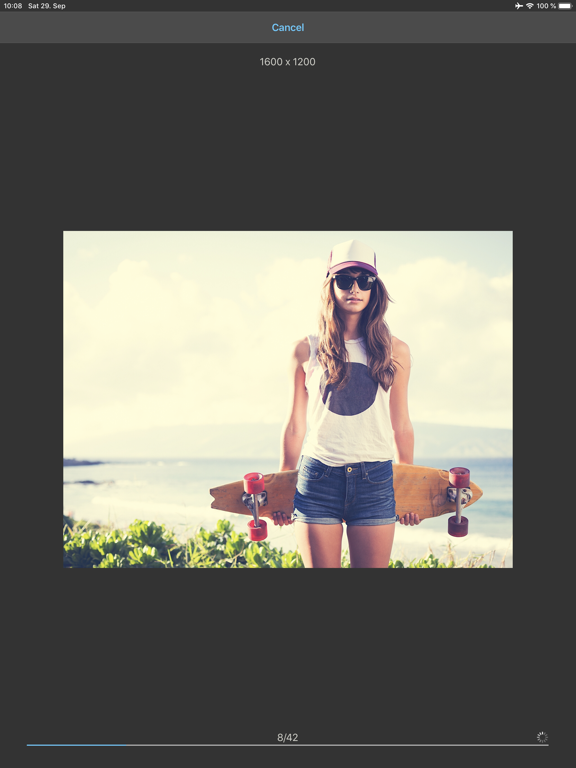
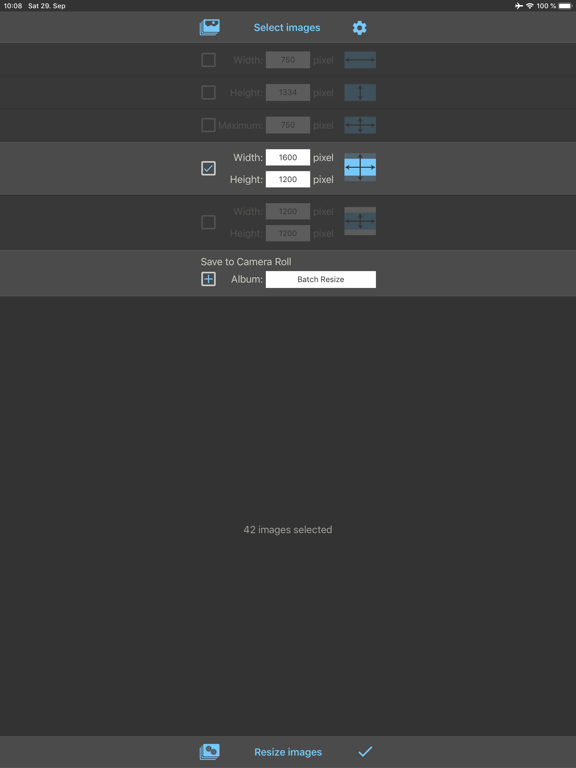
This app allows you to resize up to 500 images at once to whatever size in pixels you like, quickly and easily.
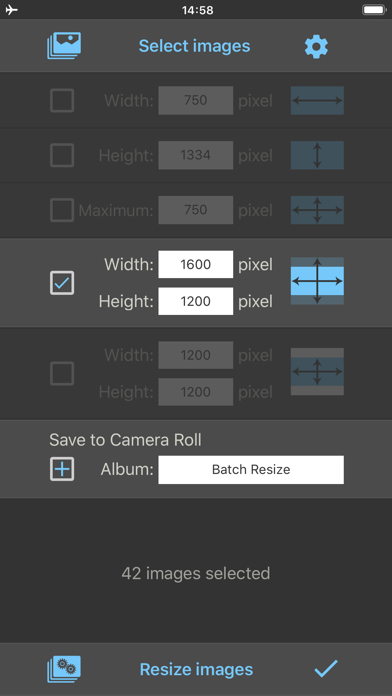
You can specify the output format using one of the following four resize modes:
1. Fixed width (Proportional height)
2. Fixed height (Proportional width)
3. Maximum pixel (Proportional width or height)
4. Aspect Fill: Scale the image to fill the output size (Some parts will be clipped)
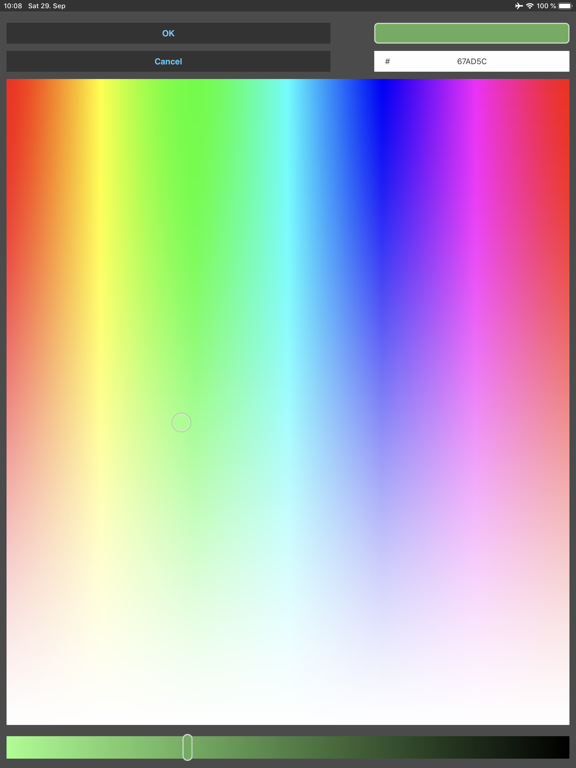
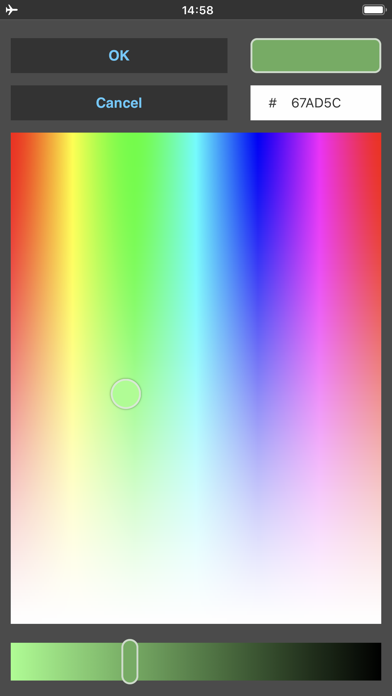
5. Aspect Fit: Scale the image to fit the output size (Some parts will be filled with the defined color)
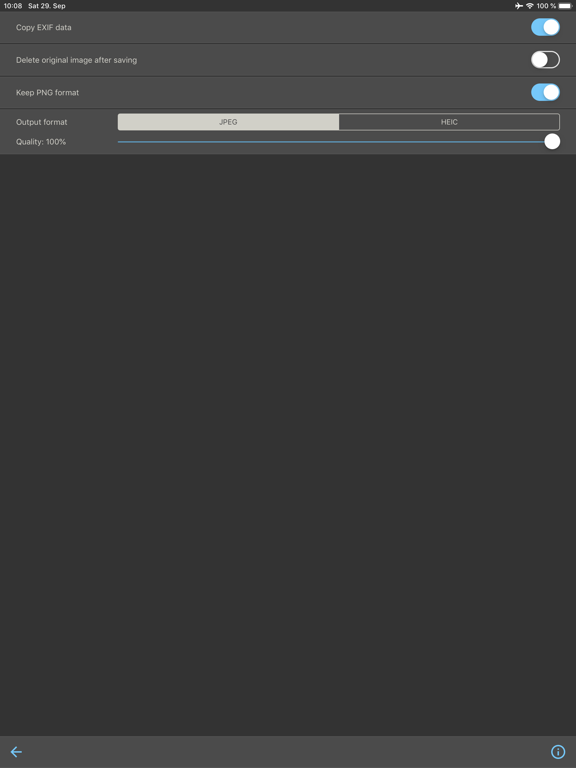
Batch Resize gives you the option to save the resized images in Camera Roll and additionally in a custom album.
The maximum output size for 32 bit devices is limited to 4000 x 4000 pixels and for 64 bit devices to 8000 x 8000 pixels.

You can specify the output format using one of the following four resize modes:
1. Fixed width (Proportional height)
2. Fixed height (Proportional width)
3. Maximum pixel (Proportional width or height)
4. Aspect Fill: Scale the image to fill the output size (Some parts will be clipped)
5. Aspect Fit: Scale the image to fit the output size (Some parts will be filled with the defined color)
Batch Resize gives you the option to save the resized images in Camera Roll and additionally in a custom album.
The maximum output size for 32 bit devices is limited to 4000 x 4000 pixels and for 64 bit devices to 8000 x 8000 pixels.
Show More
最新版本8.5更新日誌
Last updated on 2026年05月17日
歷史版本
Bug fixes and improvements
Show More
Version History
8.5
2026年05月17日
Bug fixes and improvements
Batch Resize FAQ
點擊此處瞭解如何在受限國家或地區下載Batch Resize。
以下為Batch Resize的最低配置要求。
iPhone
iPad