Coding Cubroid
무료
1.2.2for iPhone, iPad and more
Age Rating
Coding Cubroid 스크린 샷
About Coding Cubroid
What Cubroid is trying to pursue is to create a play education tool that will take away the standardized education, and bring out the potential that children have.
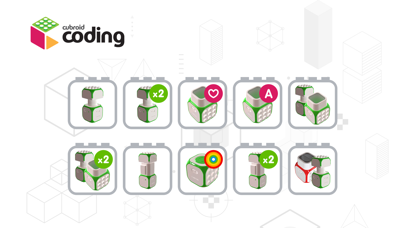
Each module (IoT block) with a specific function is a small robot block. These small robot blocks wirelessly communicate with each other and can be assembled very easily and quickly, so they can be created with robots of various shapes and functions.
These robots have three types of execution modes (smartphone coding / control, automatic operation, and linked PC coding programs), which can be used as smart toys for coding education.
How to use Cuberoid with smartphone app
1. Power on the DC motor block.
2. Connect Cubroid Block to Smartphone.
- In the app, click the Block Registration button to select the block.
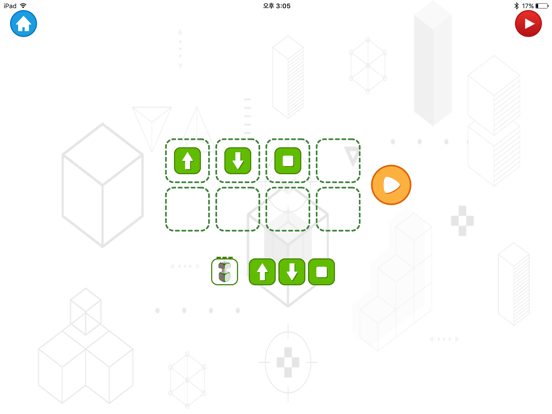
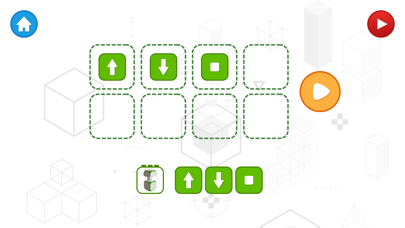
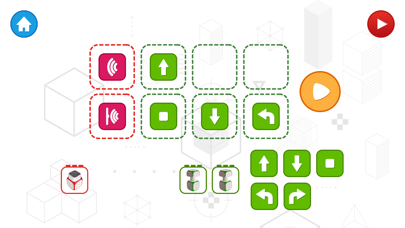
3. Drag & Drop the direction button to coding DC motor block.
코딩 큐브로이드

Each module (IoT block) with a specific function is a small robot block. These small robot blocks wirelessly communicate with each other and can be assembled very easily and quickly, so they can be created with robots of various shapes and functions.
These robots have three types of execution modes (smartphone coding / control, automatic operation, and linked PC coding programs), which can be used as smart toys for coding education.
How to use Cuberoid with smartphone app
1. Power on the DC motor block.
2. Connect Cubroid Block to Smartphone.
- In the app, click the Block Registration button to select the block.
3. Drag & Drop the direction button to coding DC motor block.
코딩 큐브로이드
Show More
최신 버전 1.2.2의 새로운 기능
Last updated on Jun 27, 2018
오래된 버전
This app has been updated by Apple to display the Apple Watch app icon.
Improved Bluetooth performance
Show More
Version History
1.2.2
Jun 27, 2018
This app has been updated by Apple to display the Apple Watch app icon.
Improved Bluetooth performance
1.2.1
Dec 17, 2017
Bug fixed
1.2.0
Dec 16, 2017
Add Stage
1.1.0
Sep 12, 2017
Bug Fixed
1.0.2
Aug 4, 2017
Bug Fixed
1.0.1
May 25, 2017
Bug fixed
1.0
Feb 23, 2017
Coding Cubroid FAQ
제한된 국가 또는 지역에서 Coding Cubroid를 다운로드하는 방법을 알아보려면 여기를 클릭하십시오.
Coding Cubroid의 최소 요구 사항을 보려면 다음 목록을 확인하십시오.
iPhone
iOS 9.0 이상 필요.
iPad
iPadOS 9.0 이상 필요.
iPod touch
iOS 9.0 이상 필요.
Coding Cubroid은 다음 언어를 지원합니다. 영어