Coding Cubroid

Coding Cubroid


免費

1.2.2for iPhone, iPad and more
JAE KWANG SHIN
Developer
39 MB
Size
2018年06月27日
Update Date
Education
Category
4+
Age Rating
Age Rating
4+
Apps in this category do not contain restricted content.
9+
Apps in this category may contain mild or occasional cartoon, fantasy or real-life violence, as well as occasional or mild adult, sexually suggestive or horrifying content and may not be suitable for children under 9 years of age.
12+
Apps in this category may contain occasional mild indecent language, frequent or intense cartoon or real-life violence, minor or occasional adult or sexually suggestive material, and simulated gambling, and may be for children under 12 years of age.
17+
You must be at least 17 years old to access this App.
Apps in this category may contain frequent and intense offensive language; Frequent and intense cartoon, fantasy or realistic violence: frequent and intense adult, scary and sexually suggestive subjects: as well as sexual content, nudity, tobacco, alcohol and drugs, may not be suitable for children under 17 years of age.
Coding Cubroid 螢幕截圖
Coding Cubroid 海報Coding Cubroid 海報Coding Cubroid 海報Coding Cubroid 海報Coding Cubroid 海報

About Coding Cubroid

What Cubroid is trying to pursue is to create a play education tool that will take away the standardized education, and bring out the potential that children have.

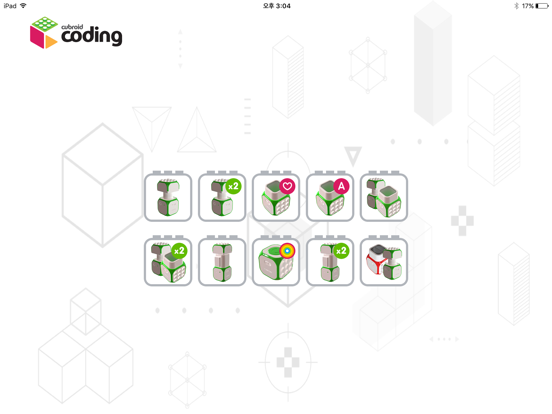
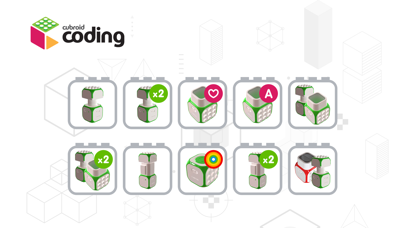
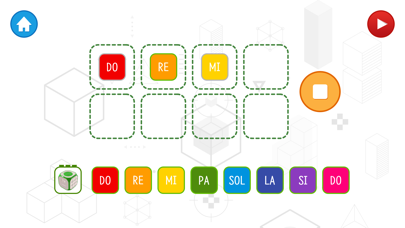
Each module (IoT block) with a specific function is a small robot block. These small robot blocks wirelessly communicate with each other and can be assembled very easily and quickly, so they can be created with robots of various shapes and functions.

These robots have three types of execution modes (smartphone coding / control, automatic operation, and linked PC coding programs), which can be used as smart toys for coding education.

How to use Cuberoid with smartphone app

1. Power on the DC motor block.
2. Connect Cubroid Block to Smartphone.
- In the app, click the Block Registration button to select the block.
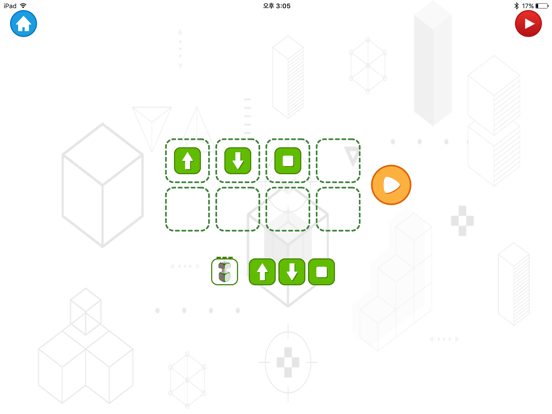
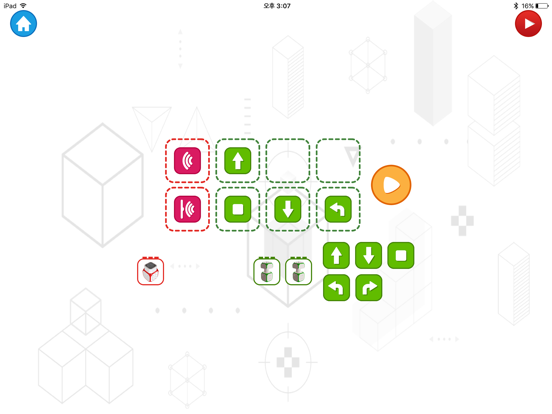
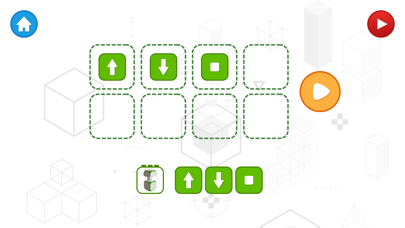
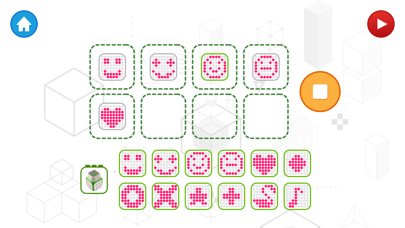
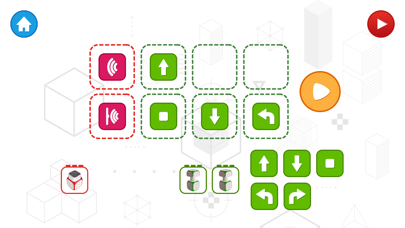
3. Drag & Drop the direction button to coding DC motor block.

코딩 큐브로이드

Show More

最新版本1.2.2更新日誌

Last updated on 2018年06月27日
歷史版本
This app has been updated by Apple to display the Apple Watch app icon.

Improved Bluetooth performance
Show More
Version History
1.2.2
2018年06月27日
This app has been updated by Apple to display the Apple Watch app icon.

Improved Bluetooth performance
1.2.1
2017年12月17日
Bug fixed
1.2.0
2017年12月16日
Add Stage
1.1.0
2017年09月12日
Bug Fixed
1.0.2
2017年08月04日
Bug Fixed
1.0.1
2017年05月25日
Bug fixed
1.0
2017年02月23日

Coding Cubroid FAQ

點擊此處瞭解如何在受限國家或地區下載Coding Cubroid。
以下為Coding Cubroid的最低配置要求。
iPhone
須使用 iOS 9.0 或以上版本。
iPad
須使用 iPadOS 9.0 或以上版本。
iPod touch
須使用 iOS 9.0 或以上版本。
Coding Cubroid支持英文

Coding Cubroid相關應用

你可能還喜歡

JAE KWANG SHIN 開發者的更多應用