Document Camera

Document Camera


무료

1.1.1for iPhone, iPad
Age Rating
4+
Apps in this category do not contain restricted content.
9+
Apps in this category may contain mild or occasional cartoon, fantasy or real-life violence, as well as occasional or mild adult, sexually suggestive or horrifying content and may not be suitable for children under 9 years of age.
12+
Apps in this category may contain occasional mild indecent language, frequent or intense cartoon or real-life violence, minor or occasional adult or sexually suggestive material, and simulated gambling, and may be for children under 12 years of age.
17+
You must be at least 17 years old to access this App.
Apps in this category may contain frequent and intense offensive language; Frequent and intense cartoon, fantasy or realistic violence: frequent and intense adult, scary and sexually suggestive subjects: as well as sexual content, nudity, tobacco, alcohol and drugs, may not be suitable for children under 17 years of age.
Document Camera 스크린 샷
Document Camera 포스터Document Camera 포스터Document Camera 포스터Document Camera 포스터

About Document Camera

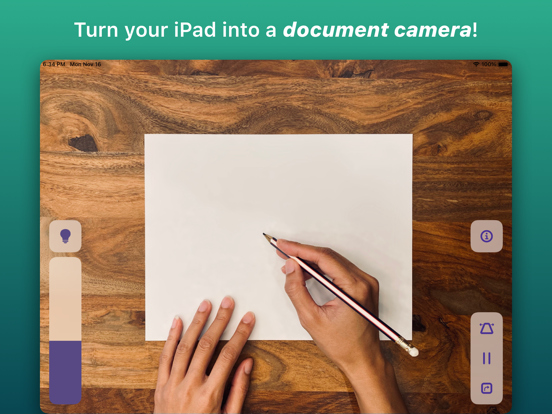
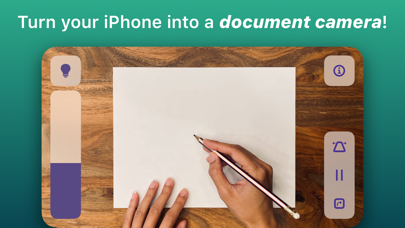
Transform your iPhone into the best document camera on the market with Doc Cam!

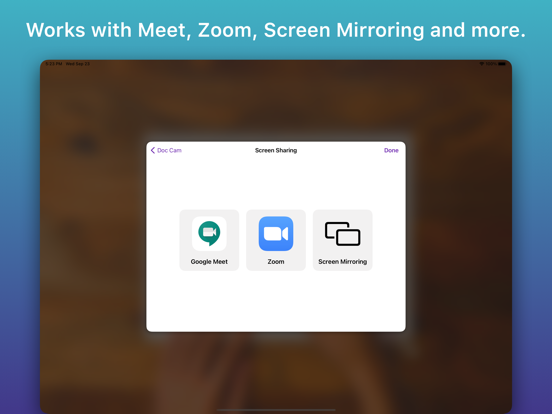
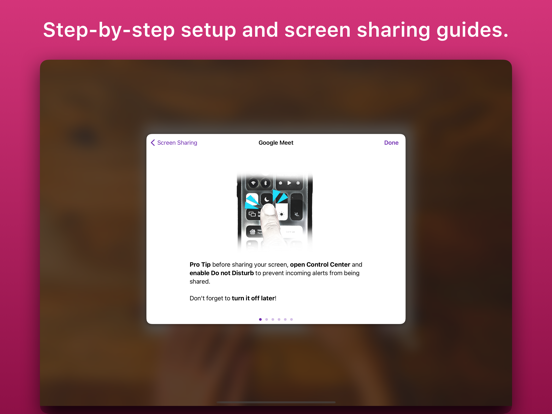
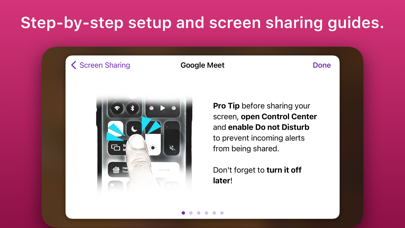
Doc Cam is a straightforward app for sharing your workspace with your students, just like a document camera or old school overhead projector. Doc Cam was designed with the needs of the remote learning classroom in mind. It’s compatible with Zoom, Google Meet, Microsoft Teams, and other services through screen mirroring, all with easy step-by-step guides for setup. For teachers who have already transitioned back to the classroom, you can still use Doc Cam with modern classrooms outfitted with computers or projectors compatible with AirPlay Screen Mirroring.

DOC CAM FEATURES
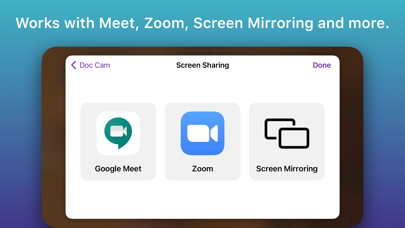
1. Works with Zoom, Google Meet, Screen Mirroring and more.
2. Perfect for remote learning.
3. Zoom and pan the camera.
4. Smart Flashlight - distributes the lighting evenly across the entire document camera image when the flashlight is enabled.
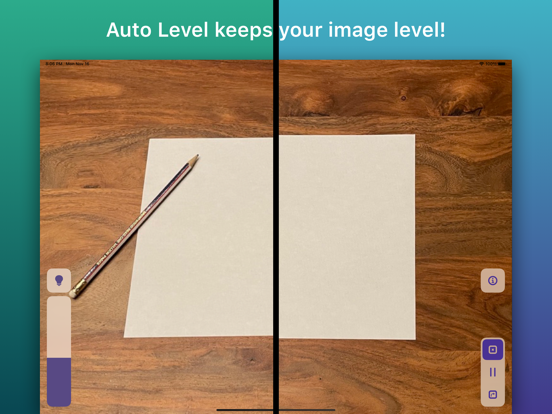
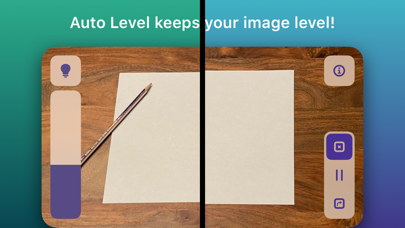
5. Auto Level - keeps the document camera image level even when your phone isn't.
6. Freeze video frame.
7. Transition back to the classroom with AirPlay support.
8. And more!

Show More

최신 버전 1.1.1의 새로운 기능

Last updated on May 30, 2023
오래된 버전
* Fix broken contact email
* Additional bug fixes
Show More
Version History
1.1.1
May 30, 2023
* Fix broken contact email
* Additional bug fixes

Document Camera FAQ

제한된 국가 또는 지역에서 Document Camera를 다운로드하는 방법을 알아보려면 여기를 클릭하십시오.
Document Camera의 최소 요구 사항을 보려면 다음 목록을 확인하십시오.
iPhone
iPad

Document Camera 대안

당신은 또한 좋아할 수도 있습니다

SwiftKick Mobile LLC에서 더 많은 것을 얻기