Document Camera
Free
1.1.1for iPhone, iPad
Age Rating
Document Camera Screenshots
About Document Camera
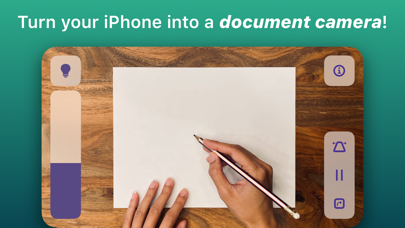
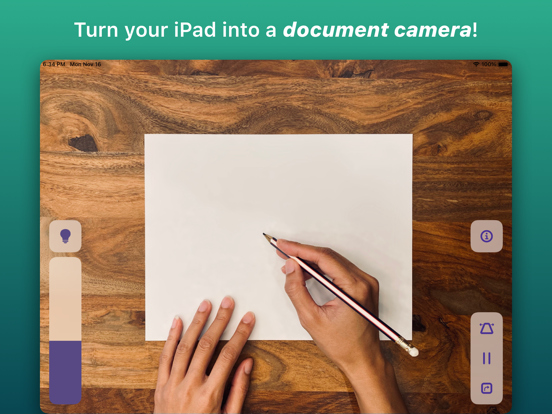
Transform your iPhone into the best document camera on the market with Doc Cam!
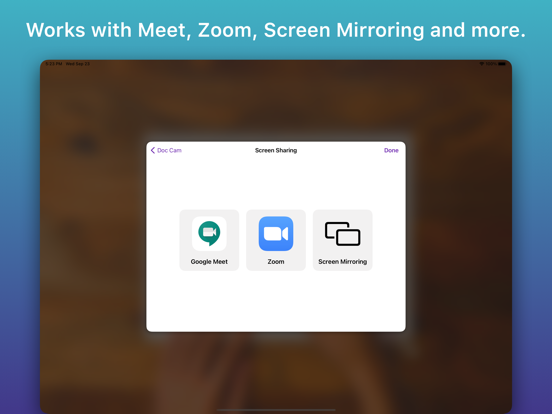
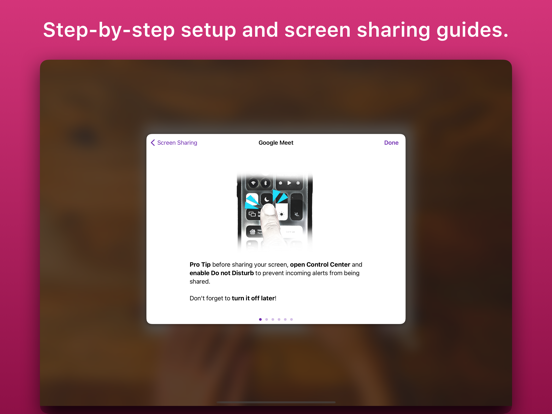
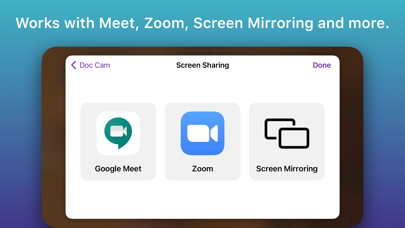
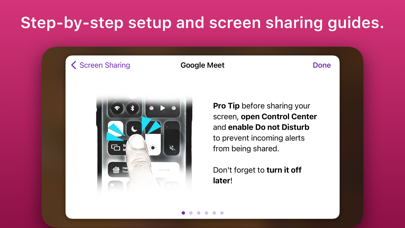
Doc Cam is a straightforward app for sharing your workspace with your students, just like a document camera or old school overhead projector. Doc Cam was designed with the needs of the remote learning classroom in mind. It’s compatible with Zoom, Google Meet, Microsoft Teams, and other services through screen mirroring, all with easy step-by-step guides for setup. For teachers who have already transitioned back to the classroom, you can still use Doc Cam with modern classrooms outfitted with computers or projectors compatible with AirPlay Screen Mirroring.
DOC CAM FEATURES
1. Works with Zoom, Google Meet, Screen Mirroring and more.
2. Perfect for remote learning.
3. Zoom and pan the camera.
4. Smart Flashlight - distributes the lighting evenly across the entire document camera image when the flashlight is enabled.
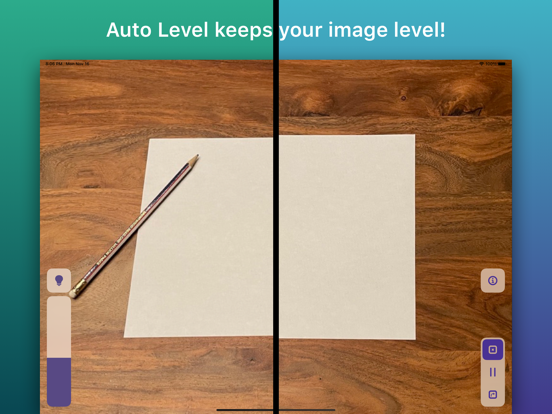
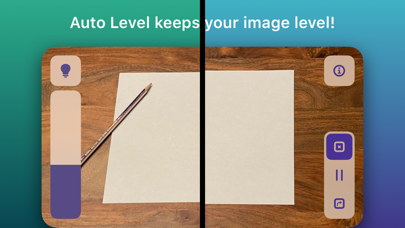
5. Auto Level - keeps the document camera image level even when your phone isn't.
6. Freeze video frame.
7. Transition back to the classroom with AirPlay support.
8. And more!

Doc Cam is a straightforward app for sharing your workspace with your students, just like a document camera or old school overhead projector. Doc Cam was designed with the needs of the remote learning classroom in mind. It’s compatible with Zoom, Google Meet, Microsoft Teams, and other services through screen mirroring, all with easy step-by-step guides for setup. For teachers who have already transitioned back to the classroom, you can still use Doc Cam with modern classrooms outfitted with computers or projectors compatible with AirPlay Screen Mirroring.
DOC CAM FEATURES
1. Works with Zoom, Google Meet, Screen Mirroring and more.
2. Perfect for remote learning.
3. Zoom and pan the camera.
4. Smart Flashlight - distributes the lighting evenly across the entire document camera image when the flashlight is enabled.
5. Auto Level - keeps the document camera image level even when your phone isn't.
6. Freeze video frame.
7. Transition back to the classroom with AirPlay support.
8. And more!
Show More
What's New in the Latest Version 1.1.1
Last updated on May 30, 2023
Old Versions
* Fix broken contact email
* Additional bug fixes
Show More
Version History
1.1.1
May 30, 2023
* Fix broken contact email
* Additional bug fixes
Document Camera FAQ
Click here to learn how to download Document Camera in restricted country or region.
Check the following list to see the minimum requirements of Document Camera.
iPhone
iPad