GATEBOOK has developed a Visitor and Contractor Management System that can be managed online via the Gatebook Web Access and also the GATEBOOK Handheld Devices that the Security Guards will carry at the entrance to the Estate. As part of the checking in of a visitor into the Estate, your Estate Rules may require all your Guests to be Pre-Authorised and therefore the residents will need to be able to Generate and issue a PIN Number through the Gatebook System. The Gatebook Phone App - is a free download that can be used by residents of an estate to generate a PIN Number for their visitors to use when they enter into your Estate from the simple to use Gatebook Smartphone App. The Gatebook Smartphone App must be used in conjunction with the GATEBOOK Visitor and Contractor Management Portal and The Gatebook Handheld Scanners used by the Security Guards at the Guardhouse.
Once you have downloaded the Smartphone App and installed it on your Smartphone - your device will automatically connect to our system, at this point in time your Smartphone will not be able to generate PIN numbers for your estate, as your device will need to be registered and then approval by your estate manager.
THE REGISTRATION PROCESS
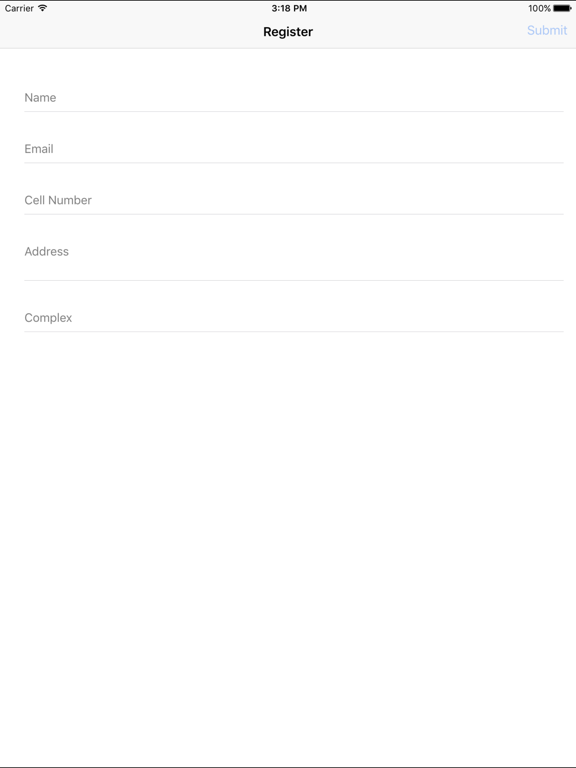
When the GATEBOOK App is started for the first time it will open the registration screen which asks you to fill in your details and most importantly ask you what you Complex ID is - this will be given to you by your Estate Manager, if you do not know what this is please contact your Estate Manager.
THE AUTHORISATION PROCESS
Once you have sent in the registration information your device will receive a message back stating your device is in the registration Queue. and please be patient as the Autorisation Process is a Manual Process.
USING THE APP
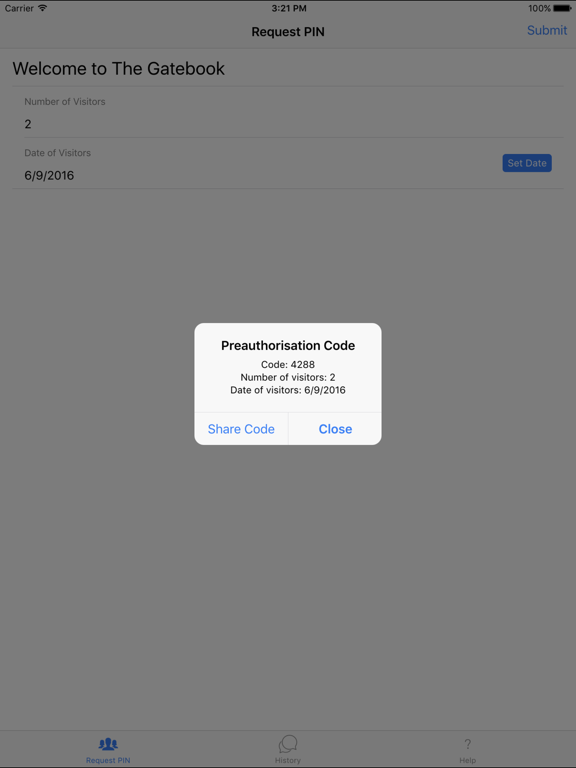
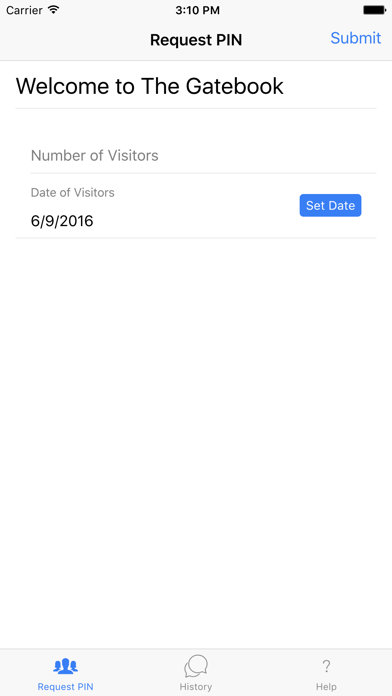
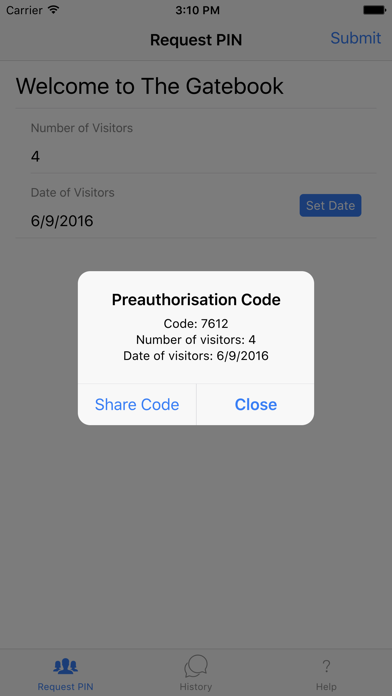
Once your application is installed Registered and Approved you will on the very simple interface be able to generate a PIN Number and Share it Conviniently to your Visitors (Via SMS / Whatsapp / Email and so on). The PIN Number will be usable only for the Date set when you apply for the PIN not after and not before. Once the PIN Number has been used for the Number of Entries set it will become invalid.
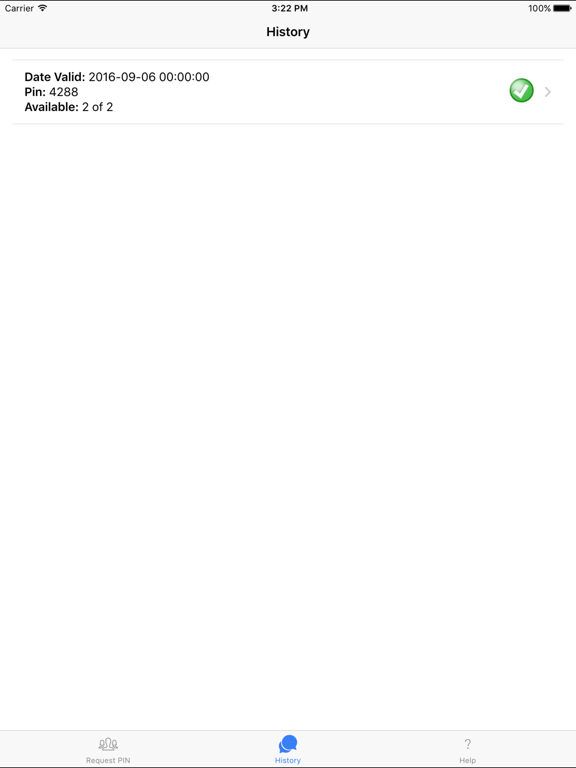
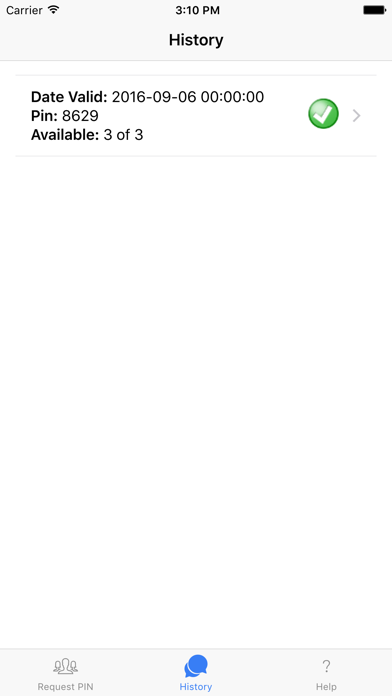
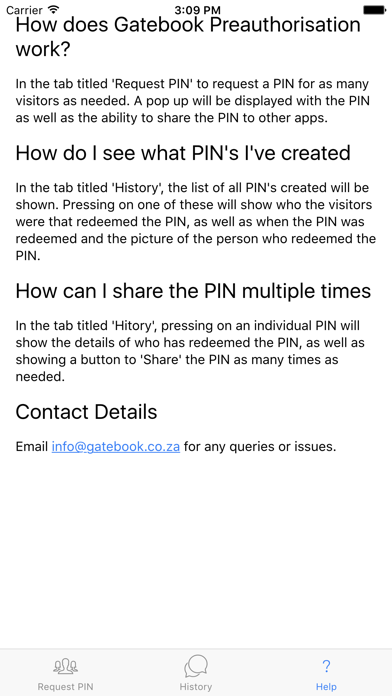
THE GATEBOOK APP has a built in history where you will be able to see all your previously generate PIN Numbers and Which Ones are still Active, and Who came onto the Estate using that PIN Number.
DEPENDING on your Estate Visitor Rules - your guest will be asked to present the PIN number - and asked to Present their Drivers Licence which will be scanned and the same for their Vehicle Licence Disk.
THE GATEBOOK Company is Constantly Striving to improve Security in ESTATES / COMPLEX's and BUSINESS PARKS