Ezy Video Editor: Trim & Crop

Ezy Video Editor: Trim & Crop


₩4,400

1.6for iPhone, iPad
Age Rating
4+
Apps in this category do not contain restricted content.
9+
Apps in this category may contain mild or occasional cartoon, fantasy or real-life violence, as well as occasional or mild adult, sexually suggestive or horrifying content and may not be suitable for children under 9 years of age.
12+
Apps in this category may contain occasional mild indecent language, frequent or intense cartoon or real-life violence, minor or occasional adult or sexually suggestive material, and simulated gambling, and may be for children under 12 years of age.
17+
You must be at least 17 years old to access this App.
Apps in this category may contain frequent and intense offensive language; Frequent and intense cartoon, fantasy or realistic violence: frequent and intense adult, scary and sexually suggestive subjects: as well as sexual content, nudity, tobacco, alcohol and drugs, may not be suitable for children under 17 years of age.
Ezy Video Editor: Trim & Crop 스크린 샷
Ezy Video Editor: Trim & Crop 포스터Ezy Video Editor: Trim & Crop 포스터Ezy Video Editor: Trim & Crop 포스터Ezy Video Editor: Trim & Crop 포스터Ezy Video Editor: Trim & Crop 포스터Ezy Video Editor: Trim & Crop 포스터Ezy Video Editor: Trim & Crop 포스터Ezy Video Editor: Trim & Crop 포스터

About Ezy Video Editor: Trim & Crop

Edit your videos effortlessly!
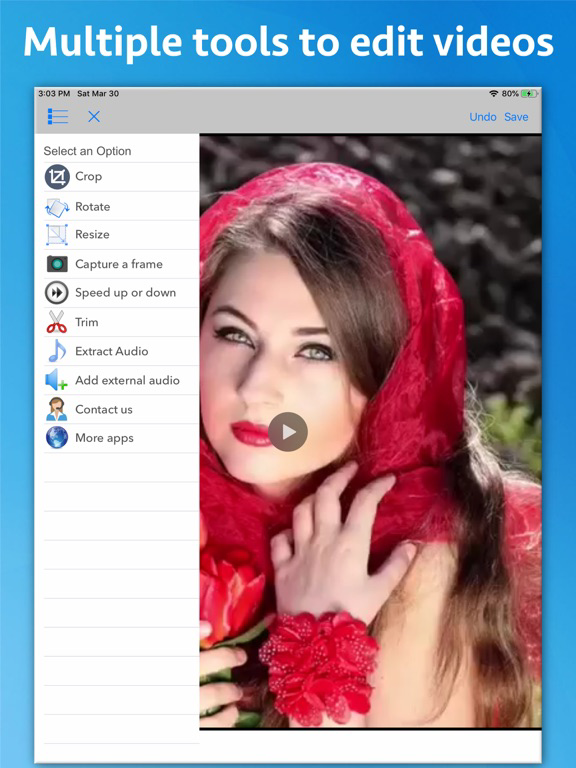
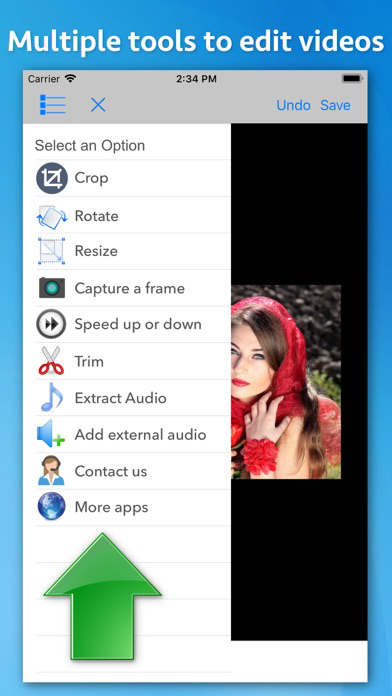
Ezy Video Editor lets you crop, trim, resize, rotate, change speed, extract or add sound — all from one simple interface. Perfect for quick edits, social media posts, or professional use.

Key Tools & Features

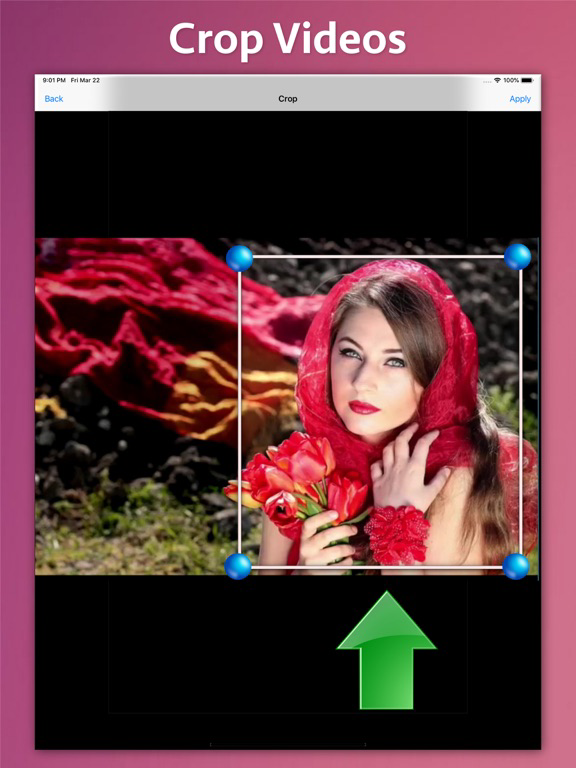
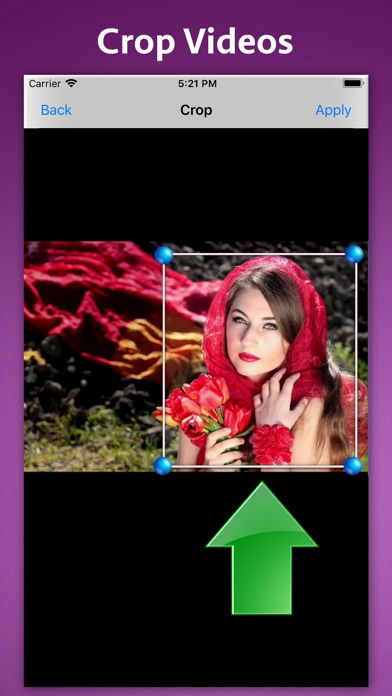
** Crop Videos
Cut out unwanted areas and focus only on what matters most.

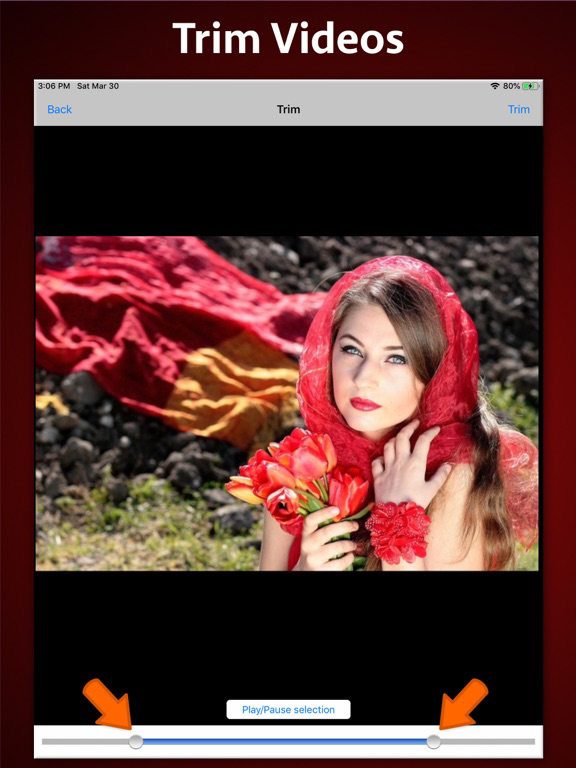
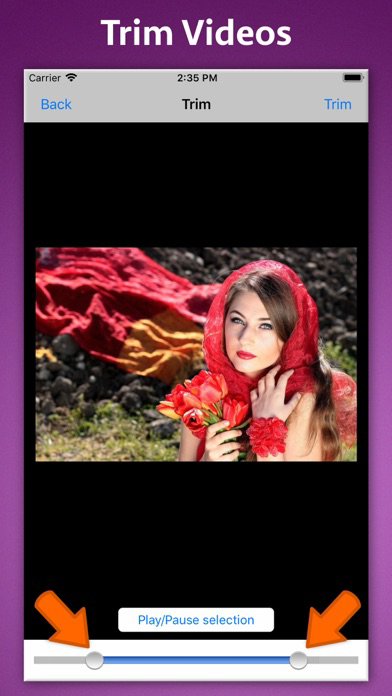
** Trim Video Length
Remove beginning or ending parts to make short clips or highlight reels.

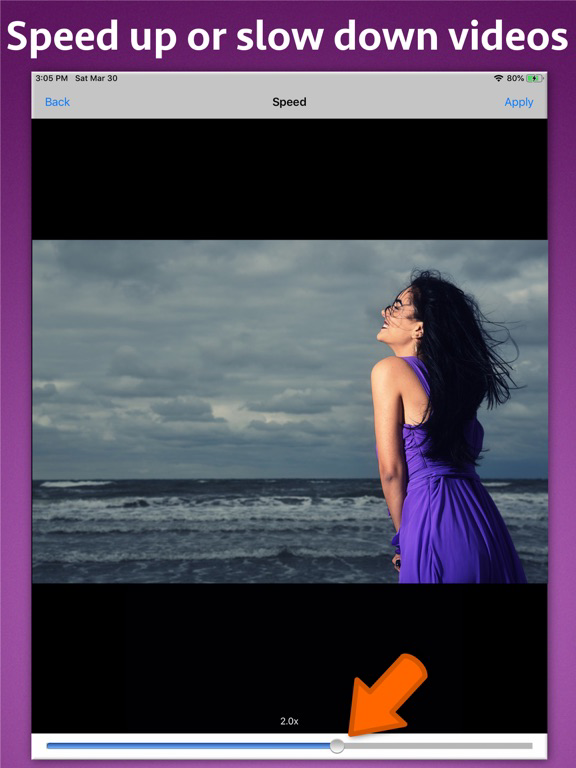
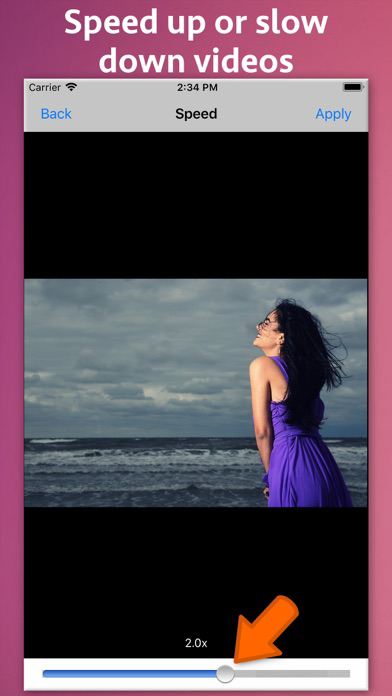
** Change Video Speed
Slow down or speed up playback with clear audio output — create cinematic slow-motion or time-lapse videos.

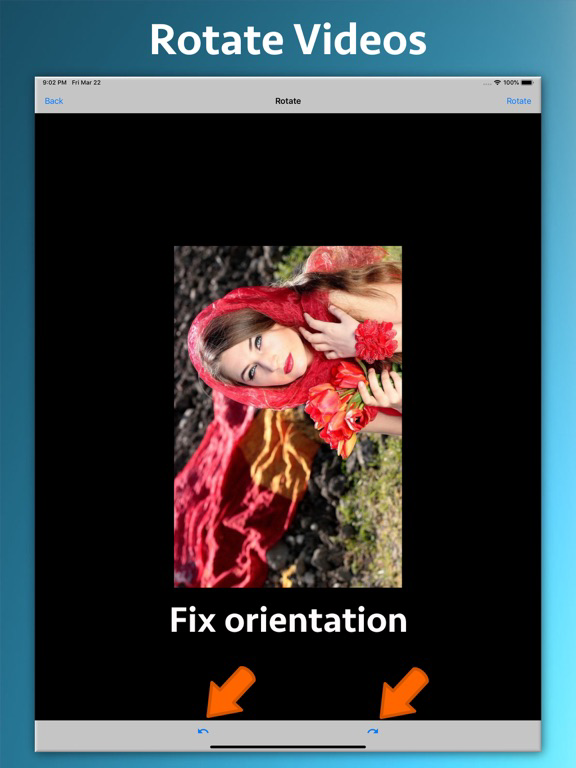
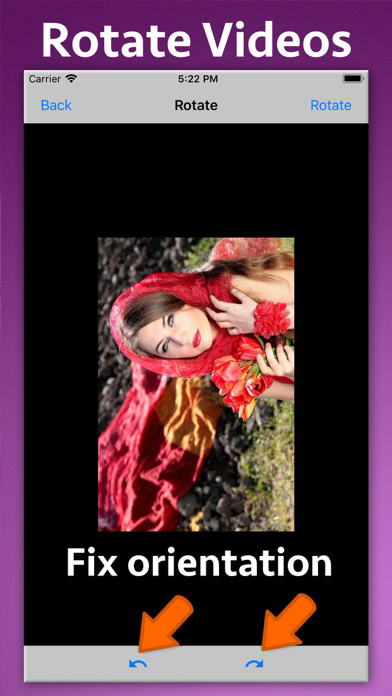
** Rotate Video Orientation
Quickly fix sideways or upside-down videos.

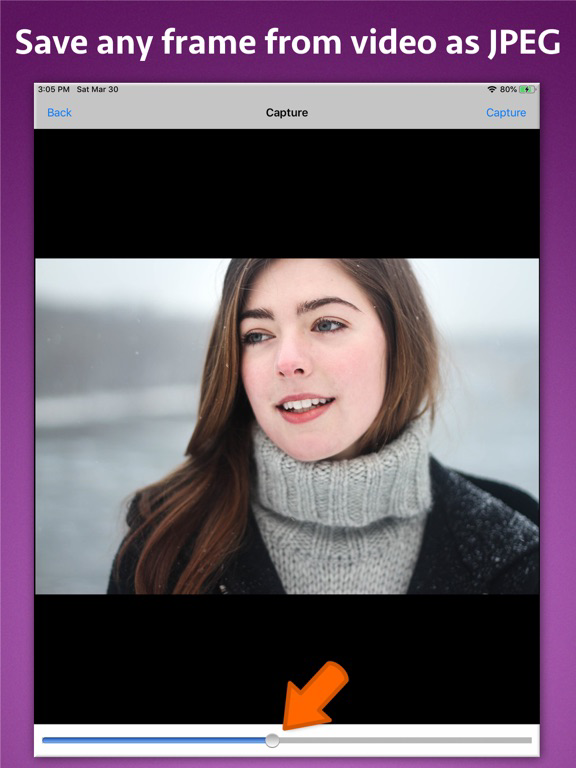
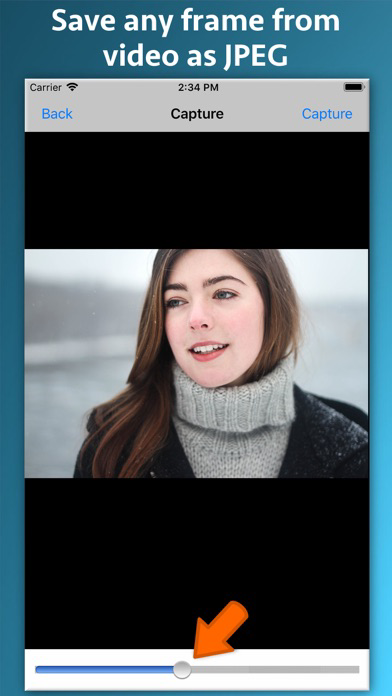
** Capture Frames
Extract any frame and save it as a high-quality image.

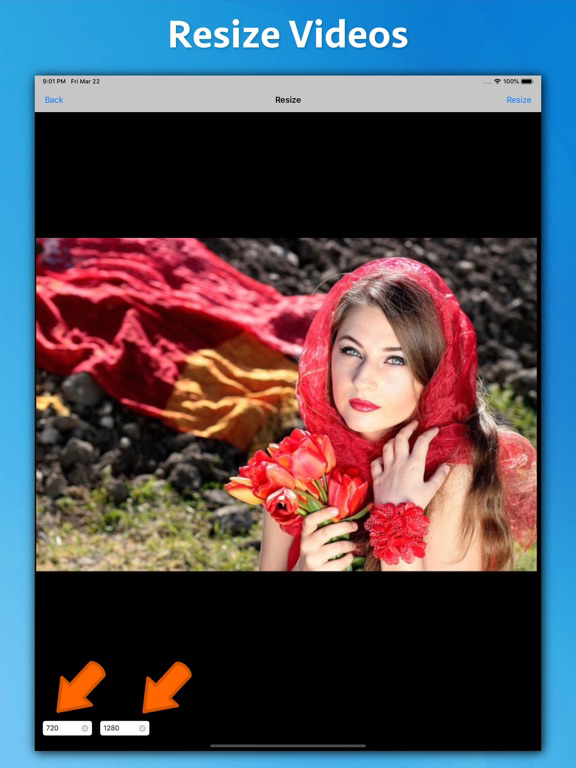
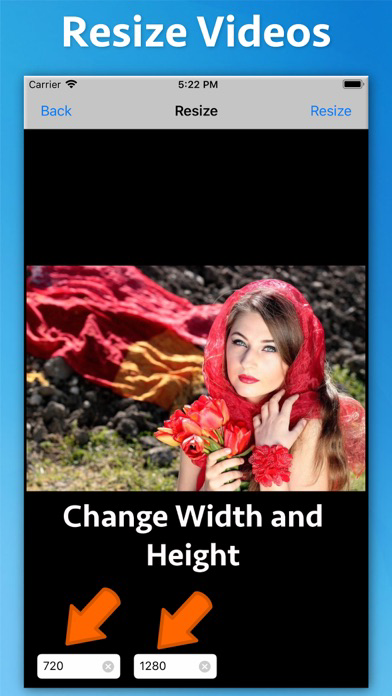
** Resize Videos
Adjust resolution (e.g., 1080p → 720p) while maintaining aspect ratio — great for social sharing or storage saving.

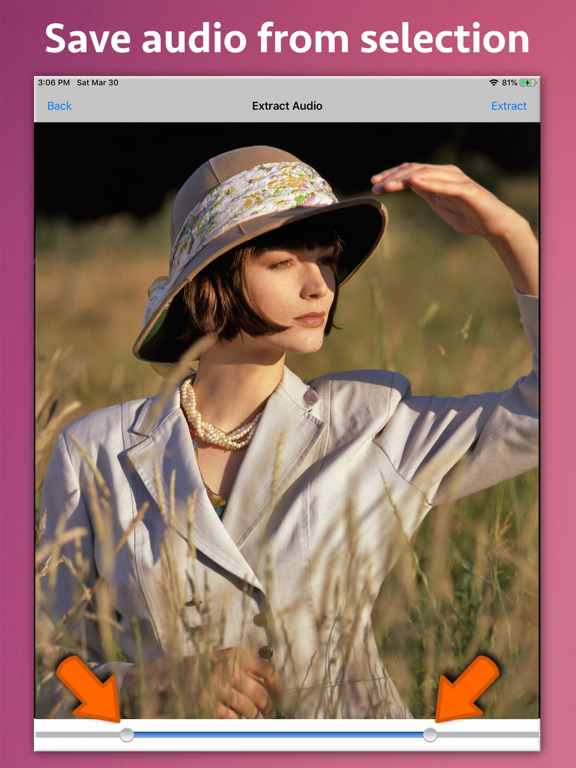
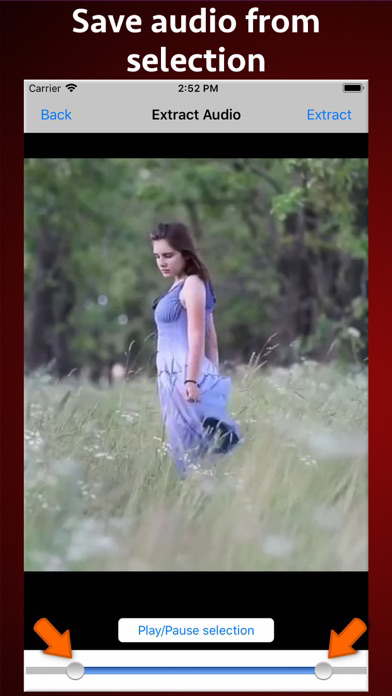
** Extract Audio
Separate and save video soundtracks as audio files (MP3, M4A, etc.).

** Add Music or Sound
Mix in your favorite background music or voiceover (non-DRM audio).

Why Choose Ezy Video Editor

** Fast video processing & export

** Simple, intuitive design

** Supports all major formats

** Maintains video quality

** Perfect for YouTube, Instagram, TikTok, or personal projects

Download Ezy Video Editor now — your all-in-one, easy-to-use video toolkit!

Show More

최신 버전 1.6의 새로운 기능

Last updated on Oct 16, 2025
오래된 버전
- Minor bug fixes
Show More
Version History
1.6
Oct 16, 2025
- Minor bug fixes

Ezy Video Editor: Trim & Crop FAQ

제한된 국가 또는 지역에서 Ezy Video Editor: Trim & Crop를 다운로드하는 방법을 알아보려면 여기를 클릭하십시오.
Ezy Video Editor: Trim & Crop의 최소 요구 사항을 보려면 다음 목록을 확인하십시오.
iPhone
iPad

Ezy Video Editor: Trim & Crop 대안

당신은 또한 좋아할 수도 있습니다

Nikhil Anshuman에서 더 많은 것을 얻기