Age Rating
Ezy Video Editor: Trim & Crop 螢幕截圖
About Ezy Video Editor: Trim & Crop
Edit your videos effortlessly!
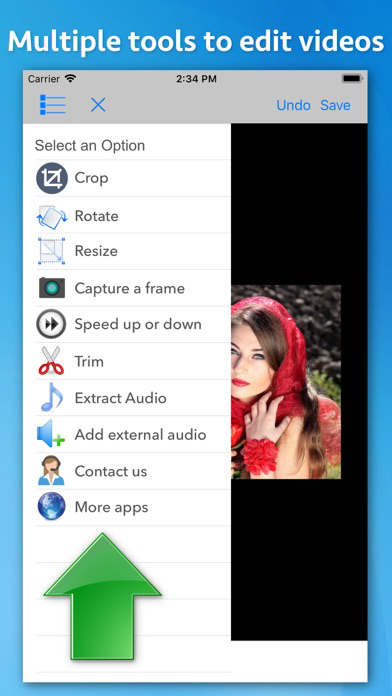
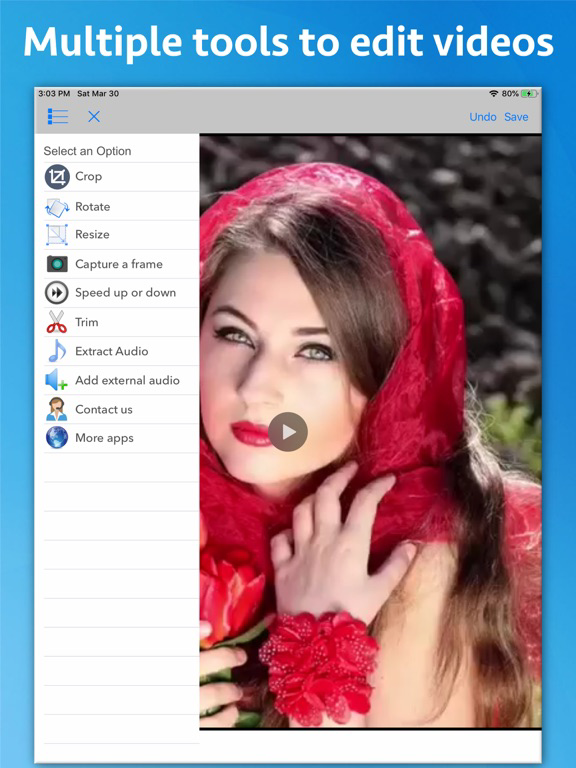
Ezy Video Editor lets you crop, trim, resize, rotate, change speed, extract or add sound — all from one simple interface. Perfect for quick edits, social media posts, or professional use.
Key Tools & Features
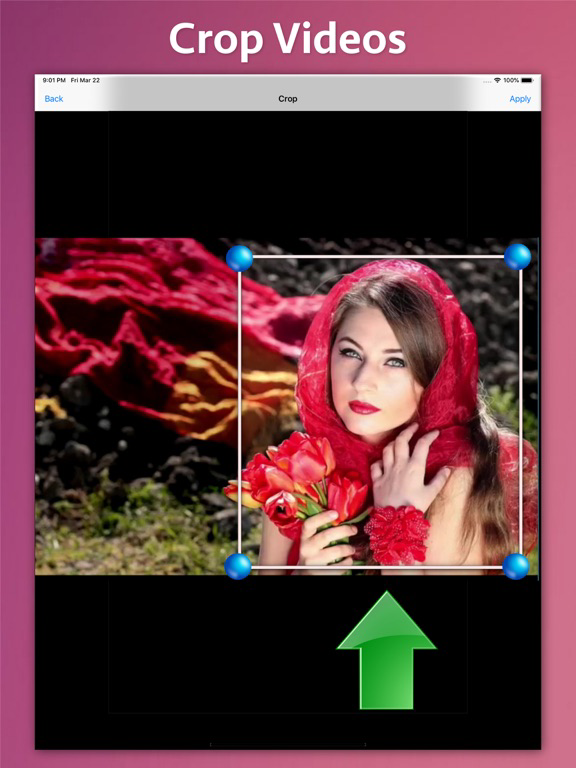
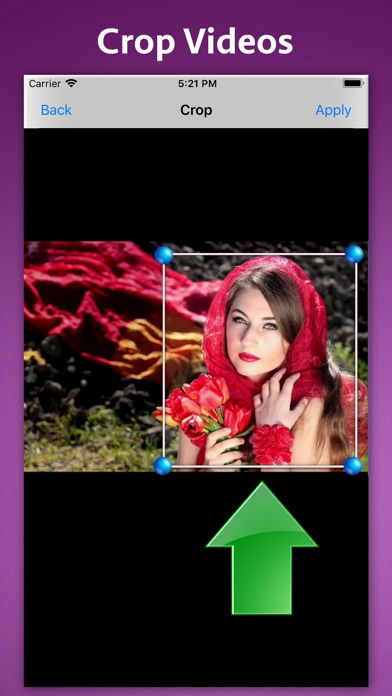
** Crop Videos
Cut out unwanted areas and focus only on what matters most.
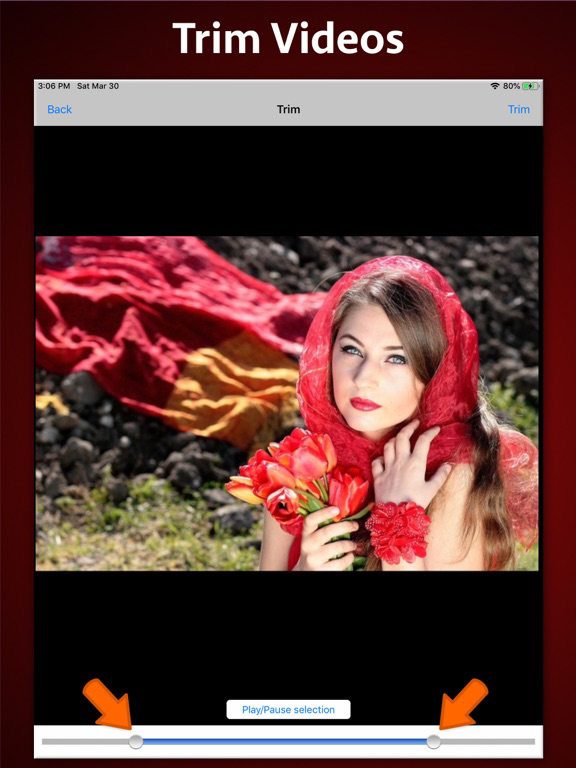
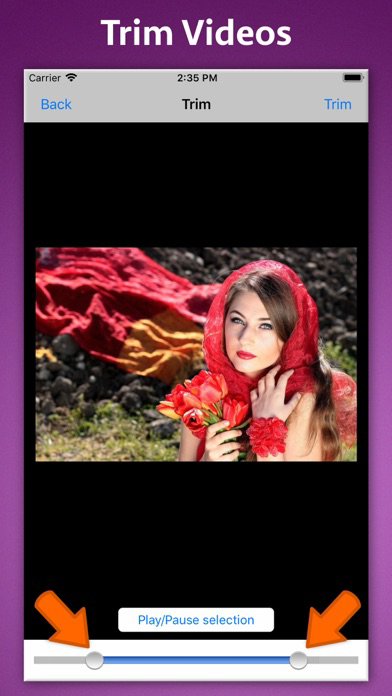
** Trim Video Length
Remove beginning or ending parts to make short clips or highlight reels.
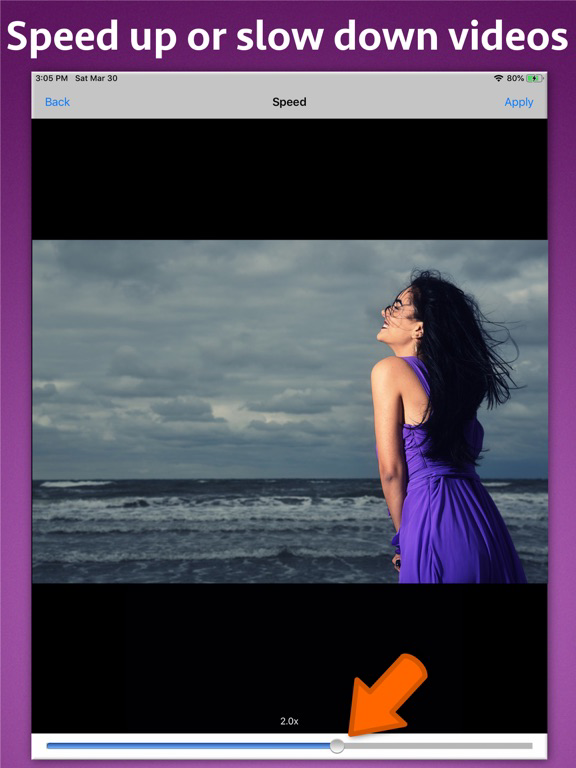
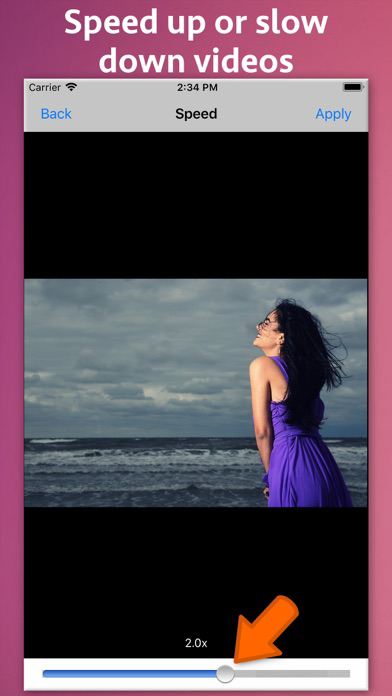
** Change Video Speed
Slow down or speed up playback with clear audio output — create cinematic slow-motion or time-lapse videos.
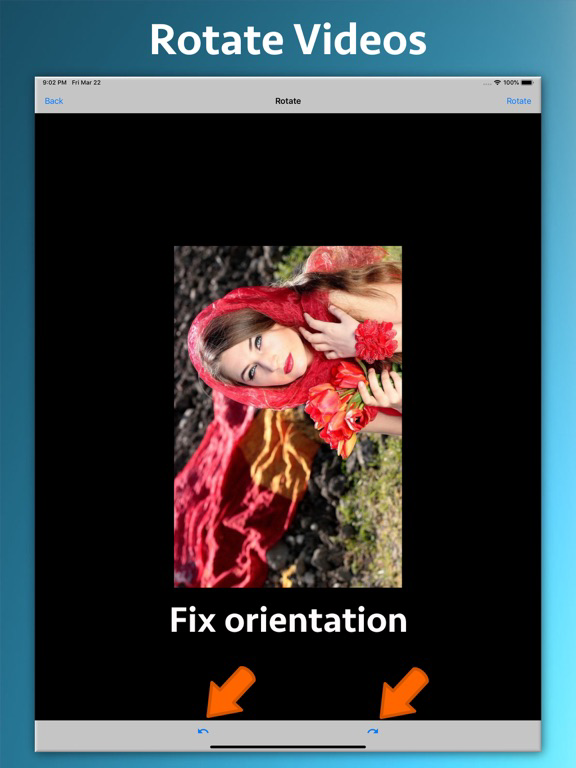
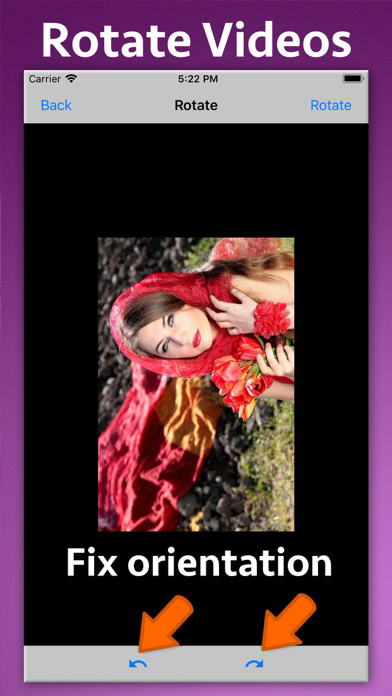
** Rotate Video Orientation
Quickly fix sideways or upside-down videos.
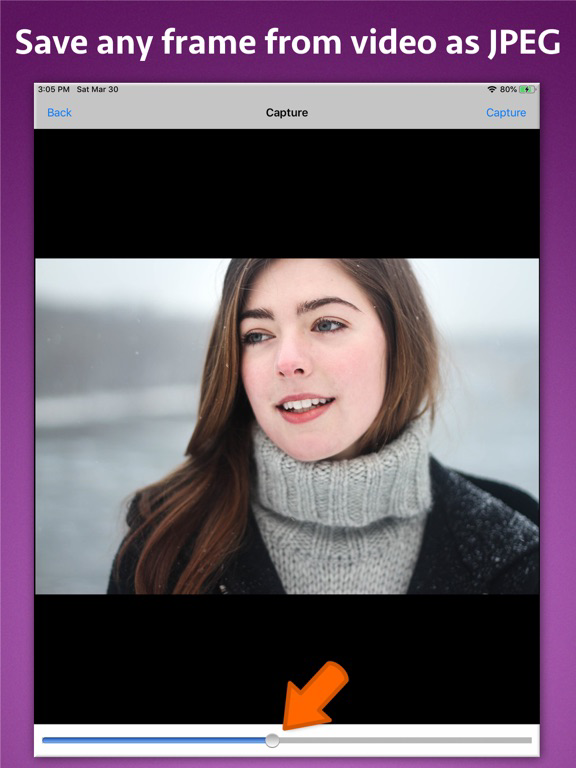
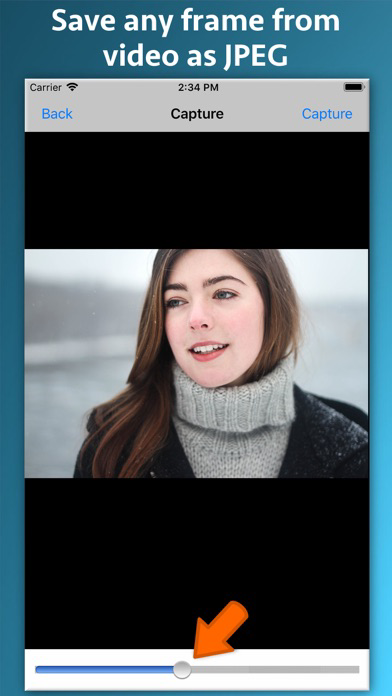
** Capture Frames
Extract any frame and save it as a high-quality image.
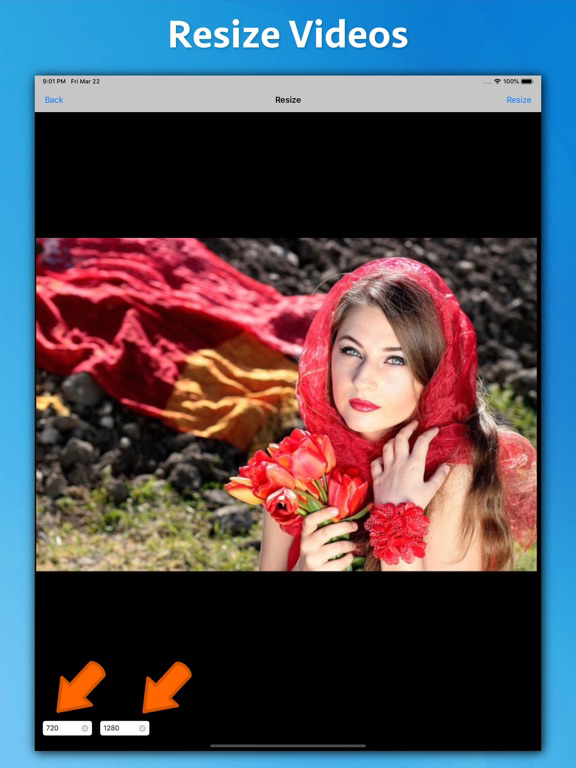
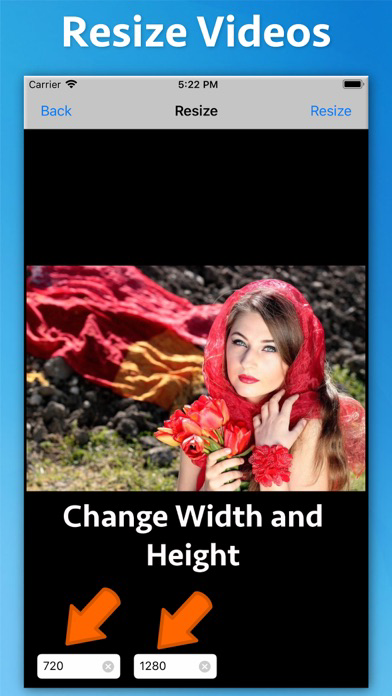
** Resize Videos
Adjust resolution (e.g., 1080p → 720p) while maintaining aspect ratio — great for social sharing or storage saving.
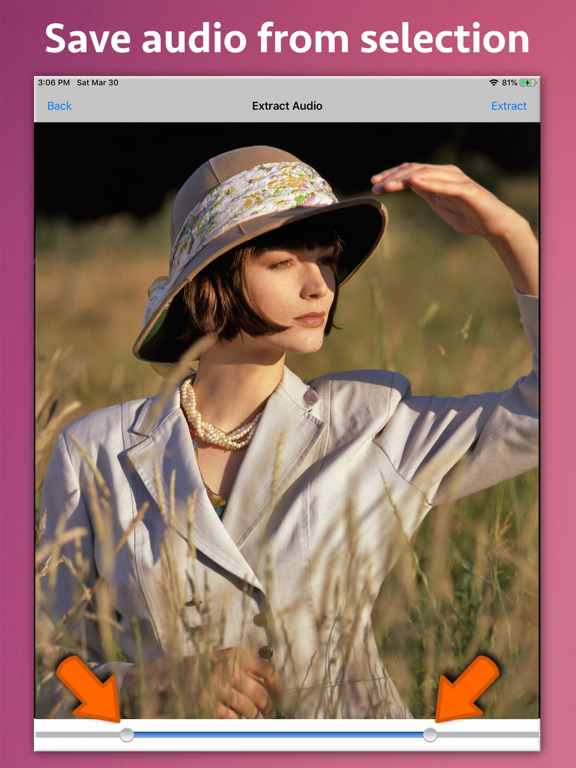
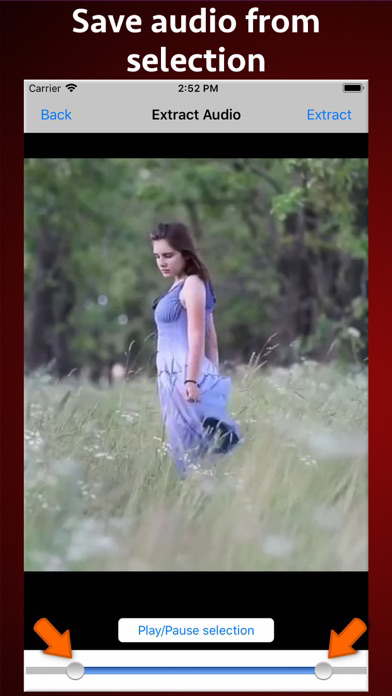
** Extract Audio
Separate and save video soundtracks as audio files (MP3, M4A, etc.).
** Add Music or Sound
Mix in your favorite background music or voiceover (non-DRM audio).
Why Choose Ezy Video Editor
** Fast video processing & export
** Simple, intuitive design
** Supports all major formats
** Maintains video quality
** Perfect for YouTube, Instagram, TikTok, or personal projects
Download Ezy Video Editor now — your all-in-one, easy-to-use video toolkit!

Ezy Video Editor lets you crop, trim, resize, rotate, change speed, extract or add sound — all from one simple interface. Perfect for quick edits, social media posts, or professional use.
Key Tools & Features
** Crop Videos
Cut out unwanted areas and focus only on what matters most.
** Trim Video Length
Remove beginning or ending parts to make short clips or highlight reels.
** Change Video Speed
Slow down or speed up playback with clear audio output — create cinematic slow-motion or time-lapse videos.
** Rotate Video Orientation
Quickly fix sideways or upside-down videos.
** Capture Frames
Extract any frame and save it as a high-quality image.
** Resize Videos
Adjust resolution (e.g., 1080p → 720p) while maintaining aspect ratio — great for social sharing or storage saving.
** Extract Audio
Separate and save video soundtracks as audio files (MP3, M4A, etc.).
** Add Music or Sound
Mix in your favorite background music or voiceover (non-DRM audio).
Why Choose Ezy Video Editor
** Fast video processing & export
** Simple, intuitive design
** Supports all major formats
** Maintains video quality
** Perfect for YouTube, Instagram, TikTok, or personal projects
Download Ezy Video Editor now — your all-in-one, easy-to-use video toolkit!
Show More
最新版本1.6更新日誌
Last updated on 2025年10月16日
歷史版本
- Minor bug fixes
Show More
Version History
1.6
2025年10月16日
- Minor bug fixes
Ezy Video Editor: Trim & Crop 價格
今日:
HK$ 22.00
最低價格:
HK$ 22.00
最高價格:
HK$ 23.00
Ezy Video Editor: Trim & Crop FAQ
點擊此處瞭解如何在受限國家或地區下載Ezy Video Editor: Trim & Crop。
以下為Ezy Video Editor: Trim & Crop的最低配置要求。
iPhone
iPad