Age Rating
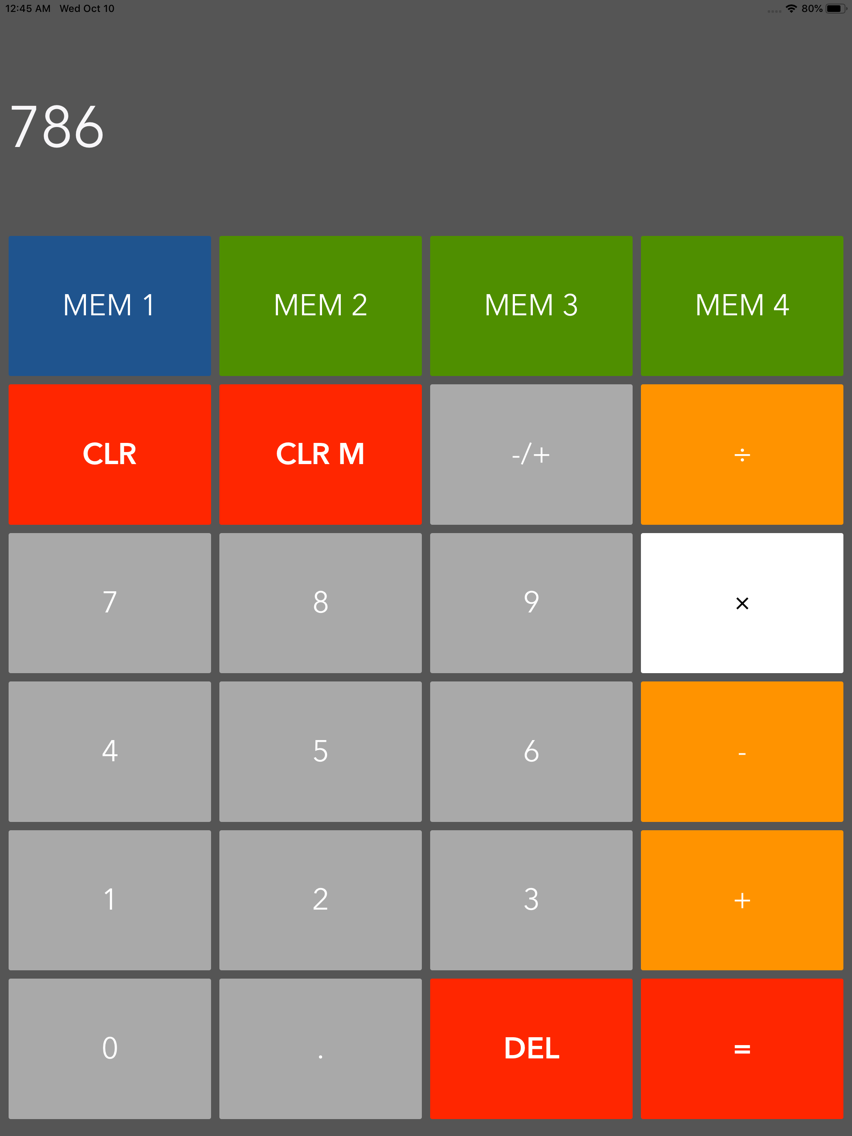
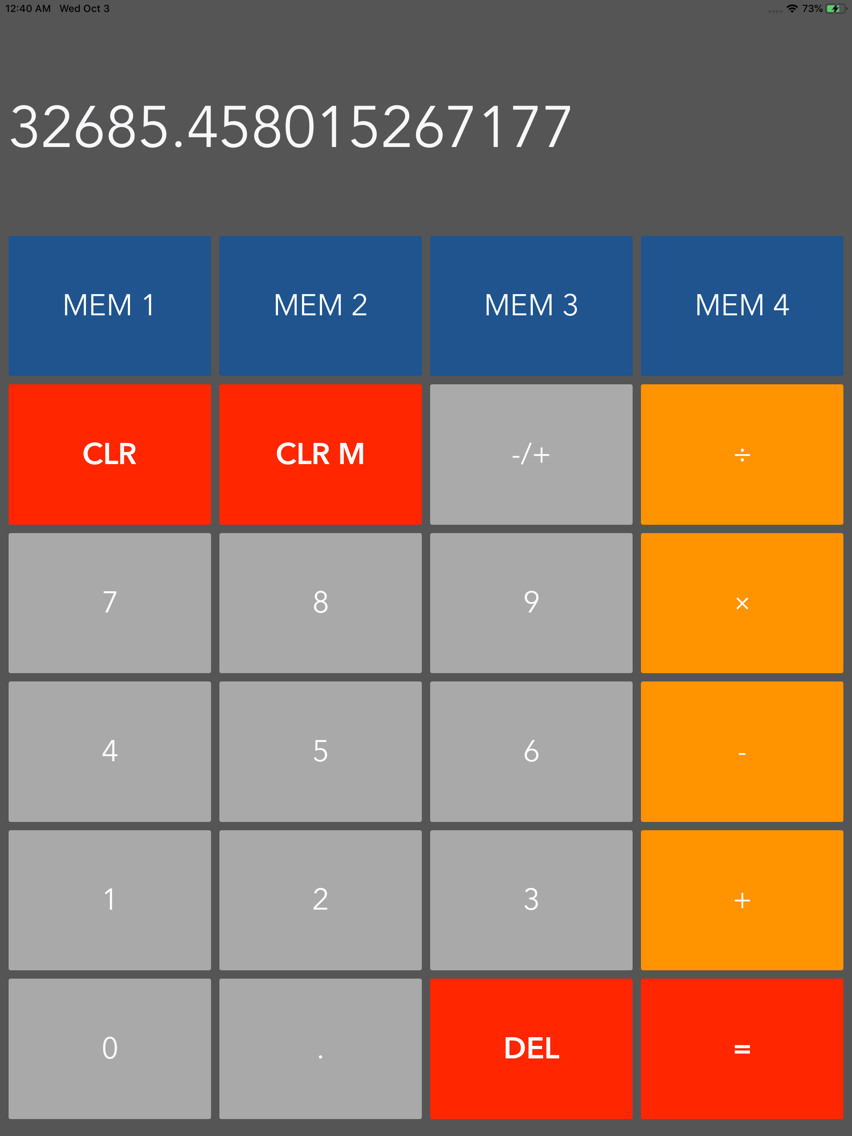
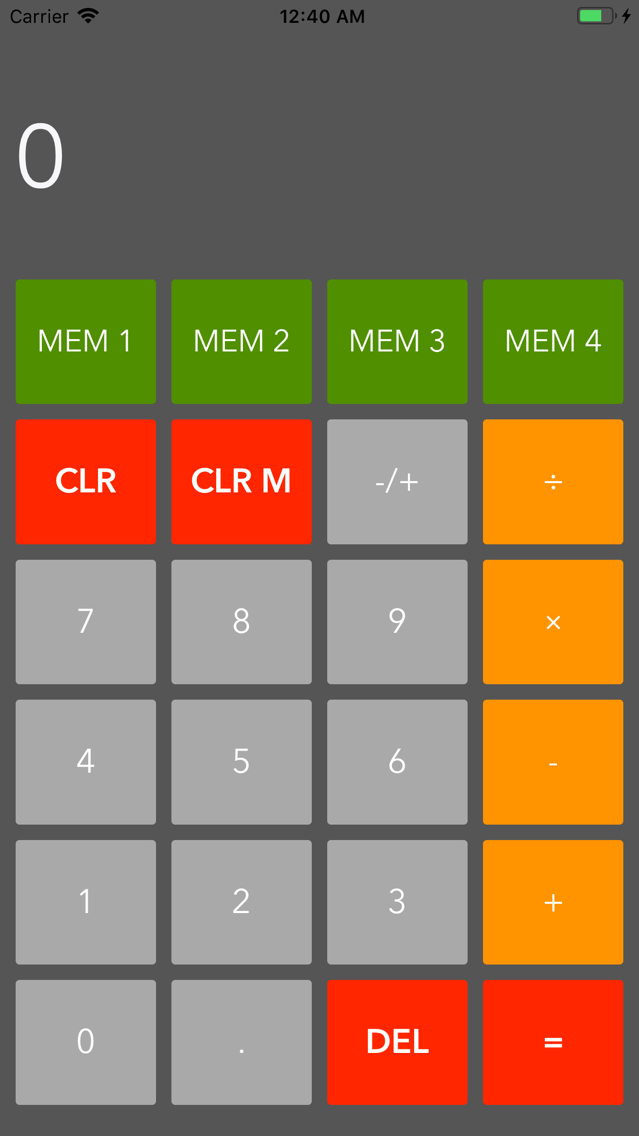
MemoryCalculator 스크린 샷
About MemoryCalculator
Struggling to remember the value you calculated four calculations ago? Still making calculation errors because you inputed a number incorrectly? With this app, we’ve made your calculations a little easier.
Key Features:
- Large buttons
- Positive/negative switcher
- 4 memory buttons to store any value
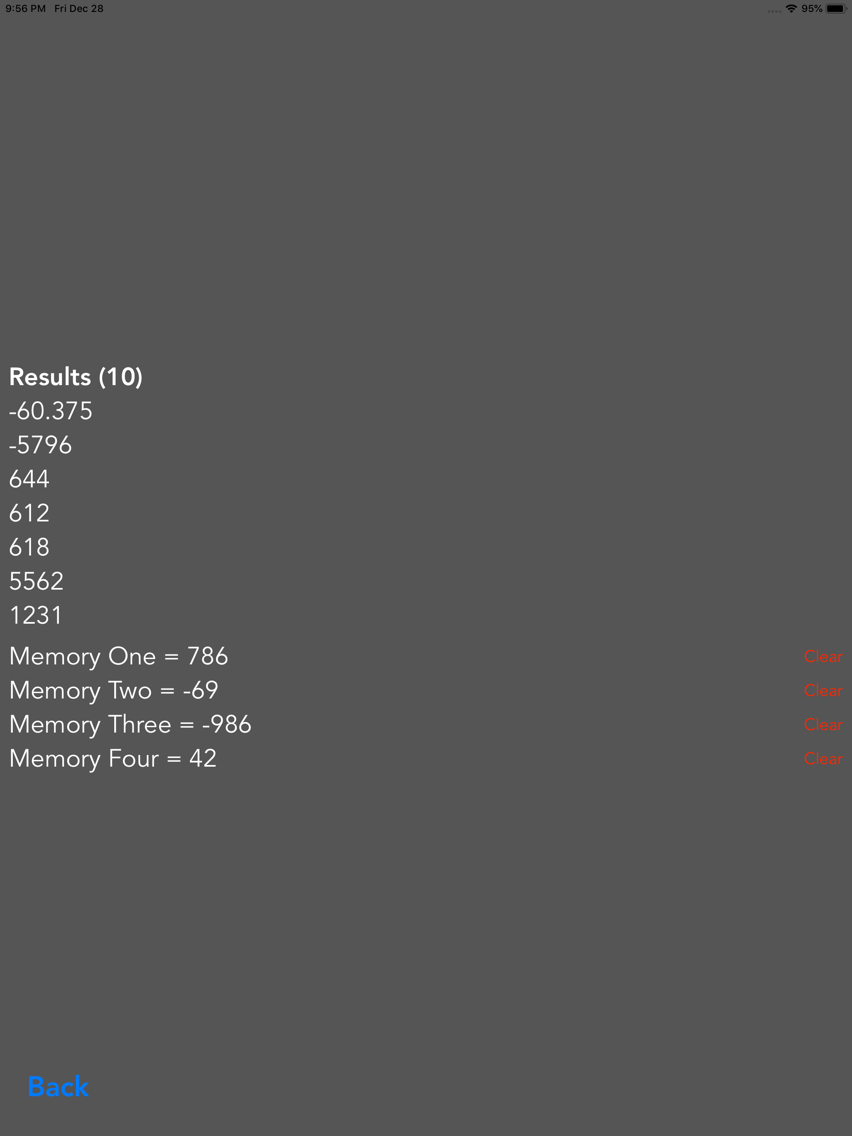
- History screen to see values stored and past calculations
- Landscape orientation on iPad
- Widget that displays stored values
Getting started on the app is very simple with a relatively small download and no sign-up required. What’s better is that the app also has no advertisements. We won't hassle you either with any in-app purchases or reviews. MemoryCalculator promises a smooth and uninterrupted experience.
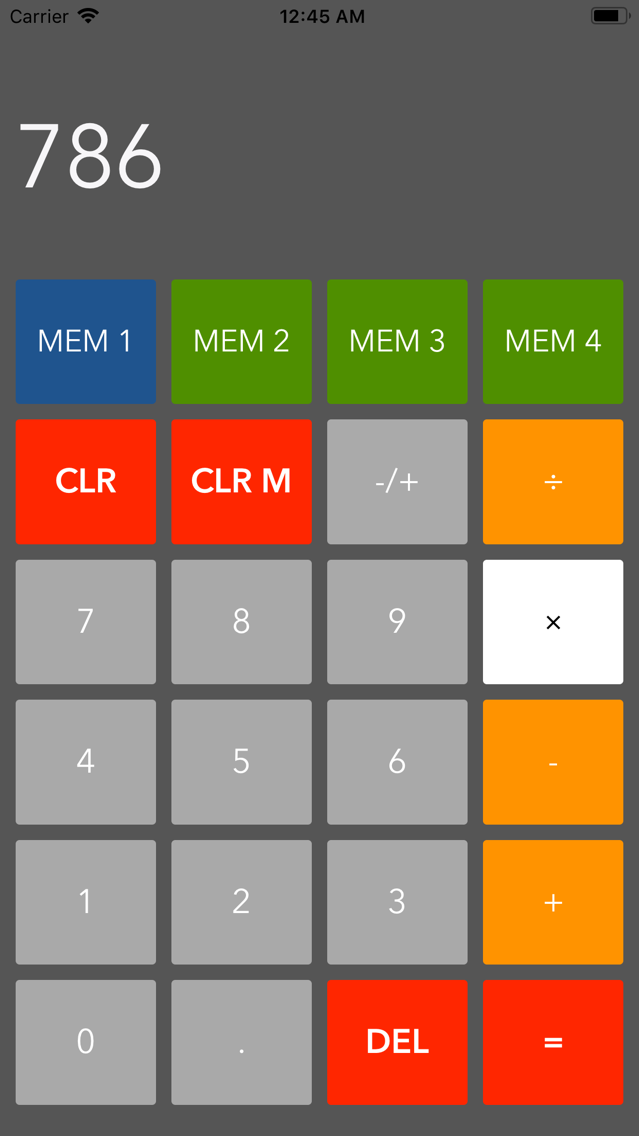
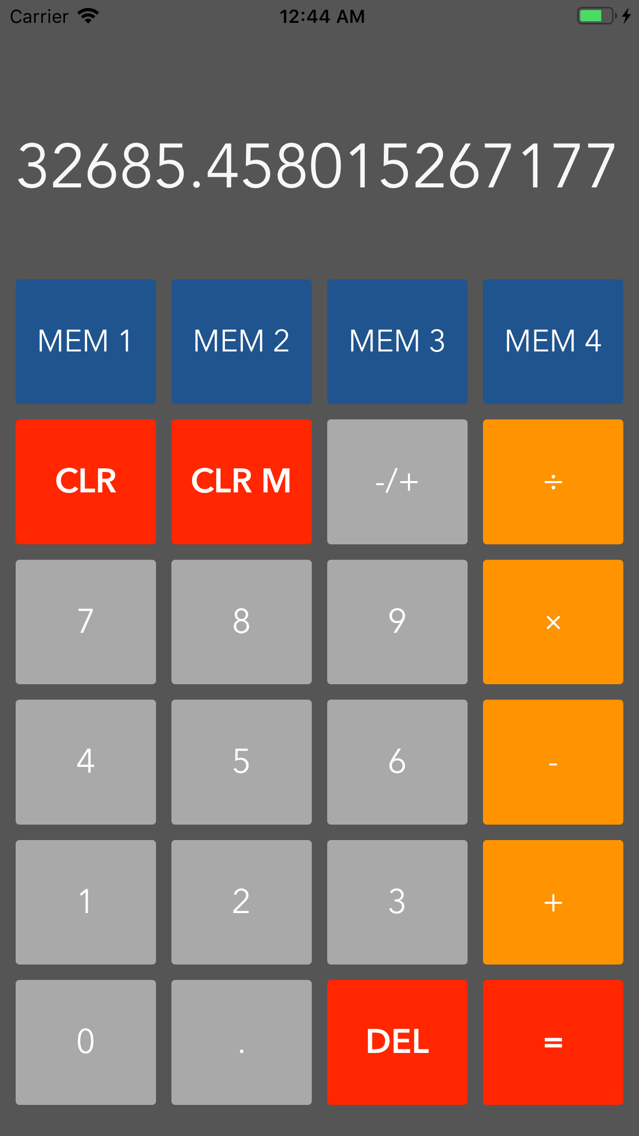
MemoryCalculator has been specifically designed to limit calculation errors with an intuitive design and large buttons. The four memory buttons situated at the top of the interface conveniently change colour when a value is stored in them. The app allows you to input up to 12 numbers and our result label will automatically scale down the font size to fit larger results.
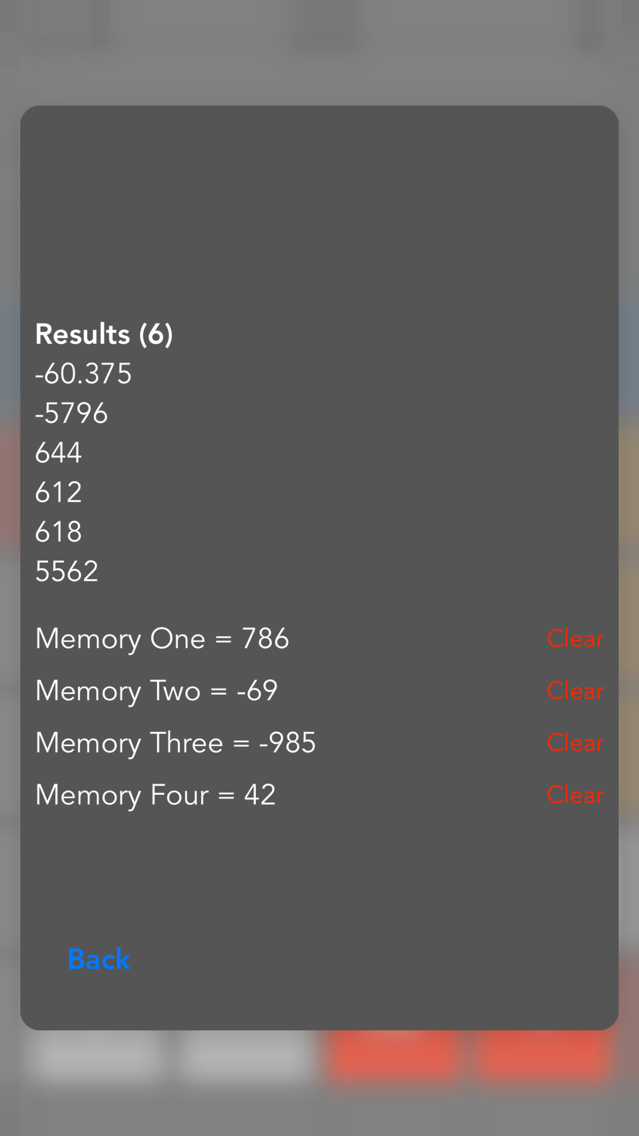
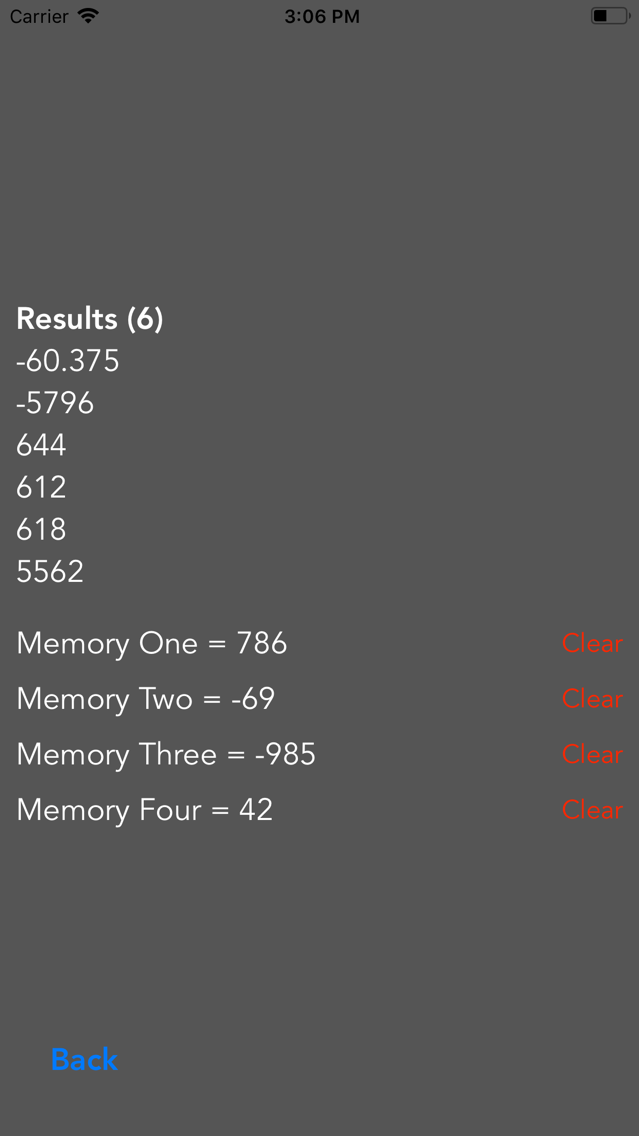
The true beauty in MemoryCalculator is the ability to store four values in any of the memory buttons. Don’t worry about forgetting what’s stored inside each memory either as the app has 3D Touch built-in and what's stored in each memory is shown in the button. Simply deep press anywhere for a history screen to pop up with the stored values as well as your last calculations. The peek and pop feature allows you to check your values without disturbing your current calculation. If your device does not support 3D Touch you can easily long press on any of the memory buttons for the history screen. All your past results are saved even when you quit the app. From the history screen you can also individually clear what's stored in memory. A handy widget also makes it easy to check what numbers you may have calculated and stored.
What’s to lose? Give MemoryCalculator a shot and you won't look back.

Key Features:
- Large buttons
- Positive/negative switcher
- 4 memory buttons to store any value
- History screen to see values stored and past calculations
- Landscape orientation on iPad
- Widget that displays stored values
Getting started on the app is very simple with a relatively small download and no sign-up required. What’s better is that the app also has no advertisements. We won't hassle you either with any in-app purchases or reviews. MemoryCalculator promises a smooth and uninterrupted experience.
MemoryCalculator has been specifically designed to limit calculation errors with an intuitive design and large buttons. The four memory buttons situated at the top of the interface conveniently change colour when a value is stored in them. The app allows you to input up to 12 numbers and our result label will automatically scale down the font size to fit larger results.
The true beauty in MemoryCalculator is the ability to store four values in any of the memory buttons. Don’t worry about forgetting what’s stored inside each memory either as the app has 3D Touch built-in and what's stored in each memory is shown in the button. Simply deep press anywhere for a history screen to pop up with the stored values as well as your last calculations. The peek and pop feature allows you to check your values without disturbing your current calculation. If your device does not support 3D Touch you can easily long press on any of the memory buttons for the history screen. All your past results are saved even when you quit the app. From the history screen you can also individually clear what's stored in memory. A handy widget also makes it easy to check what numbers you may have calculated and stored.
What’s to lose? Give MemoryCalculator a shot and you won't look back.
Show More
최신 버전 4.2의 새로운 기능
Last updated on Apr 26, 2020
오래된 버전
- Values stored in the memory now show up in the label of each memory button
- Additional orientation support for iPad
- Dark mode support for the widget
- Additional orientation support for iPad
- Dark mode support for the widget
Show More
Version History
4.2
Apr 26, 2020
- Values stored in the memory now show up in the label of each memory button
- Additional orientation support for iPad
- Dark mode support for the widget
- Additional orientation support for iPad
- Dark mode support for the widget
4.1
May 14, 2019
The widget has been updated to be expandable to show past results as well.
If you have any suggestions or issues please drop us an email - theyoadapps@gmail.com.
Thanks.
If you have any suggestions or issues please drop us an email - theyoadapps@gmail.com.
Thanks.
MemoryCalculator 가격
오늘:
Free
최저 가격:
Free
최고 가격:
$0.99
MemoryCalculator FAQ
제한된 국가 또는 지역에서 MemoryCalculator를 다운로드하는 방법을 알아보려면 여기를 클릭하십시오.
MemoryCalculator의 최소 요구 사항을 보려면 다음 목록을 확인하십시오.
iPhone
iPad
MemoryCalculator은 다음 언어를 지원합니다. English