Password Manager - Passcodes

Password Manager - Passcodes


무료

1.4for iPhone, iPad
Age Rating
4+
Apps in this category do not contain restricted content.
9+
Apps in this category may contain mild or occasional cartoon, fantasy or real-life violence, as well as occasional or mild adult, sexually suggestive or horrifying content and may not be suitable for children under 9 years of age.
12+
Apps in this category may contain occasional mild indecent language, frequent or intense cartoon or real-life violence, minor or occasional adult or sexually suggestive material, and simulated gambling, and may be for children under 12 years of age.
17+
You must be at least 17 years old to access this App.
Apps in this category may contain frequent and intense offensive language; Frequent and intense cartoon, fantasy or realistic violence: frequent and intense adult, scary and sexually suggestive subjects: as well as sexual content, nudity, tobacco, alcohol and drugs, may not be suitable for children under 17 years of age.
Password Manager - Passcodes 스크린 샷
Password Manager - Passcodes 포스터Password Manager - Passcodes 포스터Password Manager - Passcodes 포스터Password Manager - Passcodes 포스터Password Manager - Passcodes 포스터Password Manager - Passcodes 포스터
Password Manager - Passcodes 포스터Password Manager - Passcodes 포스터Password Manager - Passcodes 포스터Password Manager - Passcodes 포스터Password Manager - Passcodes 포스터Password Manager - Passcodes 포스터Password Manager - Passcodes 포스터Password Manager - Passcodes 포스터

About Password Manager - Passcodes

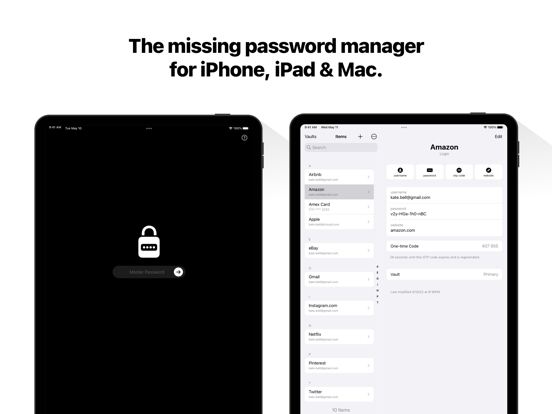
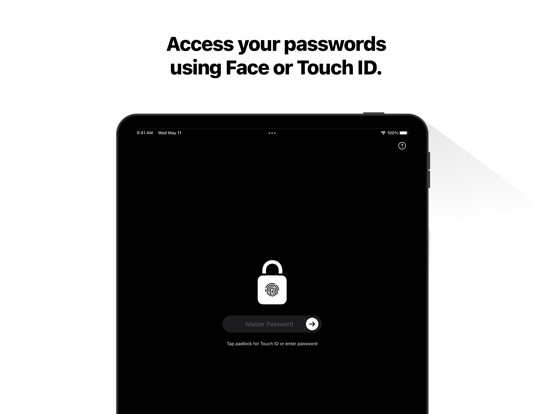
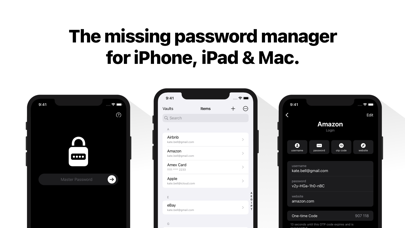
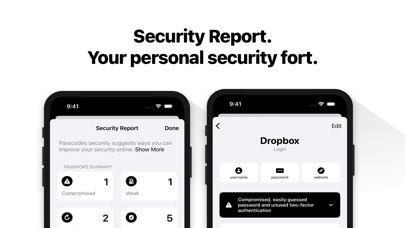
Meet Passcodes - The simple way to manage passwords and passkeys on iPhone, iPad, and Mac.

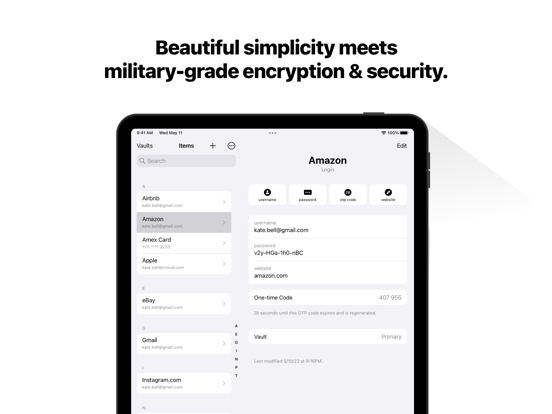
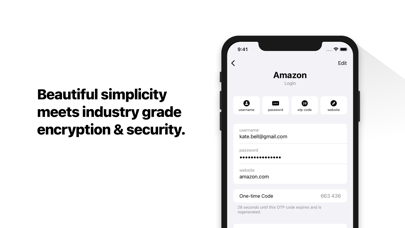
- Simple, Secure & Private: Beautiful simplicity meets industry-grade encryption & security.

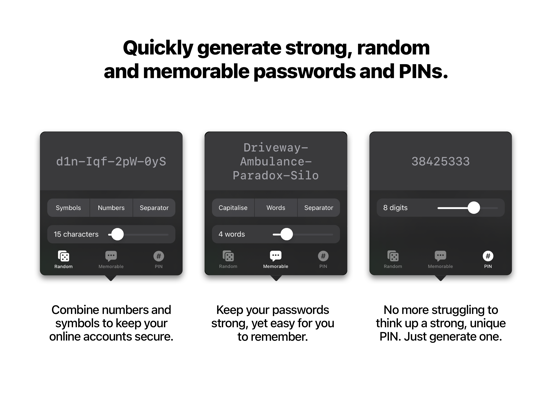
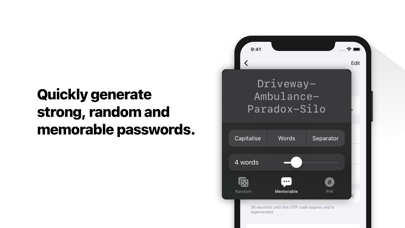
- Strong Password Generation: Quickly generate unique, random, and memorable passwords, or PINs.

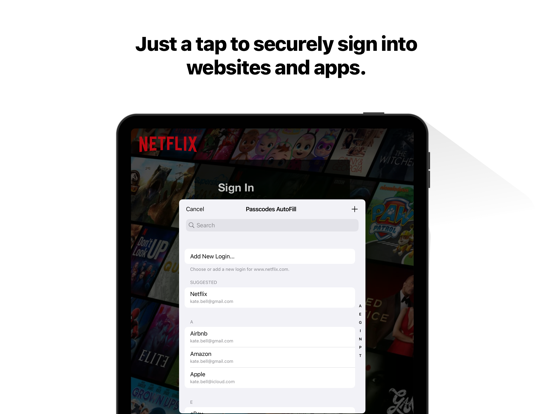
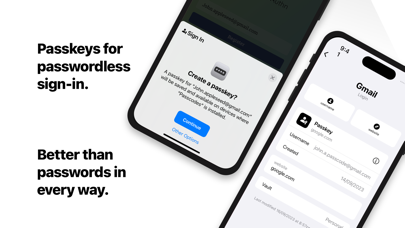
- Sign in with Passkeys.

- Stay Organised with Vaults: Keep you personal, family, and work passwords separate.

- Secure Sharing: Share your vaults securely with family or others

- Sync to all of your devices: End-to-end encryption so you can access your passwords everywhere securely using your own iCloud account.

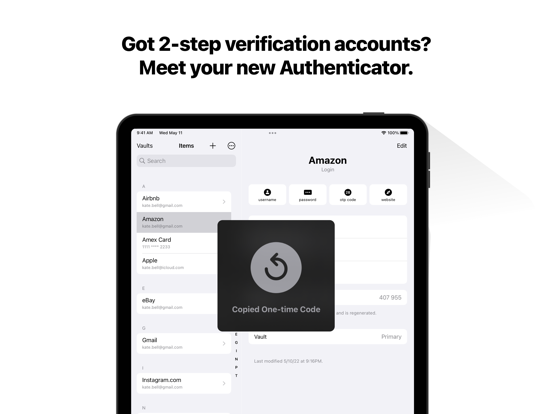
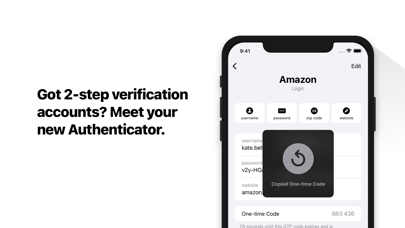
- Your new Authenticator App: Use automatically generated one-time codes to sign in to your accounts secured by 2-step verification.

—-
Privacy Policy: https://passcodes.plus/#privacy-policy
Terms of Service: https://passcodes.plus/#terms

Show More

최신 버전 1.4의 새로운 기능

Last updated on Jul 18, 2025
오래된 버전
- Item Icons
Optionally display website logos in your item list.

- AutoFill One-time Passcodes
Streamline signing into websites that offer two-factor authentication.

- Set Up One-time Passcodes
Set Passcodes as the default app to open OTP links and QR Codes.

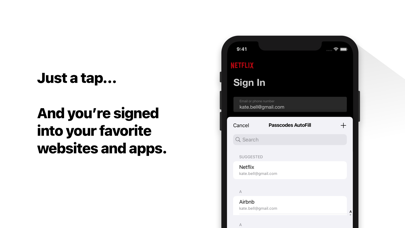
- Smart AutoFill Suggestions
Your most-used credentials now appear first in autofill suggestions.

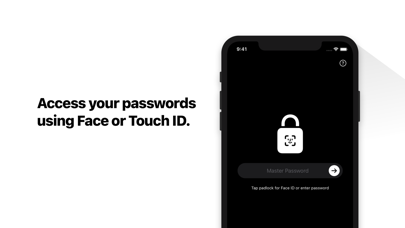
- Unlock with your Passcode
Optionally unlock Passcodes app using your device’s passcode.

Thank you for using Passcodes. If you need help, contact support@passcodes.plus.
Show More
Version History
1.4
Jul 18, 2025
- Item Icons
Optionally display website logos in your item list.

- AutoFill One-time Passcodes
Streamline signing into websites that offer two-factor authentication.

- Set Up One-time Passcodes
Set Passcodes as the default app to open OTP links and QR Codes.

- Smart AutoFill Suggestions
Your most-used credentials now appear first in autofill suggestions.

- Unlock with your Passcode
Optionally unlock Passcodes app using your device’s passcode.

Thank you for using Passcodes. If you need help, contact support@passcodes.plus.

Password Manager - Passcodes FAQ

제한된 국가 또는 지역에서 Password Manager - Passcodes를 다운로드하는 방법을 알아보려면 여기를 클릭하십시오.
Password Manager - Passcodes의 최소 요구 사항을 보려면 다음 목록을 확인하십시오.
iPhone
iPad

Password Manager - Passcodes 대안

당신은 또한 좋아할 수도 있습니다

Committed Code Ltd에서 더 많은 것을 얻기