Password Manager - Passcodes
免費
1.4for iPhone, iPad
Age Rating
Password Manager - Passcodes 螢幕截圖
About Password Manager - Passcodes
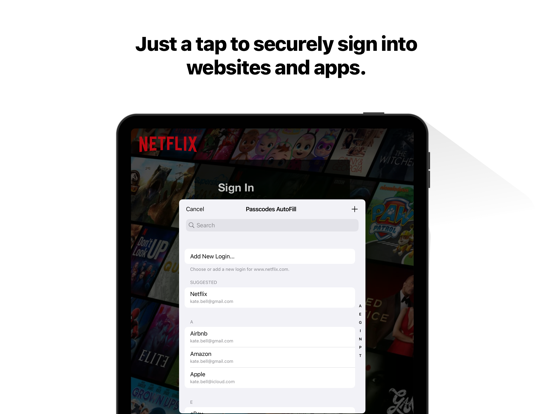
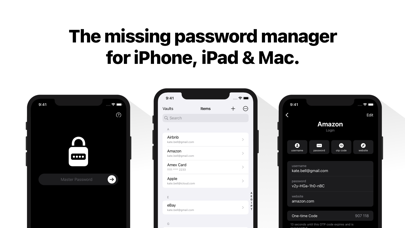
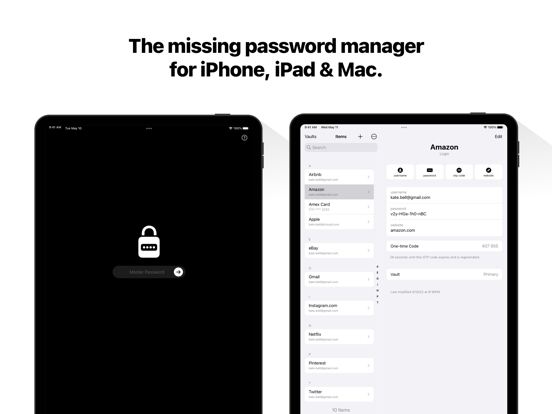
Meet Passcodes - The simple way to manage passwords and passkeys on iPhone, iPad, and Mac.
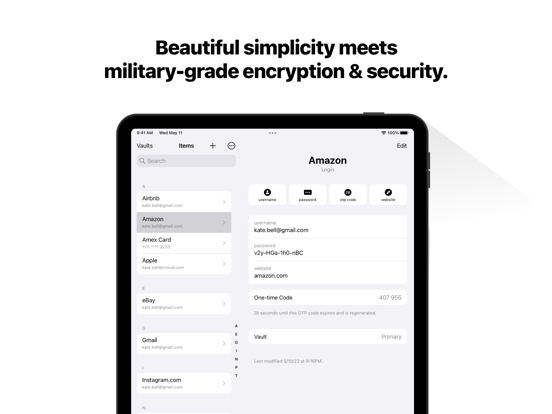
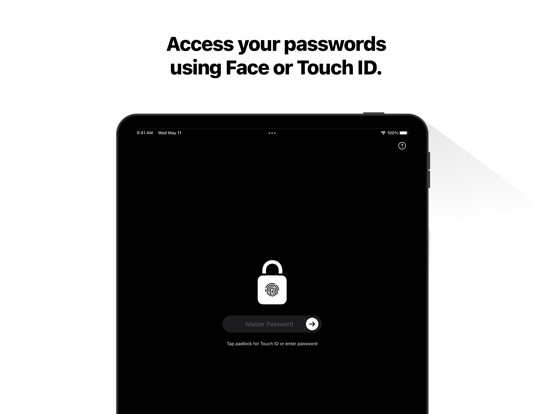
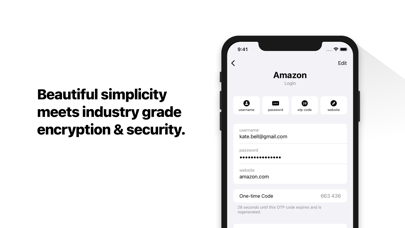
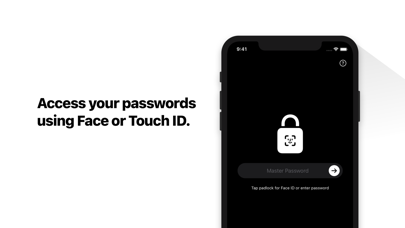
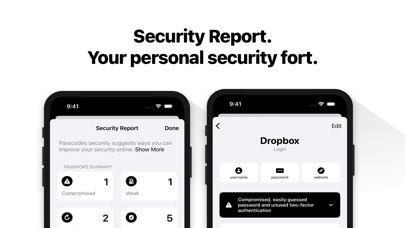
- Simple, Secure & Private: Beautiful simplicity meets industry-grade encryption & security.
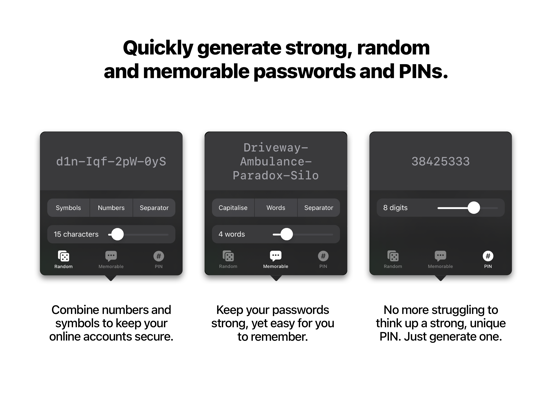
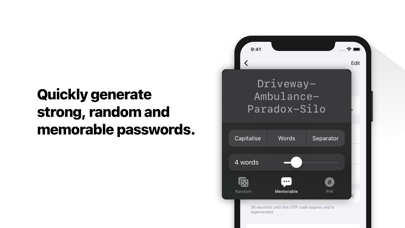
- Strong Password Generation: Quickly generate unique, random, and memorable passwords, or PINs.
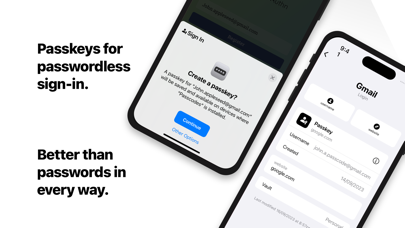
- Sign in with Passkeys.
- Stay Organised with Vaults: Keep you personal, family, and work passwords separate.
- Secure Sharing: Share your vaults securely with family or others
- Sync to all of your devices: End-to-end encryption so you can access your passwords everywhere securely using your own iCloud account.
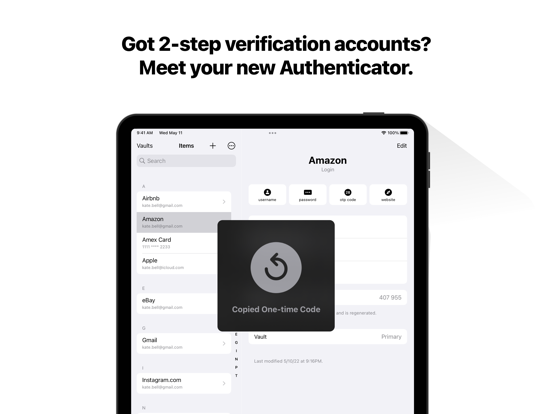
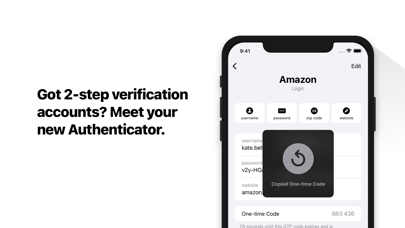
- Your new Authenticator App: Use automatically generated one-time codes to sign in to your accounts secured by 2-step verification.
—-
Privacy Policy: https://passcodes.plus/#privacy-policy
Terms of Service: https://passcodes.plus/#terms

- Simple, Secure & Private: Beautiful simplicity meets industry-grade encryption & security.
- Strong Password Generation: Quickly generate unique, random, and memorable passwords, or PINs.
- Sign in with Passkeys.
- Stay Organised with Vaults: Keep you personal, family, and work passwords separate.
- Secure Sharing: Share your vaults securely with family or others
- Sync to all of your devices: End-to-end encryption so you can access your passwords everywhere securely using your own iCloud account.
- Your new Authenticator App: Use automatically generated one-time codes to sign in to your accounts secured by 2-step verification.
—-
Privacy Policy: https://passcodes.plus/#privacy-policy
Terms of Service: https://passcodes.plus/#terms
Show More
最新版本1.4更新日誌
Last updated on 2025年07月18日
歷史版本
- Item Icons
Optionally display website logos in your item list.
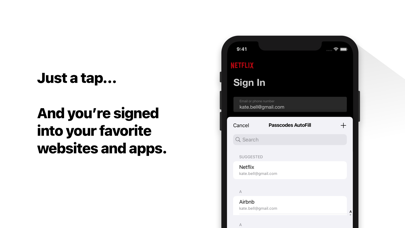
- AutoFill One-time Passcodes
Streamline signing into websites that offer two-factor authentication.
- Set Up One-time Passcodes
Set Passcodes as the default app to open OTP links and QR Codes.
- Smart AutoFill Suggestions
Your most-used credentials now appear first in autofill suggestions.
- Unlock with your Passcode
Optionally unlock Passcodes app using your device’s passcode.
Thank you for using Passcodes. If you need help, contact support@passcodes.plus.
Optionally display website logos in your item list.
- AutoFill One-time Passcodes
Streamline signing into websites that offer two-factor authentication.
- Set Up One-time Passcodes
Set Passcodes as the default app to open OTP links and QR Codes.
- Smart AutoFill Suggestions
Your most-used credentials now appear first in autofill suggestions.
- Unlock with your Passcode
Optionally unlock Passcodes app using your device’s passcode.
Thank you for using Passcodes. If you need help, contact support@passcodes.plus.
Show More
Version History
1.4
2025年07月18日
- Item Icons
Optionally display website logos in your item list.
- AutoFill One-time Passcodes
Streamline signing into websites that offer two-factor authentication.
- Set Up One-time Passcodes
Set Passcodes as the default app to open OTP links and QR Codes.
- Smart AutoFill Suggestions
Your most-used credentials now appear first in autofill suggestions.
- Unlock with your Passcode
Optionally unlock Passcodes app using your device’s passcode.
Thank you for using Passcodes. If you need help, contact support@passcodes.plus.
Optionally display website logos in your item list.
- AutoFill One-time Passcodes
Streamline signing into websites that offer two-factor authentication.
- Set Up One-time Passcodes
Set Passcodes as the default app to open OTP links and QR Codes.
- Smart AutoFill Suggestions
Your most-used credentials now appear first in autofill suggestions.
- Unlock with your Passcode
Optionally unlock Passcodes app using your device’s passcode.
Thank you for using Passcodes. If you need help, contact support@passcodes.plus.
Password Manager - Passcodes FAQ
點擊此處瞭解如何在受限國家或地區下載Password Manager - Passcodes。
以下為Password Manager - Passcodes的最低配置要求。
iPhone
iPad