PassCryption

PassCryption


Free

1.0for iPhone, iPad
Age Rating
4+
Apps in this category do not contain restricted content.
9+
Apps in this category may contain mild or occasional cartoon, fantasy or real-life violence, as well as occasional or mild adult, sexually suggestive or horrifying content and may not be suitable for children under 9 years of age.
12+
Apps in this category may contain occasional mild indecent language, frequent or intense cartoon or real-life violence, minor or occasional adult or sexually suggestive material, and simulated gambling, and may be for children under 12 years of age.
17+
You must be at least 17 years old to access this App.
Apps in this category may contain frequent and intense offensive language; Frequent and intense cartoon, fantasy or realistic violence: frequent and intense adult, scary and sexually suggestive subjects: as well as sexual content, nudity, tobacco, alcohol and drugs, may not be suitable for children under 17 years of age.
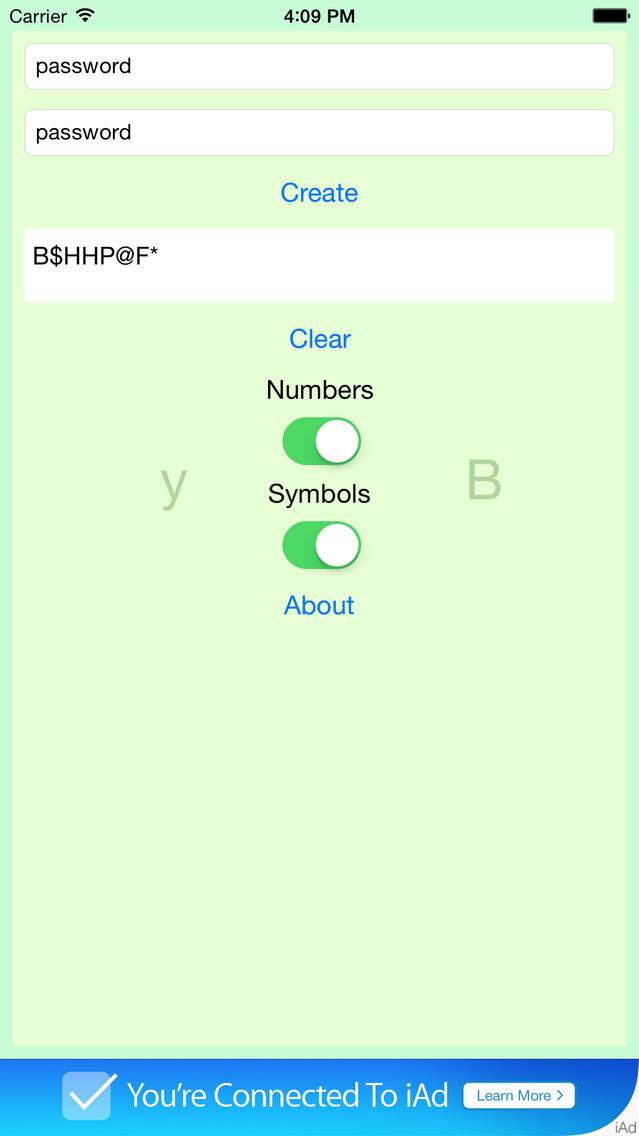
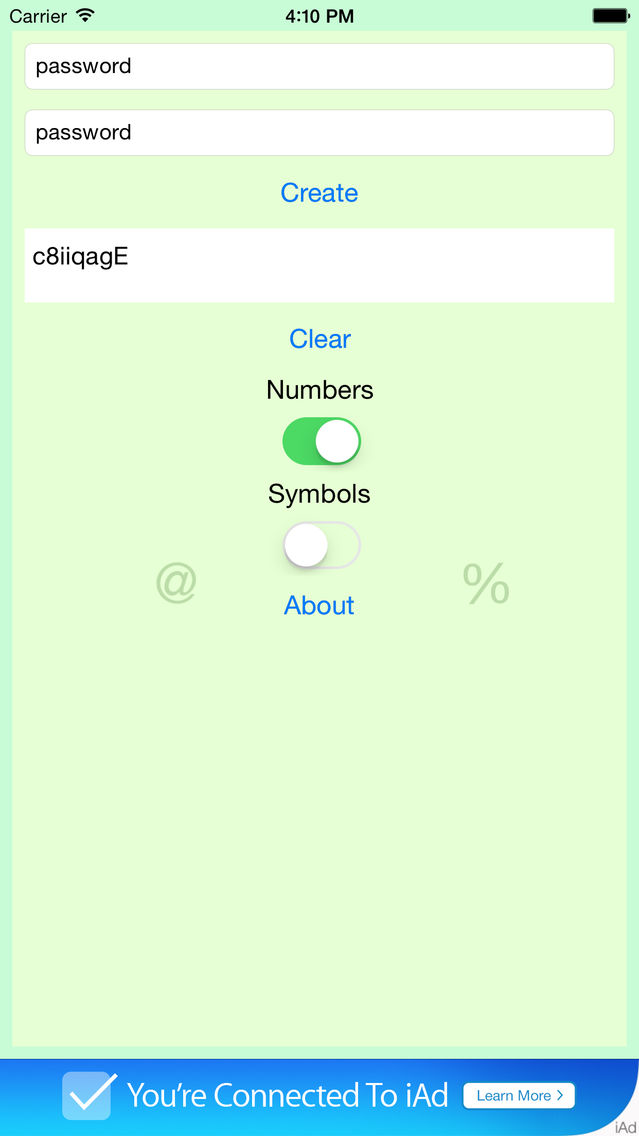
PassCryption 스크린 샷
PassCryption 포스터PassCryption 포스터PassCryption 포스터PassCryption 포스터PassCryption 포스터

About PassCryption

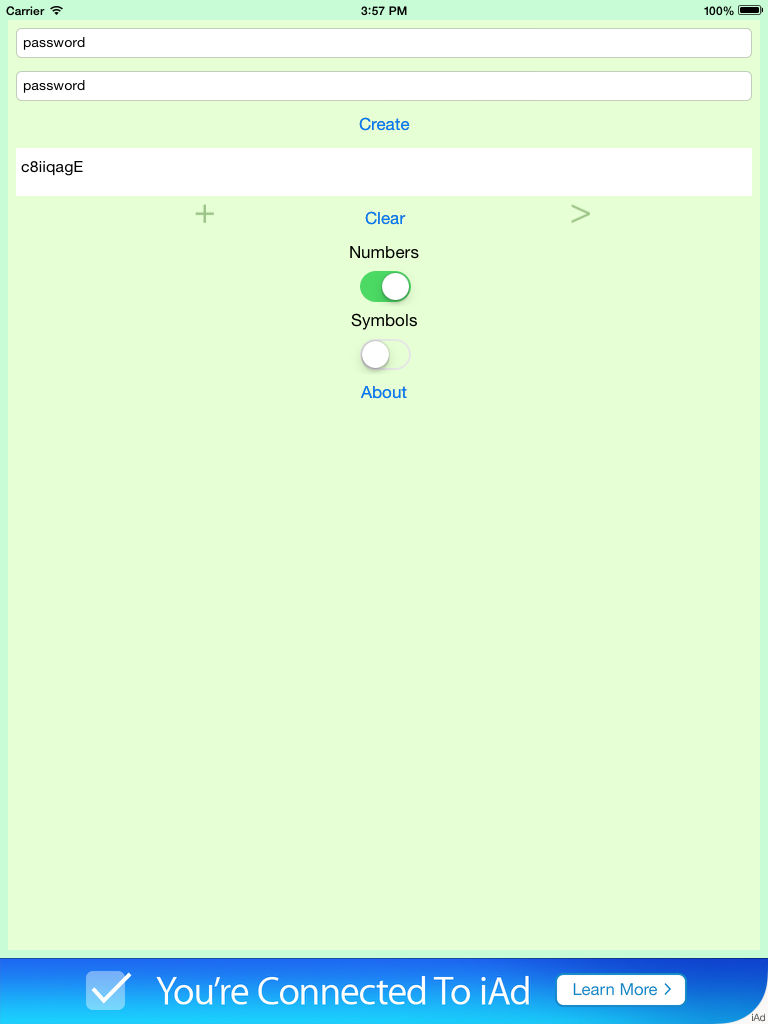
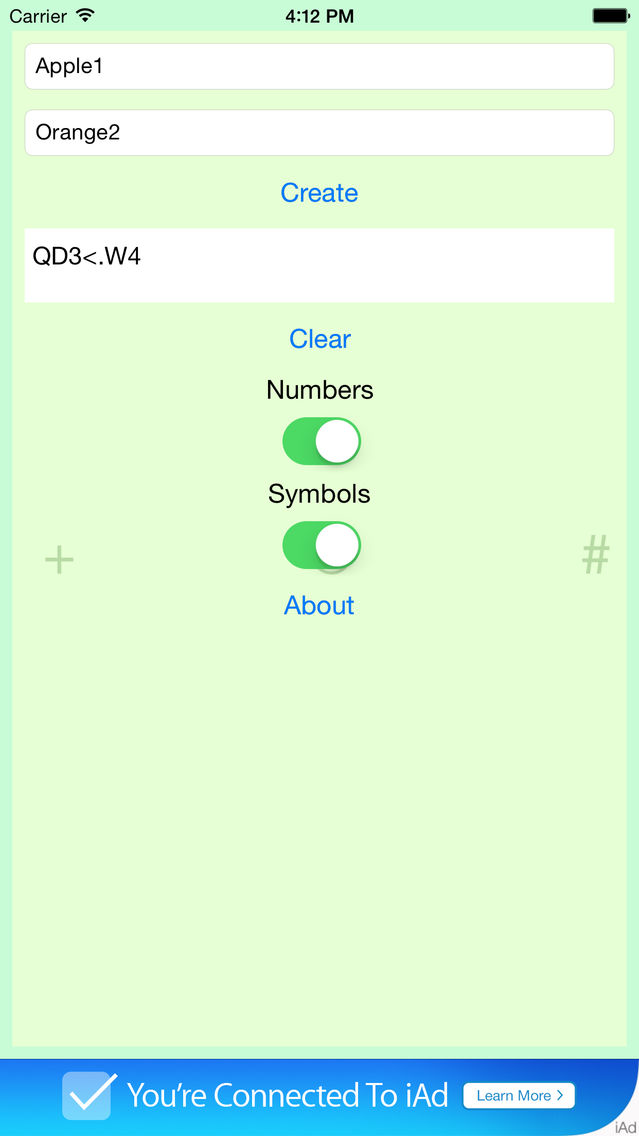
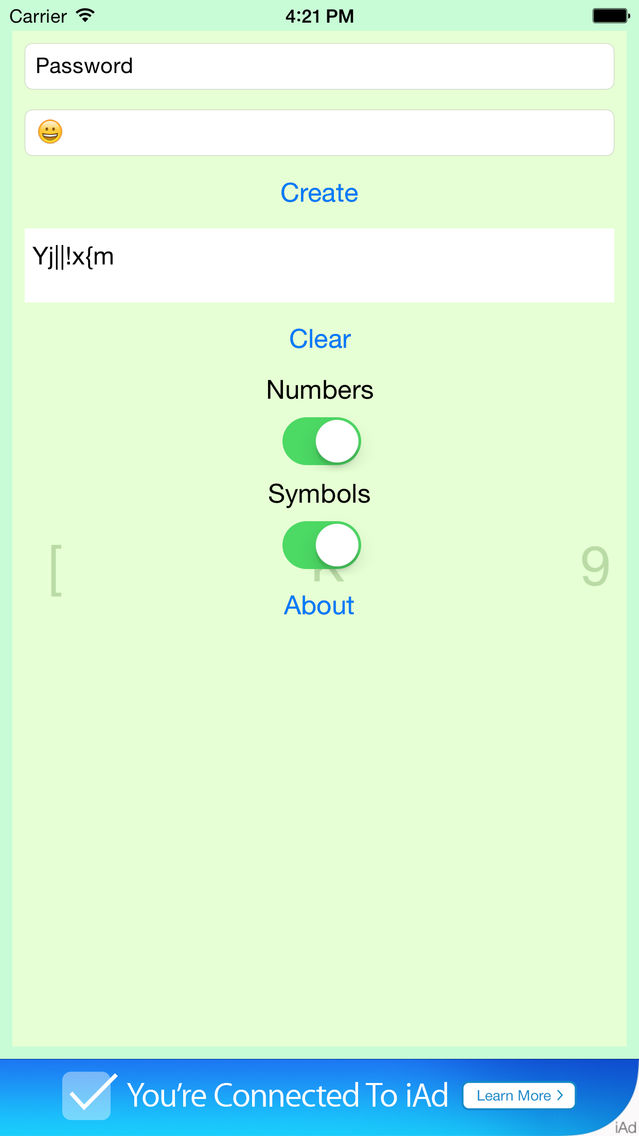
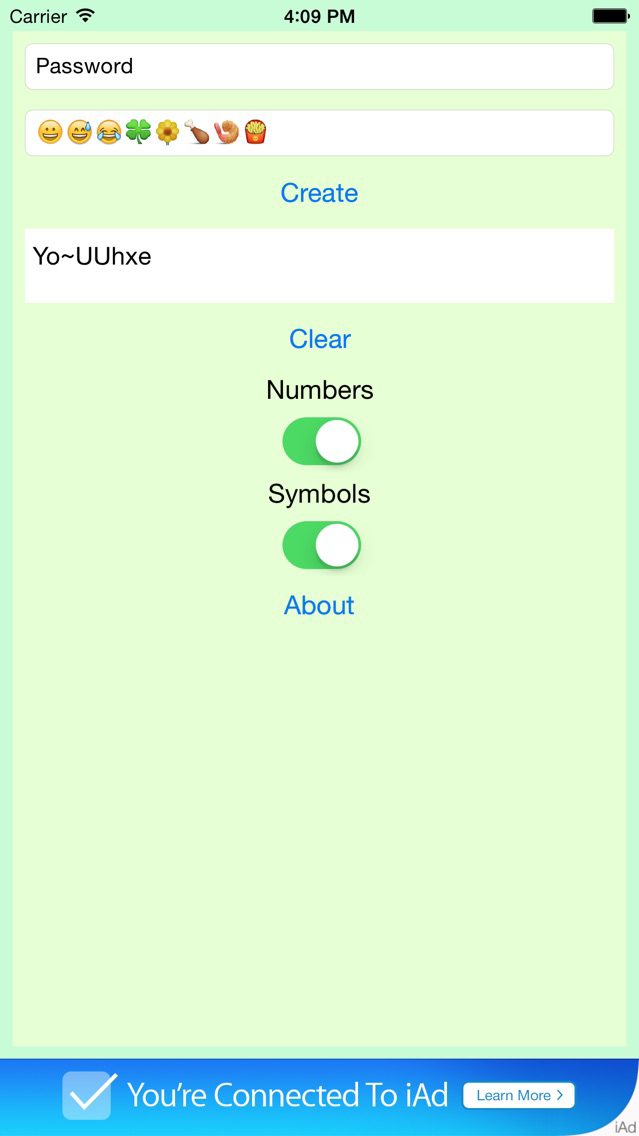
Do you ever have a hard time creating a new and secure password? When it is time to change your password do you usually just add more characters to the end of your old password? Do you dislike those random password generators because they create a password you can't remember and you have no idea how it was created? If you answered yes to any of these questions then PassCryption is for you!

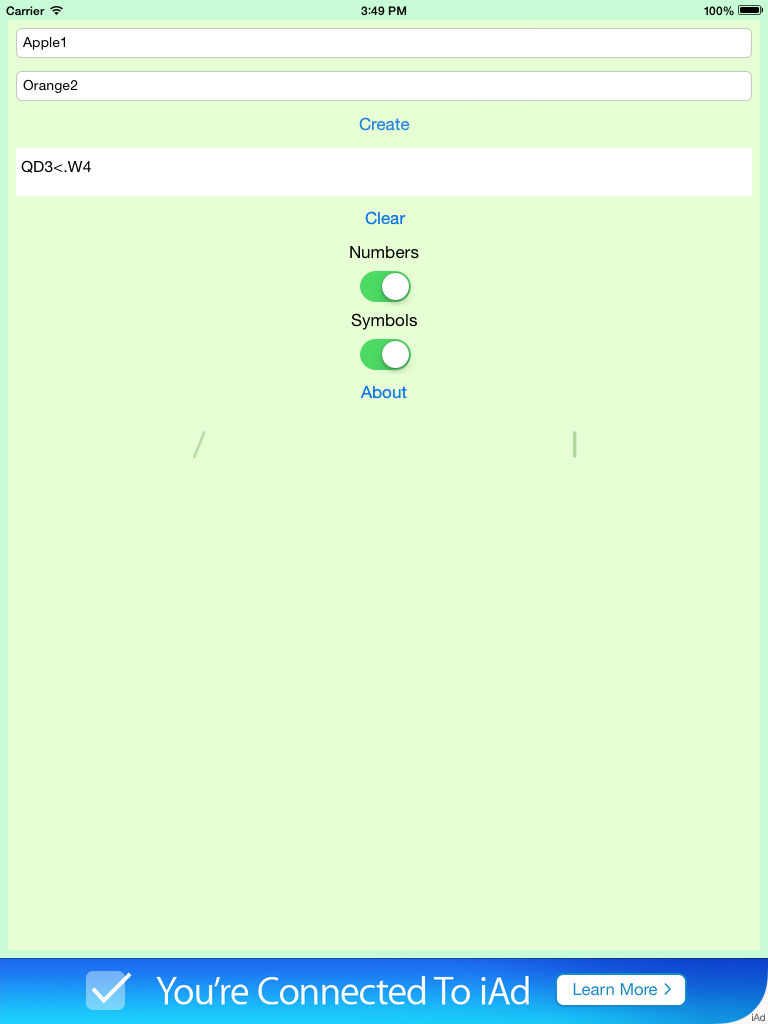
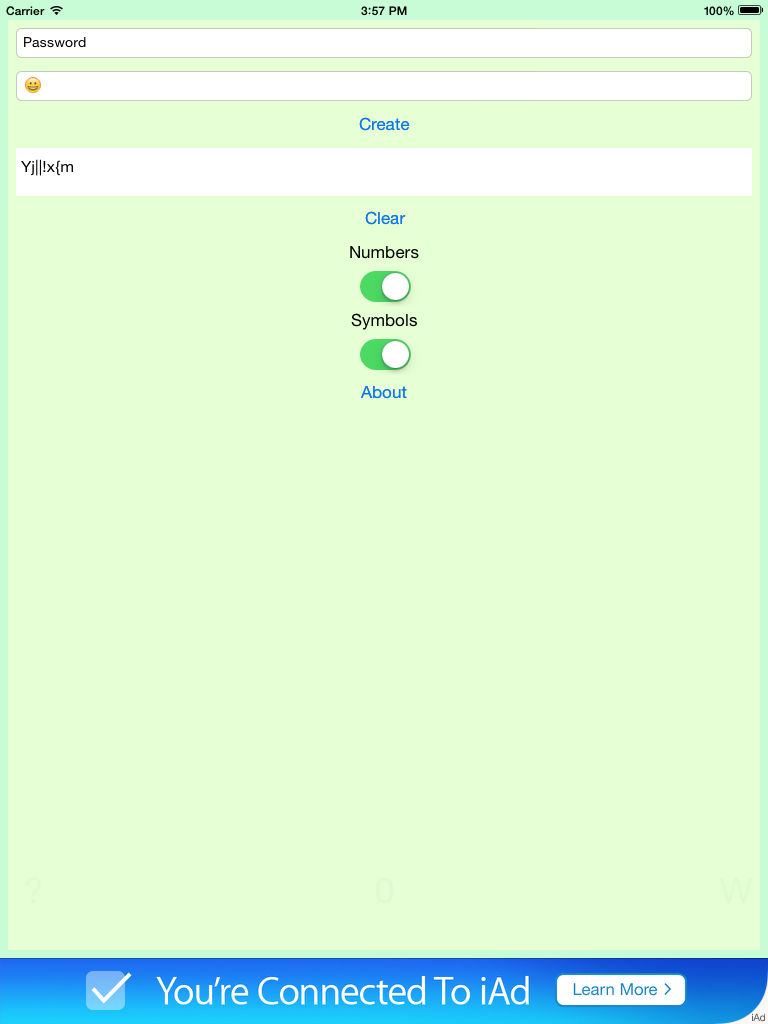
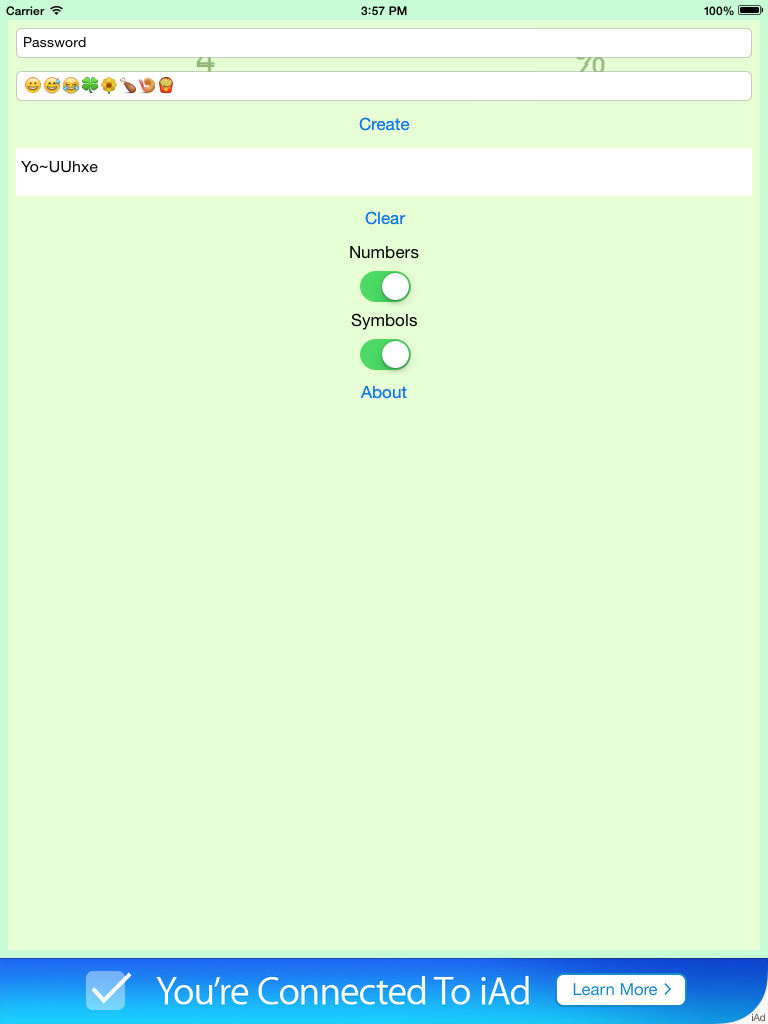
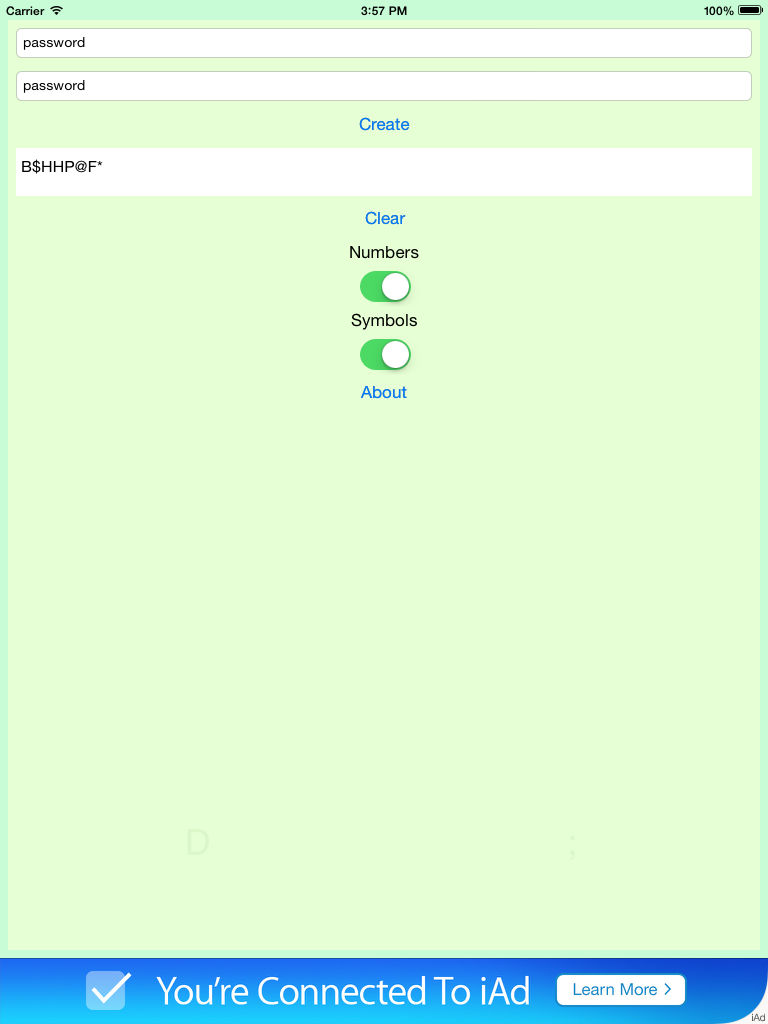
PassCryption is the easy way to create a new and secure password. It works by combining the characters you enter in the two text fields. You can make a new password by simply entering your two favorite word, two old passwords, or any combination of Letters, Numbers, Symbols, and even Emojis.

All characters on your iPhone or iPad keyboard are valid inputs including Emojis and you choose whether the output should contain Letters, Numbers, and/or Symbols. The two inputs do not need to be the same length and the output will be same length as the longest input.

Show More

최신 버전 1.0의 새로운 기능

Last updated on Jul 23, 2015
Version History
1.0
Jul 23, 2015

PassCryption FAQ

제한된 국가 또는 지역에서 PassCryption를 다운로드하는 방법을 알아보려면 여기를 클릭하십시오.
PassCryption의 최소 요구 사항을 보려면 다음 목록을 확인하십시오.
iPhone
iPad
PassCryption은 다음 언어를 지원합니다. English

PassCryption 대안

당신은 또한 좋아할 수도 있습니다