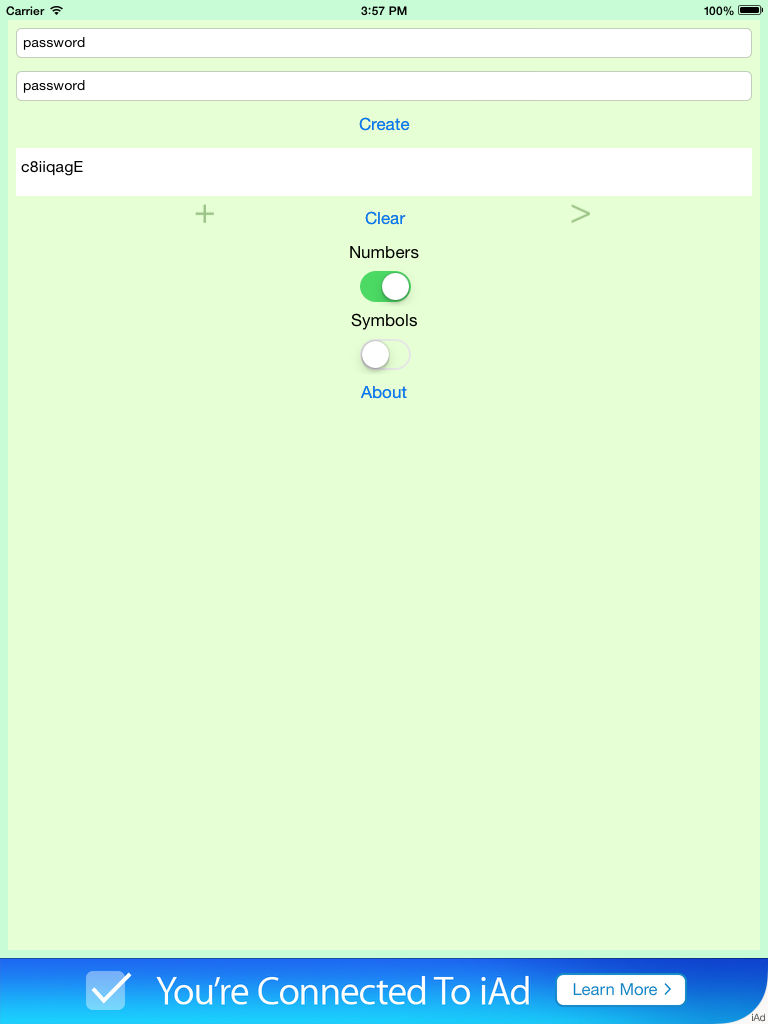
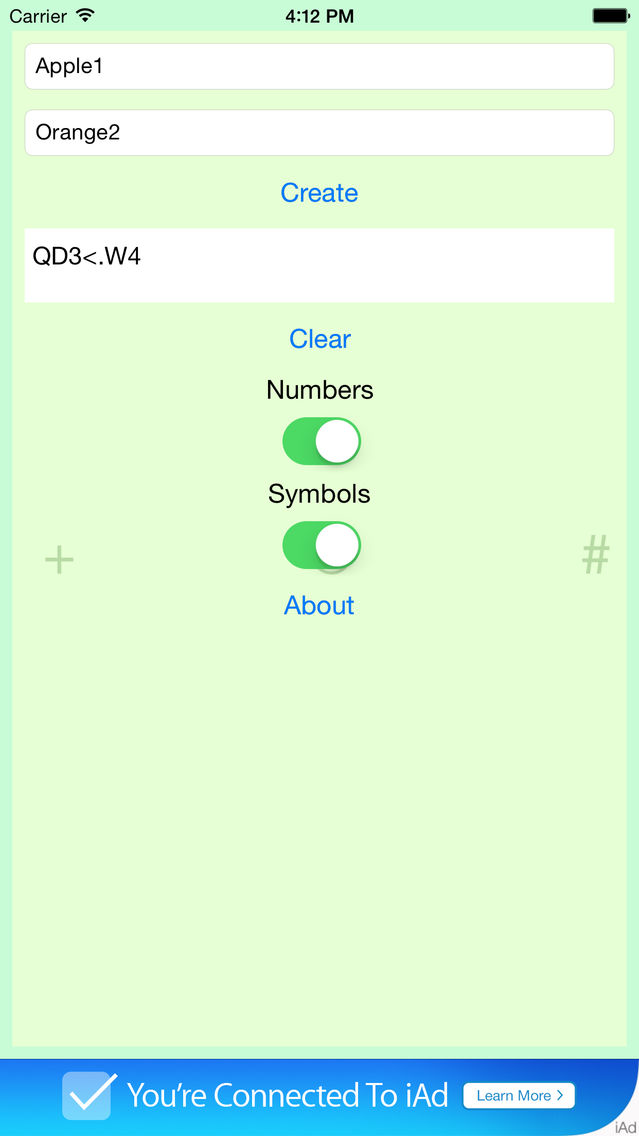
Do you ever have a hard time creating a new and secure password? When it is time to change your password do you usually just add more characters to the end of your old password? Do you dislike those random password generators because they create a password you can't remember and you have no idea how it was created? If you answered yes to any of these questions then PassCryption is for you!
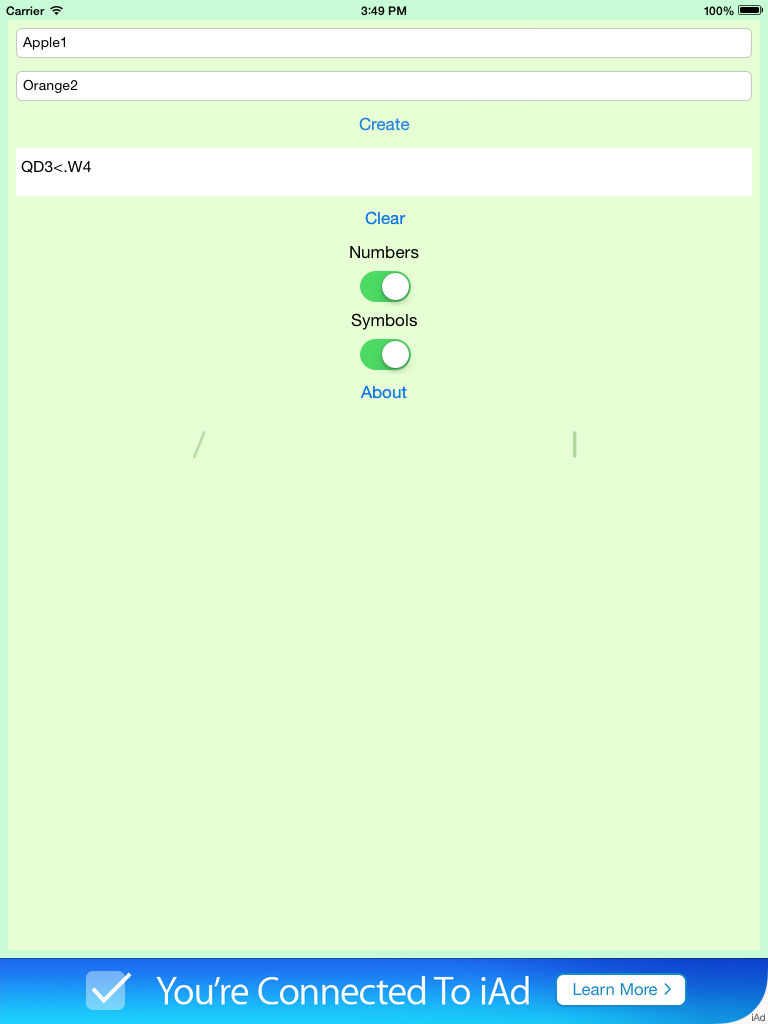
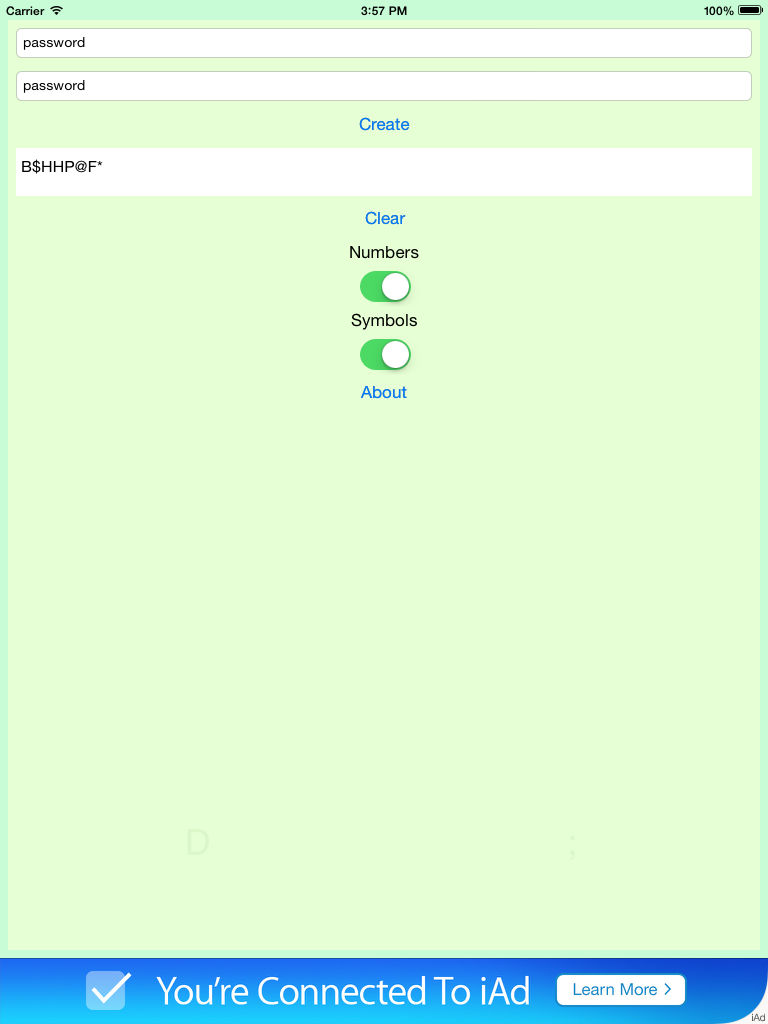
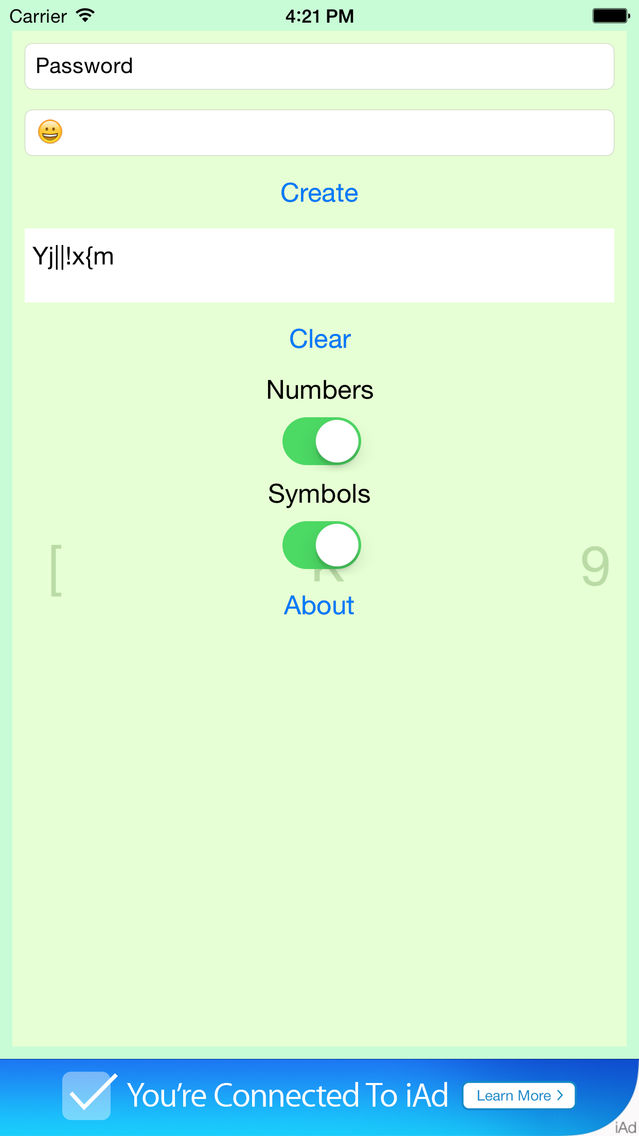
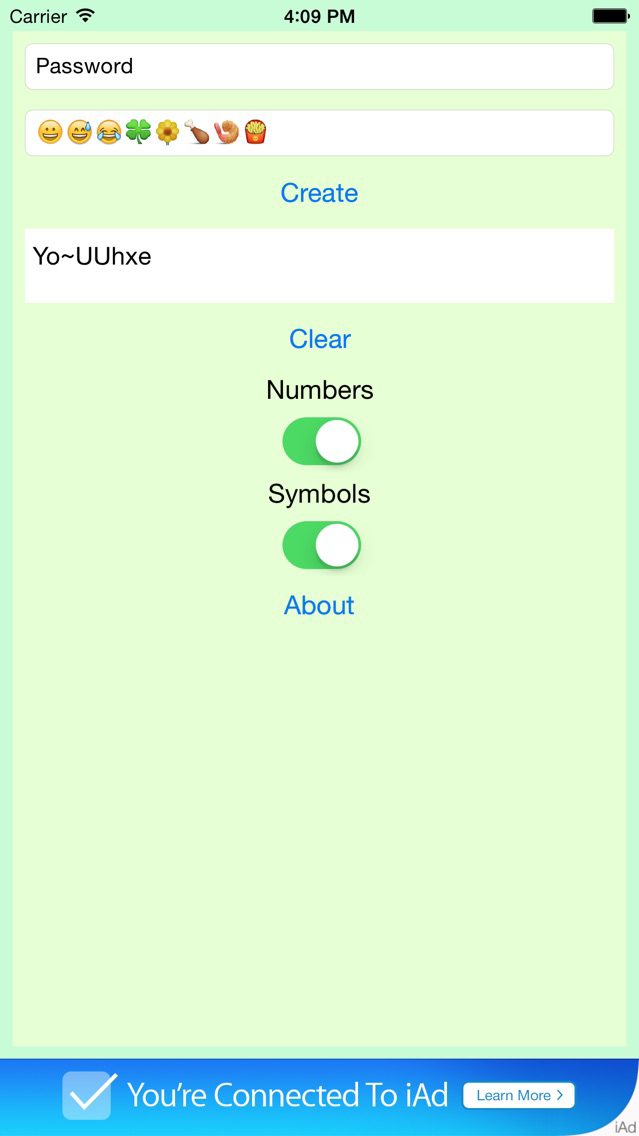
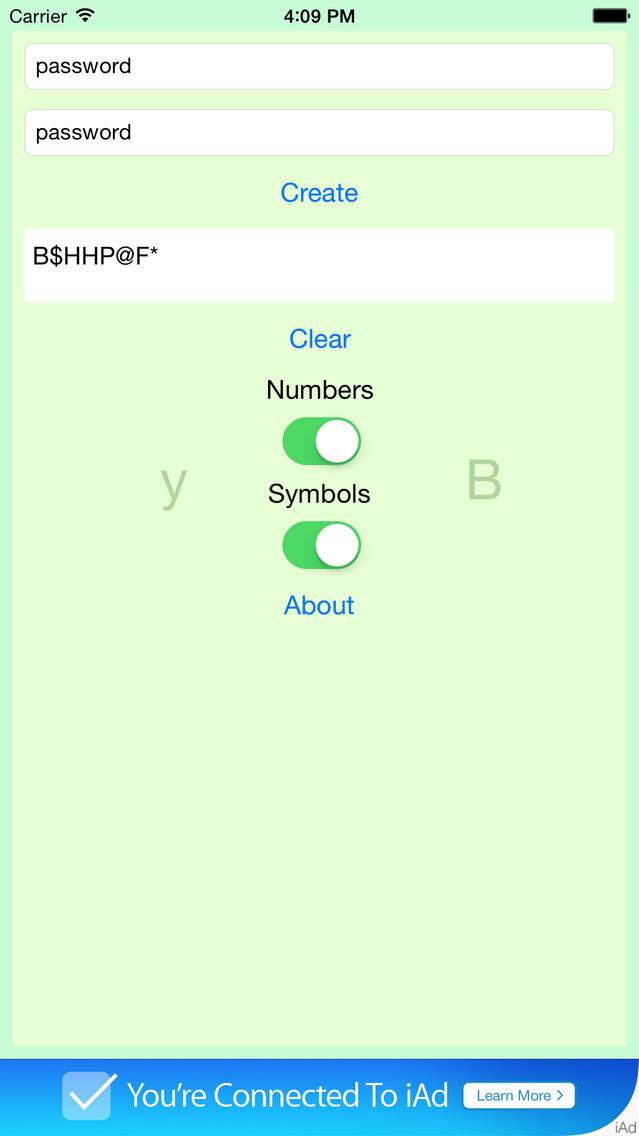
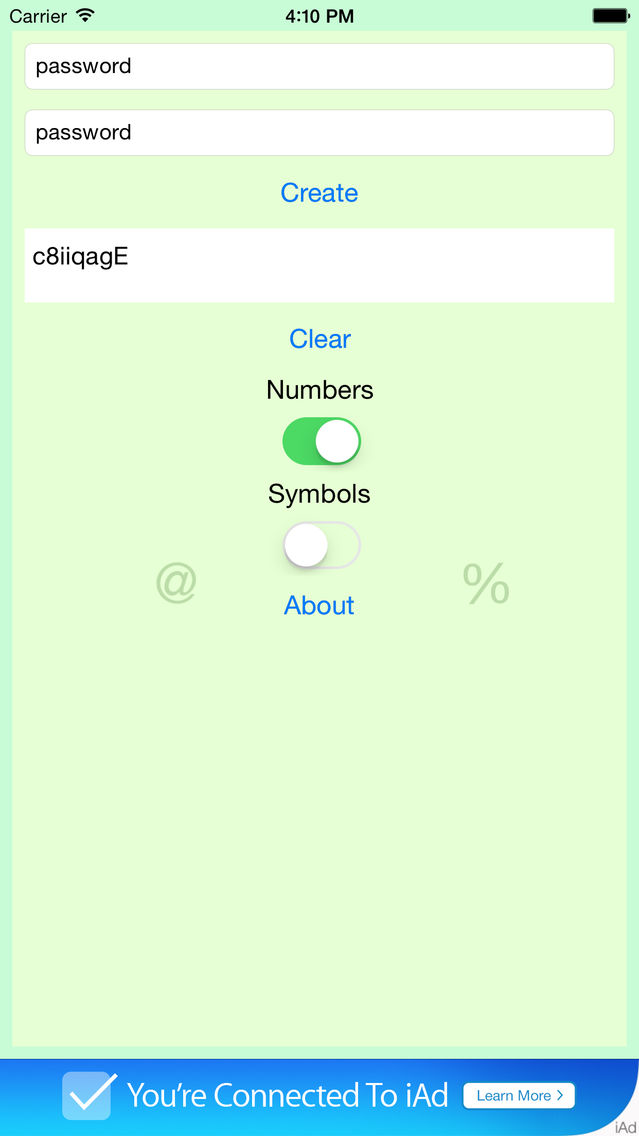
PassCryption is the easy way to create a new and secure password. It works by combining the characters you enter in the two text fields. You can make a new password by simply entering your two favorite word, two old passwords, or any combination of Letters, Numbers, Symbols, and even Emojis.
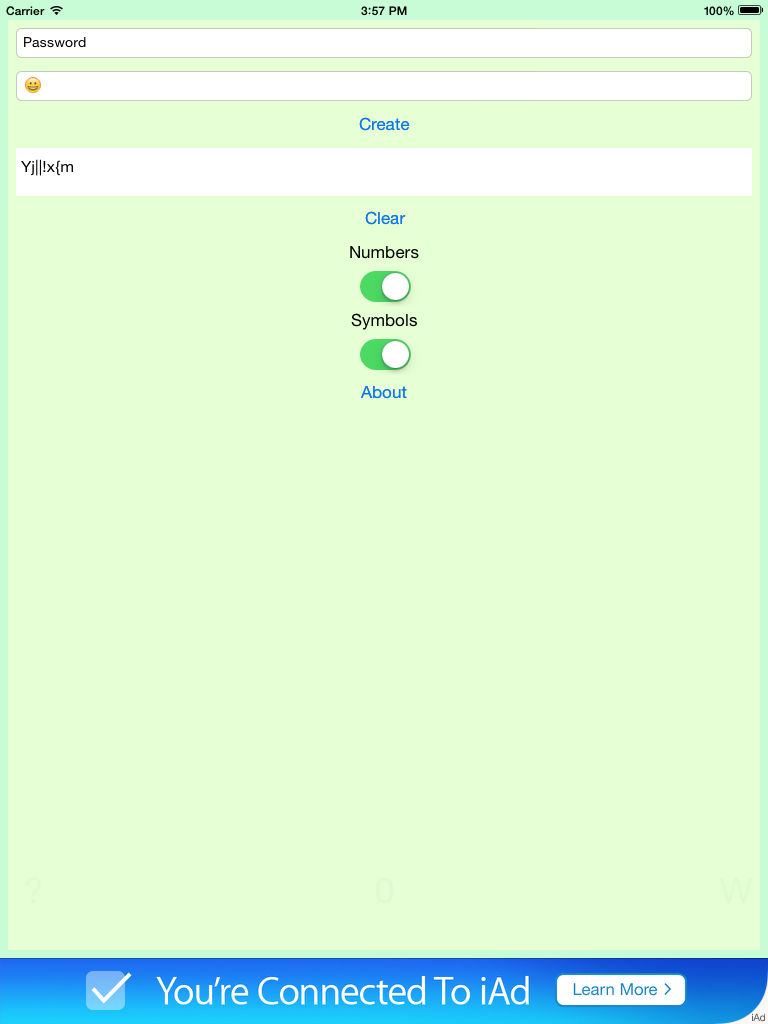
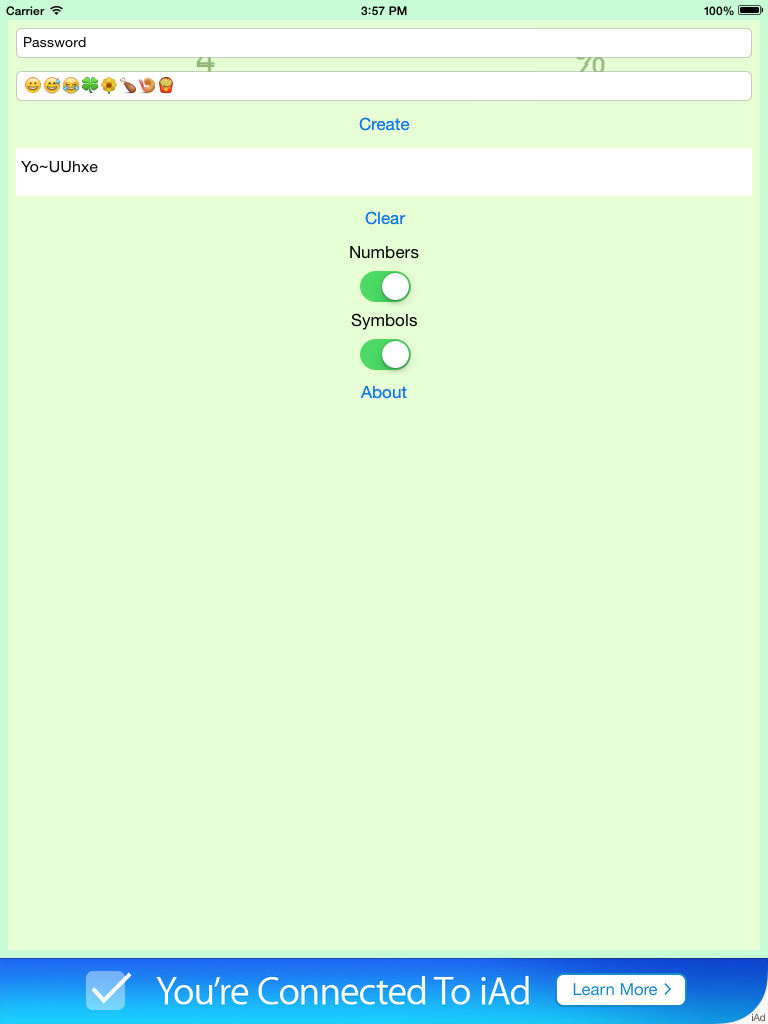
All characters on your iPhone or iPad keyboard are valid inputs including Emojis and you choose whether the output should contain Letters, Numbers, and/or Symbols. The two inputs do not need to be the same length and the output will be same length as the longest input.