QR Code: Barcode Scanner
QR Code and Barcode Reader
Free
1.00.29for iPhone, iPad
Age Rating
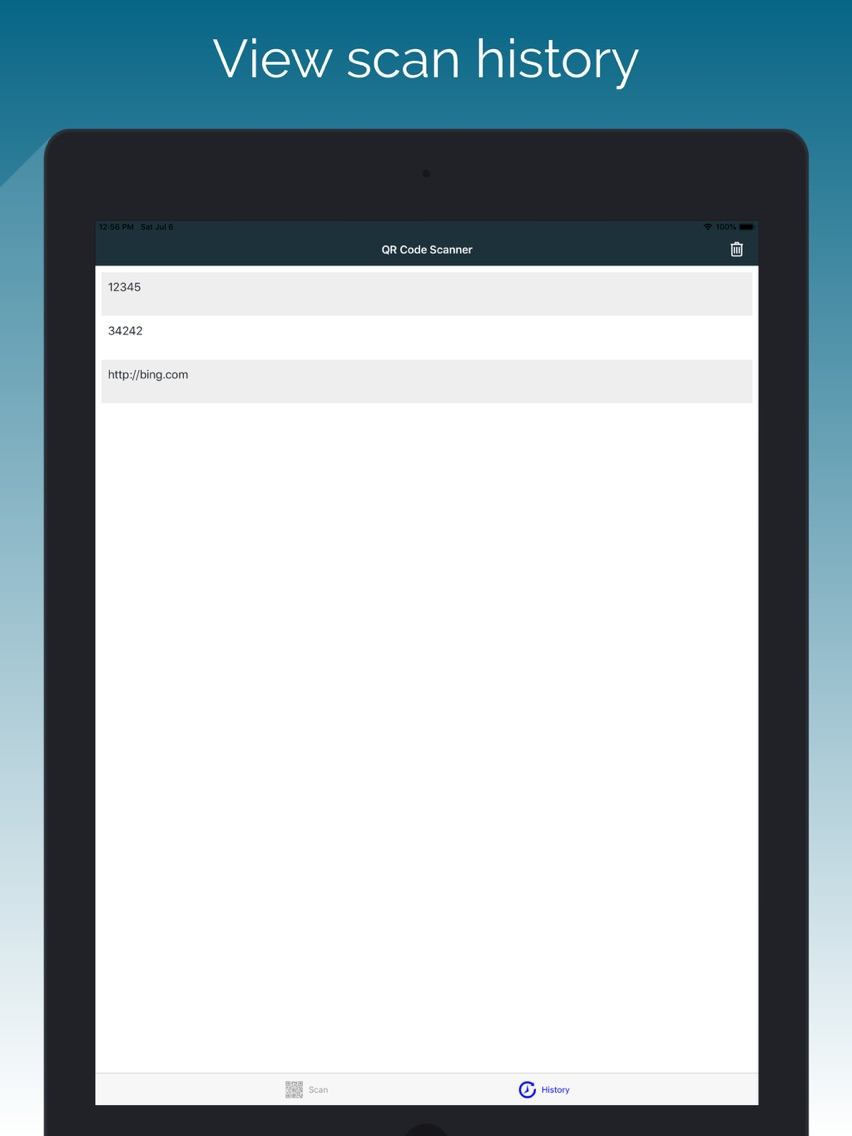
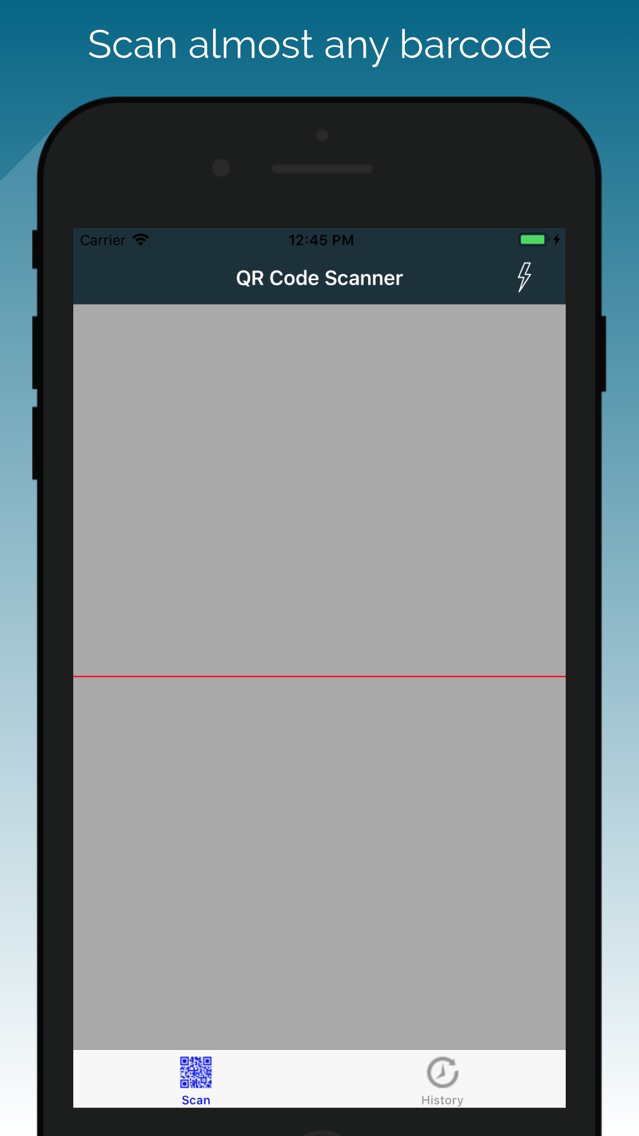
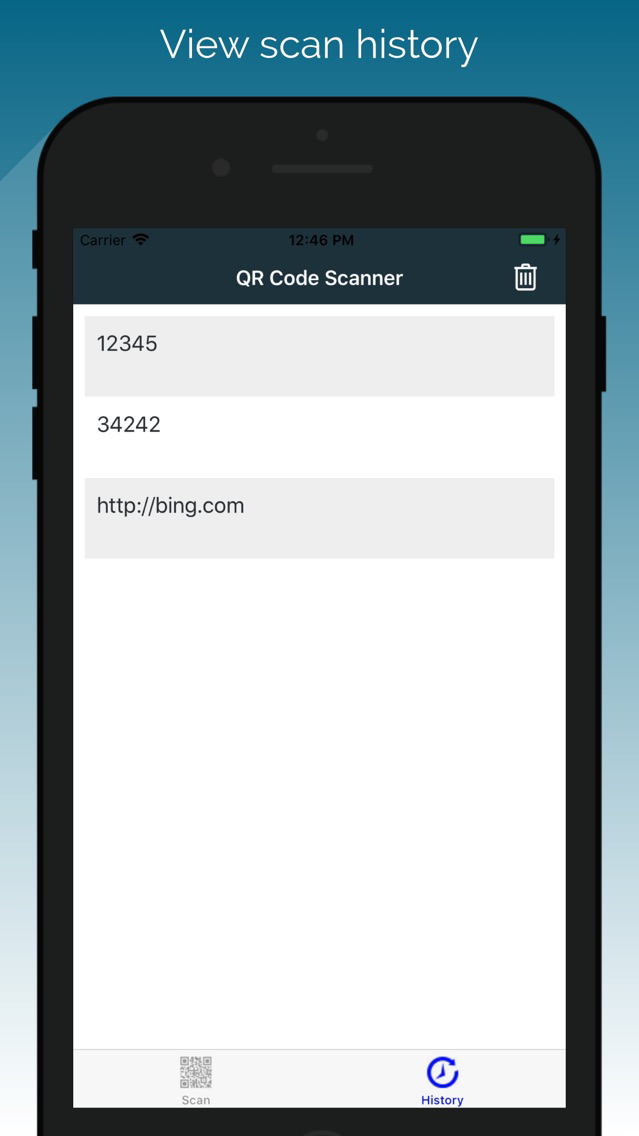
QR Code: Barcode Scanner 스크린 샷
About QR Code: Barcode Scanner
Quick Start User Guide:
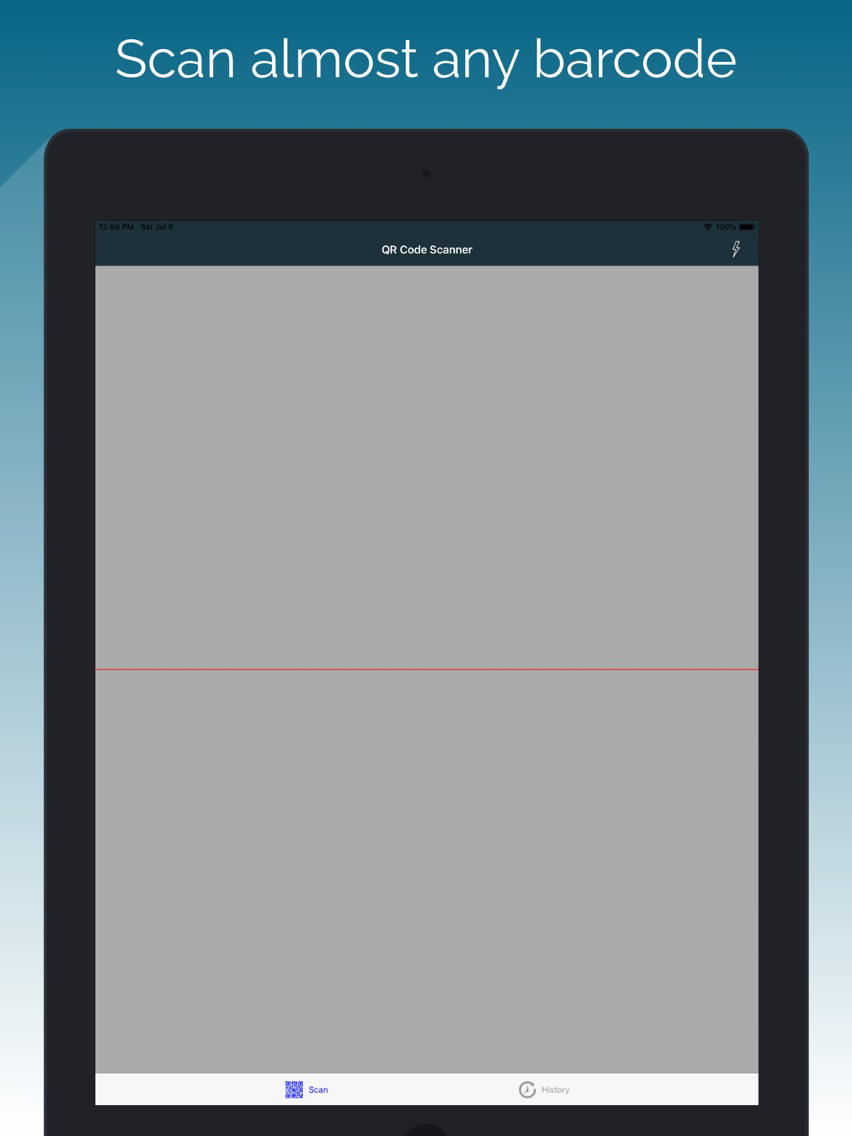
1. Open QR Code Scanner application.
2. Click OK to allow the camera to scan available barcodes.
3. Aim the camera at a barcode and wait for the camera to read the barcode.
4. Once the barcode is read, the barcode number can be copied to your clipboard. You will then be able to find products and websites with the barcode. In addition, the barcode could be shared with your contacts and applications.
QR Code Scanner and Barcode Reader is optimized for your phone.
QR Code Scanner respects your privacy and only uses the minimal permissions necessary to scan your barcodes.
The QR Code Scanner includes a flashlight function so that your QR Codes and Barcodes can be read even in the dark.
QR Code Scanner includes the following features:
- Scan a large array of barcodes including QR Codes, Aztec, Code 39 and many more
- Copy the barcode information to your clipboard for use with your other applications
- Share the QR Code or other barcode through messaging, sms, other
- Lookup the QR Code product or complete a web search for the QR Code
- Based on zxing mobile

1. Open QR Code Scanner application.
2. Click OK to allow the camera to scan available barcodes.
3. Aim the camera at a barcode and wait for the camera to read the barcode.
4. Once the barcode is read, the barcode number can be copied to your clipboard. You will then be able to find products and websites with the barcode. In addition, the barcode could be shared with your contacts and applications.
QR Code Scanner and Barcode Reader is optimized for your phone.
QR Code Scanner respects your privacy and only uses the minimal permissions necessary to scan your barcodes.
The QR Code Scanner includes a flashlight function so that your QR Codes and Barcodes can be read even in the dark.
QR Code Scanner includes the following features:
- Scan a large array of barcodes including QR Codes, Aztec, Code 39 and many more
- Copy the barcode information to your clipboard for use with your other applications
- Share the QR Code or other barcode through messaging, sms, other
- Lookup the QR Code product or complete a web search for the QR Code
- Based on zxing mobile
Show More
최신 버전 1.00.29의 새로운 기능
Last updated on Jun 12, 2021
오래된 버전
- Minor bug fixes and enhancements
Show More
Version History
1.00.29
Jun 12, 2021
- Minor bug fixes and enhancements
1.27
Oct 15, 2020
- Improved startup time
- Improved scanner
- Improved download size
- Improved scanner
- Improved download size
1.22
Aug 17, 2019
- Added scannable barcode types
1.19
Jul 8, 2019
- Added scannable barcode types
1.06
Apr 28, 2018
- User interface enhancements
- Bug fixes
- Language localization
- Bug fixes
- Language localization
1.05
Mar 15, 2018
- Bug fixes
1.4
Jan 15, 2018
- improved loading and navigation speed
1.3
Jan 5, 2018
- Improved speed and accuracy of barcode reads
- Improved application flow and user interface
1.2
Dec 28, 2017
- Bug fixes
1.1
Dec 14, 2017
- Ability to clear history
- Improved look and feel
1.0
Jul 4, 2017
QR Code: Barcode Scanner FAQ
제한된 국가 또는 지역에서 QR Code: Barcode Scanner를 다운로드하는 방법을 알아보려면 여기를 클릭하십시오.
QR Code: Barcode Scanner의 최소 요구 사항을 보려면 다음 목록을 확인하십시오.
iPhone
iPad
QR Code: Barcode Scanner은 다음 언어를 지원합니다. English