QR Code: Barcode Scanner

QR Code: Barcode Scanner


QR Code and Barcode Reader


Free

1.00.29for iPhone, iPad
Age Rating
4+
Apps in this category do not contain restricted content.
9+
Apps in this category may contain mild or occasional cartoon, fantasy or real-life violence, as well as occasional or mild adult, sexually suggestive or horrifying content and may not be suitable for children under 9 years of age.
12+
Apps in this category may contain occasional mild indecent language, frequent or intense cartoon or real-life violence, minor or occasional adult or sexually suggestive material, and simulated gambling, and may be for children under 12 years of age.
17+
You must be at least 17 years old to access this App.
Apps in this category may contain frequent and intense offensive language; Frequent and intense cartoon, fantasy or realistic violence: frequent and intense adult, scary and sexually suggestive subjects: as well as sexual content, nudity, tobacco, alcohol and drugs, may not be suitable for children under 17 years of age.
QR Code: Barcode Scanner Screenshots
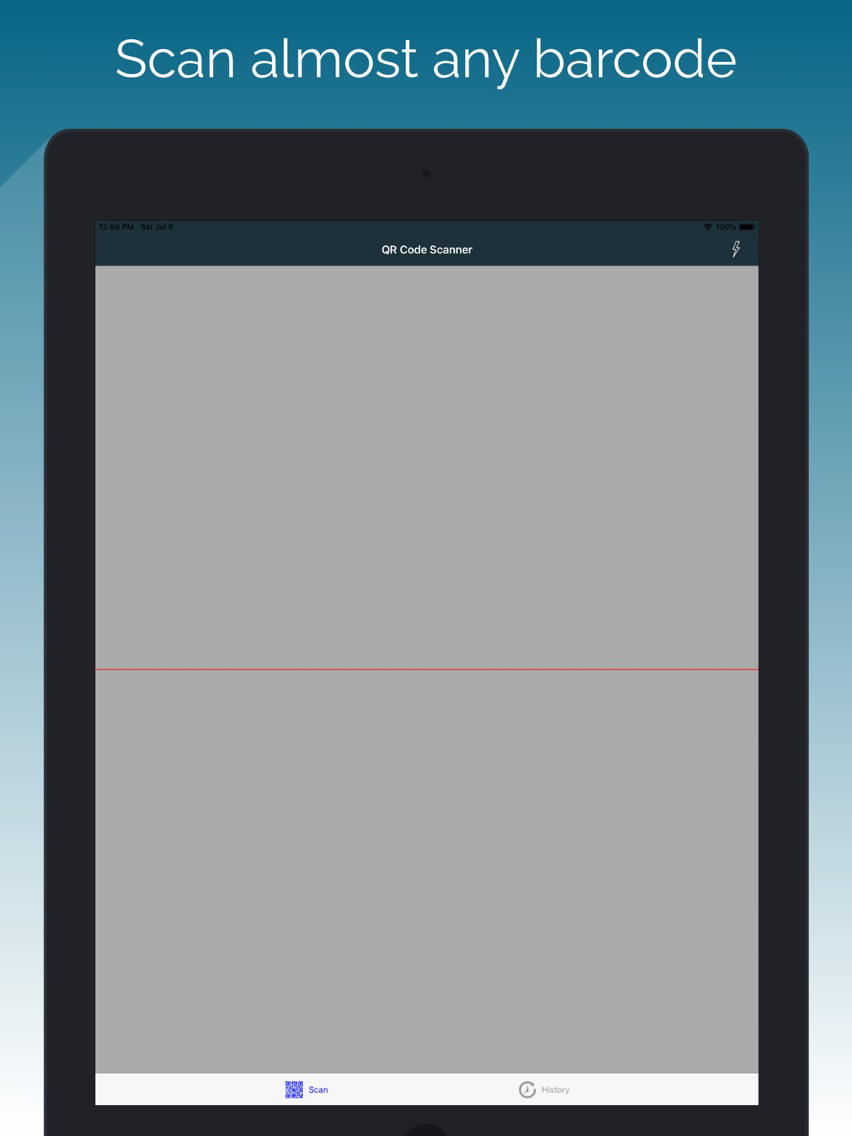
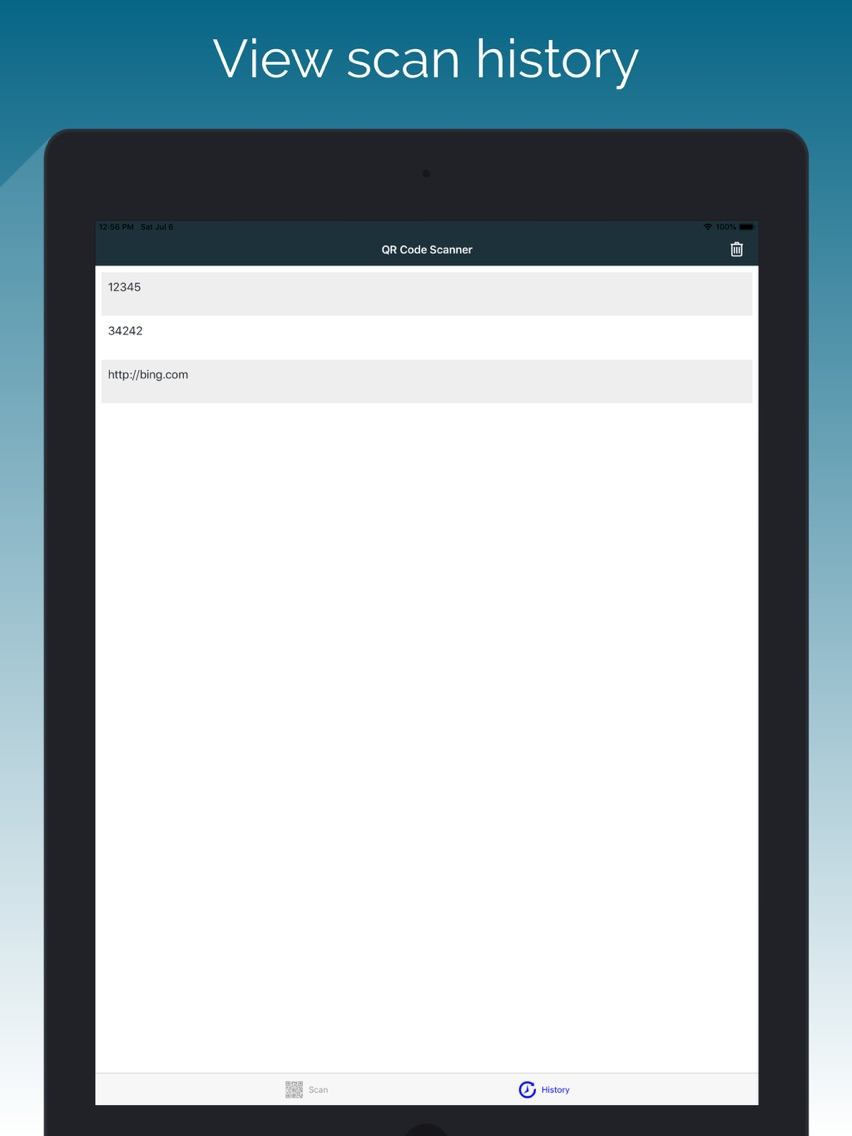
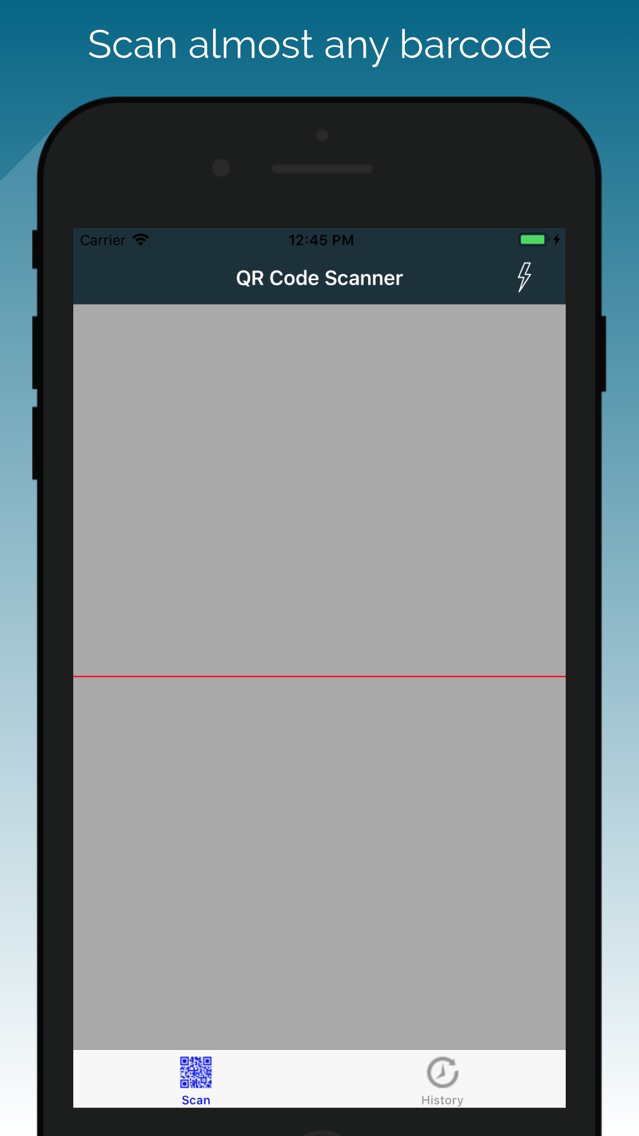
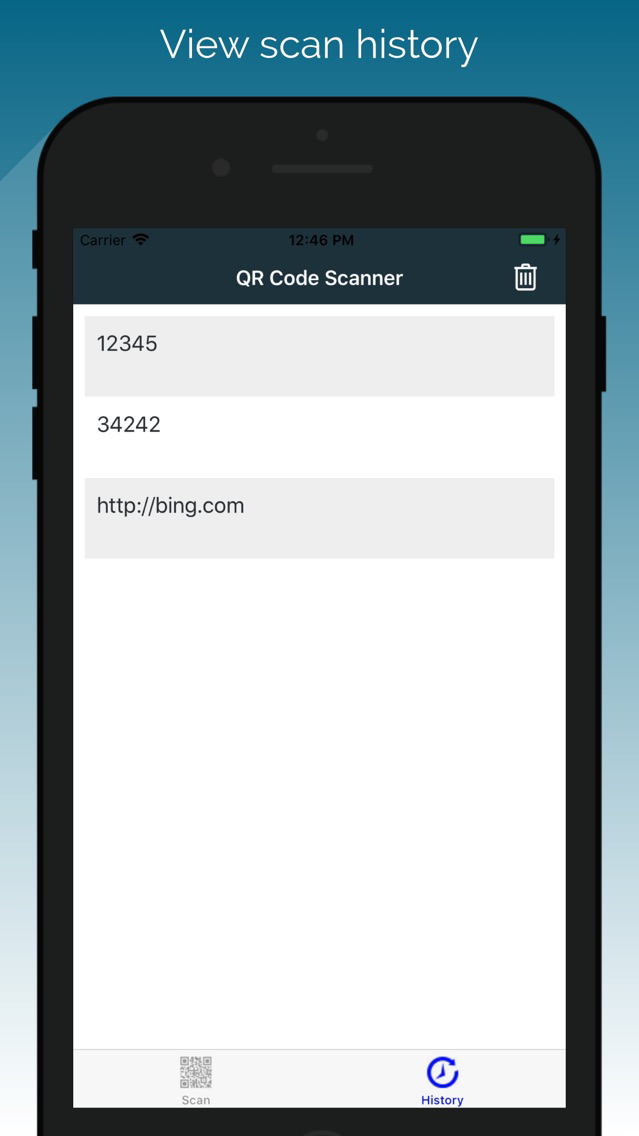
QR Code: Barcode Scanner PlakatQR Code: Barcode Scanner PlakatQR Code: Barcode Scanner Plakat

About QR Code: Barcode Scanner

Quick Start User Guide:
1. Open QR Code Scanner application.
2. Click OK to allow the camera to scan available barcodes.
3. Aim the camera at a barcode and wait for the camera to read the barcode.
4. Once the barcode is read, the barcode number can be copied to your clipboard. You will then be able to find products and websites with the barcode. In addition, the barcode could be shared with your contacts and applications.

QR Code Scanner and Barcode Reader is optimized for your phone.

QR Code Scanner respects your privacy and only uses the minimal permissions necessary to scan your barcodes.

The QR Code Scanner includes a flashlight function so that your QR Codes and Barcodes can be read even in the dark.

QR Code Scanner includes the following features:

- Scan a large array of barcodes including QR Codes, Aztec, Code 39 and many more

- Copy the barcode information to your clipboard for use with your other applications

- Share the QR Code or other barcode through messaging, sms, other

- Lookup the QR Code product or complete a web search for the QR Code

- Based on zxing mobile

Show More

Was ist neu in der neuesten Version 1.00.29

Last updated on Jun 12, 2021
Alte Versionen
- Minor bug fixes and enhancements
Show More
Version History
1.00.29
Jun 12, 2021
- Minor bug fixes and enhancements
1.27
Oct 15, 2020
- Improved startup time
- Improved scanner
- Improved download size
1.22
Aug 17, 2019
- Added scannable barcode types
1.19
Jul 8, 2019
- Added scannable barcode types
1.06
Apr 28, 2018
- User interface enhancements
- Bug fixes
- Language localization
1.05
Mar 15, 2018
- Bug fixes
1.4
Jan 15, 2018
- improved loading and navigation speed
1.3
Jan 5, 2018
- Improved speed and accuracy of barcode reads
- Improved application flow and user interface
1.2
Dec 28, 2017
- Bug fixes
1.1
Dec 14, 2017
- Ability to clear history
- Improved look and feel
1.0
Jul 4, 2017

QR Code: Barcode Scanner FAQ

Klicken Sie hier, um zu erfahren, wie Sie QR Code: Barcode Scanner in eingeschränkten Ländern oder Regionen herunterladen können.
Überprüfen Sie die folgende Liste, um die Mindestanforderungen von QR Code: Barcode Scanner zu sehen.
iPhone
iPad
QR Code: Barcode Scanner unterstützt English

QR Code: Barcode Scanner Alternative

Das könnte Ihnen auch gefallen

Erhalte mehr von Astrum Computing