QuickTest - User Testing
Free
1.2for iPhone, iPad
Age Rating
QuickTest - User Testing 스크린 샷
About QuickTest - User Testing
Quick Test user testing
User testing is essential to all UX designers. For many startups, it’s hard to justify the cost of user testing, and finding participants to give their opinions.
There’s currently no FREE tool to conduct A/B user testing online or in person.
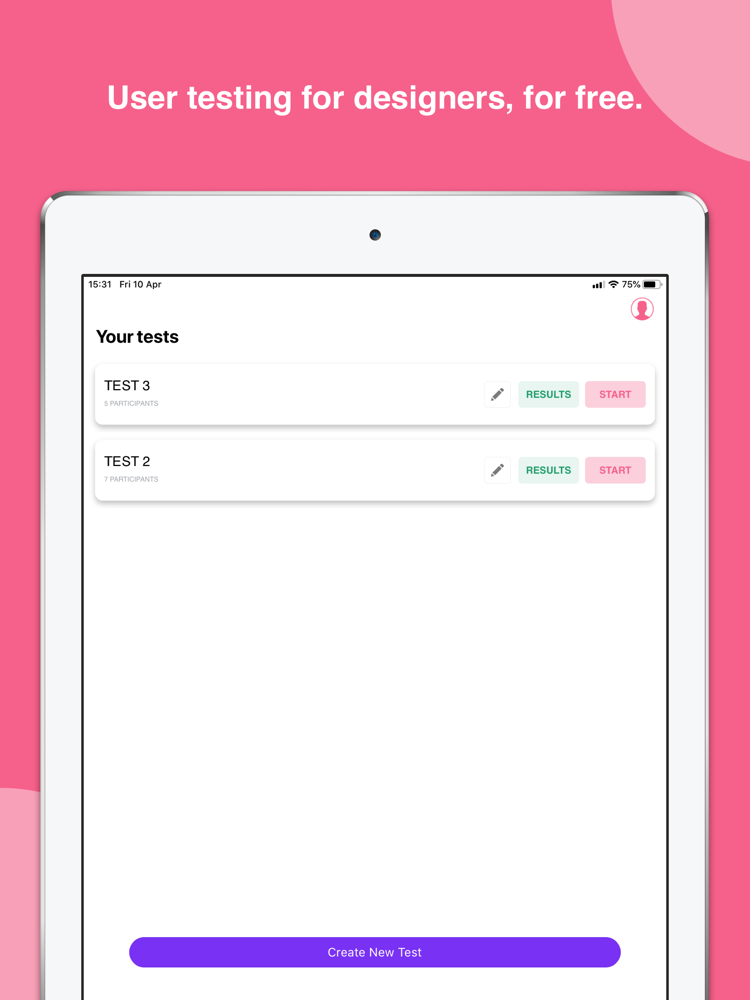
QuickTest lets you test multiple visual designs online or in person, then provides analysed statistics of your results. It’s comparable on both your iPhone and your iPad!
Some of the worlds most popular startups and companies are already using QuickTest to get opinions on their designs.
How it works:
CREATE YOUR TEST
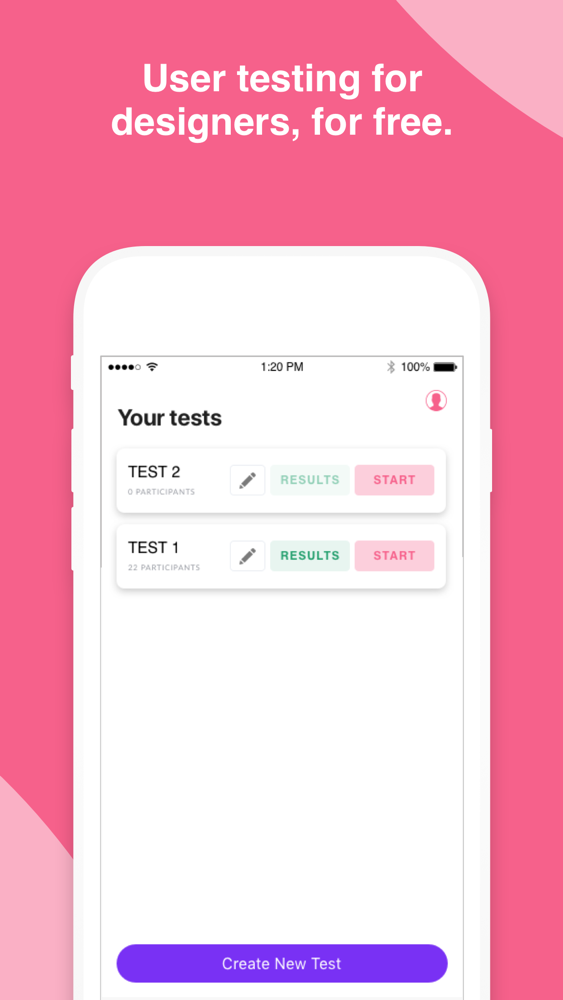
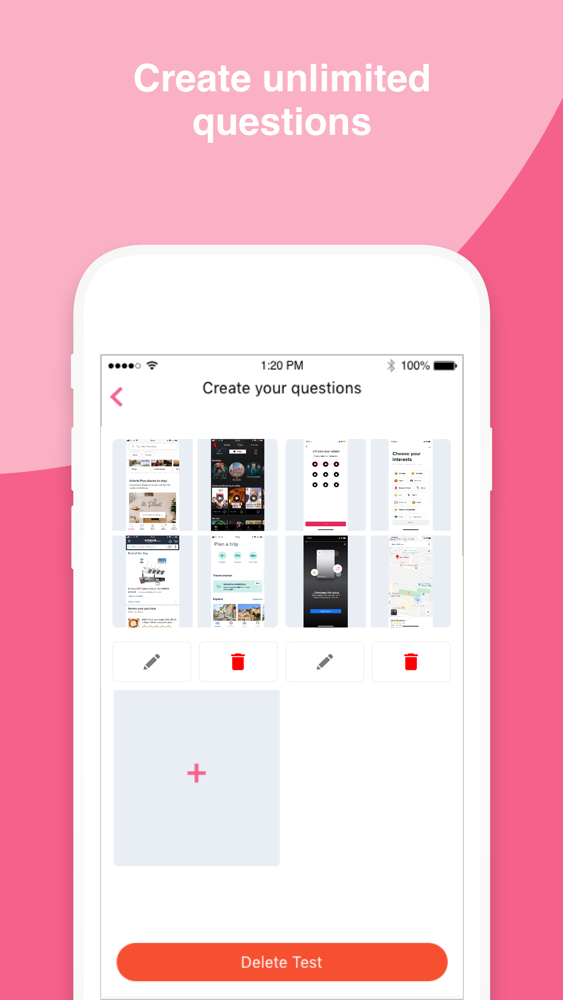
No limit on the number of tests you can create
CUSTOMISE YOUR TEST
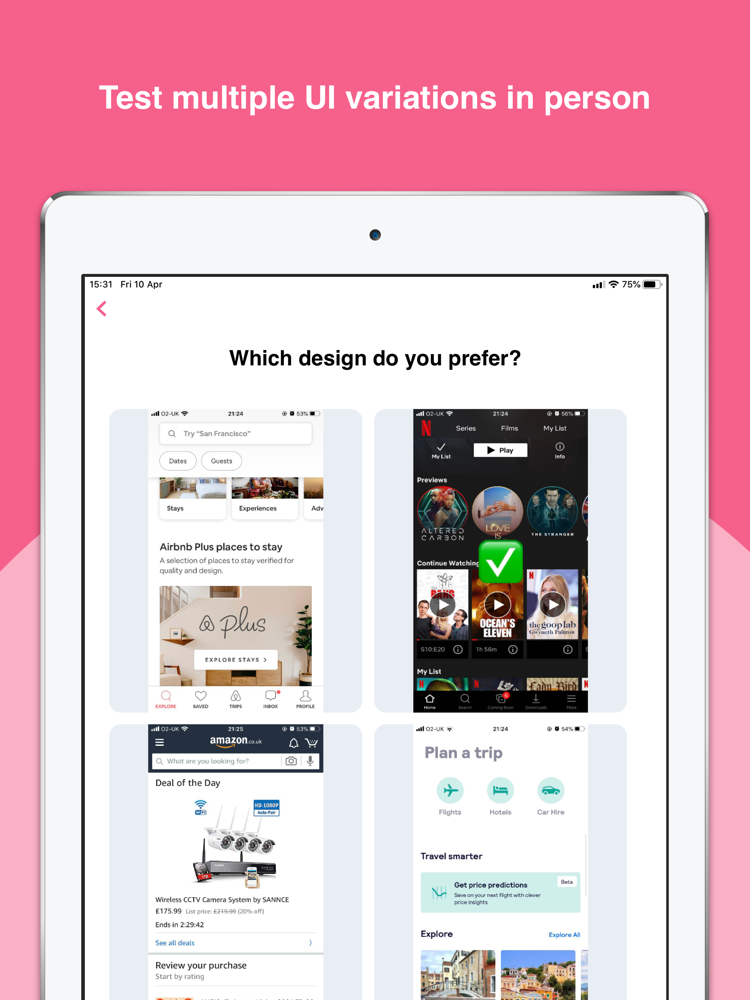
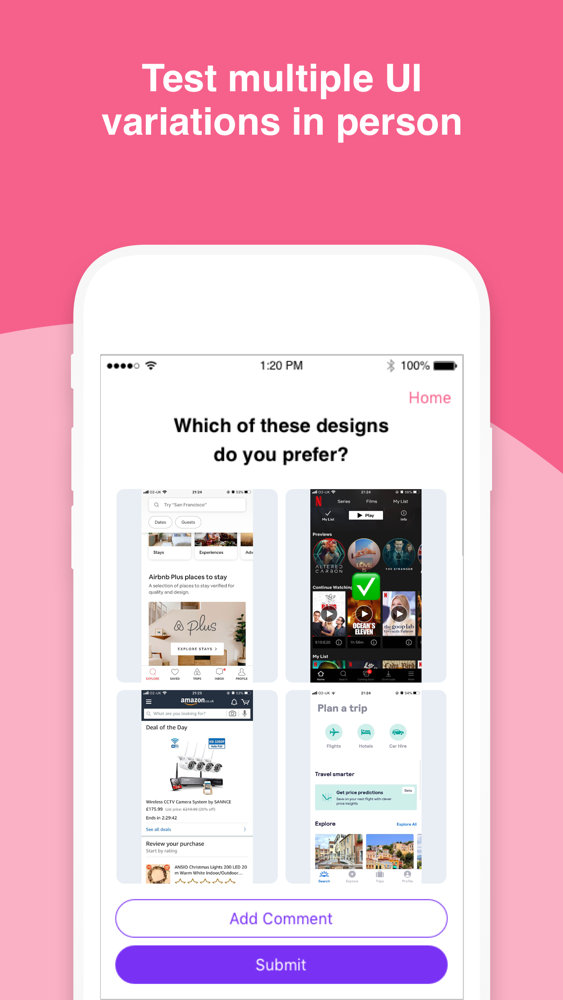
Upload up to 4 UI designs, to check customer, target market and team preferences.
ADD MULTIPLE QUESTIONS
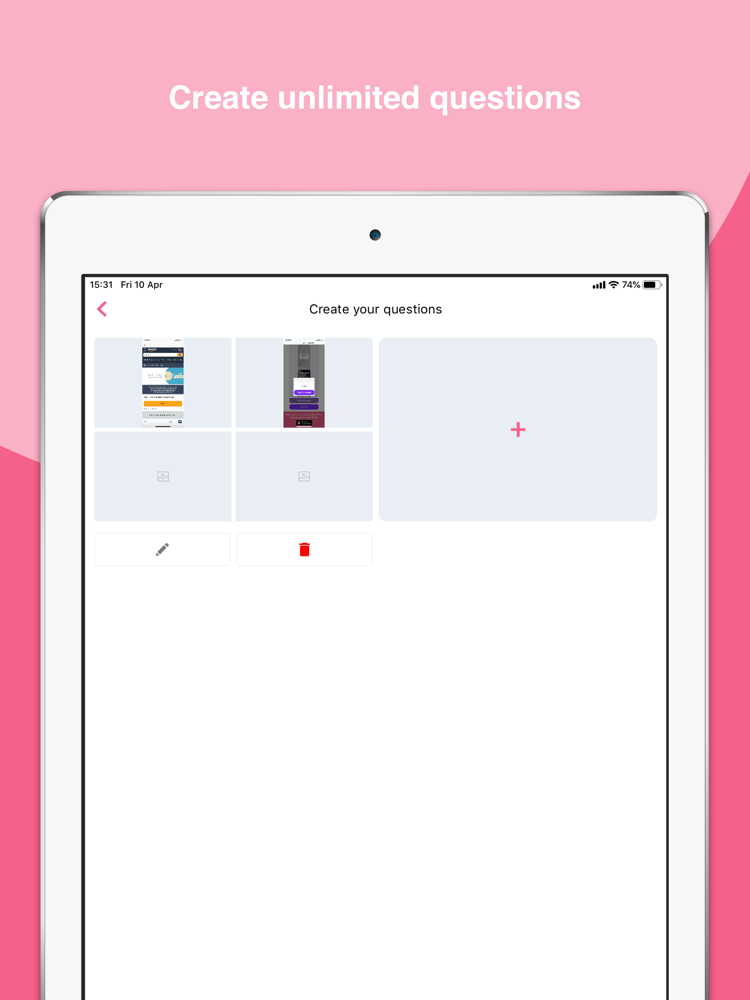
Don’t just limit your test to one question, ask participants as many questions you need to validate your assumptions.
TEST IN-PERSON OR REMOTELY
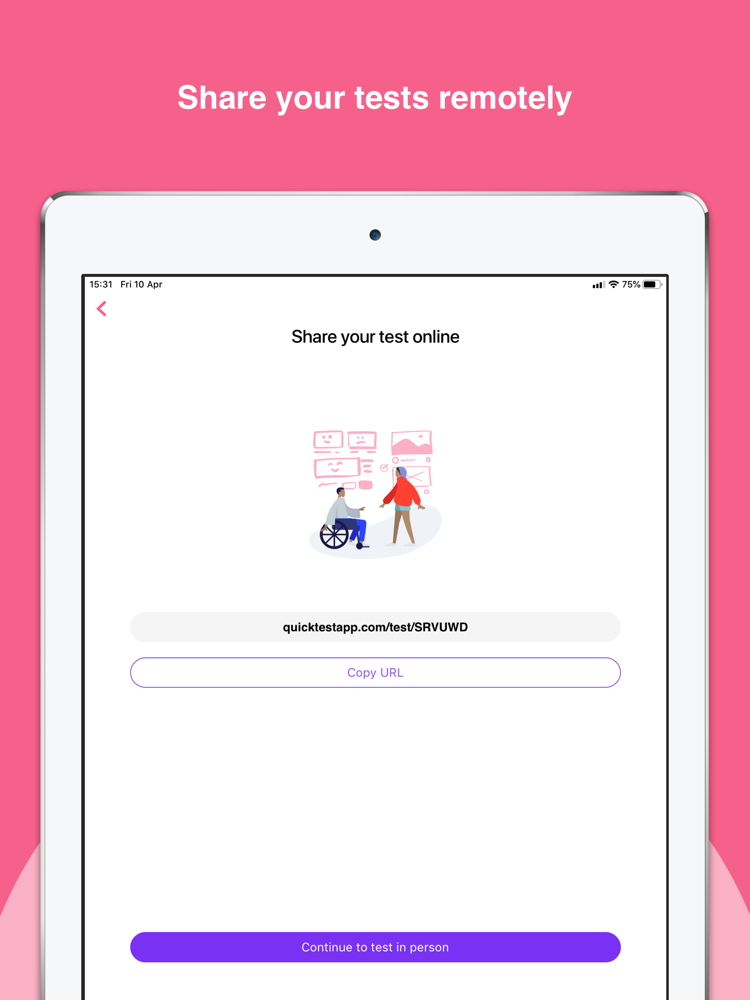
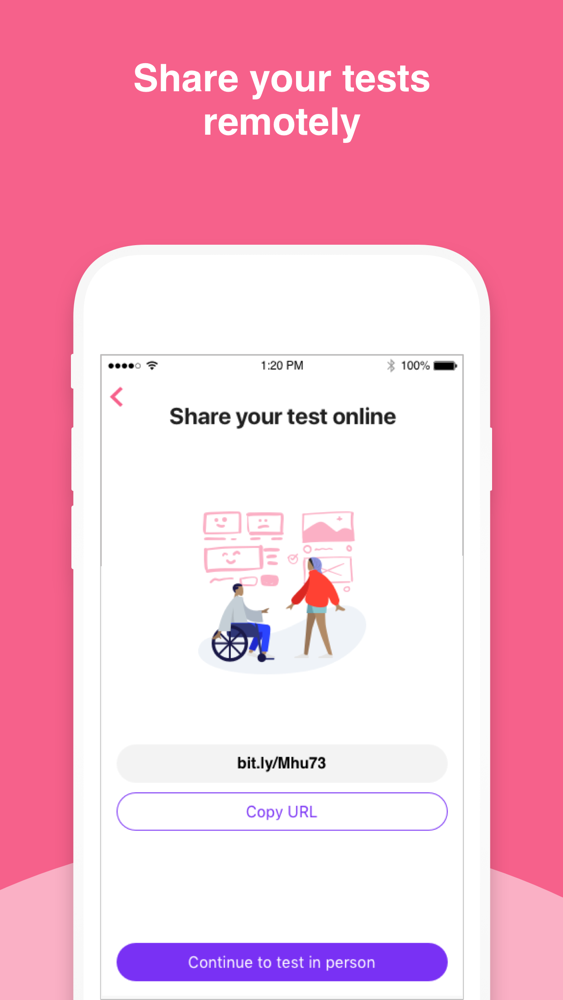
Share a link to your test, which opens a webpage, or test in person directly in the QuickTest app.
RECEIVE ANALYSED RESULTS
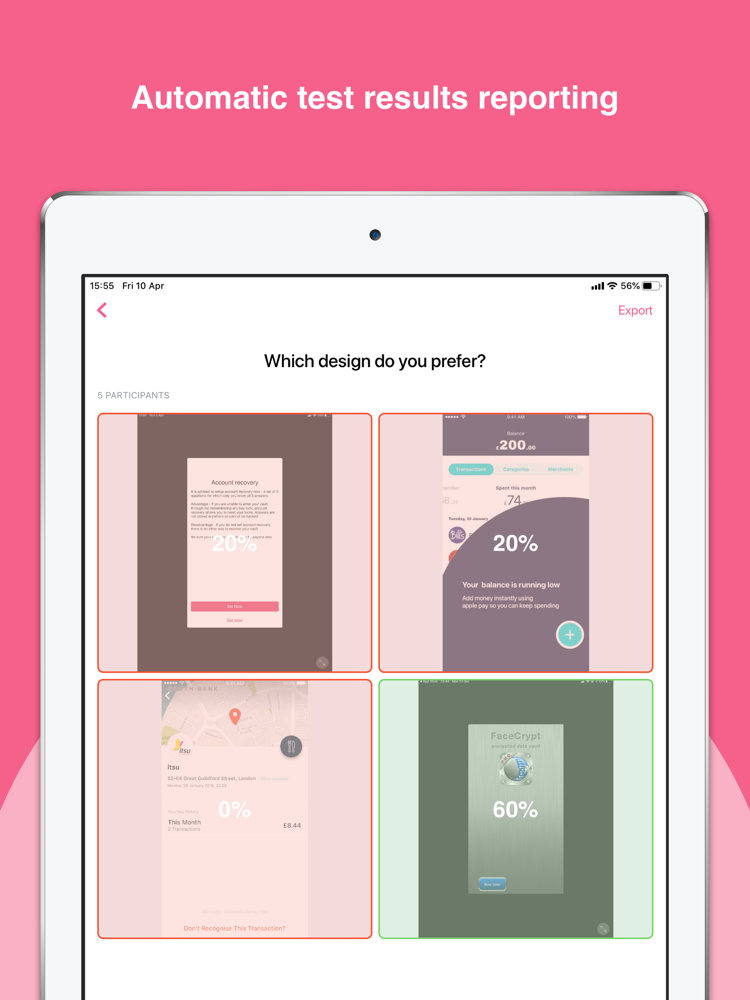
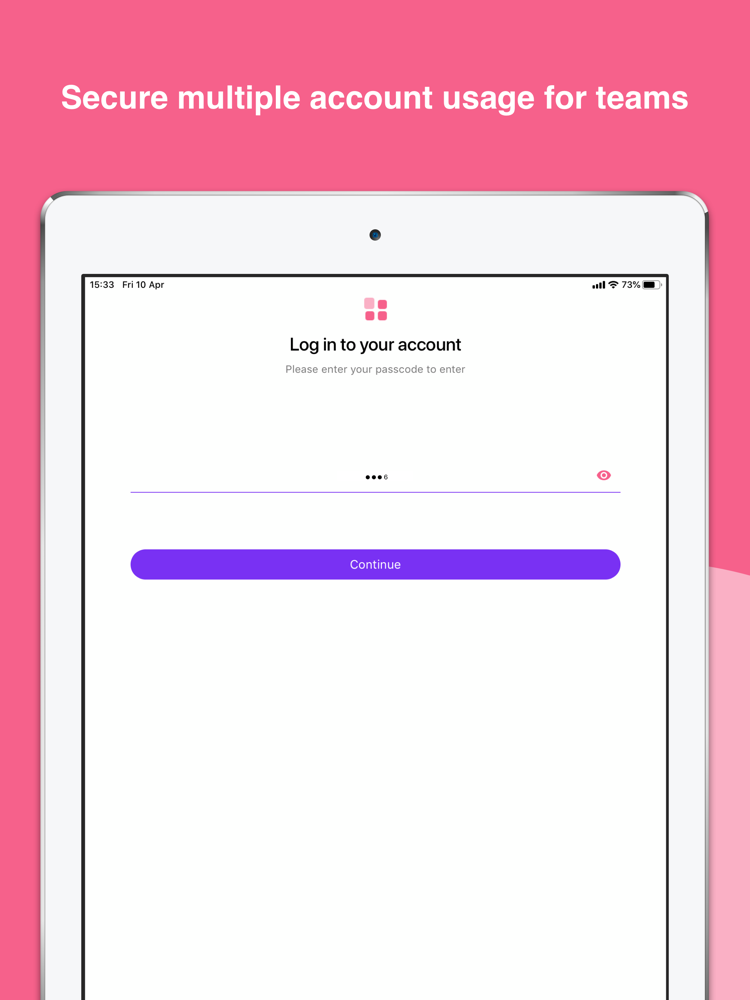
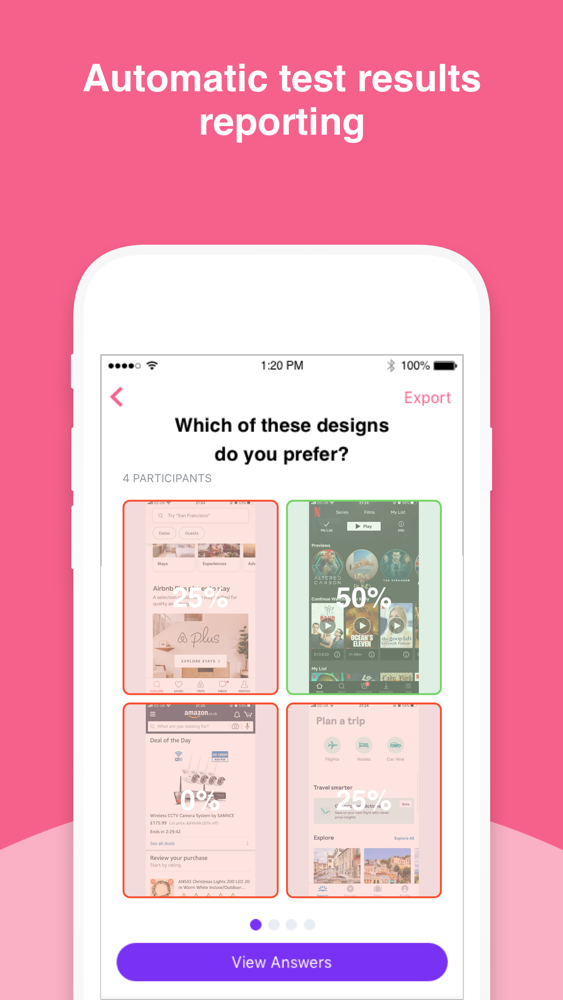
All participants answers are stored and analysed, with results viewable in QuickTest, and exportable as insights reports.
We’ll be working on building a community of testers very shortly to help designers test their designs even quicker.

User testing is essential to all UX designers. For many startups, it’s hard to justify the cost of user testing, and finding participants to give their opinions.
There’s currently no FREE tool to conduct A/B user testing online or in person.
QuickTest lets you test multiple visual designs online or in person, then provides analysed statistics of your results. It’s comparable on both your iPhone and your iPad!
Some of the worlds most popular startups and companies are already using QuickTest to get opinions on their designs.
How it works:
CREATE YOUR TEST
No limit on the number of tests you can create
CUSTOMISE YOUR TEST
Upload up to 4 UI designs, to check customer, target market and team preferences.
ADD MULTIPLE QUESTIONS
Don’t just limit your test to one question, ask participants as many questions you need to validate your assumptions.
TEST IN-PERSON OR REMOTELY
Share a link to your test, which opens a webpage, or test in person directly in the QuickTest app.
RECEIVE ANALYSED RESULTS
All participants answers are stored and analysed, with results viewable in QuickTest, and exportable as insights reports.
We’ll be working on building a community of testers very shortly to help designers test their designs even quicker.
Show More
최신 버전 1.2의 새로운 기능
Last updated on May 7, 2020
오래된 버전
Various Bug Fixes
Show More
Version History
1.2
May 7, 2020
Various Bug Fixes
QuickTest - User Testing FAQ
제한된 국가 또는 지역에서 QuickTest - User Testing를 다운로드하는 방법을 알아보려면 여기를 클릭하십시오.
QuickTest - User Testing의 최소 요구 사항을 보려면 다음 목록을 확인하십시오.
iPhone
iPad
QuickTest - User Testing은 다음 언어를 지원합니다. English